Windows file server: save access to files and folders
In this tutorial, we will discover a feature built into Windows: auditing access to files and folders. This feature allows you to…
In this tutorial, we will discover a feature built into Windows: auditing access to files and folders. This feature allows you to…
SommaireOverview of classification managementPrerequisiteClassification configurationClassification propertiesClassification rulesConclusion Overview of classification management In this tutorial, I will introduce you to Classification Management on…
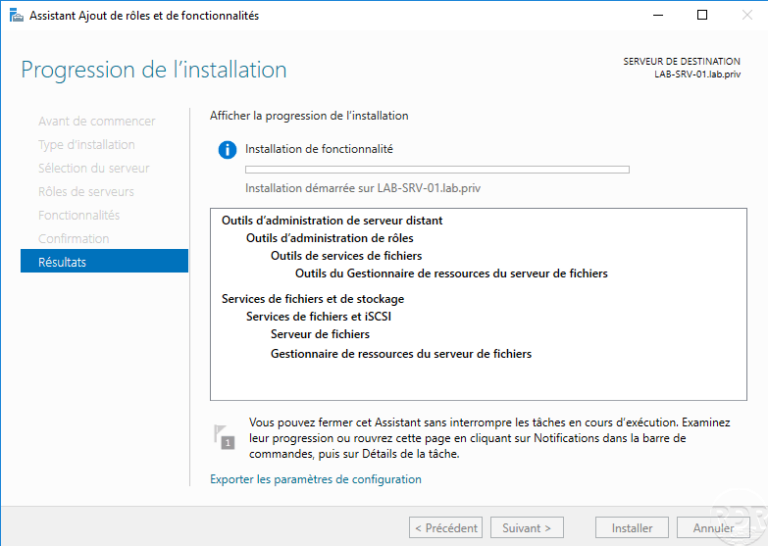
Installing the FSRM role In this ‘how to’ tutorial, we will see how to install the File Server Resource Manager role which…
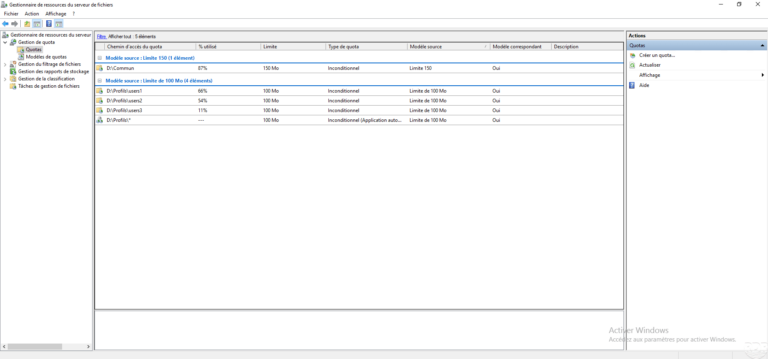
IntroductionCreate a quota templateApply a quotaApplying a quota to a folder - sharingApply a quota to a set of subfolders - profile…
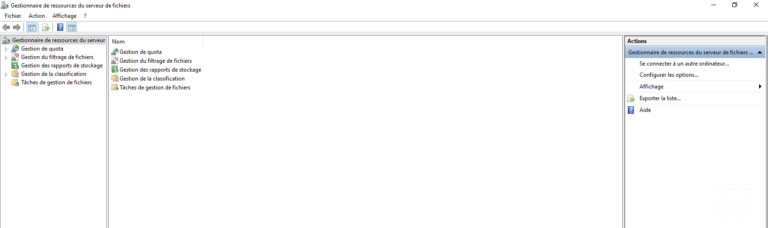
File Server Resource Manager OverviewInstalling the FSRM featureConfigure email notifications in FSRMUse file filteringUse a predefined filterUse a custom filterCreating a group…
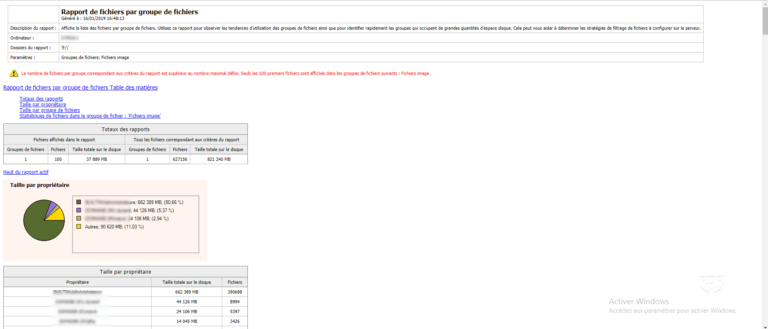
IntroductionGenerate a reportConclusion Introduction The file server resource manager on Windows can generate reports on storage usage: Duplicate files Files by group…
IntroductionEnable enumeration based on access EBAConfigure NTFS rights to use EBAConclusion Introduction The access-based enumeration allows to display in a network share,…
The namespace of DFS makes it possible to provide shared, which are on different servers under the same name.Instead of accessing a shared folder with the \\server-file\ computer address, we will use an address of the type \\domain-name\ share\ computer. The user will be redirected transparently on the "server-file" server.In a simplified way, in the folder \\domain-name\share will be shortcuts to other shares that are several servers and this in a completely transparent way for the user.
Aucun article trouvé pour cette recherche.