In this tutorial, I will show you how to display the contents of a text file (txt, yaml, php, vbs…) in a PowerShell window.
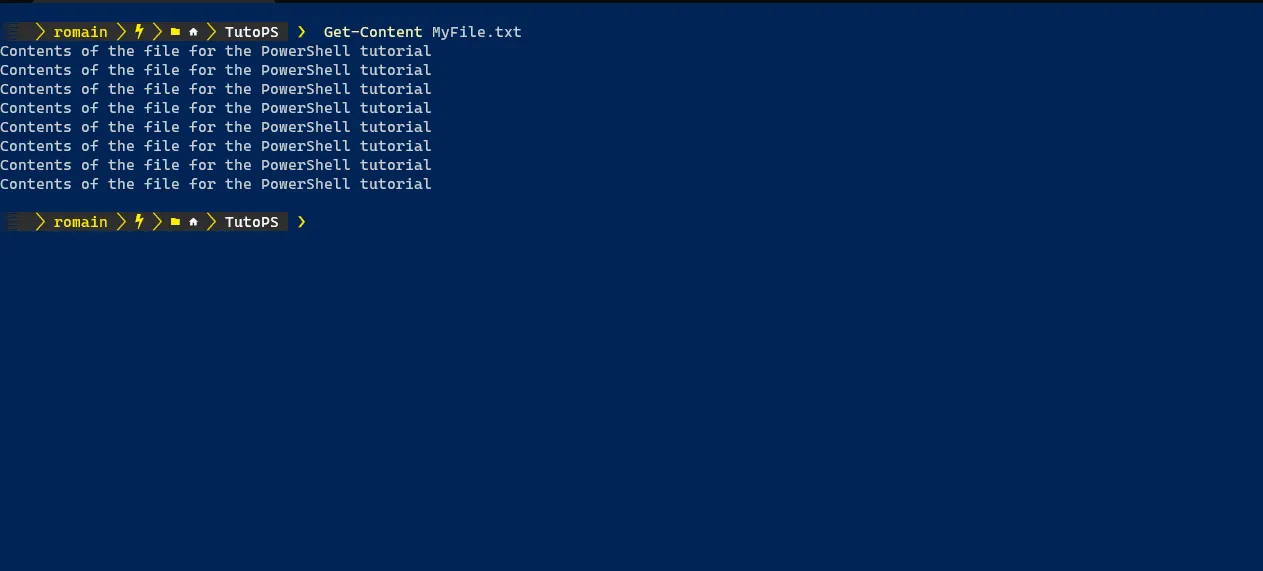
In fact, it’s very simple, just use the Cmdlet Get-Content and specify the file name.
Which give :
Get-Content MyFile.txt
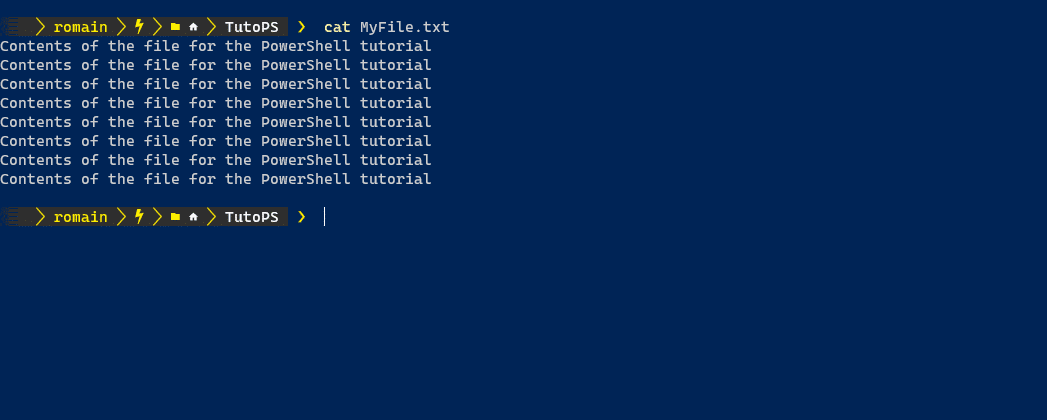
If you are familiar with the cat command in Linux, you can also use that
cat MyFile.txt
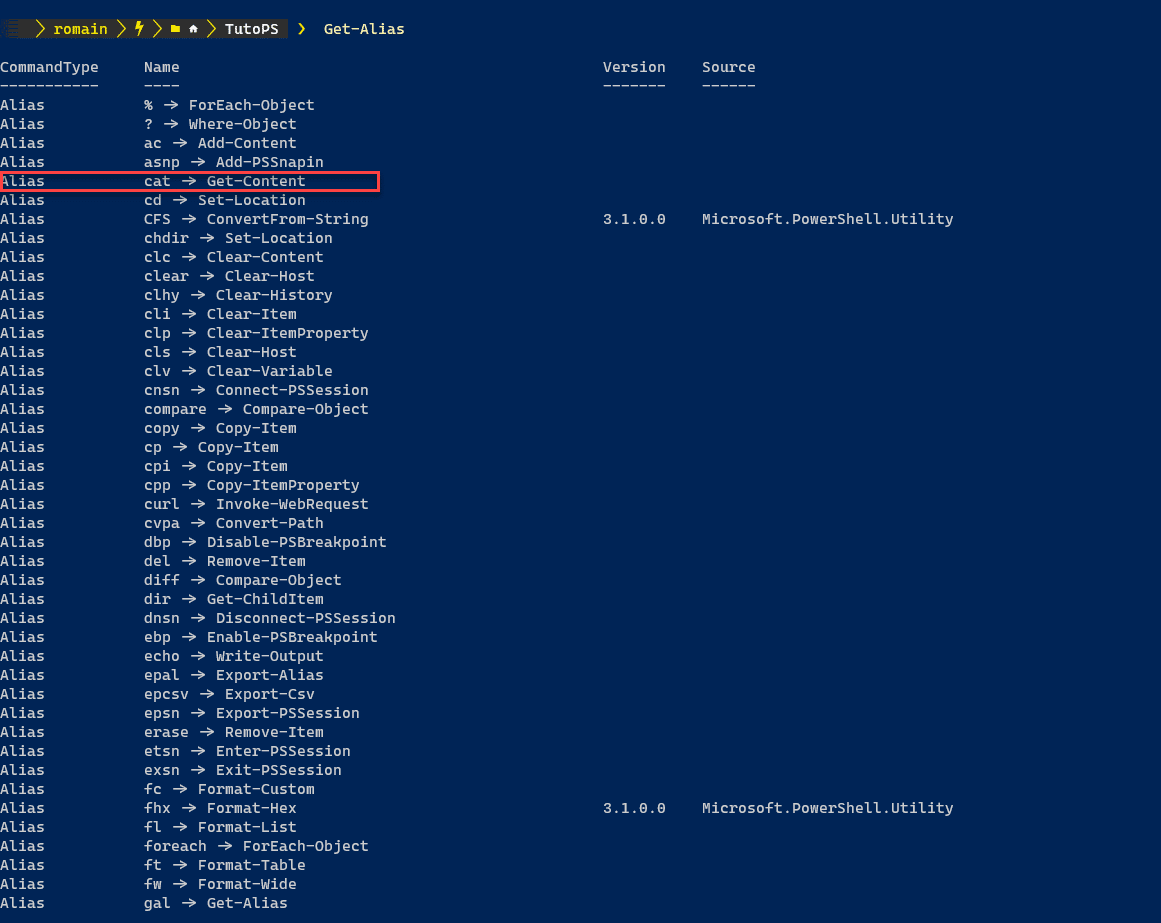
The cat command is here an alias of the Get-Content command, we can see it with the Cmdlet Get-Alias.
It is also possible to pass additional parameters to the command to display only the first or last x lines.
To make it more readable, I added numbers to my file, here is its content:
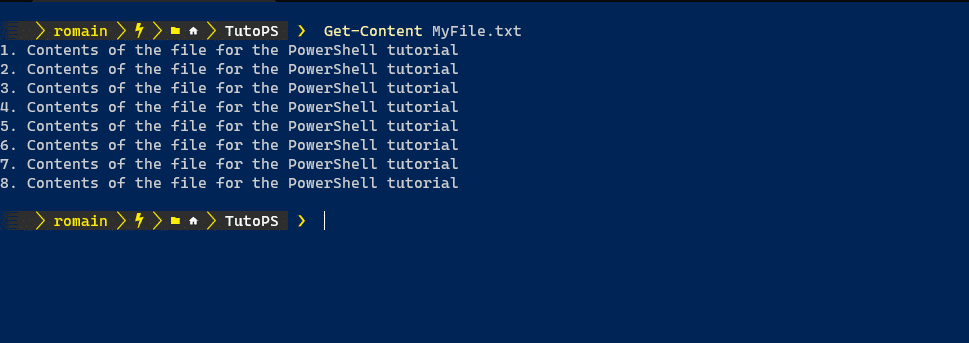
As we can see, the file contains 8 lines.
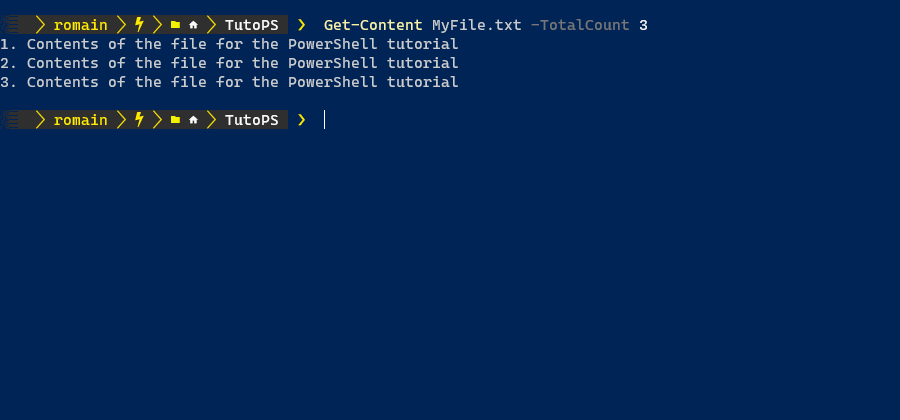
To display the first x lines, we will add the parameters -TotalCount X.
To display the first 3 of a file, we will use the command:
Get-Content MyFile.txt -TotalCount 3
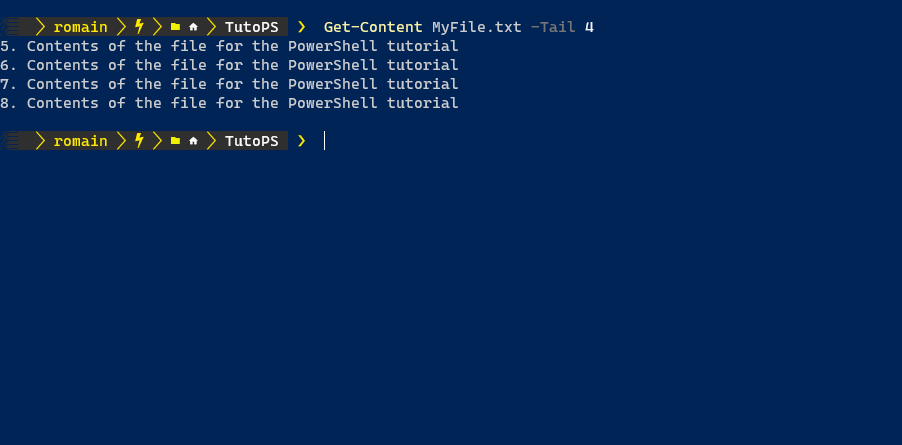
If you want to display the last lines of a file, you must use the parameter -Tail X.
Which gives us for the last 4 lines of the file:
Get-Content MyFile.txt -Tail 4
You now know how to read the contents of a file in PowerShell.