This “how to” tutorial explains how to create users in Active Directory using the New-ADUser cmdlet in PowerShell
Create a user in Active Directory with PowerShell {#Créer-un-utilisateur-dans-l’Active-Directory-avec-PowerShell}
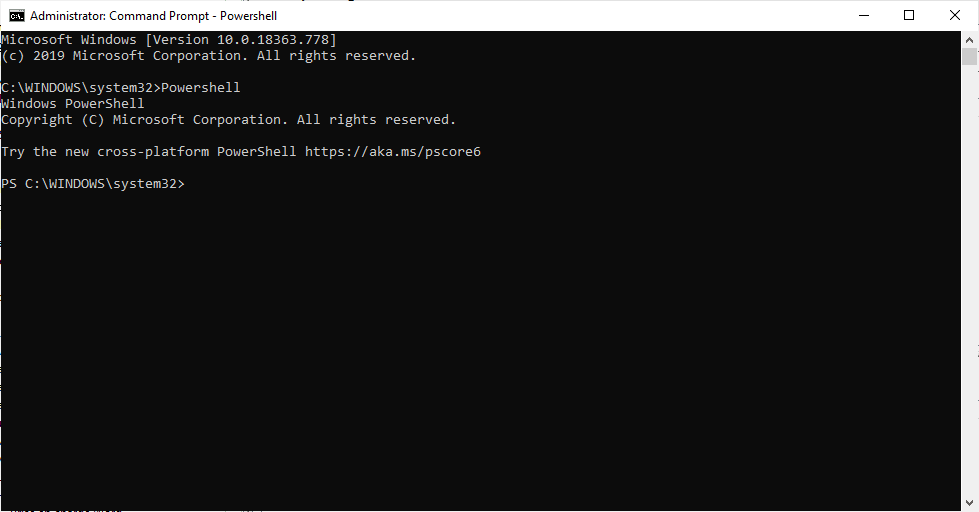
Open a PowerShell window
On a domain controller, open a PowerShell command prompt.
Create the user using the New-ADUser cmdlet and validate the command {#Créer-l’utilisateur-à-l’aide-la-cmdlet-New-ADUser-et-valider-la-commande}
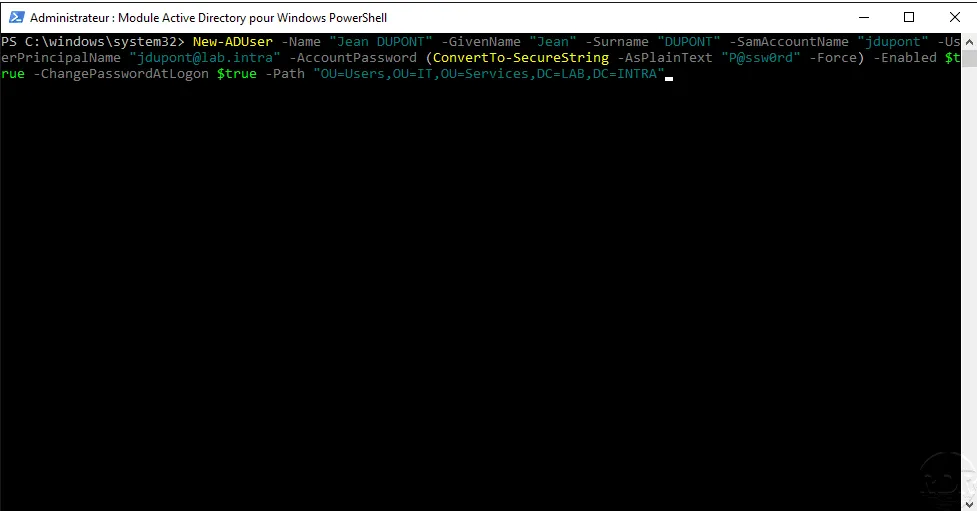
Example to create the user Jean DUPONT:
New-ADUser -Name "Jean DUPONT" -GivenName "Jean" -Surname "DUPONT" -SamAccountName "jdupont" -UserPrincipalName "[email protected]" -AccountPassword (ConvertTo-SecureString -AsPlainText "Pàssw0rd" -Force) -Enable $true -ChangePasswordAtLogon $true -Path "OU=Users,OU=IT,OU=Services,DC=LAB,DC=INTRA"
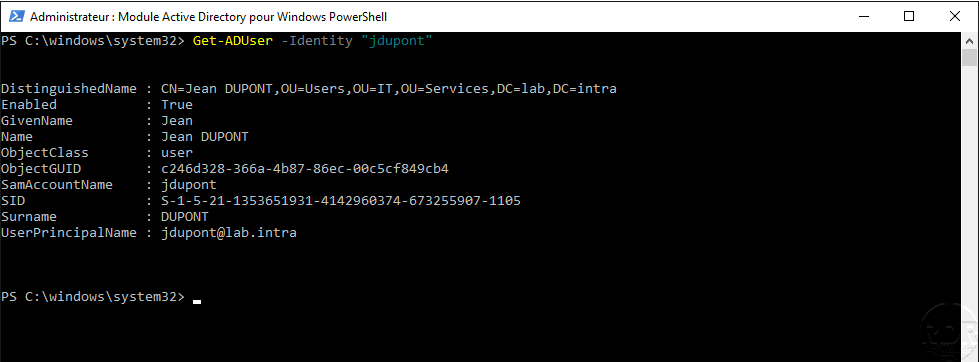
Validate user creation with the Get-ADUser command {#Valider-la-création-de-l’utilisateur-avec-la-commande-Get-ADUser}
Enter the following command to display user information:
Get-ADUser -Identity "jdupont"
Paramètres de la commande New-ADUser
| Paramètre | Description |
|---|---|
| -Name | Active Directory object name |
| -GivenName | User’s first name |
| -SurName | Surname |
| -SamAccountName | User ID |
| -UserPrincipaleName | User ID consisting of the UPN suffix (@domain.local) |
| -AccountPassword | User password |
| -Enable | The account will be activated |
| -ChangePasswordAtLogon | Force user change at next logon |
| -Path | Location in the directory, if not specified the user will be created in the Users container. |
Source : https://docs.microsoft.com/en-us/powershell/module/addsadministration/new-aduser?view=win10-ps