Proxmox: Add an SMB share
In this tutorial, I will explain how to add an SMB share to storage in Proxmox which you can then use to: Store ISOs and images Virtual disks of VMs Backup I’m assuming …
In this tutorial, I will explain how to add an SMB share to storage in Proxmox which you can then use to: Store ISOs and images Virtual disks of VMs Backup I’m assuming …
In this tutorial, we will see how to change the location of a virtual disk of a virtual machine or an LXC container. To illustrate this tutorial, we will change the …
In this tutorial, we will see how to use ZFS as a storage system on Proxmox. What is ZFS? Before starting this tutorial, we will see what ZFS (Zettabyte File System) is.
In this tutorial, I will explain how to configure multipath on Proxmox. Generally, multipath is necessary when using a two-tier architecture for hypervisors with servers …
In this tutorial, I will explain how to partition a disk on Proxmox and then assign the partitions to storage. In this tutorial, you can see that I have two “disks” sda …
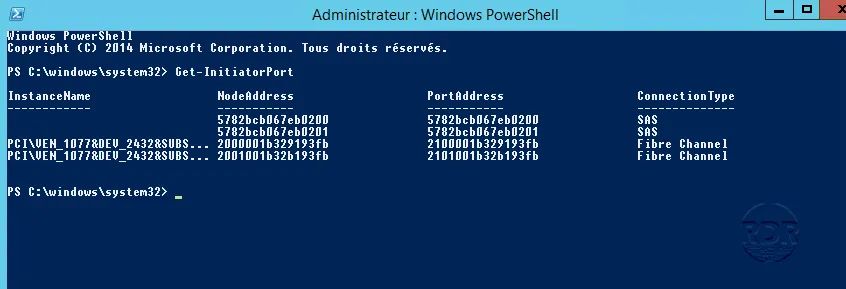
World Wide Name (WWN) is a unique identifier on storage controllers that identify devices on the SAN (disk bay). This is the equivalent of MAC addresses. 1. Open a …
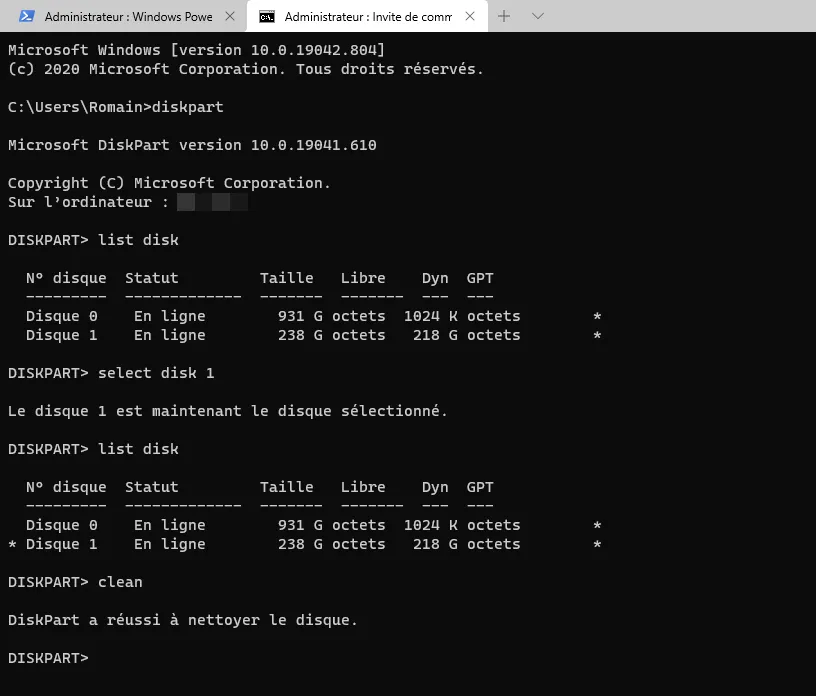
In this tutorial, I will tell you how to delete all partitions from a hard drive with DISKPART. I am using this procedure to remove OEM partitions on computers from …
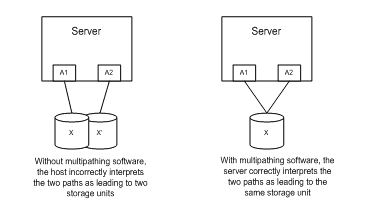
MPIO or MultiPath I / O is a Windows feature that allows multiple path support for storage. MPIO addresses two issues: performance and reliability. The majority of …
Presentation On a Windows Server volume where deduplication is enabled, when deleting files, the recovered space is not necessarily available immediately. In this article …
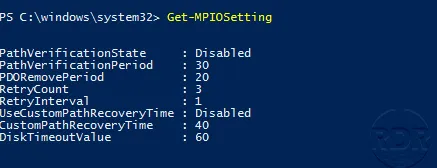
By default, this feature is not enabled, the paths are checked during a problem. Enable path verification Open a PowerShell command prompt and enter the following command …
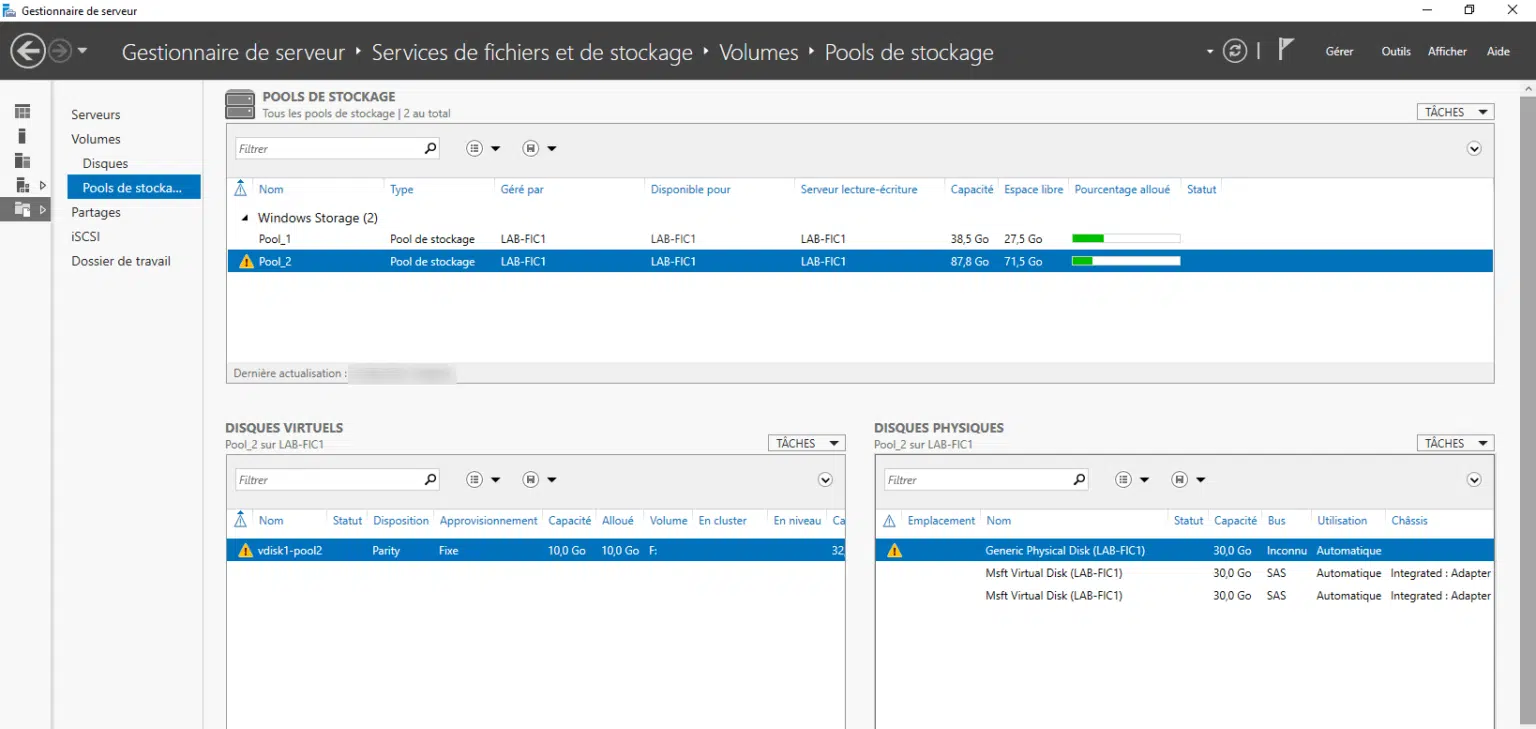
In this article, we will see how to change a failed physical disk. When a disk is in error, an icon appears at the pool and virtual disks. Change the disk Open a command …
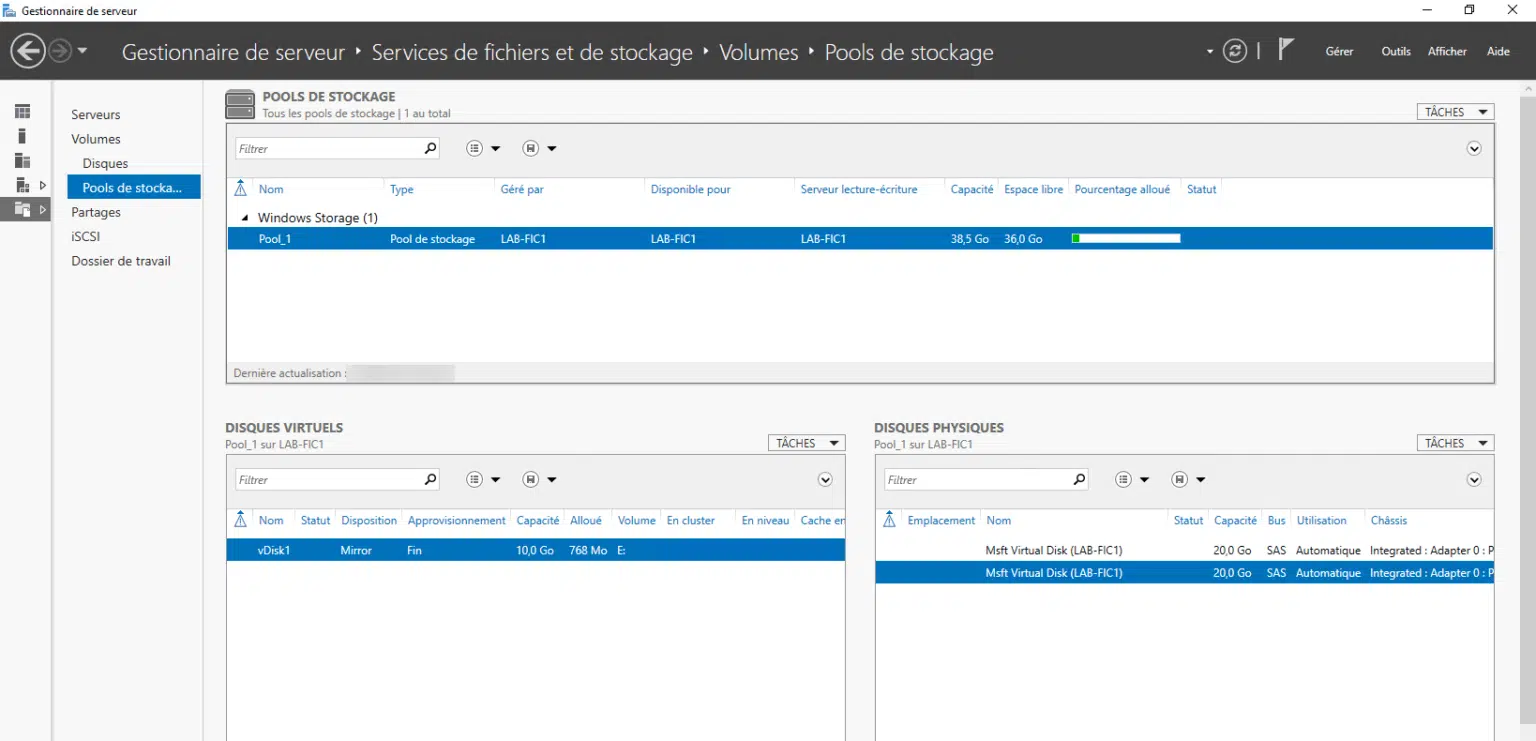
This tutorial explains how to use Storage Pool features on Windows Server.