Sometimes a virtual machine stops responding during a shutdown.
Here’s how to stop the vm.
Force stop by the process
Each virtual machine running on a Hyper-V host has a process dedicated to it. Stopping this one stops the virtual machine.
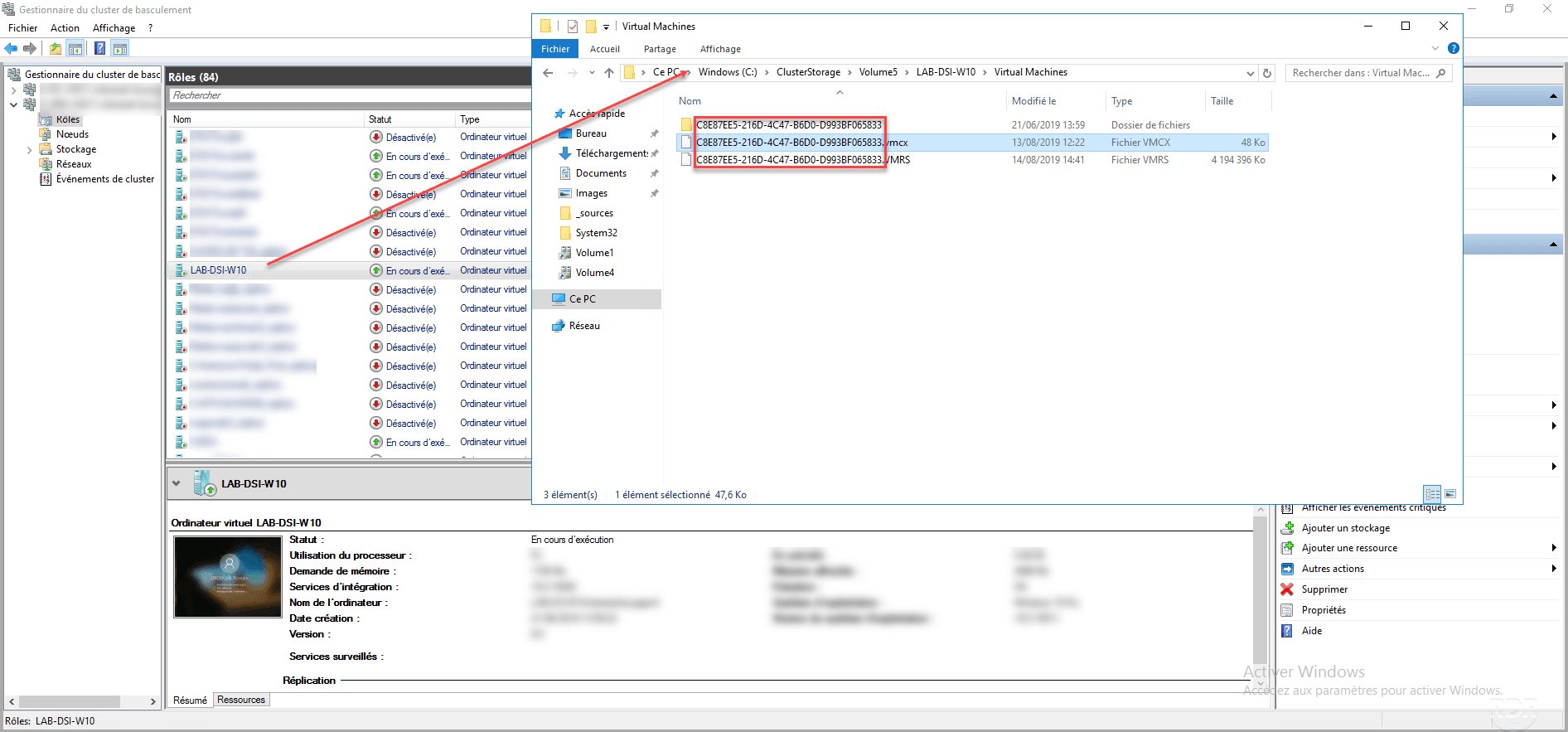
For starters, it is necessary to recover the GUID of the virtual machine, it is recoverable by looking at the name of the configuration file that is in the location that was configured during the creation of the VM.
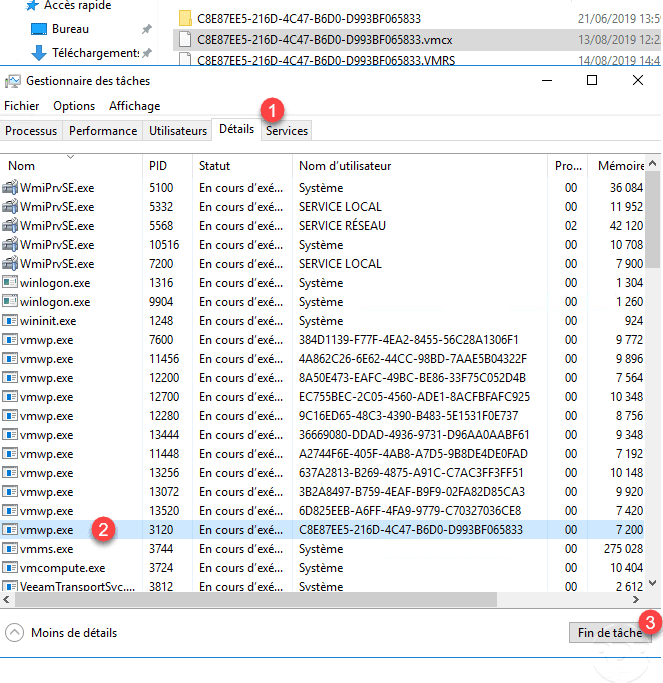
On the server where the virtual machine is running, open the task manager, go to the Details tab 1 , locate the vmwp.exe process that has the GUID for the user name virtual machine then select the 2 and click End Task 3 to force the shutdown.
Confirm the action by clicking the Stop Process button.
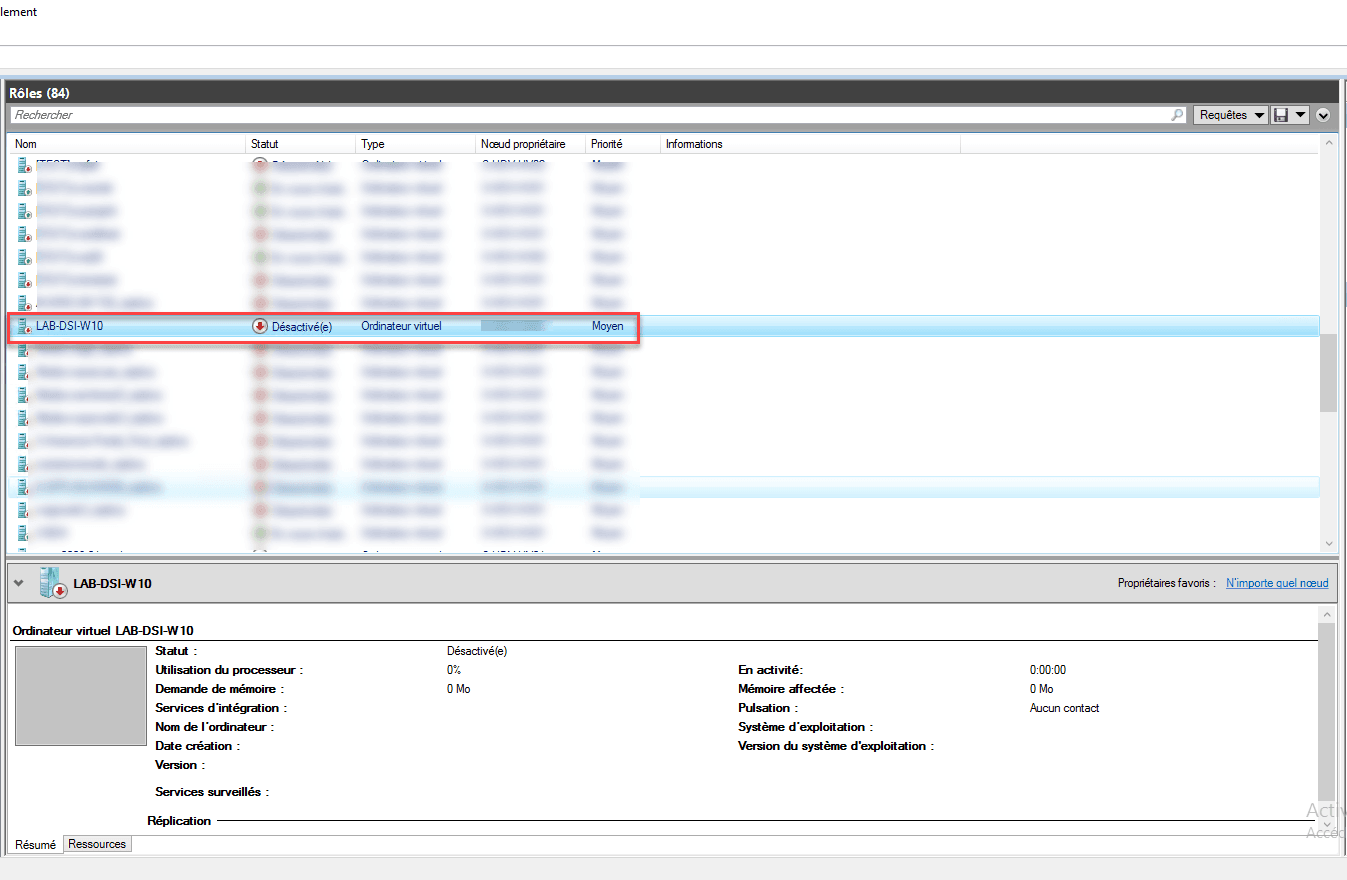
The virtual machine is now stopped.

Thanks for that tip.