Office 365 with Active Directory Synchronization: Add an Alias to a Mailbox
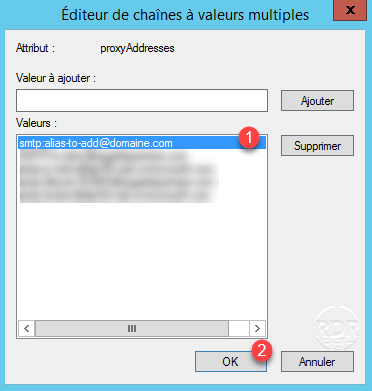
To add an alias to a mailbox in an Office 365 environment whose Active Directory is synchronized, you must use the local…
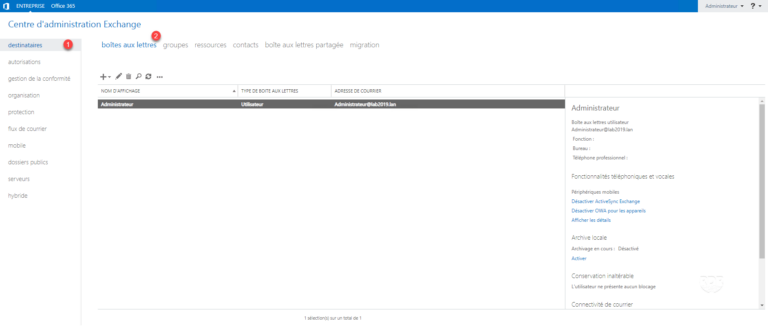
In this tutorial, we will see how to create a mailbox on Exchange 2019 using the admin interface. When creating a mailbox,…
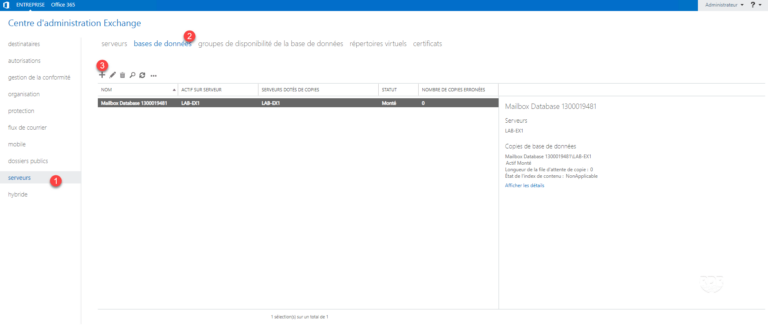
Using multiple databases to store mailboxes allows you to configure a different volume. Example: The DBMX01 database stores mailboxes with a 1GO…
In this tutorial, we'll see how to set up a Database Availability Group (DAG) that makes the Exchange Highly Available (HA) databases…
In this tutorial, we will see how to install Exchange 2019. The Exchange 2019 installation procedure is similar to Exchange 2016. EnvironmentPrerequisites…
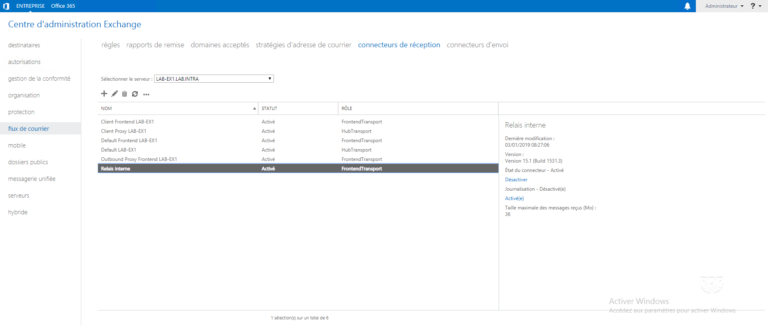
PresentationCreating the connectorAllow sending to recipients outside the organization Presentation In this tutorial, we will see how to set up a Receive…
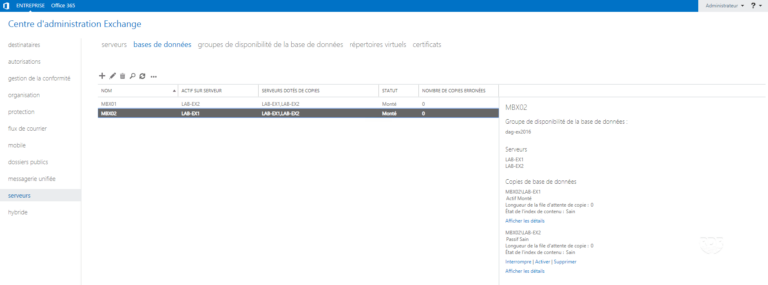
In this tutorial, we will see how to change a database mailbox. This is done regularly in Exchange environments with multiple databases…
IntroductionEnvironmentPrérequisExchange 2016 installationAdministration Tools for Exchange 2016ECP interfacePowerShell ConsoleExchange ToolboxBasic configuration of Exchange ServerConfiguration: rename the default databaseConfiguration: move the default databaseConfiguration:…
Symptom Emails sent to GMAIL recipients do not receive emails. You receive a return message of this type: Our system has detected…
In an Exchange environment that has been upgraded several times, the old "active" servers may be kept in case something has been…
Using ARR as a load balancer for Exchange requires special settings for Outlook Anywhere. IIS setting 1. Open the IIS console and…
How to back up the proxyaddresses attribute of Active Directory users
Aucun article trouvé pour cette recherche.