RemoteApp with web access (RDWEB) does not work from outside
ContextCauseSolutionsSolution 1: Add the broker server in the resource access policy.Solution 2: allow all resources Context In an RDS environment which is…
ContextCauseSolutionsSolution 1: Add the broker server in the resource access policy.Solution 2: allow all resources Context In an RDS environment which is…
PresentationInstalling the Remote Desktop applicationUsing the Remote Desktop appAdd a classic Remote Desktop connectionConfigure the connection to an RDS farmAdditional configurations Presentation…
Presentation In this article, I will explain how to publish RemoteApp applications from an RDS server running Windows 2008R2 on a RDS…
IntroductionPrerequisitesConfigure the GPO for RemoteApp ProgramsAlternativesWindows 7 Introduction In this tutorial we will see how to deploy RemoteApp configured by Group Policy…
This tutorial explains how to deploy an RDS farm with Windows Server 2012R2 / 2016/2019. An RDS environment makes it possible to offer users a working environment on servers. An RDS farm is composed of several servers with the following services: broker, web access and remote desktop session host. This tutorial covers the installation of all of these services and the configuration of the RDS gateway.
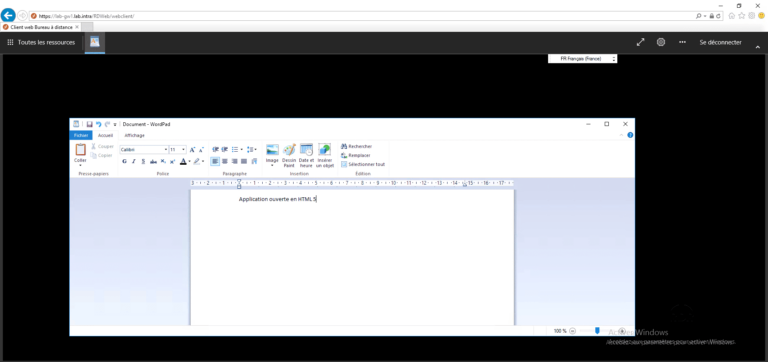
"Finally an HTML5 client for Windows RDS farms" PresentationPrerequisiteInstallation HTML5 clientUse HTML5 client Presentation In this tutorial, I explain how to set…