MDT: deploy drivers
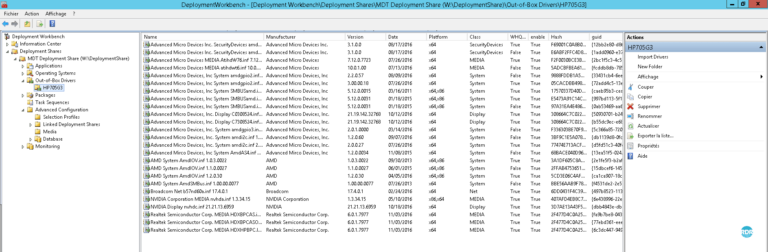
In this tutorial, we will see how to add drivers in MDT, so that they are installed when deploying Windows. Before importing…
In this tutorial, we will see how to add drivers in MDT, so that they are installed when deploying Windows. Before importing…
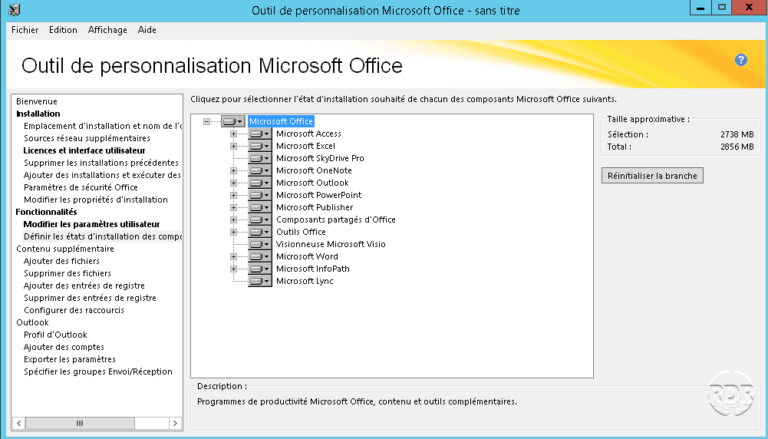
Dans ce tutoriel, nous allons aborder l'installation d'Office lors du déploiement de Windows. If you are not familiar with application deployment with…
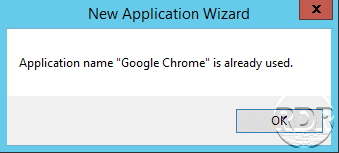
When creating a new application in MDT, you get the following message: Application name "application name" is already used. This error occurs…
On MDT 2013 for the Priority=TaskSequenceID to be taken into account, you must modify the DeployWiz_SelectTS.vbs file 1. Backup the DeployWiz_SelectTS.vbs file…
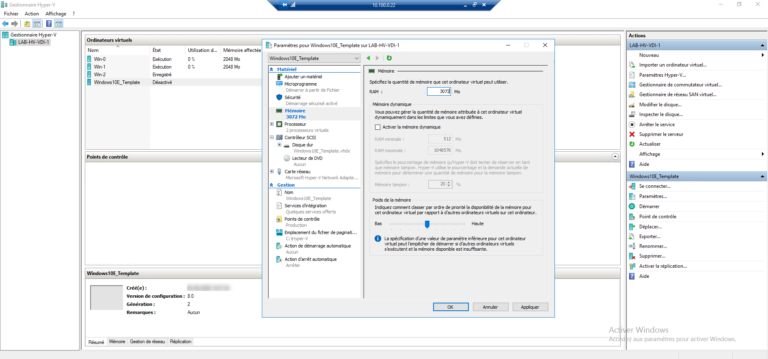
To follow up on the tutorial on deploying a VDI (Virtual Desktop Infrastructure) environment, I will explain in this tutorial how to…
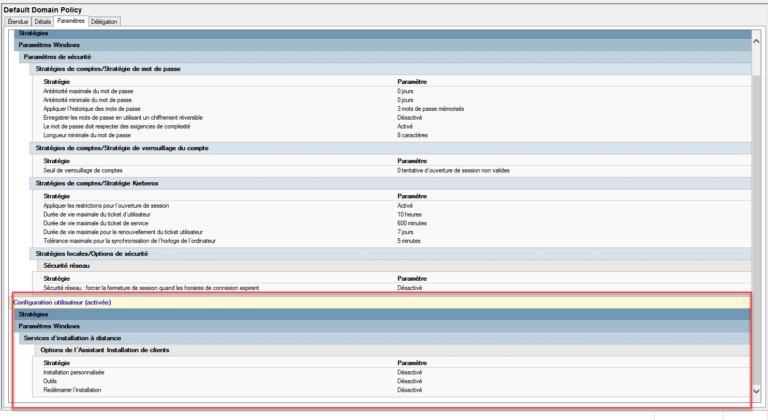
In this "troubleshooting", I will explain how to remove the Remote Installation Services settings that are configured on the Default Domain Policy.…
Deduplication is a feature that saves disk space on a volume by grouping identical sectors together. It is not recommended to enable…
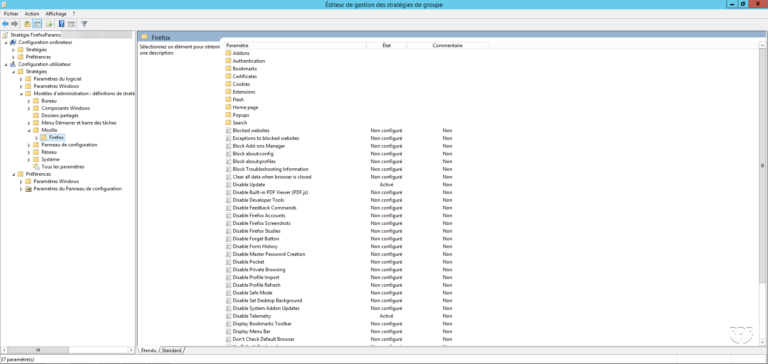
For companies that use firefox as a browser, it was difficult to control due to the lack of admx file and the…
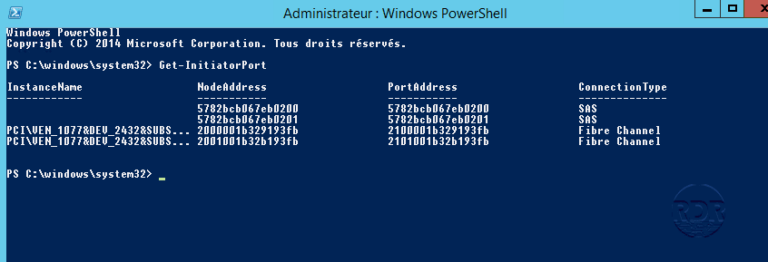
World Wide Name (WWN) is a unique identifier on storage controllers that identify devices on the SAN (disk bay). This is the…
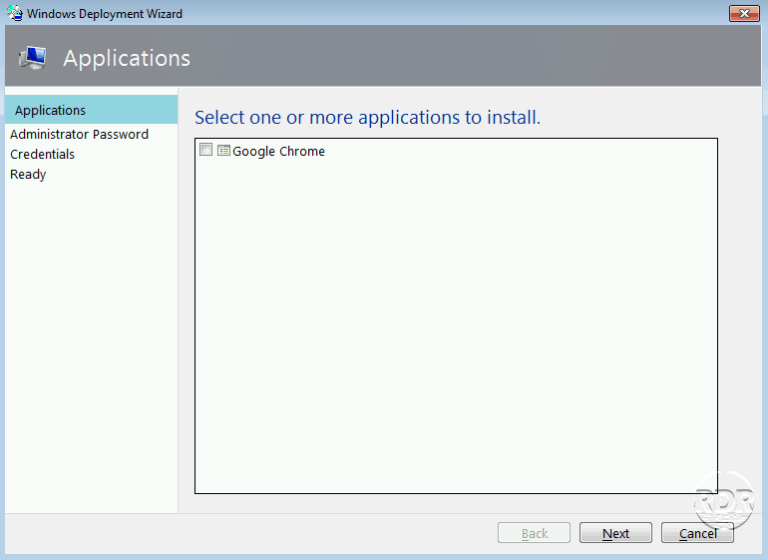
In this tutorial, we are going to have how to add applications in MDT. This allows you to install applications when deploying…
In this tutorial, I will show you how to install SSH server (OpenSSH) on Windows Server 2019/2022. As of Windows Server 2019,…
In this tutorial, I will tell you how to harden password security with Lithnet Password Protection for Active Directory. Lithnet Password Protection…