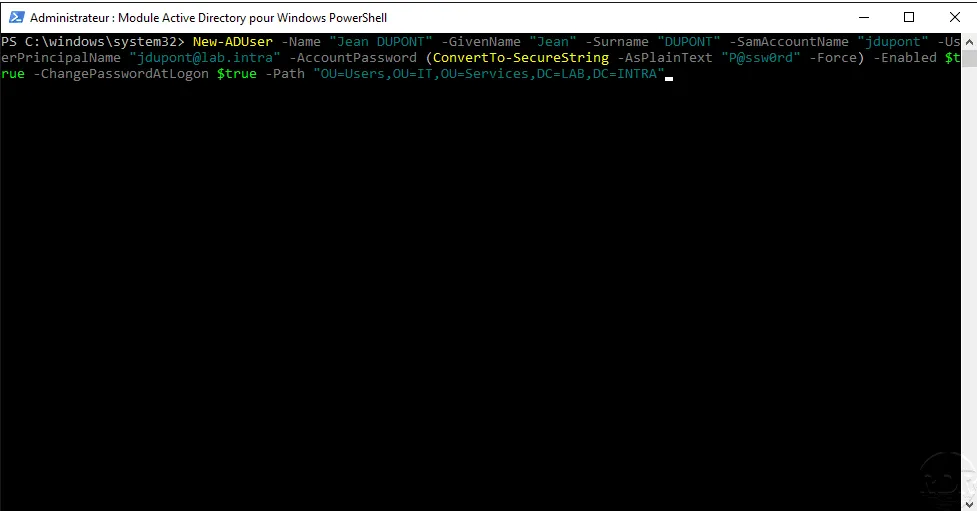
In this tutorial, we’ll look at how to delete a user from an Active Directory directory using PowerShell.
At first glance, this is fairly easy using the cmdlet Remove-ADUser, but you’ll see that there are several ways to do it.
As you’ll see, to delete a user, we’ll use the CmdletRemove-ADUserand the parameter-Identityto specify the user to be deleted.
-Identity This will allow you to identify the user using one of the following identifiers:
- sAMAccountName
- objectSid
- objectGUID
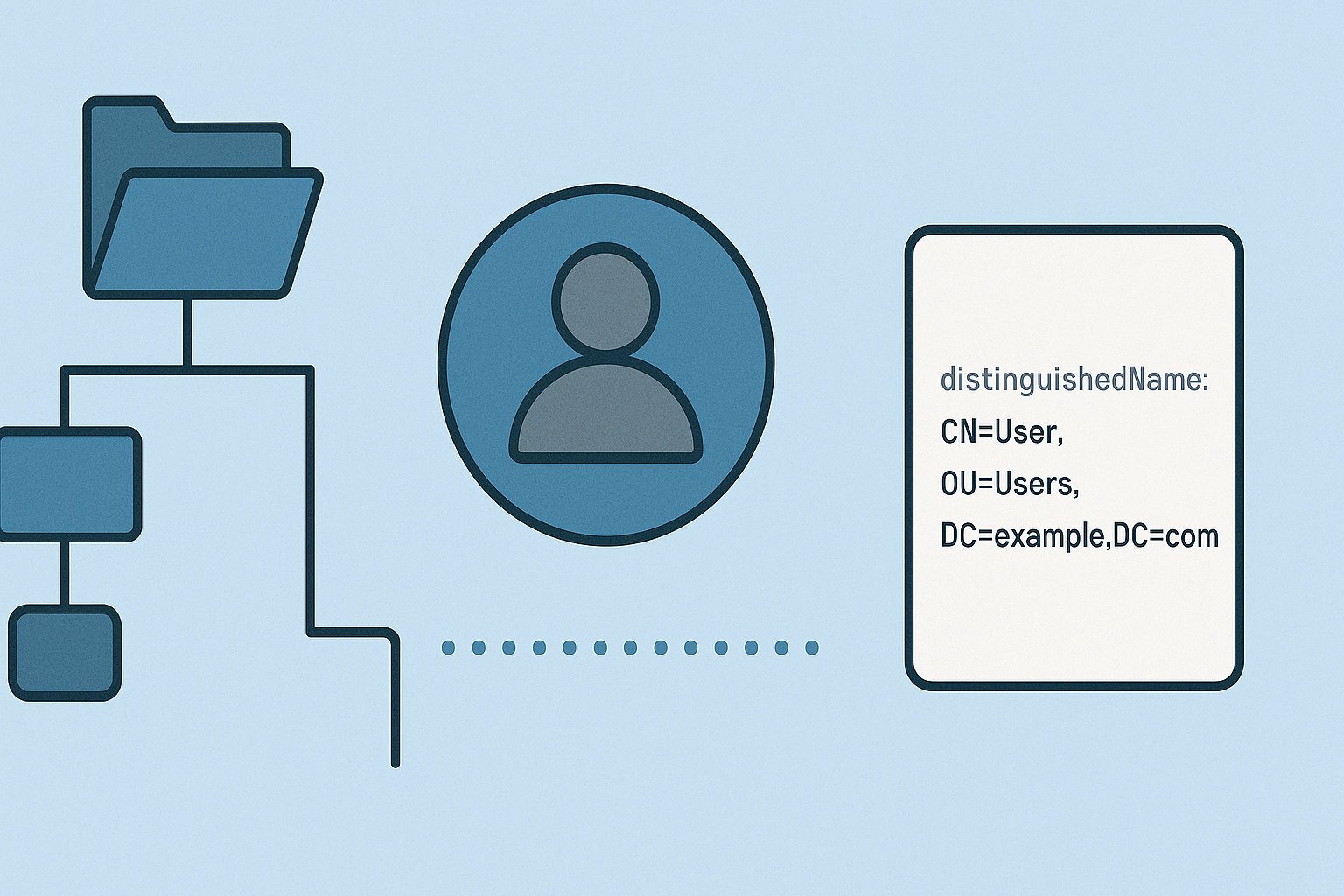
- DN (Distinguished Name)
Deleting a user requires confirmation; to skip confirmation, simply add this to the command: -Confirm $True
In this tutorial, we will be working with (or rather, deleting) the user Pierre Kiroule.
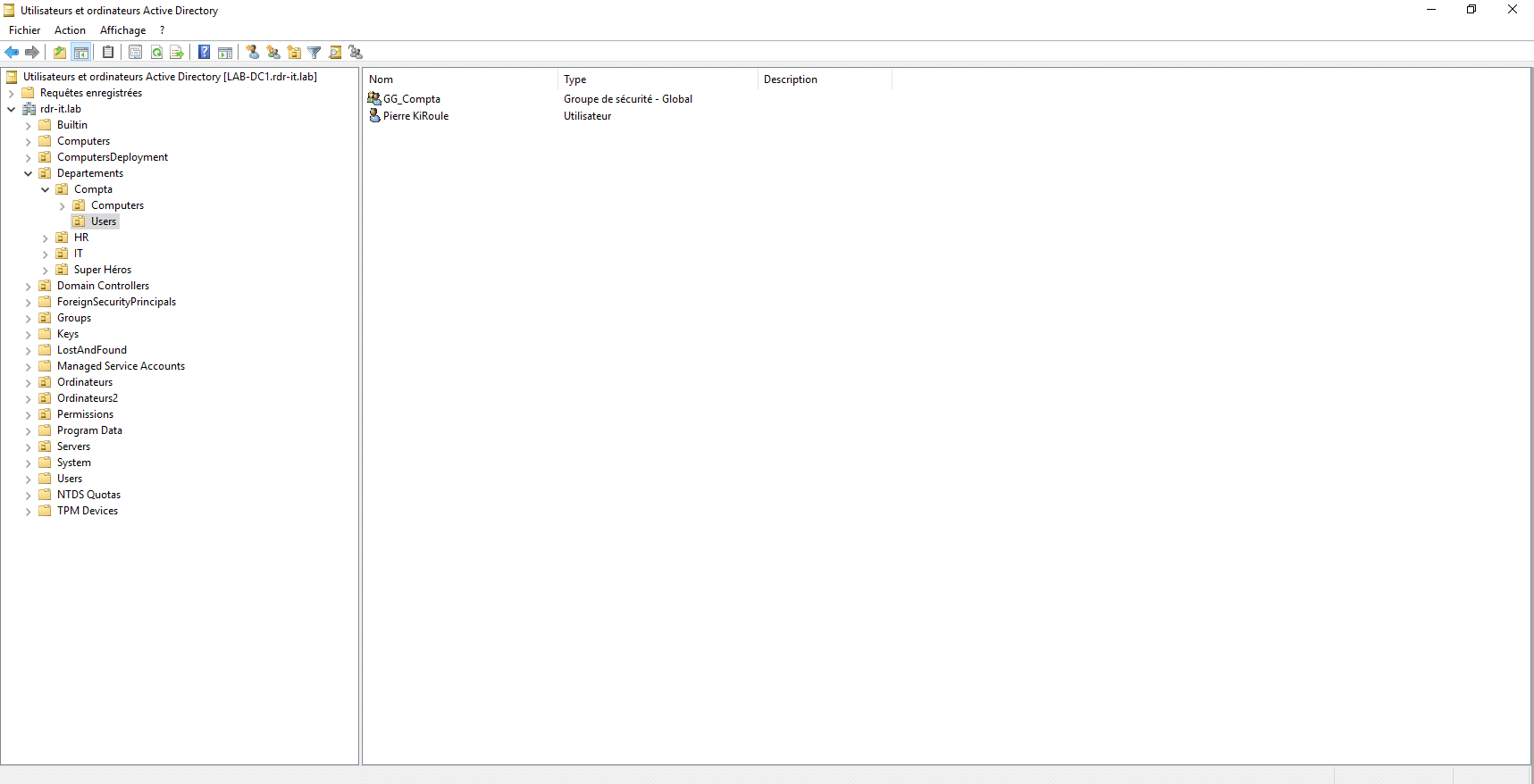
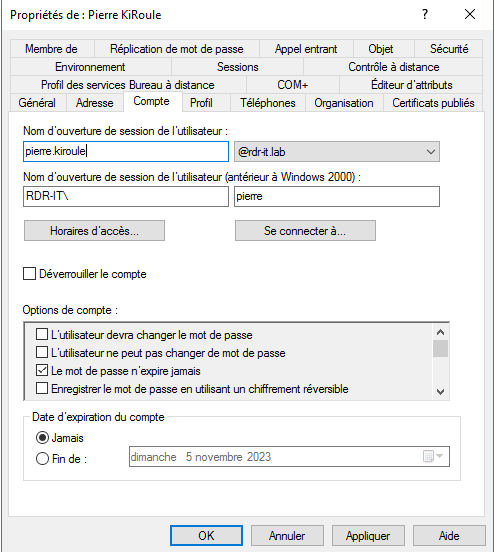
As you can see, the sAMAccountName and the UserPrincipalName (UPN) are different.
The commands below will need to be adapted to your environment.
Let’s get started—we’re going to delete the user. Here’s the command:
Remove-ADUser -Identity pierre
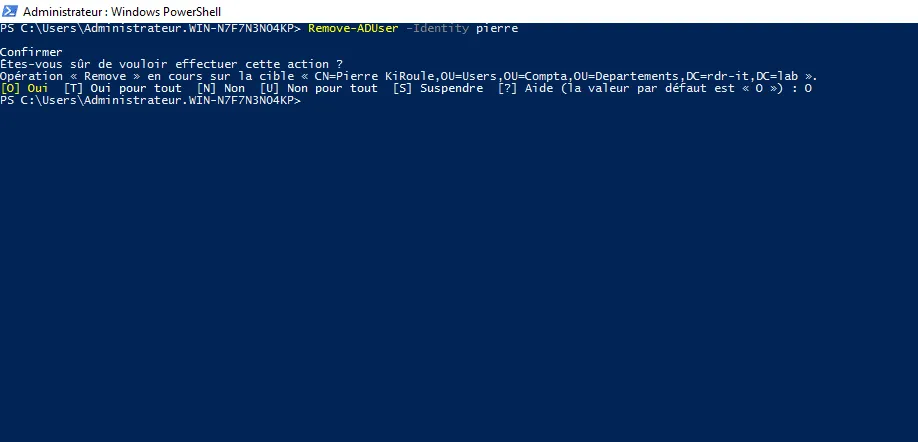
It’s pretty simple, isn’t it!
If you want to create a script, you can store the user in a variable:
$User = "pierre"
Remove-ADUser -Identity $User
The problem with the sAMAccountName is that it can be truncated if it’s too long… which can be annoying. If you want to use the UPN—which is often the same as the email address—you’ll need to do it differently.
First, you need to look up the user with the commandGet-ADUserand concatenate it with Remove-ADUser.
Delete a user using UserPrincipalName:
Get-ADUser -Filter {UserPrincipalName -eq "[email protected]"} | Remove-ADUser
To start a script:
$UPN = "[email protected]"
Get-ADUser -Filter {UserPrincipalName -eq $UPN} | Remove-ADUser
Another factor to consider when deleting an object in the ActiveActive Directory Directory is protection against accidental deletion. If this feature is enabled, you’ll receive an error message stating that you don’t have permission.
With PowerShell, we’ll chain several commands to disable protection and then delete the user.
Using sAMAccountName:
Get-ADUser pierre | Set-ADObject -ProtectedFromAccidentalDeletion:$false -PassThru | Remove-ADUser -Confirm:$false -Verbose
Using UserPrincipalName
Get-ADUser -Filter {UserPrincipalName -eq "[email protected]"} | Set-ADObject -ProtectedFromAccidentalDeletion:$false -PassThru | Remove-ADUser -Confirm:$false -Verbose
You now know how to delete a user from the directoryActive Directory with PowerShell.
To take it further, here is the start of a script:
<#
    Delete User From AD
#>
param(
    $User = ""
)

Import-Module ActiveDirectory


function ValidEmail {
    param([string]$Email)

    try {
        $null = [mailaddress]$Email
        return $true
    }
    catch {
        return $false
    }
}

if( $User -eq ""){
    $User = Read-Host "User to delete ?"
}

$IsUPN = ValidEmail($User)

if($IsUPN){
    Get-ADUser -Filter {UserPrincipalName -eq $User} | Set-ADObject -ProtectedFromAccidentalDeletion:$false -PassThru | Remove-ADUser -Confirm:$false -Verbose
}else{
    Get-ADUser $User | Set-ADObject -ProtectedFromAccidentalDeletion:$false -PassThru | Remove-ADUser -Confirm:$false -Verbose
}