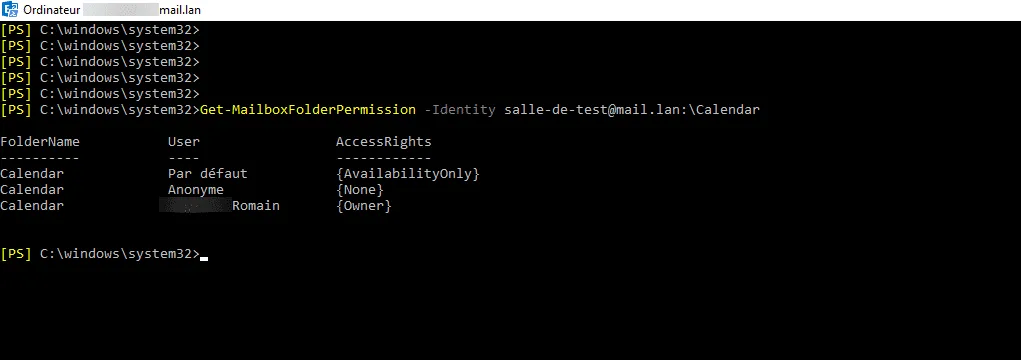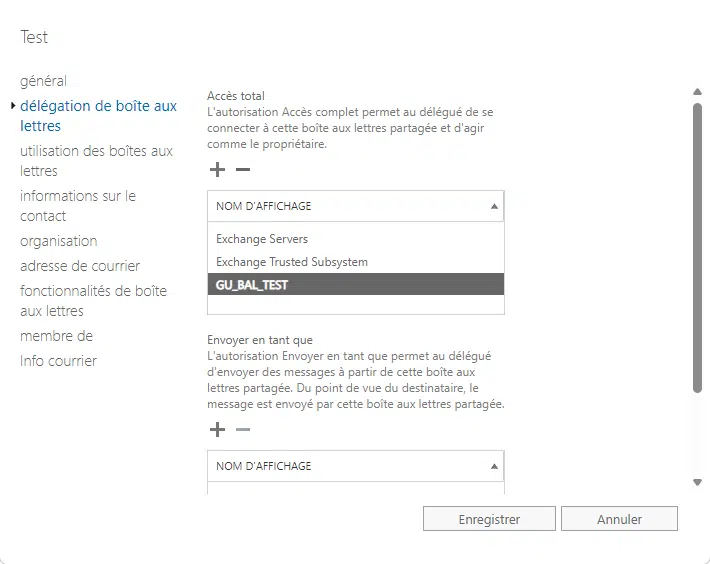
By default in Exchange, when a user books a meeting in a room, the subject of the booking displays the user’s name rather than the meeting subject.
You can change this behavior to display only the subject.
This change is made in PowerShell; here is a script that allows you to modify all rooms:
$Rooms = Get-MailBox -ResultSize Unlimited | Where {$_.ResourceType -eq "Room"}

foreach($Room in $Rooms){
    Set-CalendarProcessing -Identity $Room -DeleteSubject $False -AddOrganizerToSubject $False
}