With Windows 7 and Office 2016 couple, a white window is displayed when authenticating with an Office 365 account.
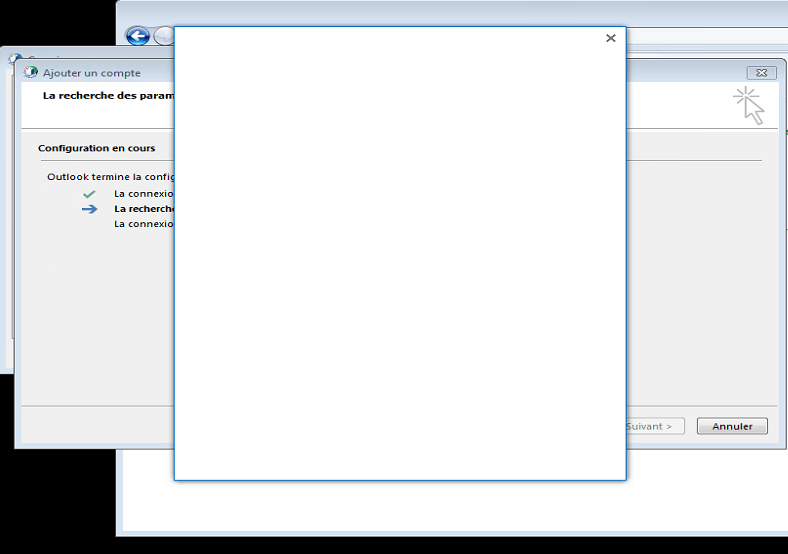
This is due to the non-activation of the TLS 1.1 and TLS 1.2 protocol on WinHTTP.
To solve the problem, apply the Microsoft Easy Fix 51044.
Once applied, restart the account configuration, the authentication form is displayed normally.
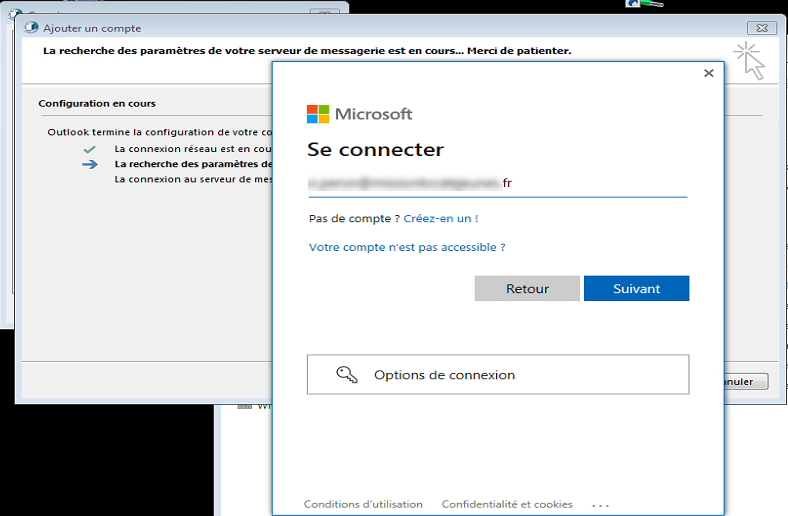
It is possible to apply the patch, directly by applying the .reg below:
