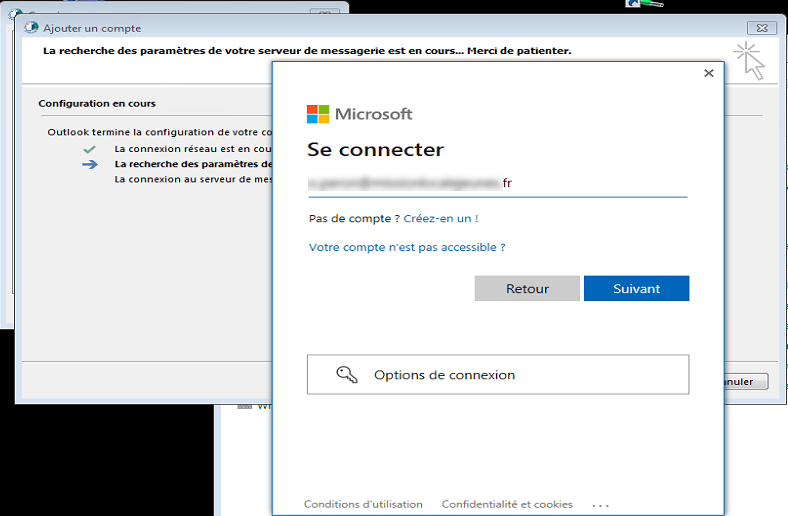
With Windows 7 and Office 2016 couple, a white window is displayed when authenticating with an Office 365 account.
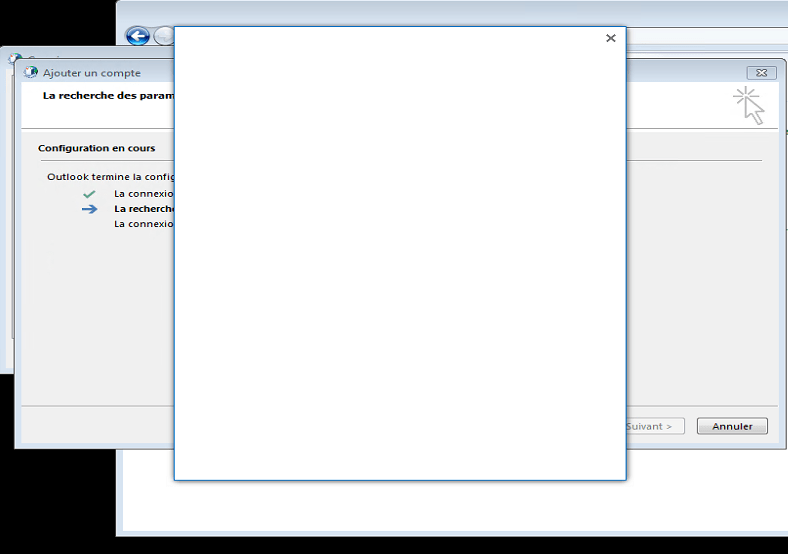
This is due to the non-activation of the TLS 1.1 and TLS 1.2 protocol on WinHTTP.
To solve the problem, apply the Microsoft Easy Fix 51044 .
Once applied, restart the account configuration, the authentication form is displayed normally.
It is possible to apply the patch, directly by applying the .reg below:
Windows Registry Editor Version 5.00
[HKEY_LOCAL_MACHINE\SOFTWARE\Microsoft\Windows\CurrentVersion\Internet Settings\WinHttp]
"DefaultSecureProtocols"=dword:00000AA8
[HKEY_LOCAL_MACHINE\SOFTWARE\Wow6432Node\Microsoft\Windows\CurrentVersion\Internet Settings\WinHttp]
"DefaultSecureProtocols"=dword:00000AA8
[HKEY_CURRENT_USER\SOFTWARE\Microsoft\Windows\CurrentVersion\Internet Settings]
"SecureProtocols"=dword:00000A80
[HKEY_LOCAL_MACHINE\SOFTWARE\Microsoft\Windows\CurrentVersion\Internet Settings]
"SecureProtocols"=dword:00000A80