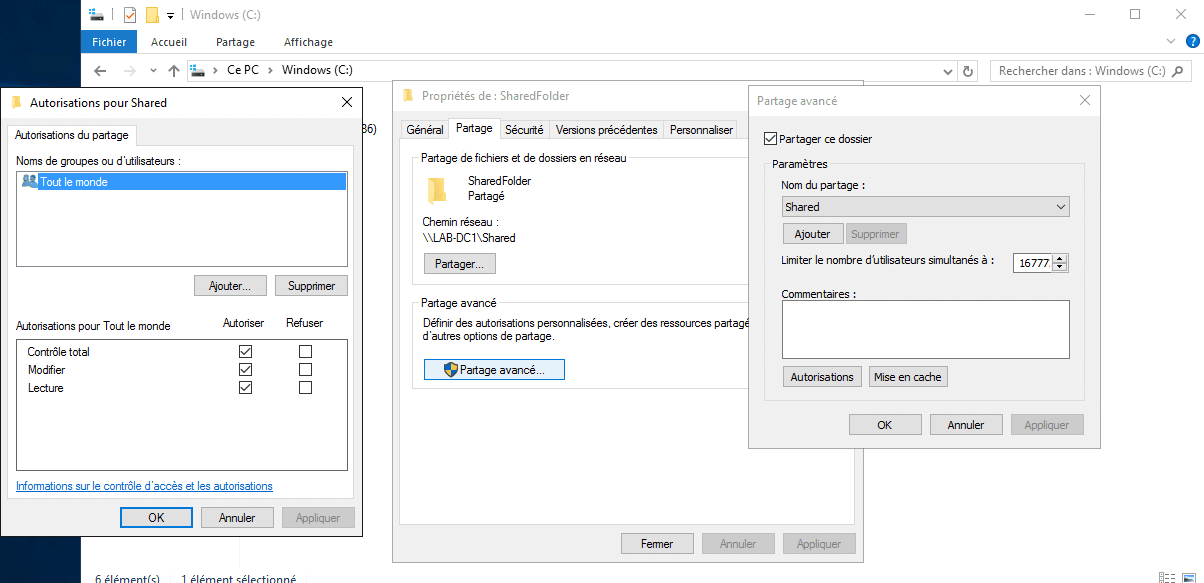
Create a share with PowerShell:
This tutorial explains how to share a folder in Powershell granting full access to Everyone.
The folder to be shared must already exist on the server.
Open a PowerShell window
On the server, open a PowerShell command prompt as Administrator.

Use the New-SmbShare cmdlet
Enter the following command to create a share. Returning the command will show an equivalent of Get-SmbShare.
New-SmbShare -Name NomDuPartage -Path "C:\Dossier\Sur\LeServeur" -FullAccess "Tout le monde"
Verify Sharing
To verify the creation of the share, several possible solutions:
- Access the UNC path (\\Server\Shared)
- Use command
Get-SmbShare. - Check by file explorer.
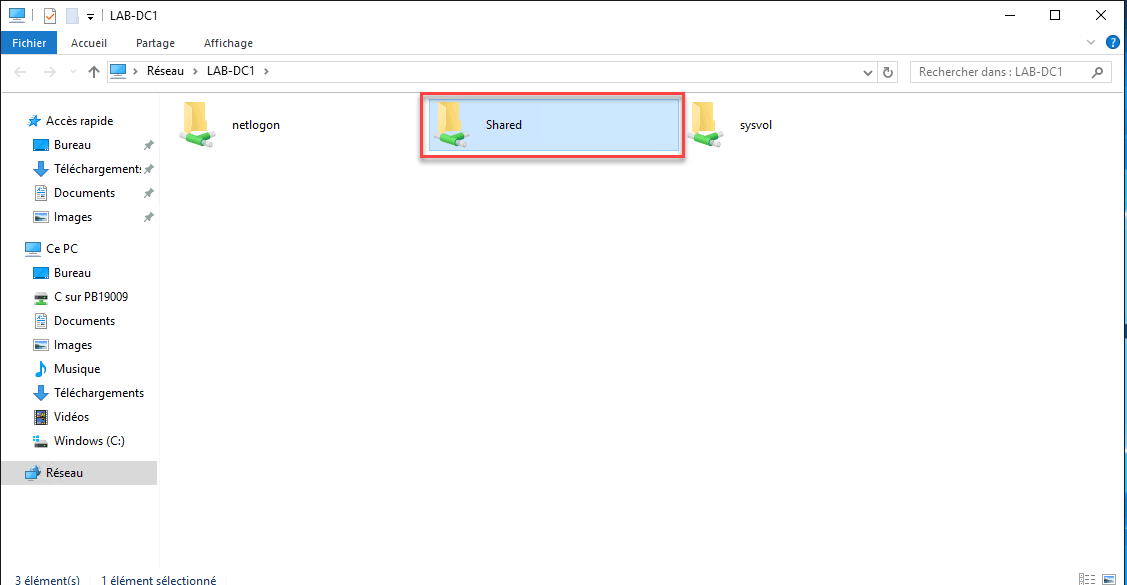
It is also possible to verify the creation of the share with the Get-SmbShare command.

If the file server has a graphical interface, it is also possible to see it through the file explorer.