Bitlocker : enable encryption with a TPM chip
IntroductionAdd a TPM chip to a Hyper-V virtual machine (optional)Check the presence of a TPM moduleActivate BitlockerConclusion Introduction In this tutorial, I…
IntroductionAdd a TPM chip to a Hyper-V virtual machine (optional)Check the presence of a TPM moduleActivate BitlockerConclusion Introduction In this tutorial, I…
In this tutorial, I suggest you discover the dynamic access control available on Windows Server in an Active Directory environment. Before getting…
To create a folder in PowerShell, use the New-Item cmdlet indicating the location and name of the folder and set the itemType parameter with the value Directory to indicate that you want to create a folder.
SommaireOverview of classification managementPrerequisiteClassification configurationClassification propertiesClassification rulesConclusion Overview of classification management In this tutorial, I will introduce you to Classification Management on…
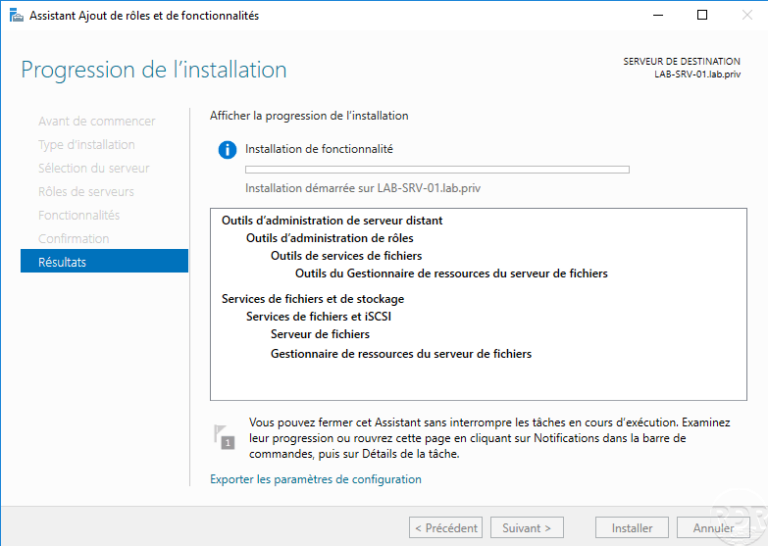
Installing the FSRM role In this ‘how to’ tutorial, we will see how to install the File Server Resource Manager role which…
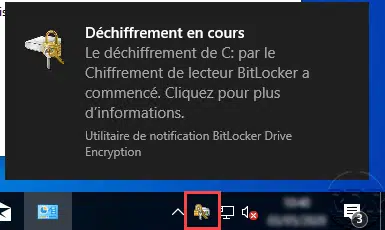
This "how to" tutorial explains how to disable Bitlocker on a hard drive.
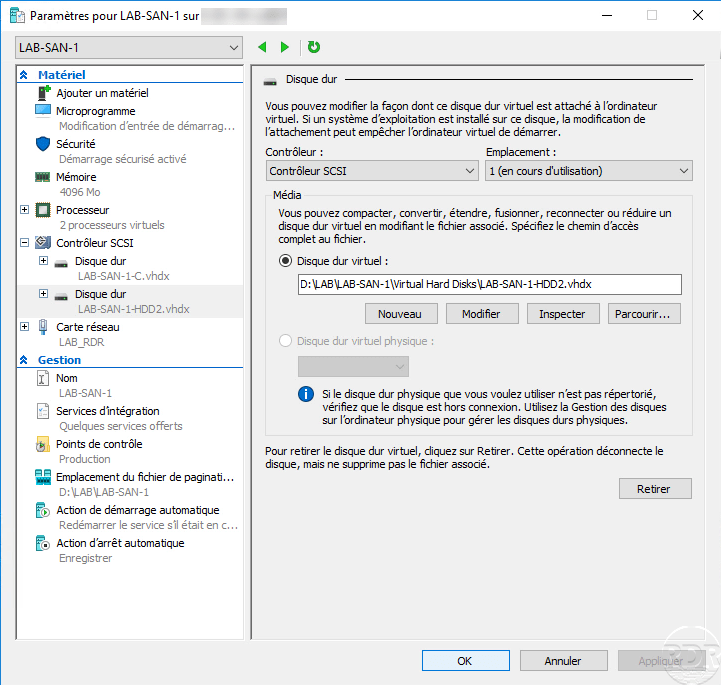
In this "How" tutorial, we will see how to add a virtual hard disk to a virtual machine that works with Hyper-V.
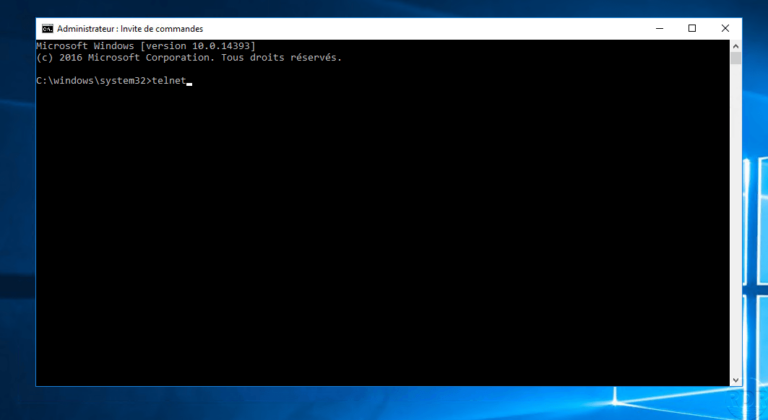
Presentation In this tutorial, we will see how to use the Telnet client to test the connection to a service (IP: PORT)…
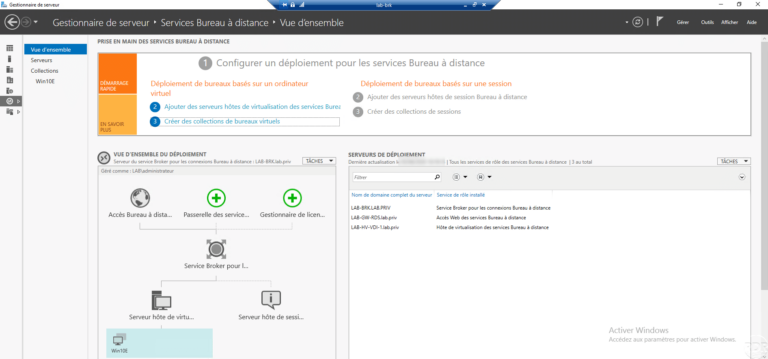
IntroductionPrerequisitePreparationCreate an OU in the Active Directory for the computer objects.Create a share for storing user profile disks - UPDInstalling the Remote…
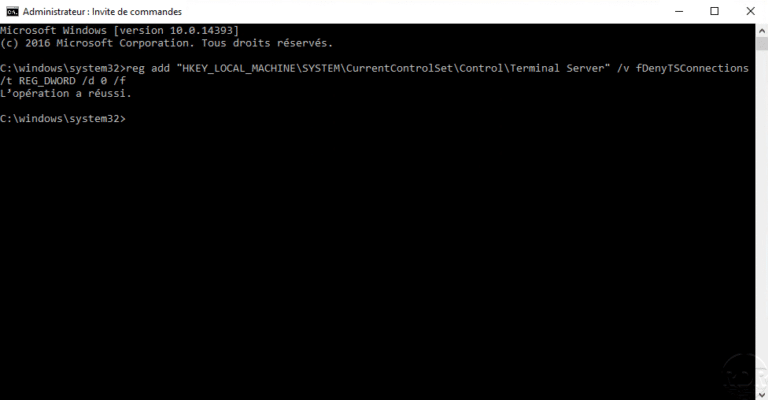
In this tutorial how, we will see how to activate the remote desktop from the command line. Activating the remote desktop can be done from the command line by modifying a key, so we will use the command line utility reg.exe to modify the registry and thereby activate the remote desktop.
Aucun article trouvé pour cette recherche.