Symptom
After running a sysprep the following error is displayed during reboot.
Windows could not complete the system configuration. To attempt to resume configuration, restart the computer.Resolution
When the message appears, press Shift + F10 to open a DOS prompt.

On the Hyper-V console, use the virtual keyboard of the host
Enter the following commands to launch the Windows Setup Wizard:
cd oobe
msoobe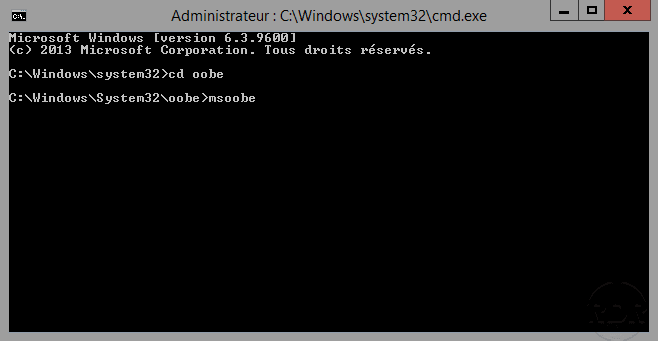
Complete the wizard by configuring Windows, when you have finished, restart the computer it should continue to boot normally.
