In this tutorial, I will show you step by step how to use an SMB share on a NAS, for example, to store backups made with Proxmox Backup Server.
By default, Promox Backup Server (PBS) does not support storing backups on NAS via SMB; this limitation can be easily bypassed.
Since we have root access to the machine running PBS and it is a Debian, we will mount the SMB share on the OS and then configure PBS to use this mount point as a Datastore.
For my part, I configured a sharing on a QNAP NAS.
Tble Of Content
Mounting SMB sharing in PBS
First, connect to the PBS server via SSH. Initially, you need to install the package. cifs-utils to manage SMB sharing, if it is not present.
Enter the following command:
apt install cifs-utils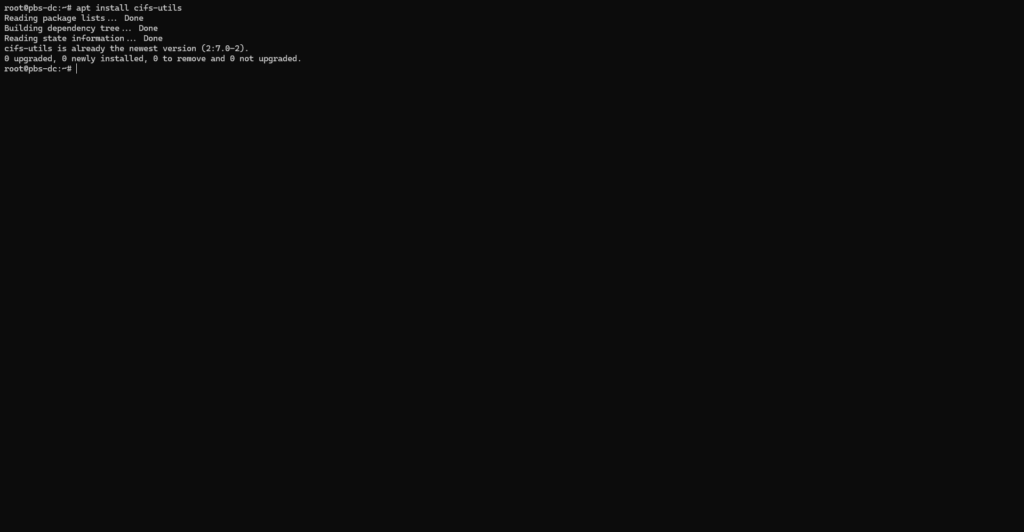
In the file /mnt Create a folder that will serve as the mount point.
mkdir backupThe SMB share login credentials must be stored in a file.
nano /etc/samba/.smbcredsIn this file, specify the login credentials for the share:
username=user
password=P@$$w0rd!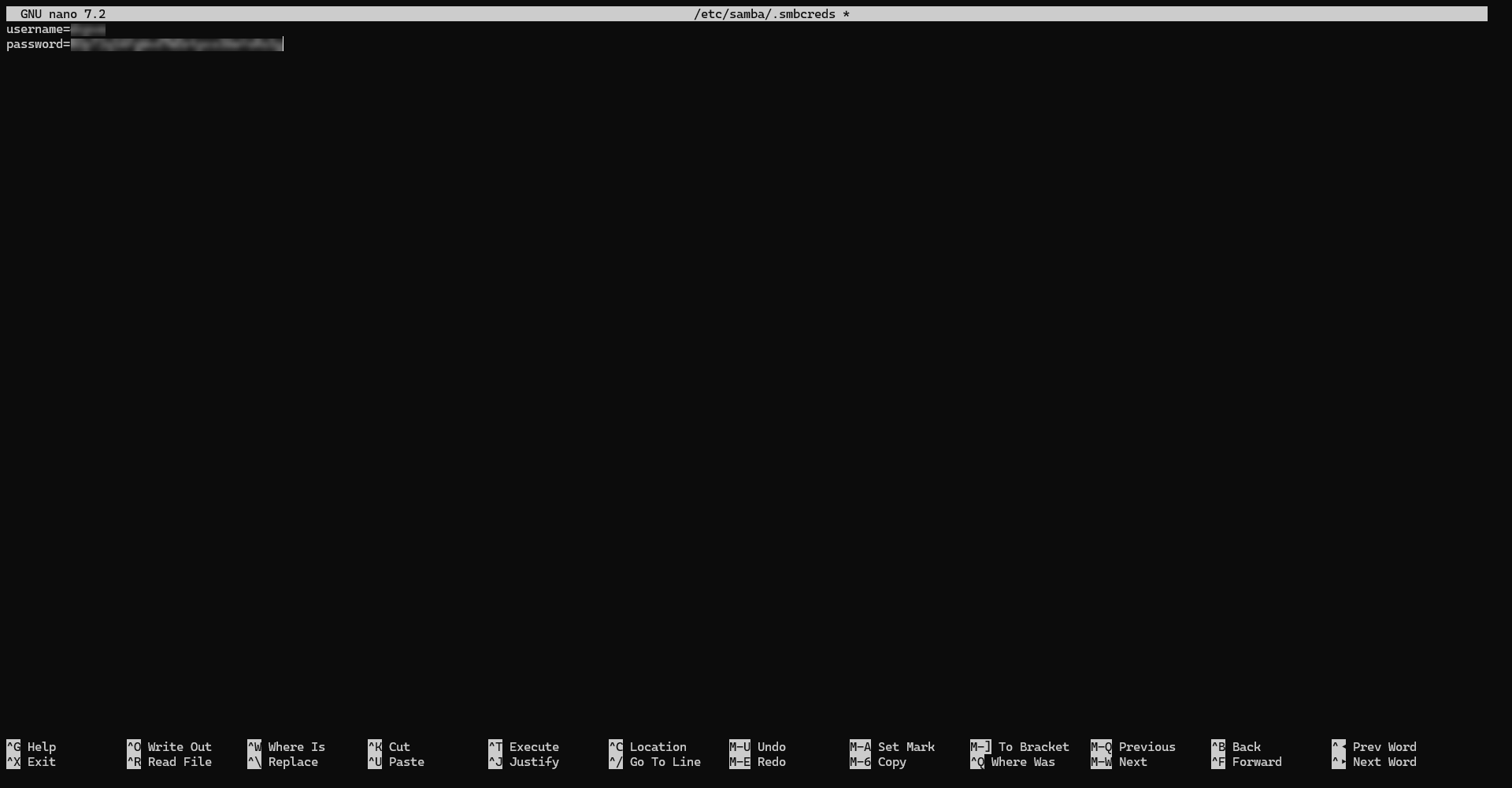
Change file access rights:
chmod 400 /etc/samba/.smbcredsWe will test mounting the share in the folder; to do this, enter the following command:
mount -t cifs -o rw,vers=3.0,credentials=/etc/samba/.smbcreds //x.x.x.x/share-name /mnt/backupIdeally, from the NAS, send a file to the share and verify that it is present on the PSB server in the folder /mnt/backup/.
Now we’re going to modify the file /etc/fstab in order to automatically mount the share when PSB starts.
nano /etc/fstabAdd the following line:
//x.x.x.x/share-name /mnt/backup cifs credentials=/etc/samba/.smbcreds,uid=34,gid=34,defaults 0 0Once the line is added, restart the server and verify that the share mounts automatically.
Configure Proxmox Backup Server to use SMB sharing
We will now configure a datastore at PSB that points to the mount point of the SMB share (/mnt/backup/).
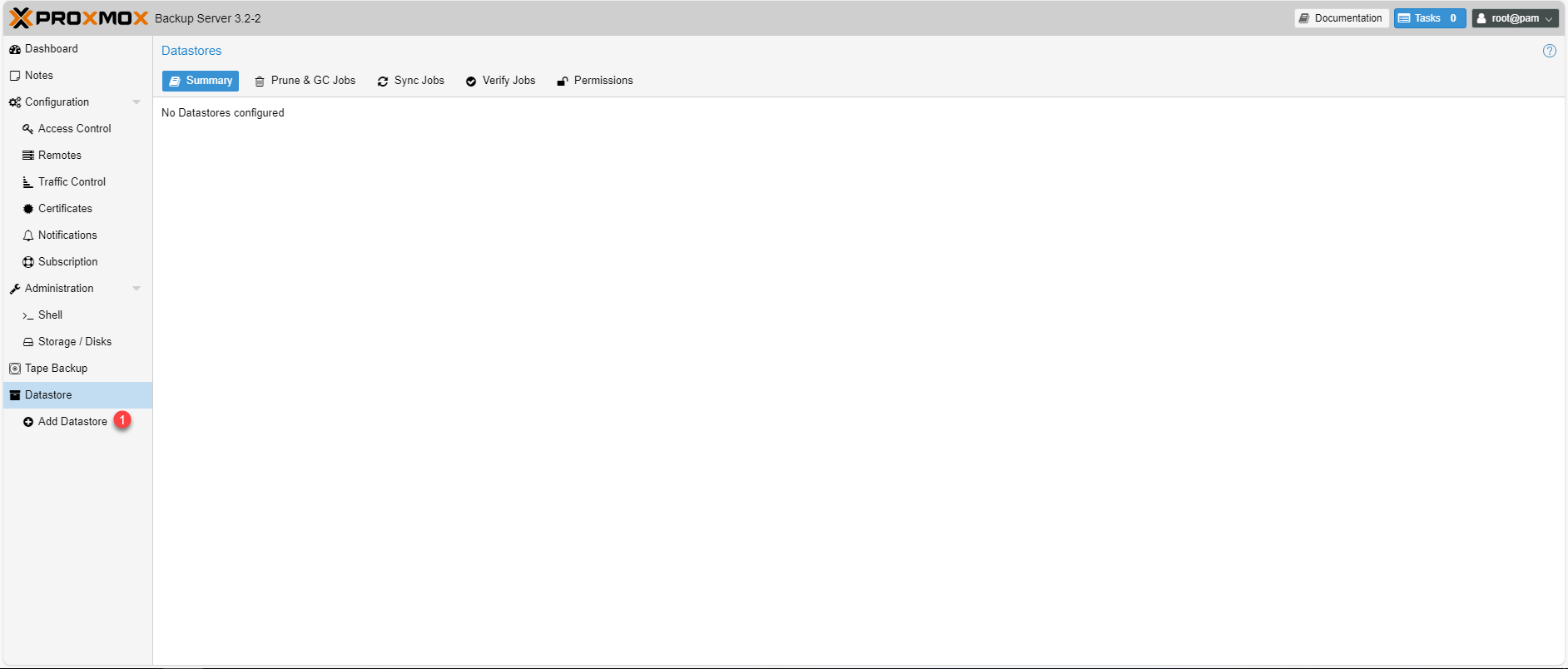
From the PSB web interface, go to Datastore 1.
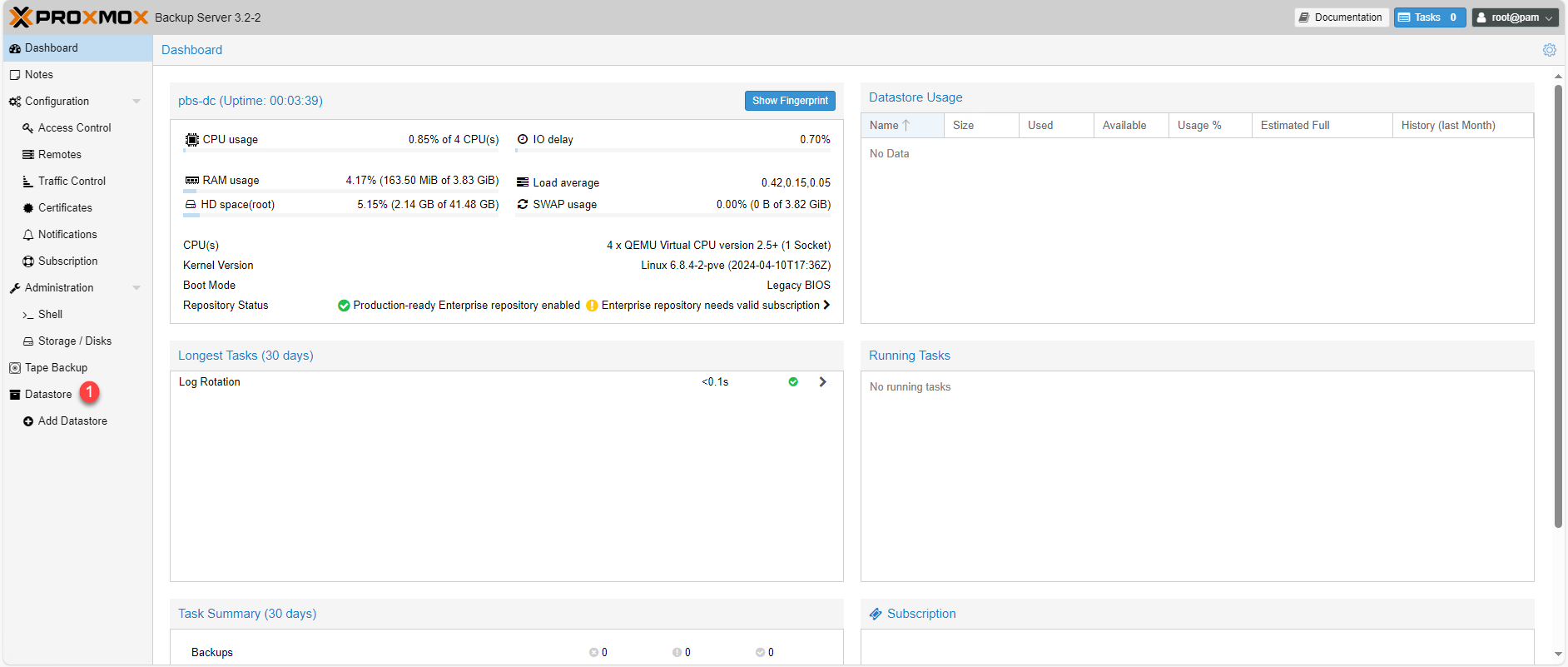
As you can see, at the moment I have nothing configured, click on Add Datastore 1.
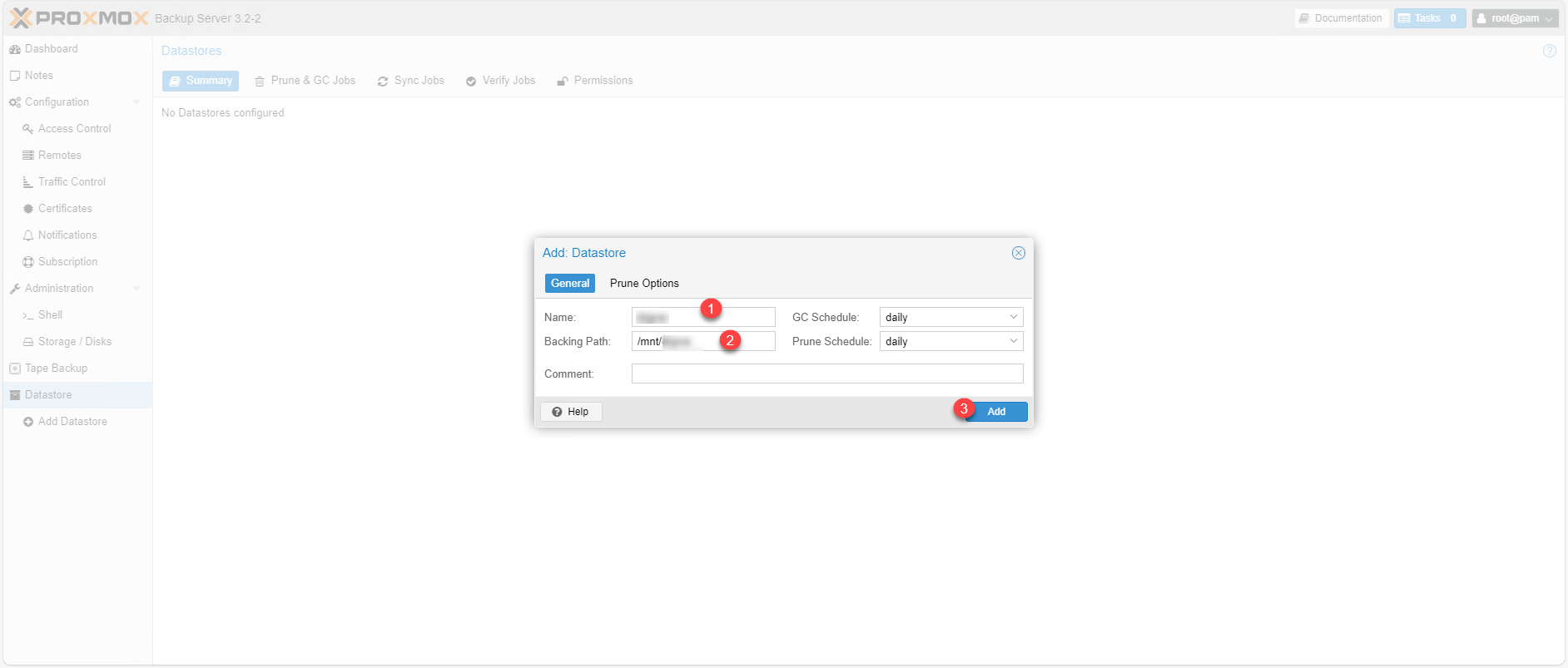
Name the datastore 1 then specify the path to the mount point 2 (/mnt/backup) and click on Add 3 to add it.
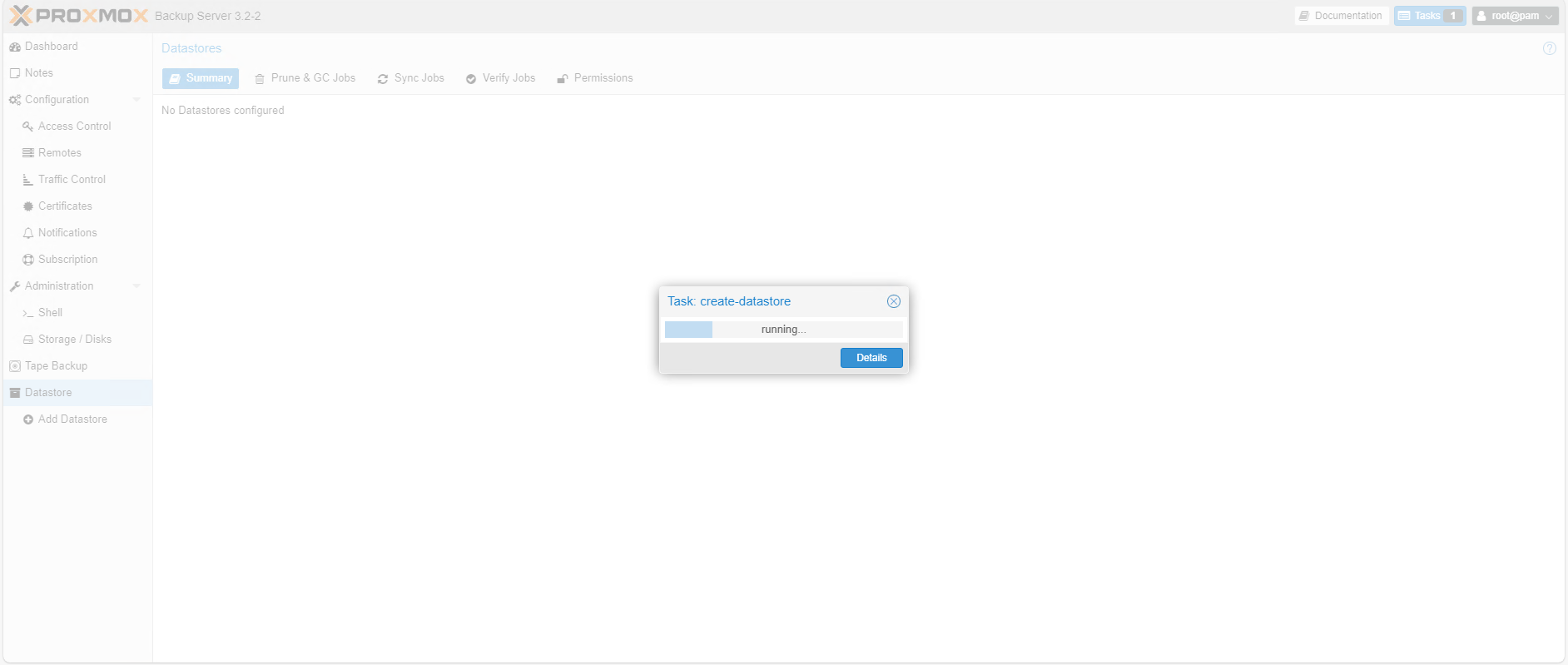
Please wait while the Datastore is being created…
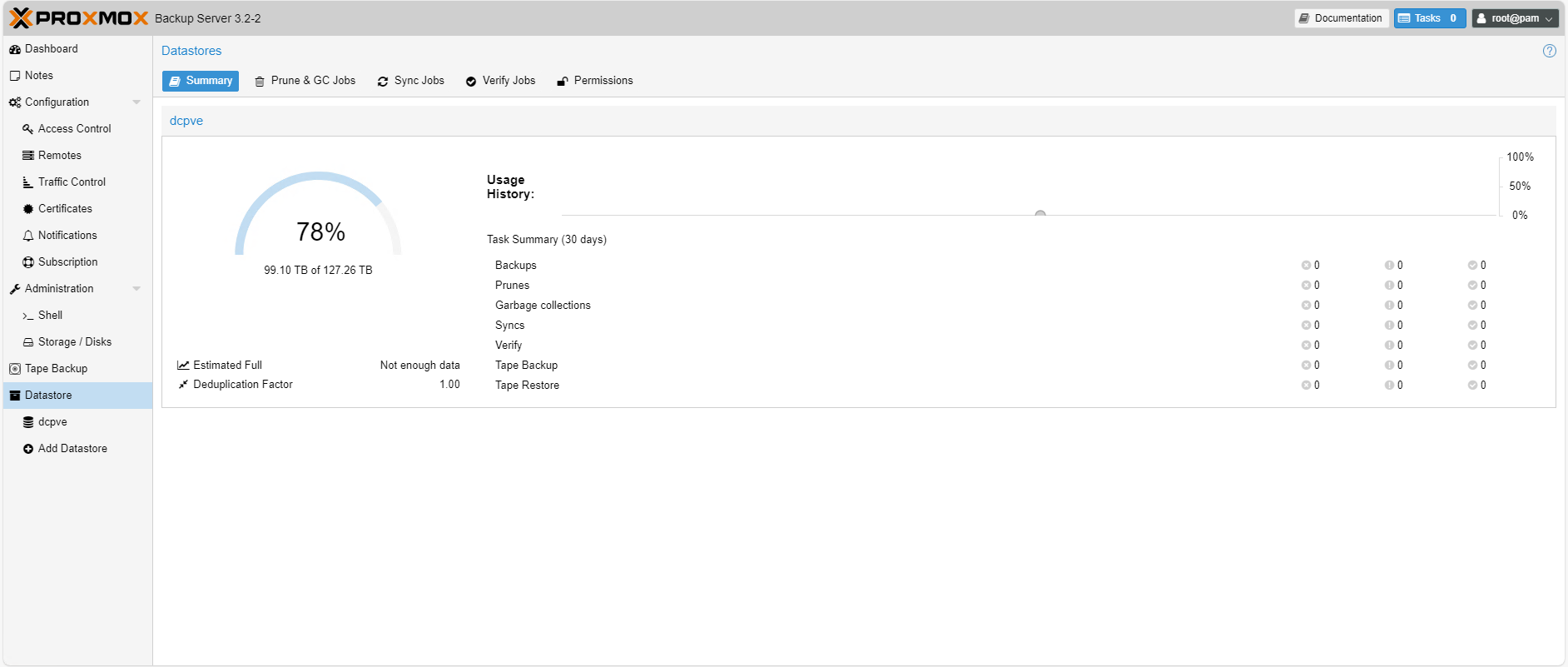
The Datastore is added to PSB and the volume of the SMB share is correctly displayed.
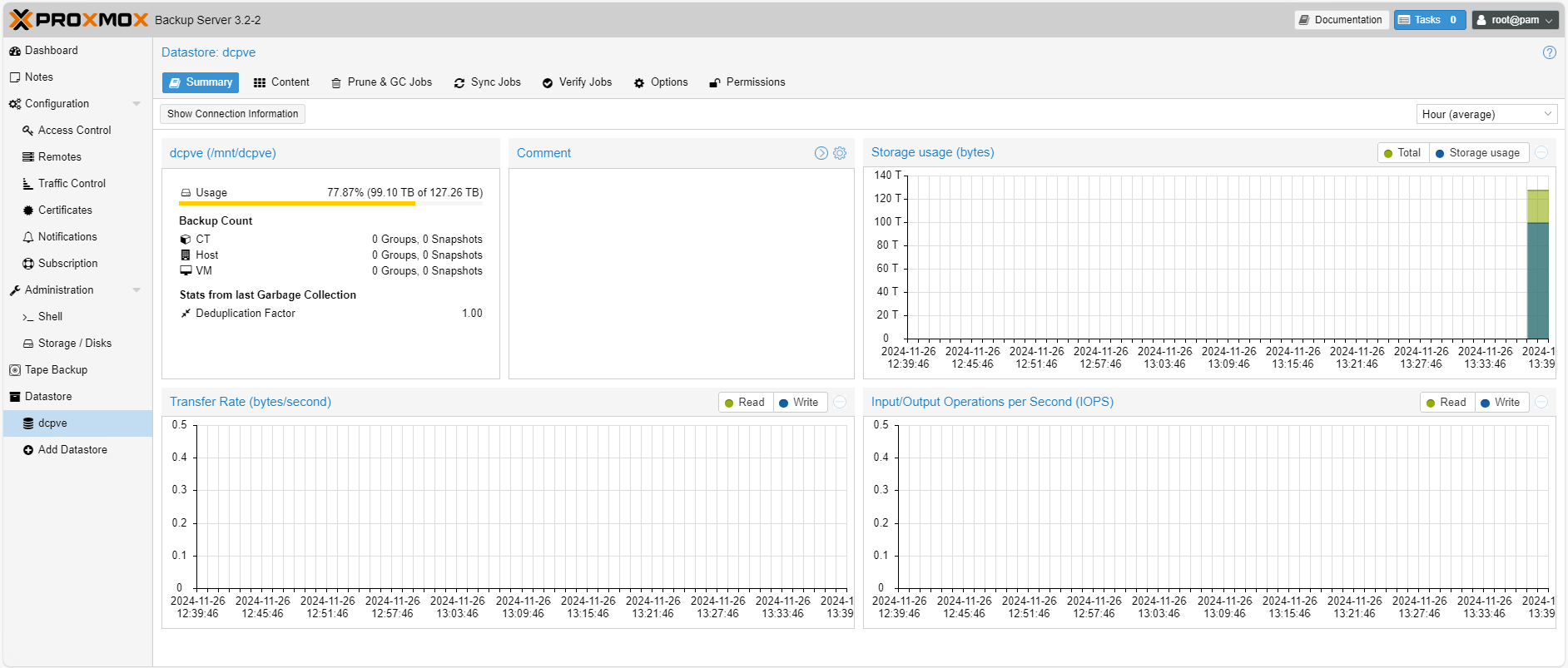
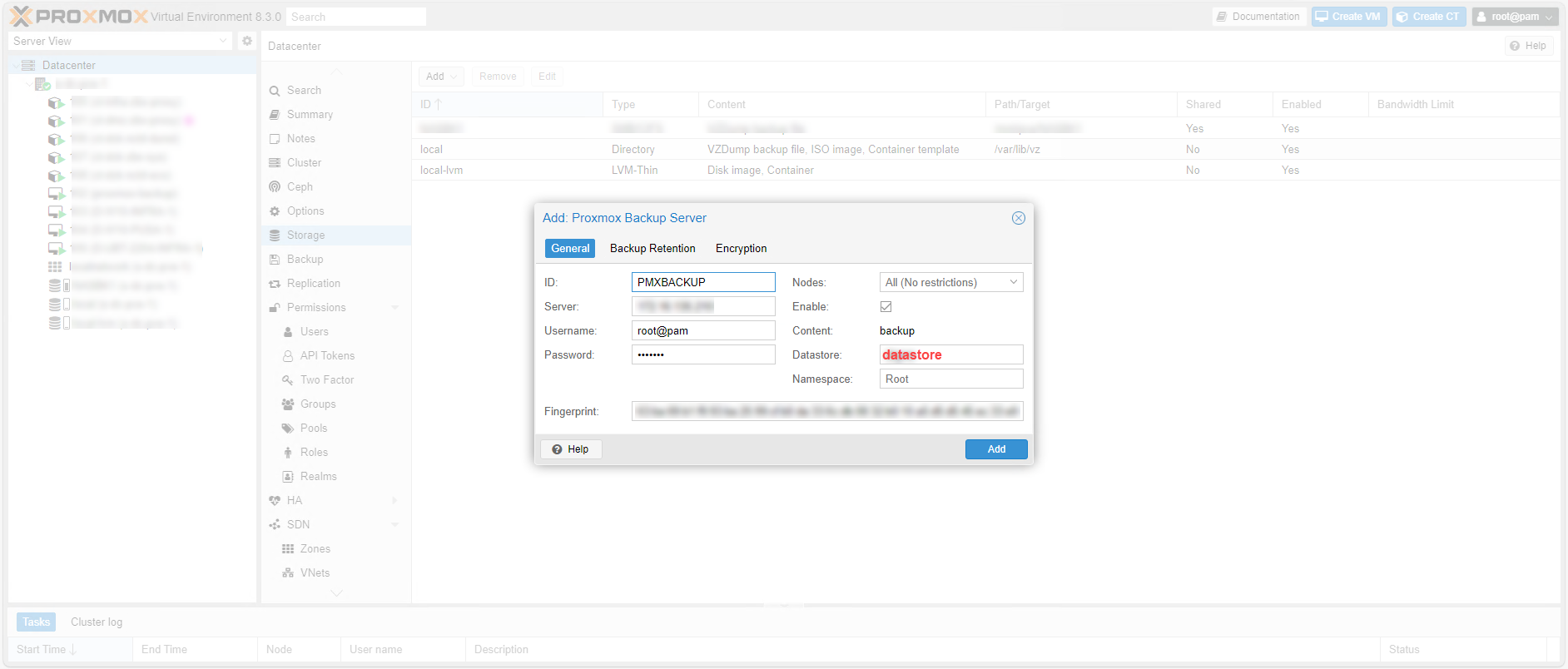
All you have to do now is configure it. Proxmox Backup Server on your Proxmox servers and specify the Datastore that we just created to back up your virtual machines and containers on your NAS.