To add an alias to a mailbox in an Office 365 environment whose Active Directory is synchronized, you must use the local directory (On Premise) to add the alias in the proxyaddresses attribute.
1. Open the Active Directory Users and Computers console and verify that the Advanced Features view is enabled 1 .

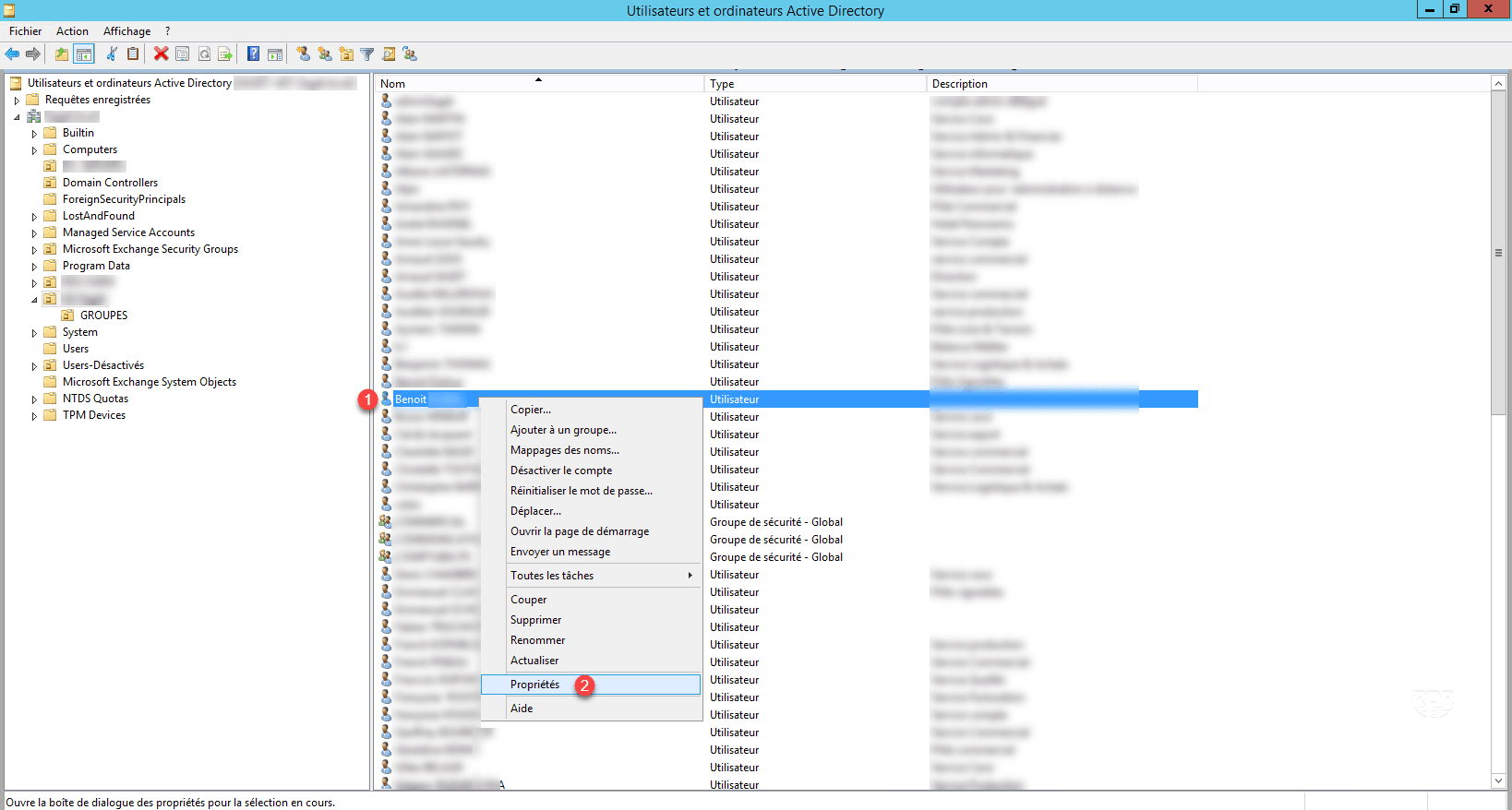
2. Right-click on the user 1 then click on Properties 2 .
3. Go to Attribute Editor tab 1 , find and select proxyAddresses 2 and click Edit 3 .

4. Enter the alias to add (smtp:[email protected]) 1 and click on Add 2 .
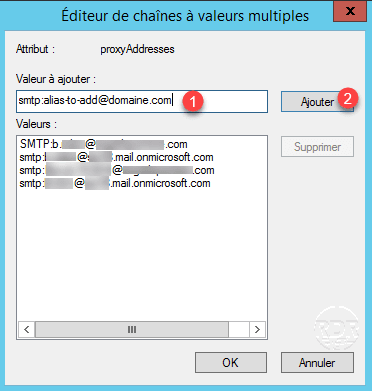
For information the address written with SMTP is the main email address.
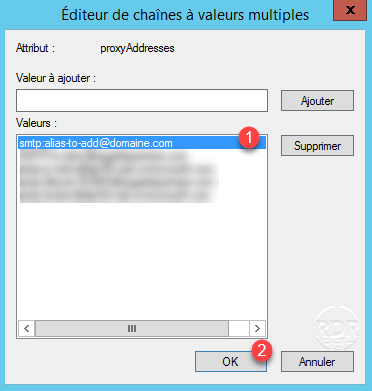
5. The address is added 1 , click OK 2 to close the editor.
6. Apply the properties of the user.
7. The alias will be added during the next synchronization cycle.
