In this tutorial, I will explain how to disable TNEF, also known as RICH Text Format, on Exchange Server.
This format may be the cause of messages received by recipients being in winmail.dat format.
The real problem comes from Outlook and not Exchange, but it is possible to configure Exchange Server not to use this format.
On an Exchange server, open EMS (Exchange Management Shell) as an administrator.
To check the status, enter the following command:
Get-RemoteDomain | Where {$_.TNEFEnabled - ne $false}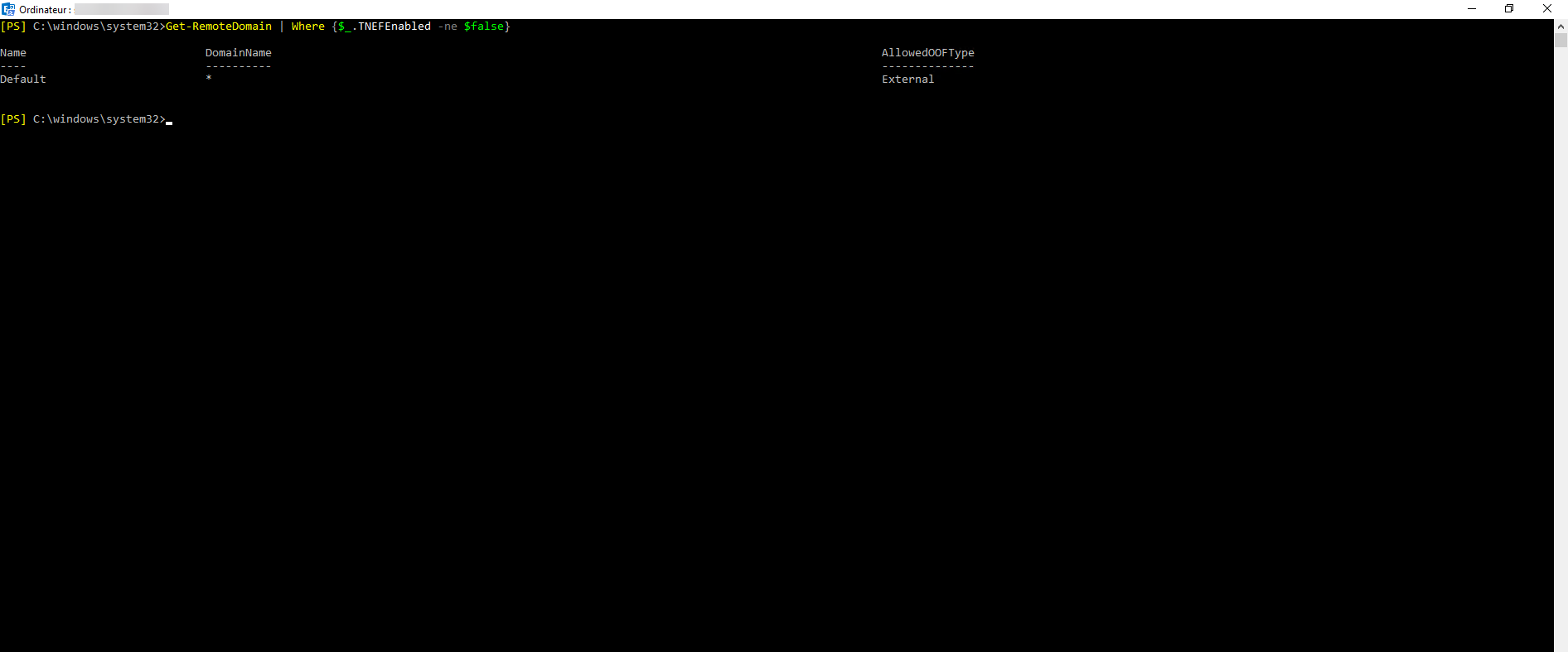
The screenshot shows that the RICH Text Format is “active” on the default domain.
We will now disable the RICH Text Format on the default domain.
Set-RemoteDomain -Identity Default -TNEFEnabled $false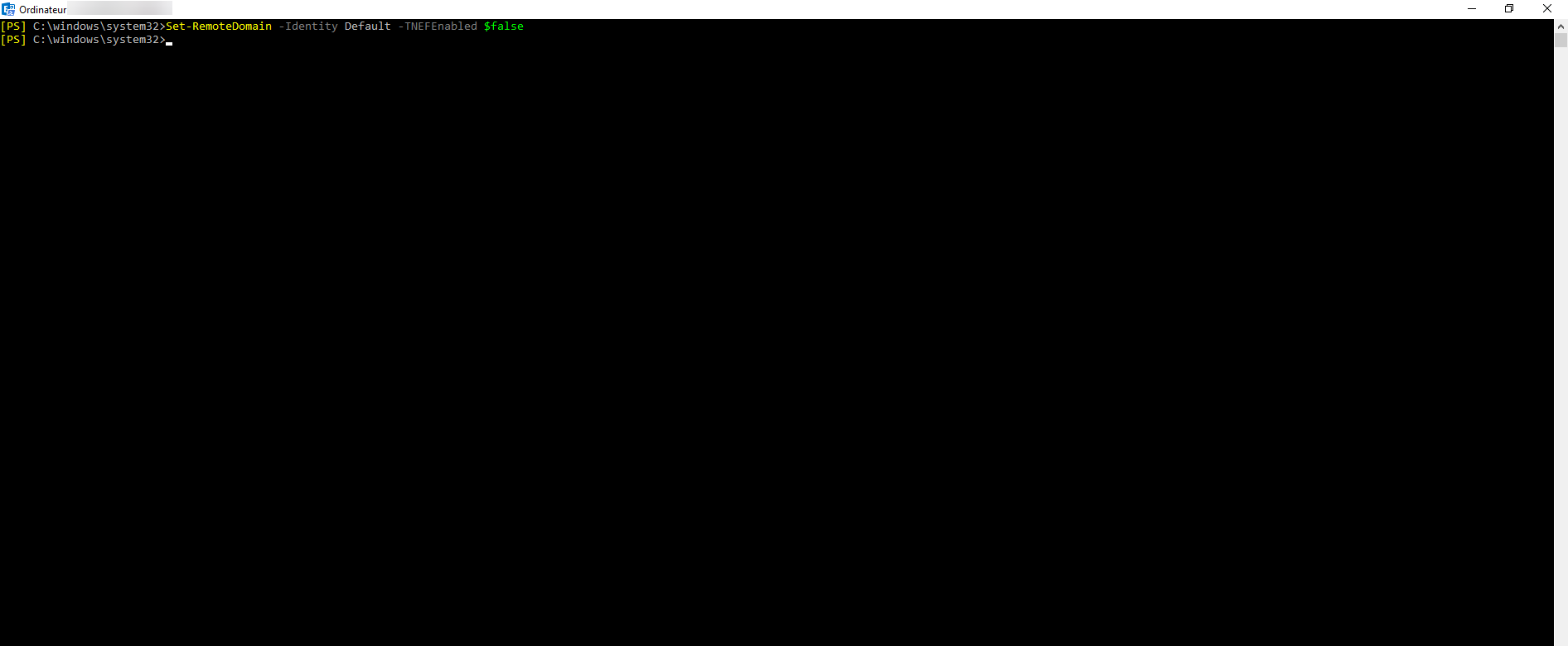
To check the status, enter the command below and check TNEFEnabled either well false.
Get-RemoteDomain -Identity Default | fl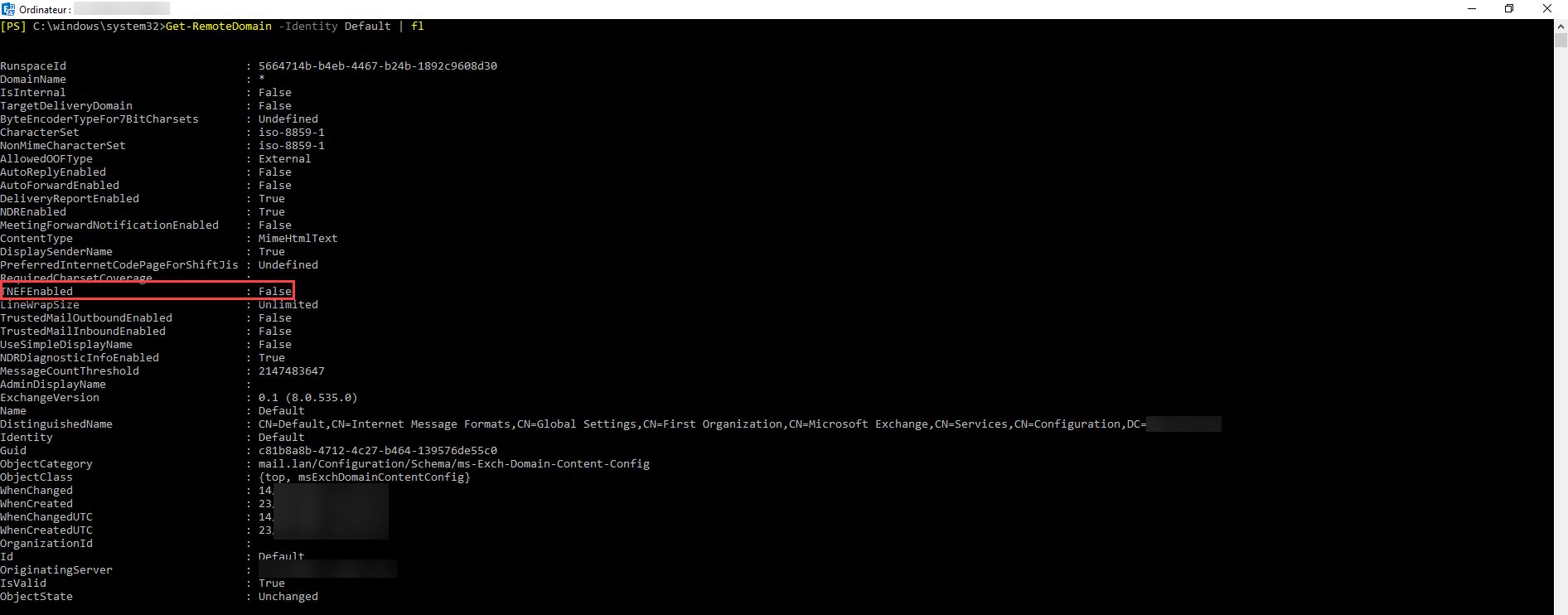
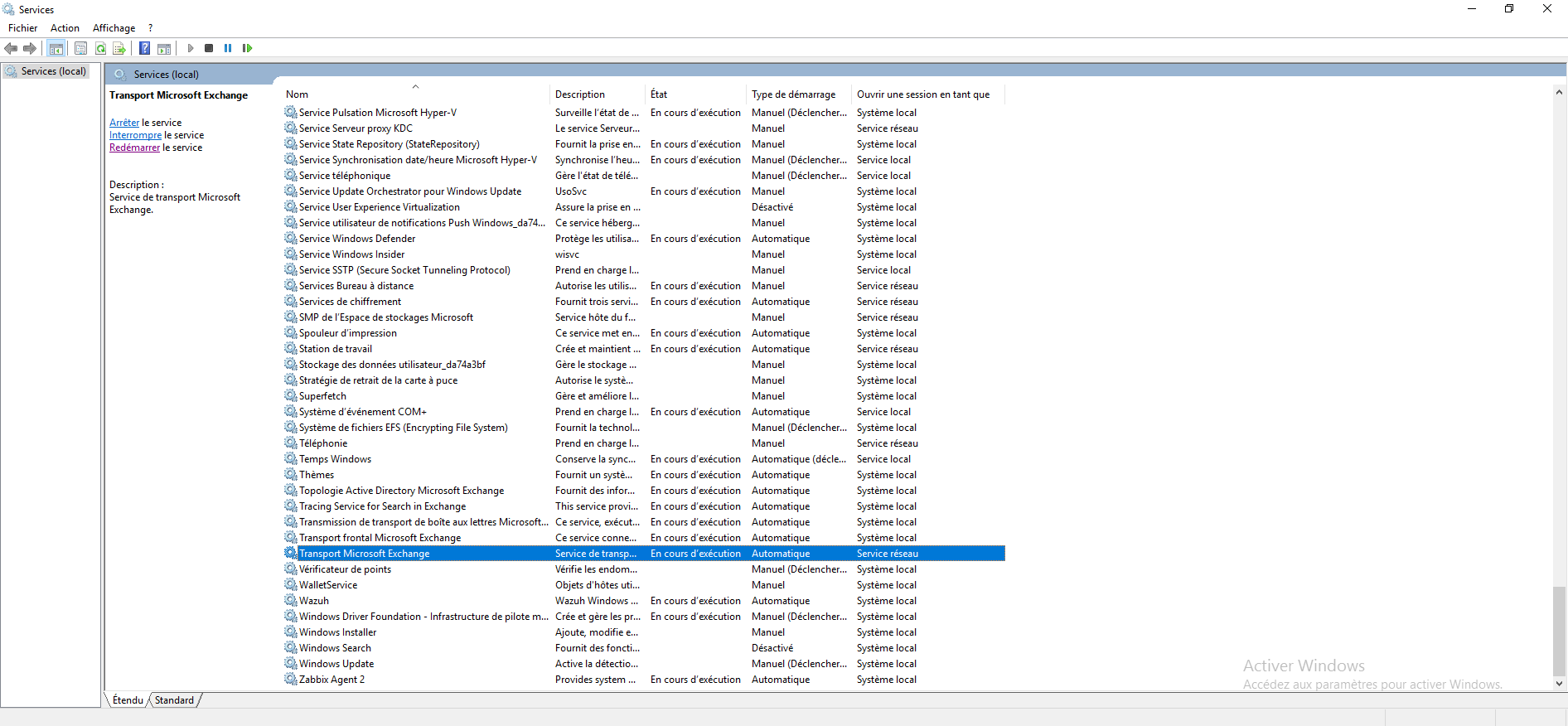
Finally, restart the service Microsoft Exchange Transport for consideration.
With this solution, you should no longer have problems with winmail.dat format messages from your recipients.
