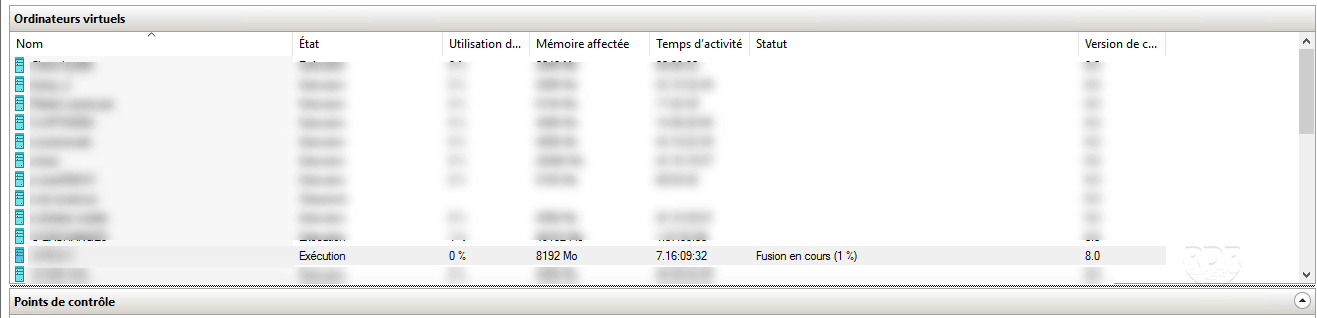
It happens in Hyper-V that a third-party software (backup) create a control point that is not possible to delete through the GUI.
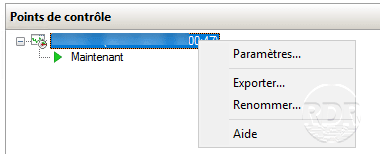
You have to switch to PowerShell to delete the control point.
1. Open a PowerShell administrator window and enter the following command to display the snapshots.
Get-VMSnapshot -ComputerName <SERVER-HYPER-V> -VMName <VM>
This should display the control points of the virtual machine.
VMName   Name                               SnapshotType CreationTime        ParentSnapshotName
------   ----                               ------------ ------------        ------------------
MyVM SnapShotName - (DD/MM/YYYY - HH:MM:SS) Recovery     DD/MM/YYYY HH:MM:SS
2. Enter the following command to delete the control points:
Get-VMSnapshot -ComputerName <SERVEUR-HYPER-V> -VMName <VM> | Remove-VMSnapshot3. Wait during the merge of the control point.