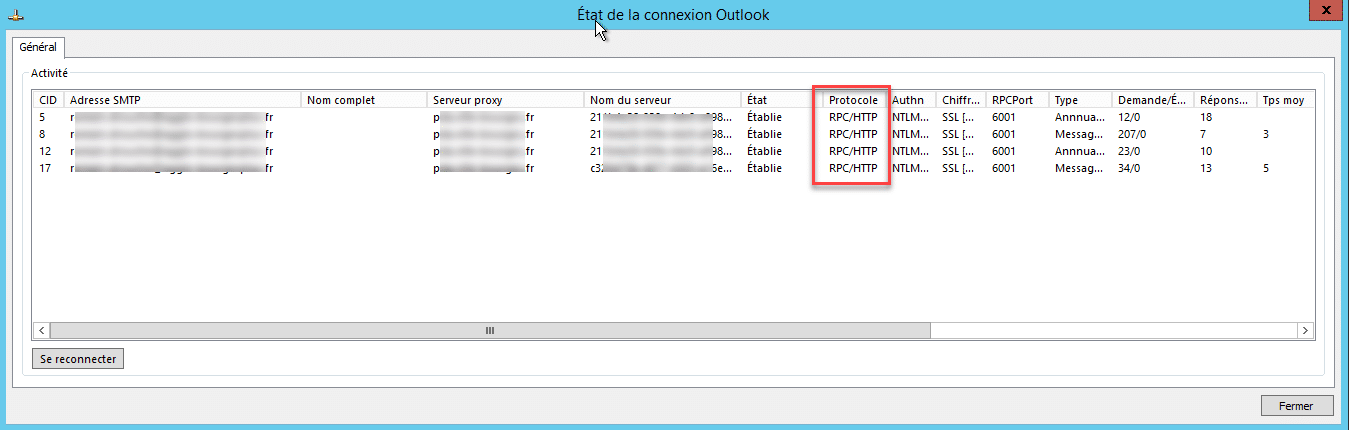
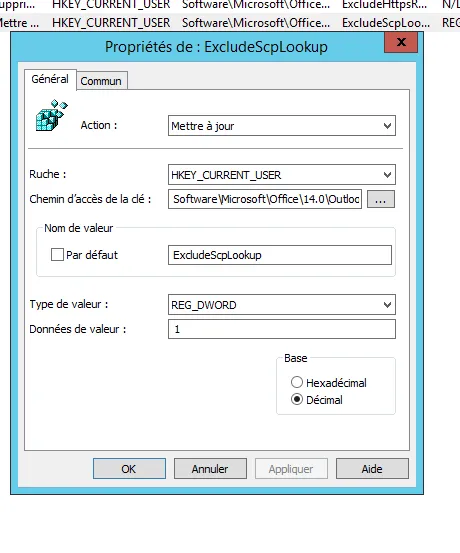
Avec le couple Windows 7 et Office 2016, une fenêtre blanche s’affiche lors de l’authentification avec un compte Office 365.
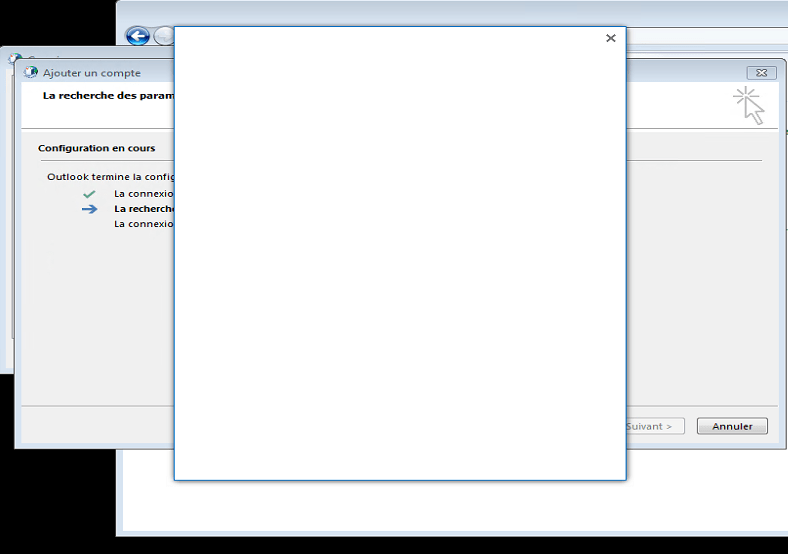
Ceci est dû à la non-activation du protocole TLS 1.1 et TLS 1.2 sur WinHTTP .
Pour résoudre le problème, appliquer le Microsoft Easy Fix 51044 .
Une fois appliquer, relancer la configuration du compte, le formulaire d’authentification s’affiche normalement.
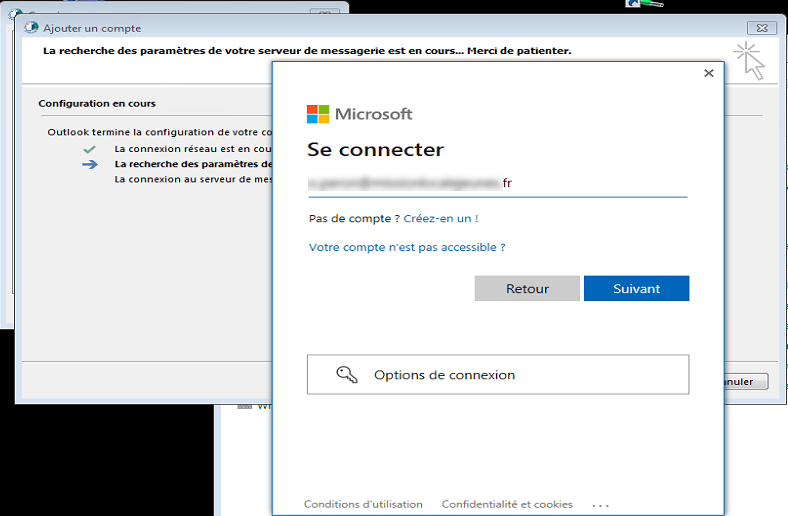
Il est possible d’appliquer le correctif, directement en appliquant le .reg ci-dessous :
Windows Registry Editor Version 5.00
[HKEY_LOCAL_MACHINE\SOFTWARE\Microsoft\Windows\CurrentVersion\Internet Settings\WinHttp]
"DefaultSecureProtocols"=dword:00000AA8
[HKEY_LOCAL_MACHINE\SOFTWARE\Wow6432Node\Microsoft\Windows\CurrentVersion\Internet Settings\WinHttp]
"DefaultSecureProtocols"=dword:00000AA8
[HKEY_CURRENT_USER\SOFTWARE\Microsoft\Windows\CurrentVersion\Internet Settings]
"SecureProtocols"=dword:00000A80
[HKEY_LOCAL_MACHINE\SOFTWARE\Microsoft\Windows\CurrentVersion\Internet Settings]
"SecureProtocols"=dword:00000A80