Windows deduplication issue
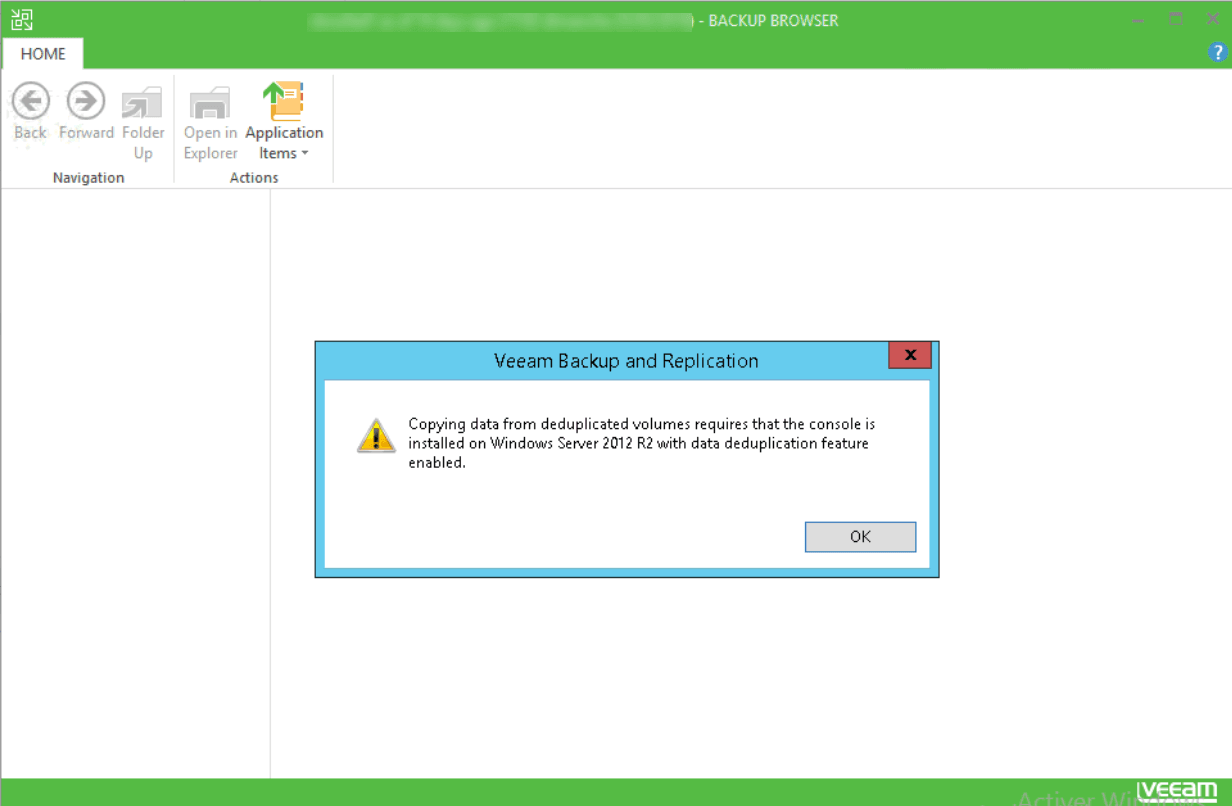
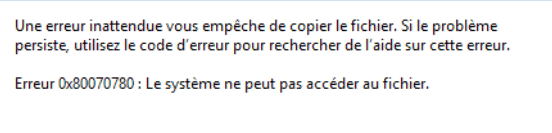
When you want to restore a file from a volume with deduplication enabled, you get the following error messages:
Veeam : Copying data from deduplicated volumes requires that the console is installed on Windows 2012 R2 with data deduplication feature enabled.
Windows: Error 0x80070780: The system cannot access the file.
Cause
To be able to restore from a volume where deduplication is enabled, deduplication must be installed on the server from which you launch the Veeam console.
Solutions: restore from a deduplicated volume
To solve this problem, just install the deduplication feature on the server where you have the Veeam console.
or
Install the Veeam Backup & Replication management console on the file server where you have the volume with deduplication enabled.