In this tutorial, I will explain how to install Docker and Docker Compose from the official Docker sources.
Au moment de la rédaction de ce tutoriel, Ubuntu 24.04 vient tout juste de sortir et Docker est déjà disponible sur les dépôt
On the Docker documentation, you have to pass several command lines to first install the repository then install Docker and Docker compose.
To save time, I compiled the different commands into a script:
#!/bin/bash
export DEBIAN_FRONTEND=noninteractive

sudo apt-get update -qq
sudo apt-get upgrade -yqq

# Add Docker's official GPG key:
sudo apt-get install -yqq ca-certificates curl gnupg
sudo install -m 0755 -d /etc/apt/keyrings
curl -fsSL https://download.docker.com/linux/ubuntu/gpg | sudo gpg --dearmor -o /etc/apt/keyrings/docker.gpg
sudo chmod a+r /etc/apt/keyrings/docker.gpg

# Add the repository to Apt sources:
echo \
  "deb [arch="$(dpkg --print-architecture)" signed-by=/etc/apt/keyrings/docker.gpg] https://download.docker.com/linux/ubuntu \
  "$(. /etc/os-release && echo "$VERSION_CODENAME")" stable" | \
  sudo tee /etc/apt/sources.list.d/docker.list > /dev/null
sudo apt-get update -qq

sudo apt-get install -yqq docker-ce docker-ce-cli containerd.io docker-buildx-plugin docker-compose-plugin
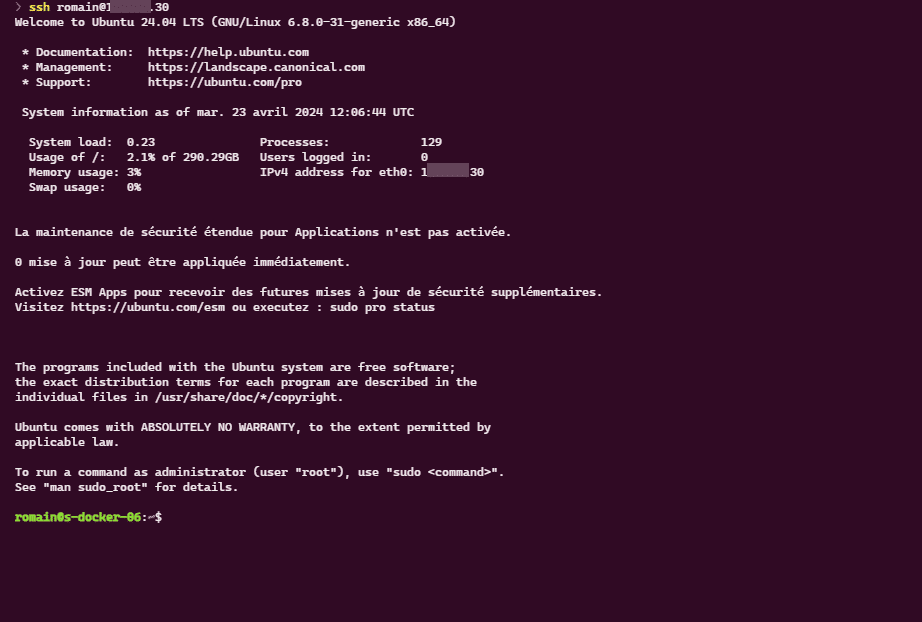
As you can see in the screenshot below, I am connected via SSH to a computer with Ubuntu 24.04 LTS.
Start by creating a file with nano in which we will copy the script:
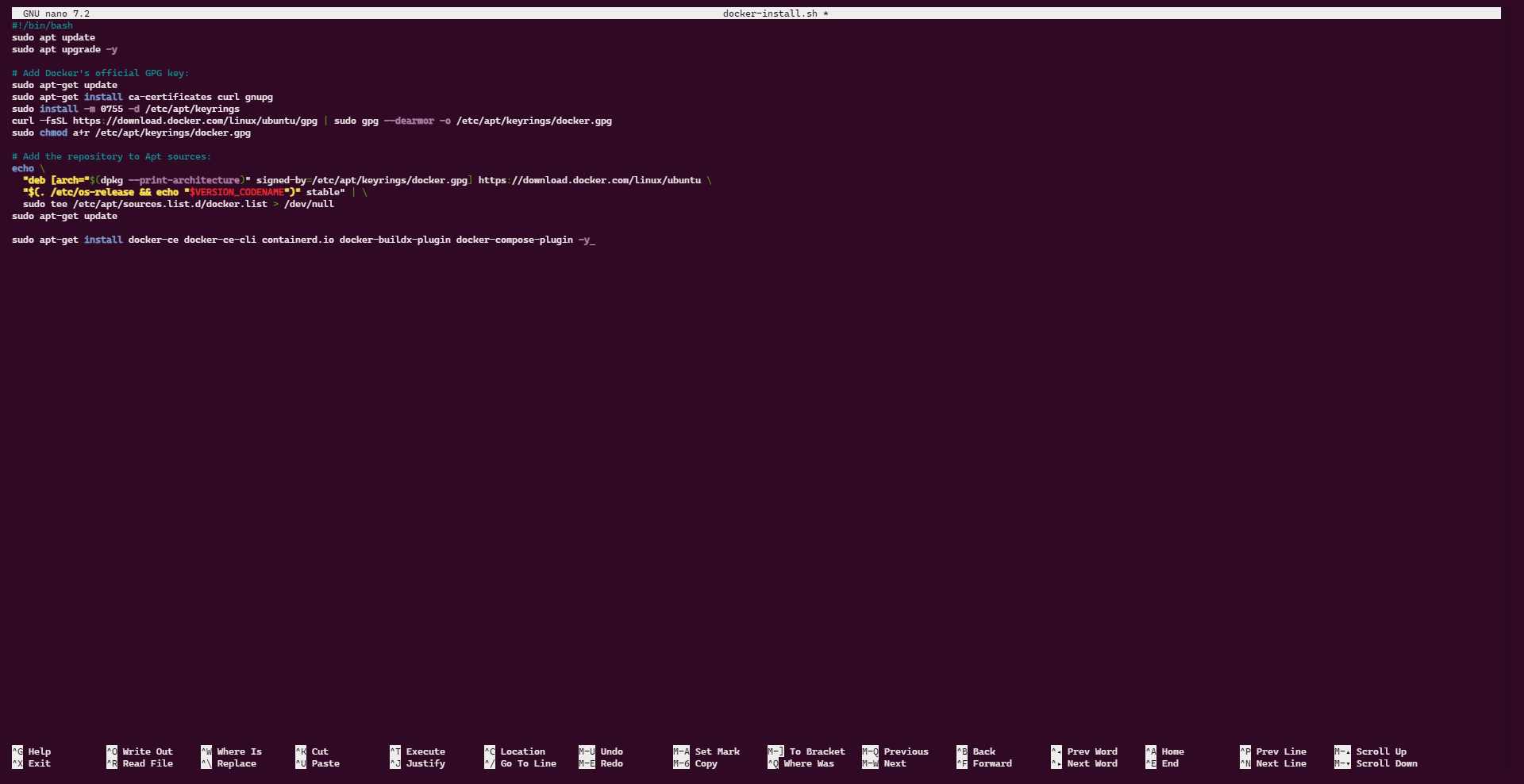
nano docker-install.sh
Paste the contents of the script that is at the beginning of the tutorial:
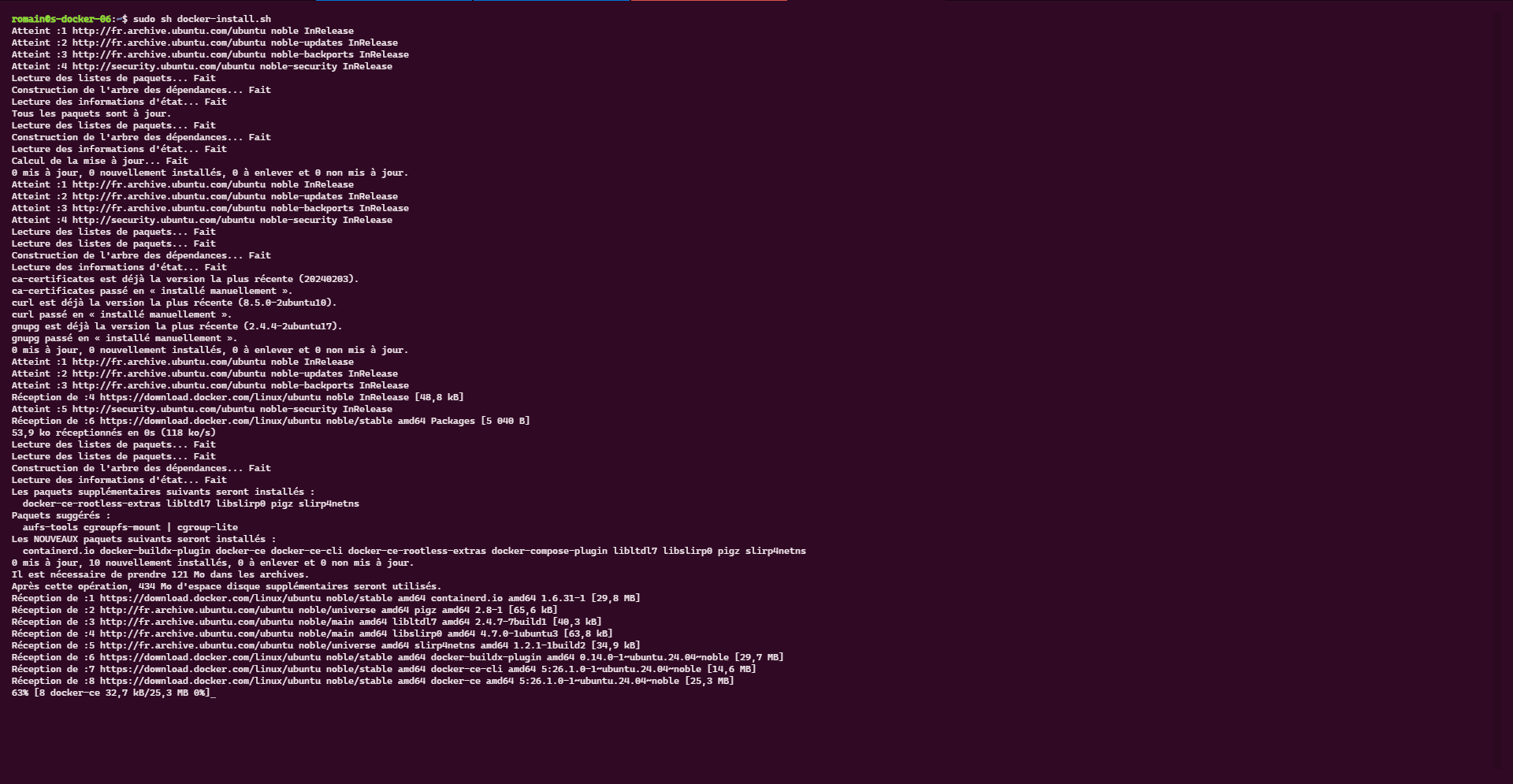
Run the script to start the installation of Docker and Docker compose:
sudo sh docker-install.sh
Please wait while installing…
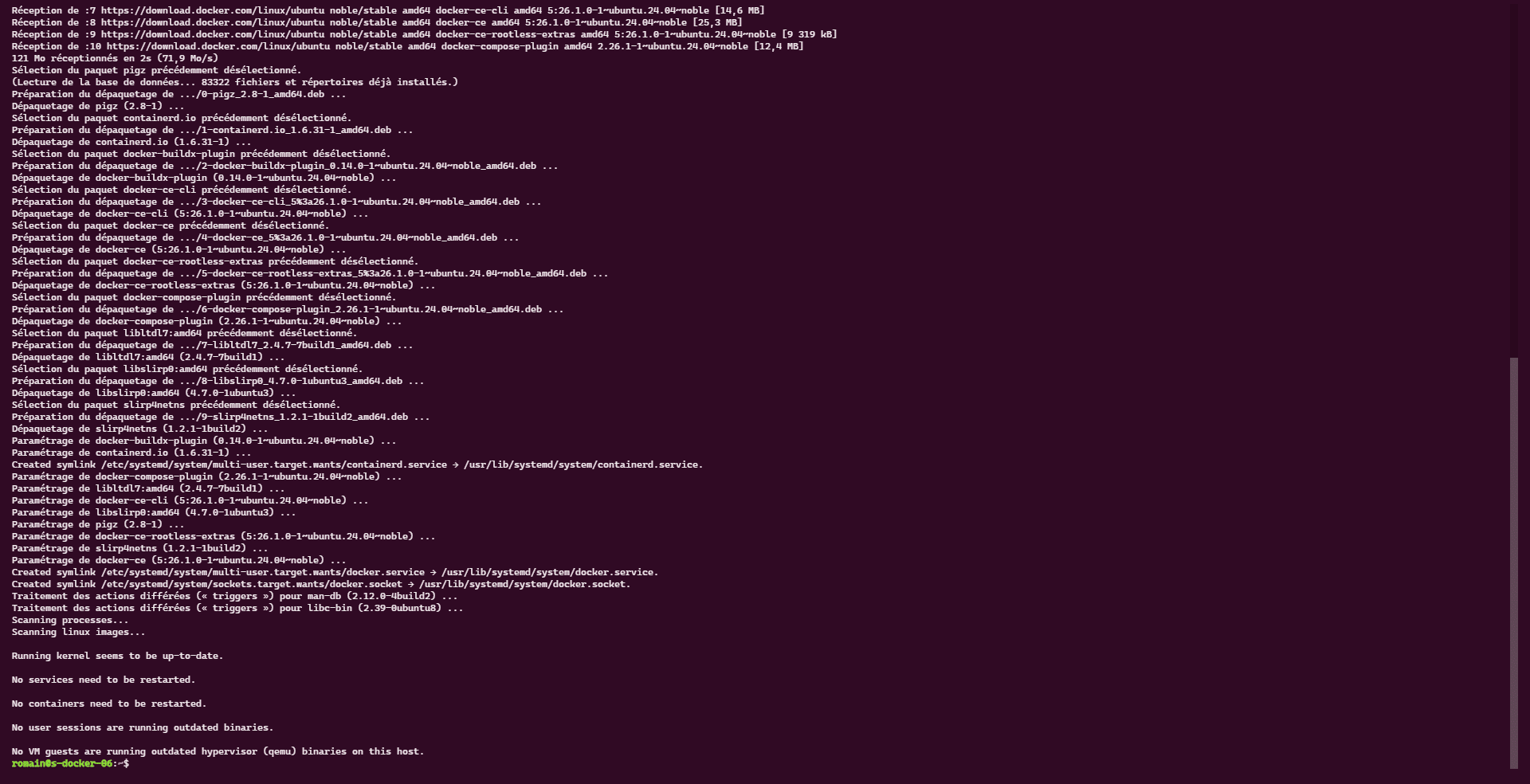
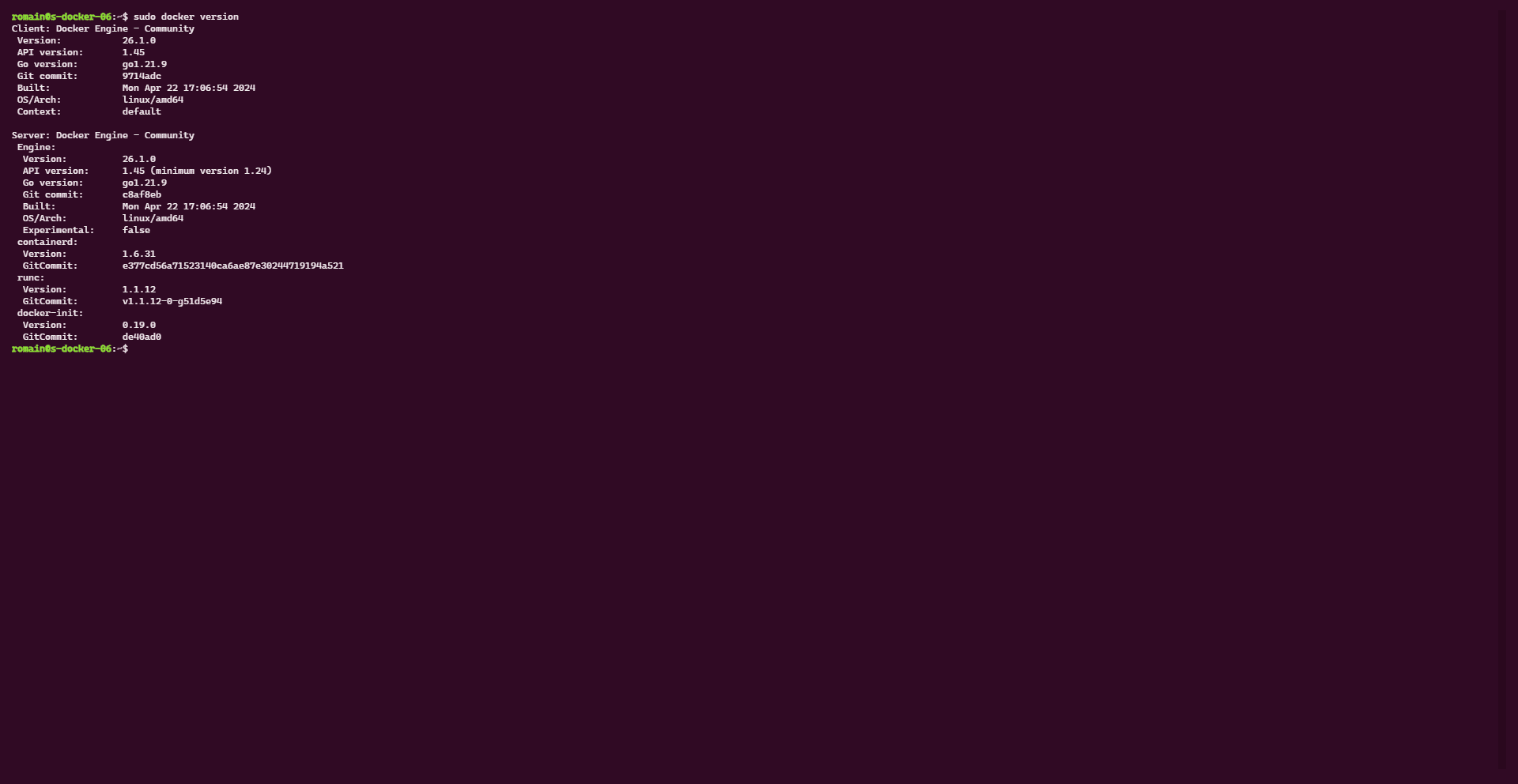
Once the installation is complete, check the version of Docker and Docker compose.
sudo docker version
sudo docker compose version

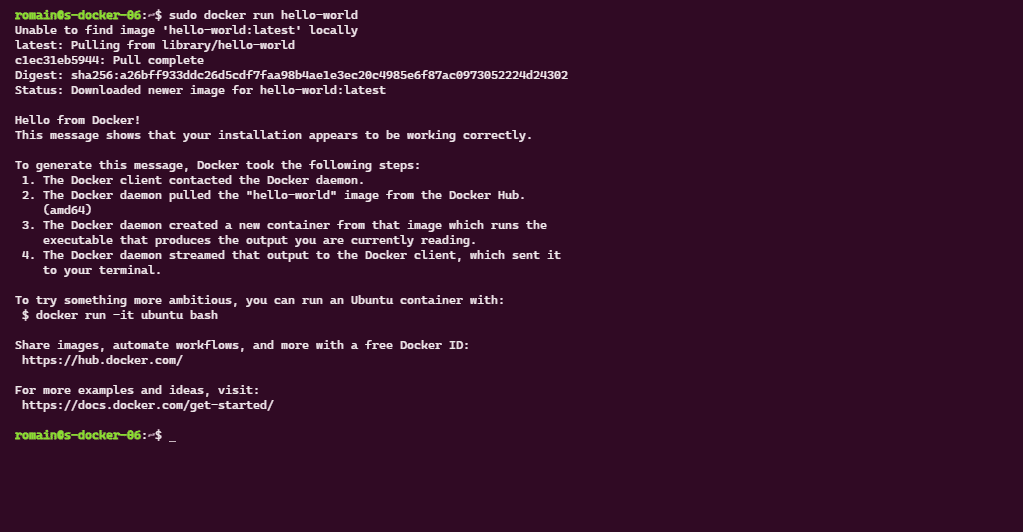
To test how Docker works on your Ubuntu 24.04 server, it is possible to test with the hello-world container.
sudo docker run hello-world
You can now deploy your containers on Ubuntu 24.04.