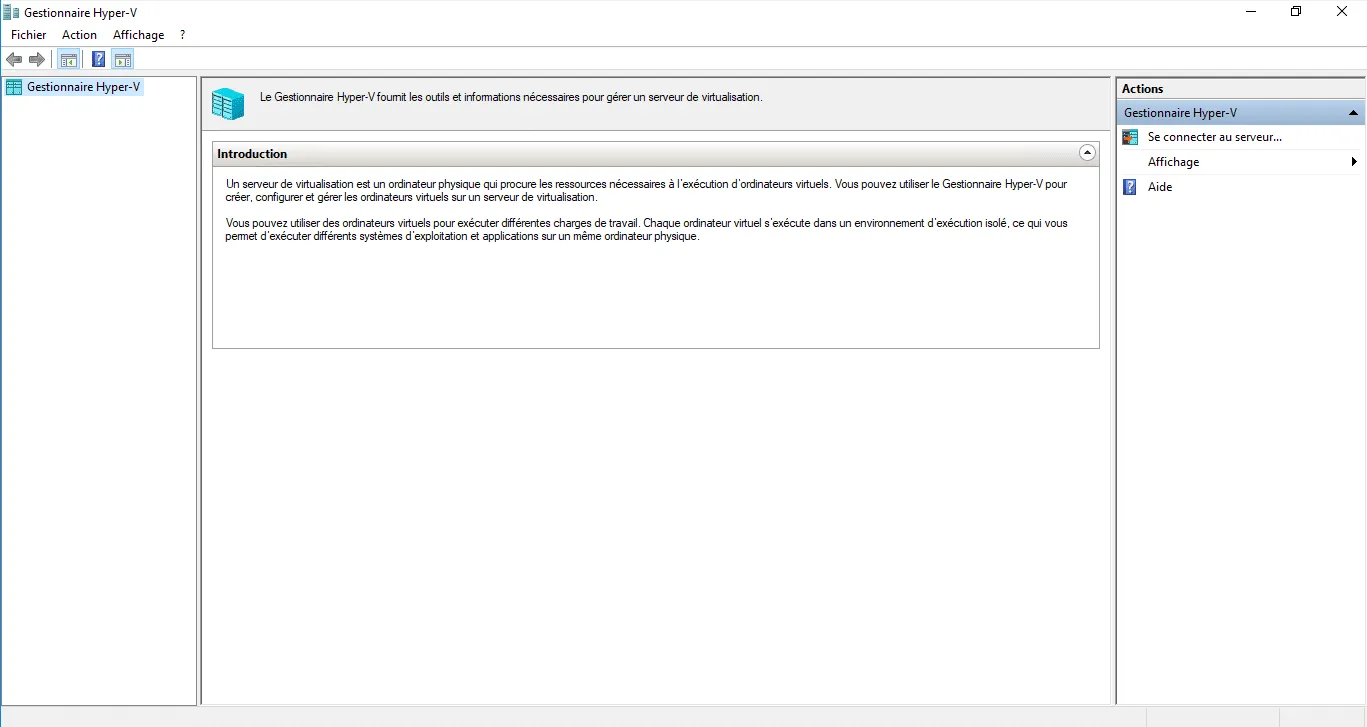
Windows 10: install Hyper-V
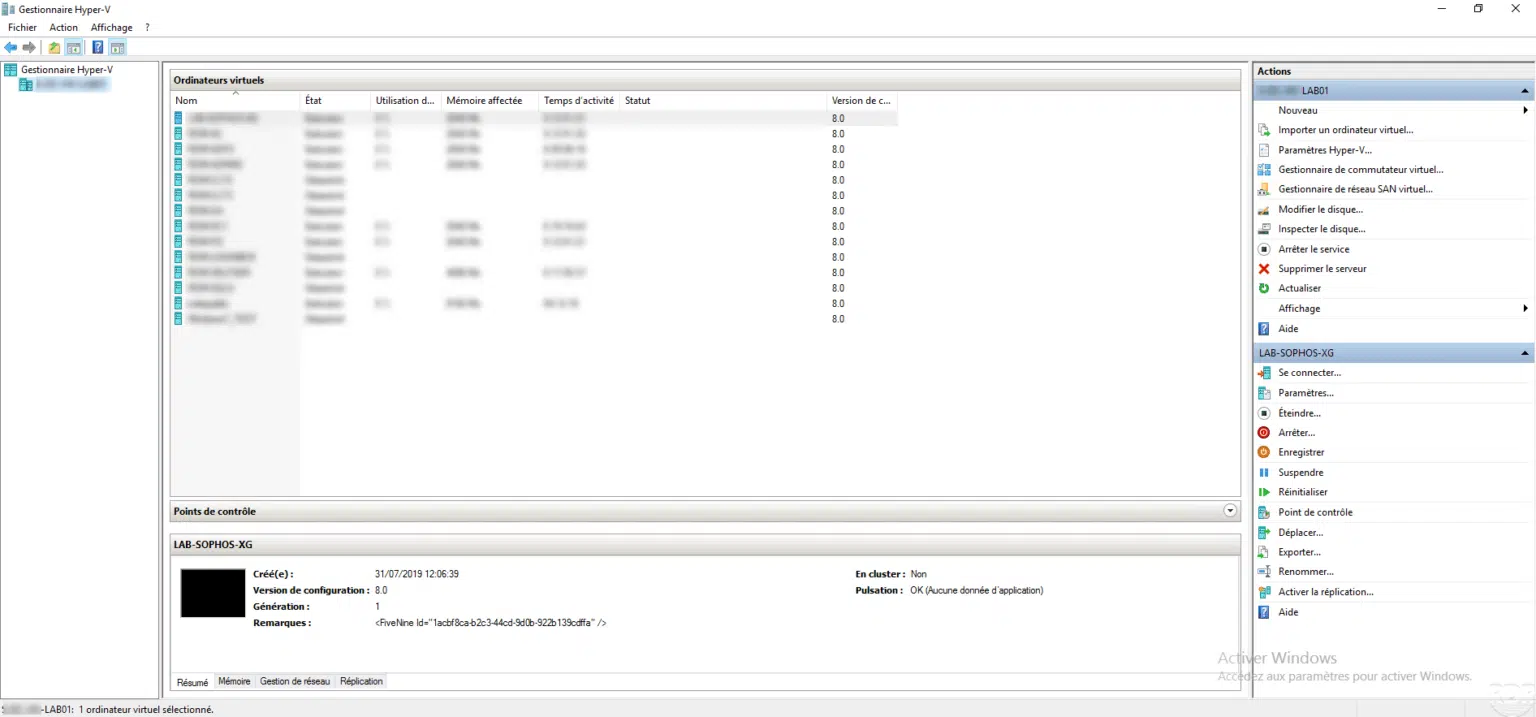
In this tutorial, I will explain how to install Hyper-V on Windows 10. Hyper-V is a virtualization system that allows you to launch virtual machines. Before starting the …
All IT tutorials: systems, networking, virtualization, security.
659 articlesIn this tutorial, I will explain how to install Hyper-V on Windows 10. Hyper-V is a virtualization system that allows you to launch virtual machines. Before starting the …
This tutorial explains how to create a virtual machine in Hyper-V using the Hyper-V Manager console.
Presentation of FusionInventory FusionInventory (FI) is a GLPI plugin, which allows automatic inventory of positions. The plugin is made up of two parts: The PHP script …
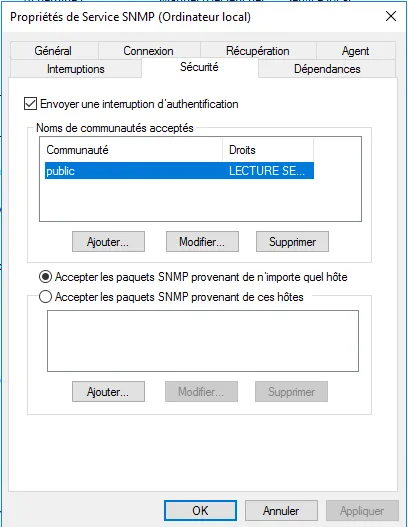
SNMP service overview The SNMP service allows the interrogation of computer equipment in order to carry out supervision and diagnosis. This protocol is used by …
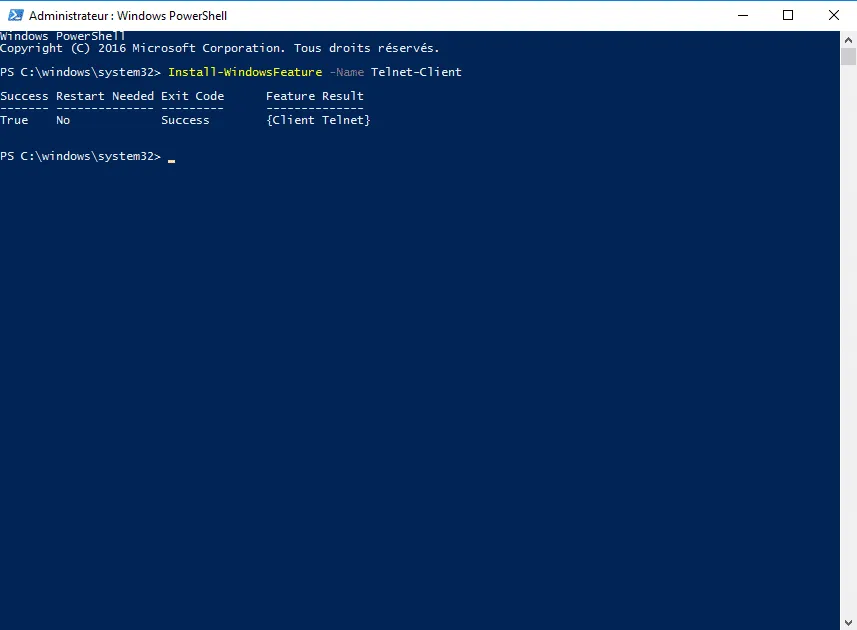
Install the Telnet client in Powershell In this tutorial, I will explain how to install the Telnet client in PowerShell. Using PowerShell to install this feature of …
Introduction In this tutorial, I will explain how to install and configure remote desktop on Windows Server without Active Directory environment. This solution does not …
You installed the Remote Desktop Session Host role on a Windows server (2012 / 2012R2 / 2016) without going through the Remote Desktop Services deployment wizard and the …
Introduction In this tutorial, I will walk you through how to migrate from Exchange 2013/2016 to Exchange 2019 . A migration from Exchange is something that can be scary …
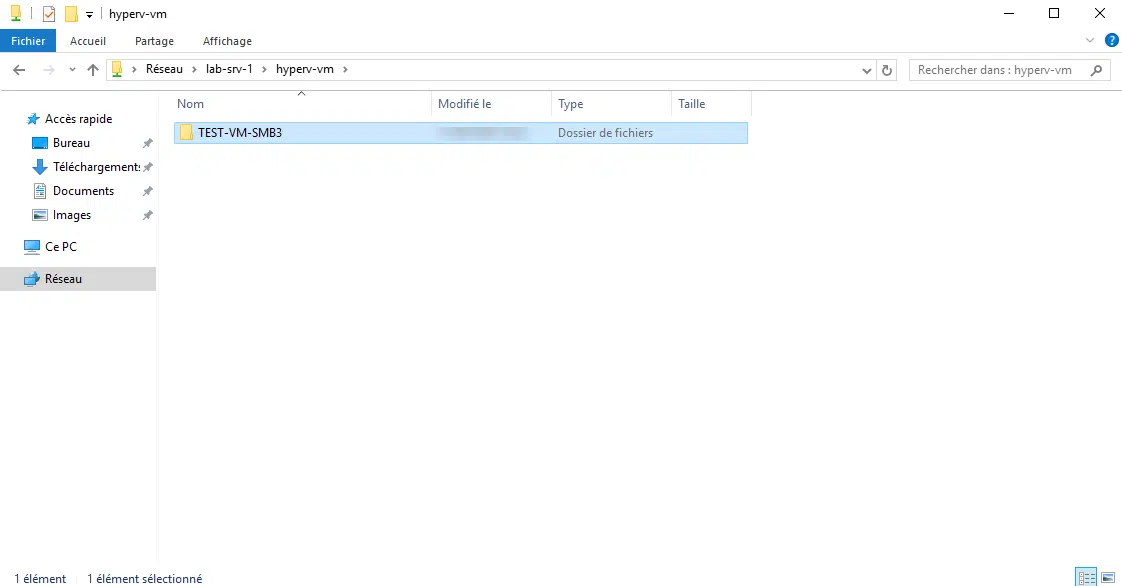
Introduction In this tutorial, I will explain how to configure a network share on Windows Server to store virtual machines created on Hyper-V on it. Since Windows 2012, …
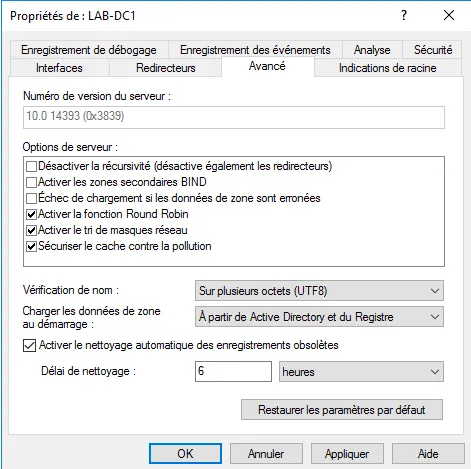
In this "how to" tutorial, I will explain how to enable DNS zone cleanup on Windows Server.
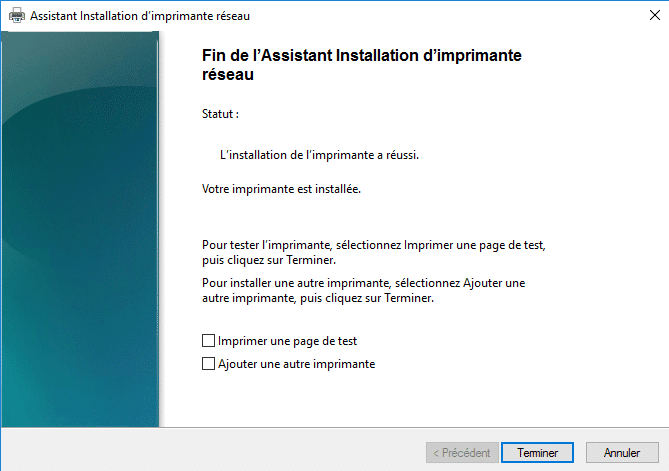
Add a shared printer Prerequisite: – Print service role installed on the server . – Printer driver already installed on the server. Open the print management console On …
Problem The default visibility of calendars in Outlook / Exchange does not allow you to see the detail (object, location, description) of an event, unless the user has …