How to install Passbolt on Linux using Docker
Apprenez à installer Passbolt, le gestionnaire de mots de passe open source, sur un serveur Linux en utilisant Docker. Un guide pas à pas pour un déploiement rapide.
All IT tutorials: systems, networking, virtualization, security.
660 articlesApprenez à installer Passbolt, le gestionnaire de mots de passe open source, sur un serveur Linux en utilisant Docker. Un guide pas à pas pour un déploiement rapide.
Step-by-step tutorial for generating a Let’s Encrypt wildcard certificate with Certbot using the DNS-01 challenge for a domain hosted on Cloudflare.
In this tutorial, I’ll explain how to deploy Vaultwarden usingDocker andDocker Compose to self-host a password manager. Before we begin, let me introduce you to …
Overview In this tutorial, I’ll explain how to configure Microsoft AD FS as an identity provider in Keycloak. Both Keycloak and AD FS are authentication solutions that …
In this tutorial, I’ll explain how to disable SMTP authentication on the Fortimail MTA, which is enabled by default. SMTP authentication allows you to use the Fortimail …
By default in Exchange, when a user books a meeting in a room, the subject of the booking displays the user’s name rather than the meeting subject. You can change this …
In a company that manages an on-premises Exchange installation, it is common practice to keep the accounts of users who leave the company active for a few weeks after …
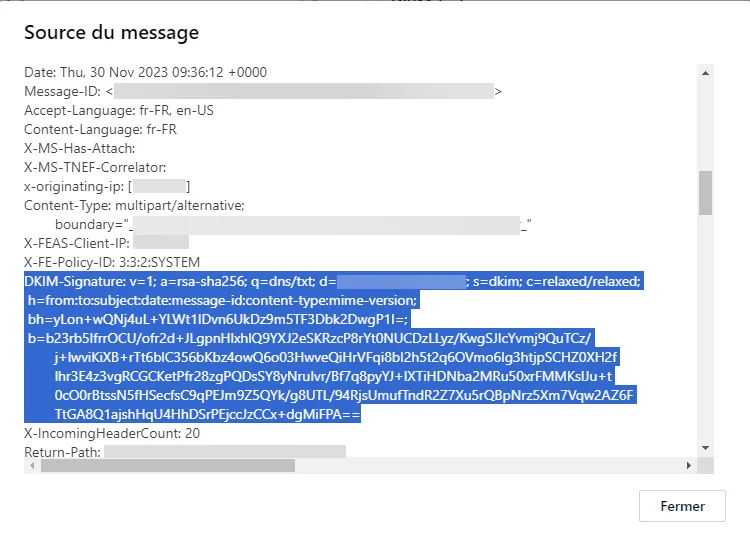
In this tutorial, I’ll explain how to configure DKIM on Fortimail for an email domain for outgoing emails. To put it simply, DKIM allows you to sign outgoing emails; this …
In this tutorial, I’ll explain how to deploy Wazuh using Docker. Introduction to Wazuh To begin, I’ll introduce Wazuh . Wazuh is an open-source security platform that …
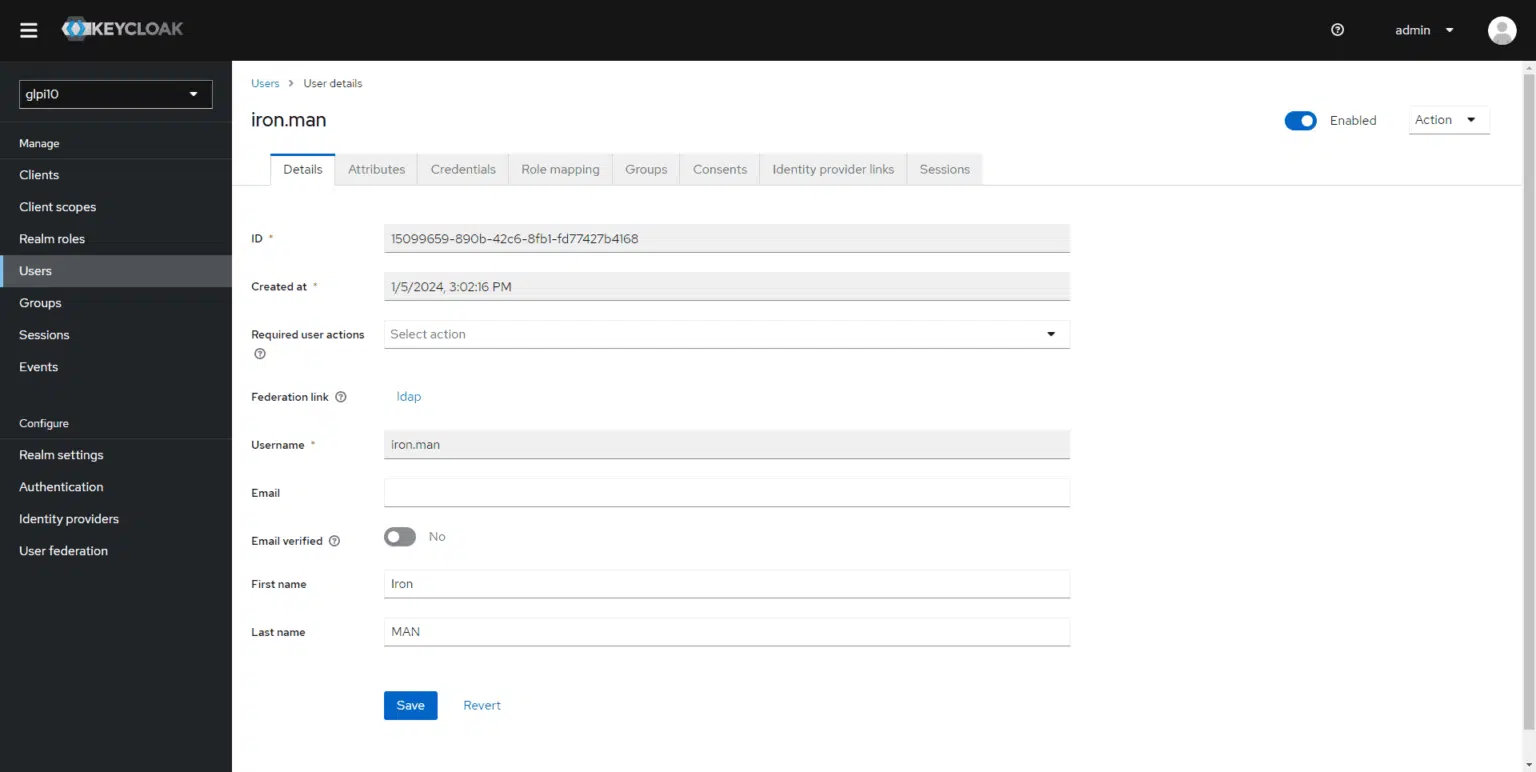
In this tutorial, I’ll explain how to set up an LDAP connection Active Directory with Keycloak. Integrating with Active Directory will allow users to authenticate with …
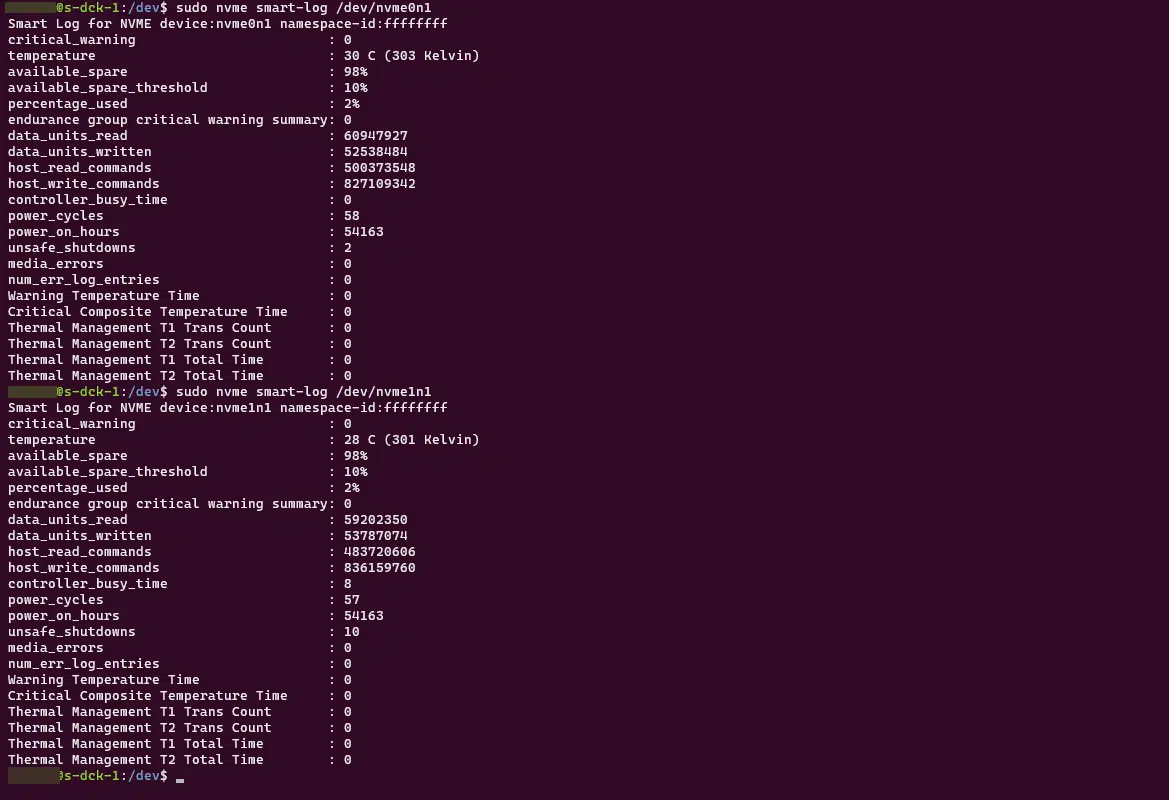
In this tutorial, I’ll explain how to view the S.M.A.R.T. (Self-Monitoring, Analysis, and Reporting Technology) data for an NVMe drive on Ubuntu using the command line. …
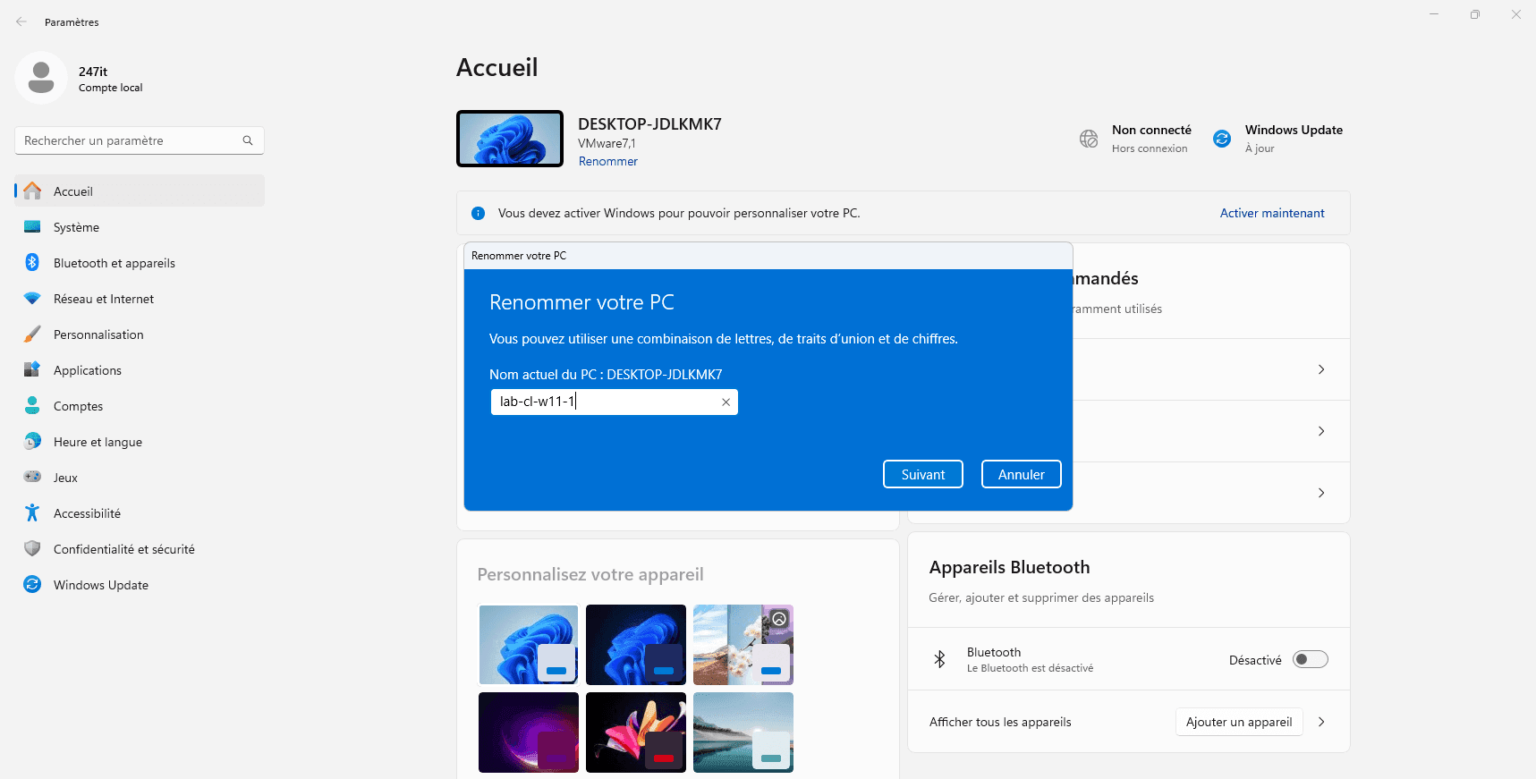
You’ve just set up your computer with Windows 11 and want to rename it because you don’t like the name DESKTOP-XXXX. In this tutorial, I’ll explain how to do it.