Active Directory: Configuring the LDAPS Protocol
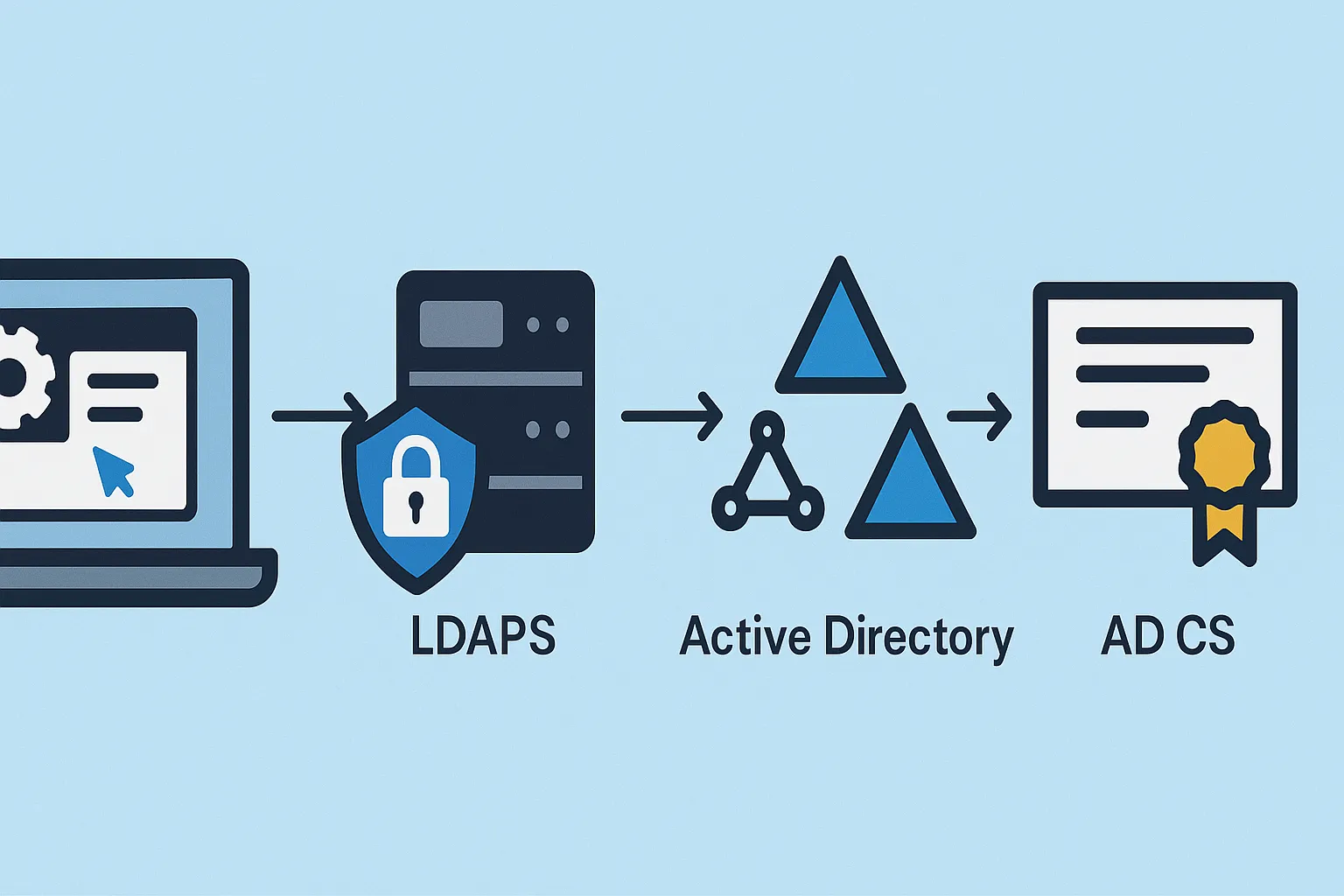
In this tutorial, I will explain how to configure the LDAPS protocol in an environment Active Directory with secure connections to domain controllers using an SSL …
In this tutorial, I will explain how to configure the LDAPS protocol in an environment Active Directory with secure connections to domain controllers using an SSL …
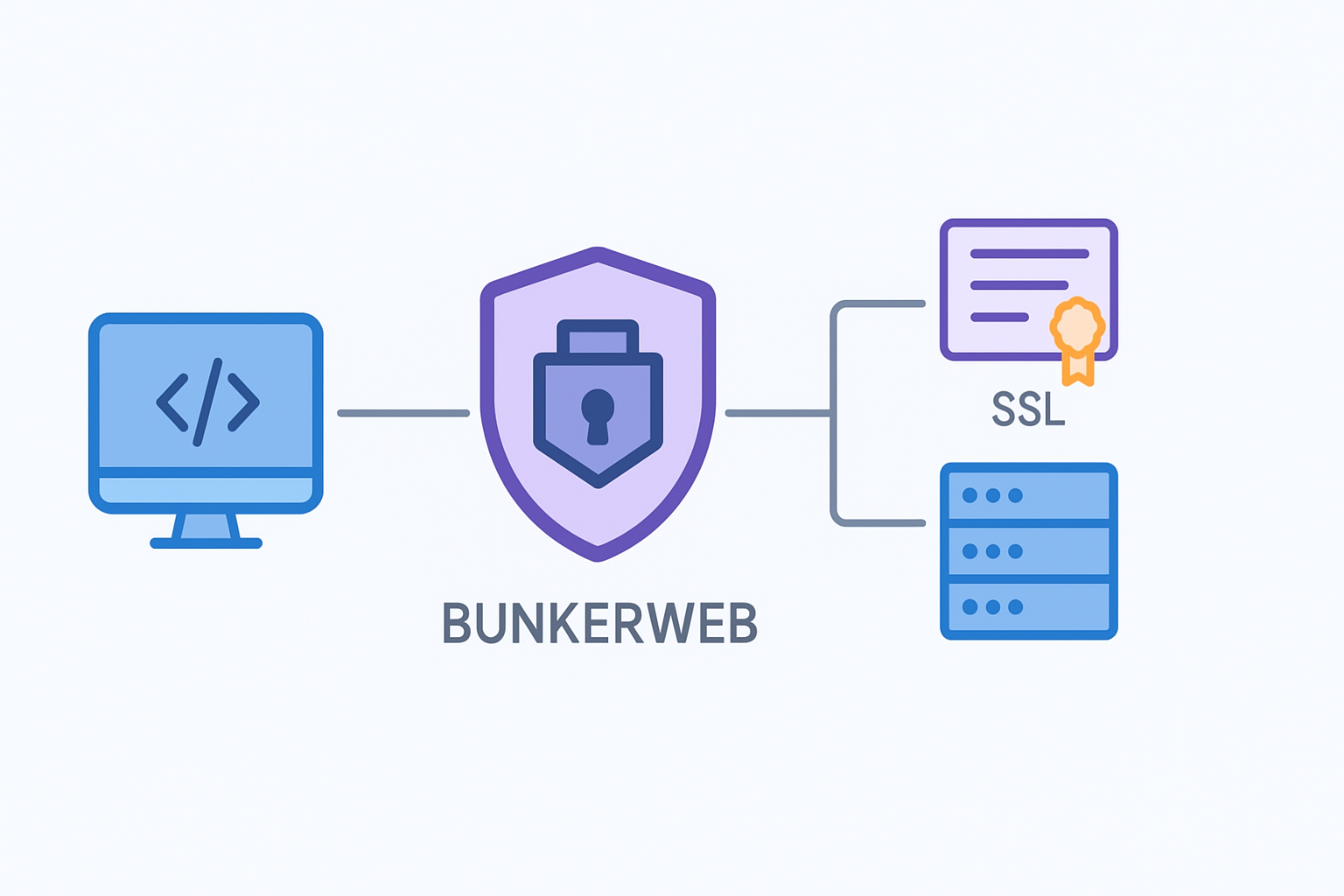
Discover how to easily add a website or service to BunkerWeb. Step-by-step tutorial to integrate your web applications and secure your infrastructure
Learn how to add and assign an SSL certificate on Exchange Server 2016 to secure communications between your users and the email server
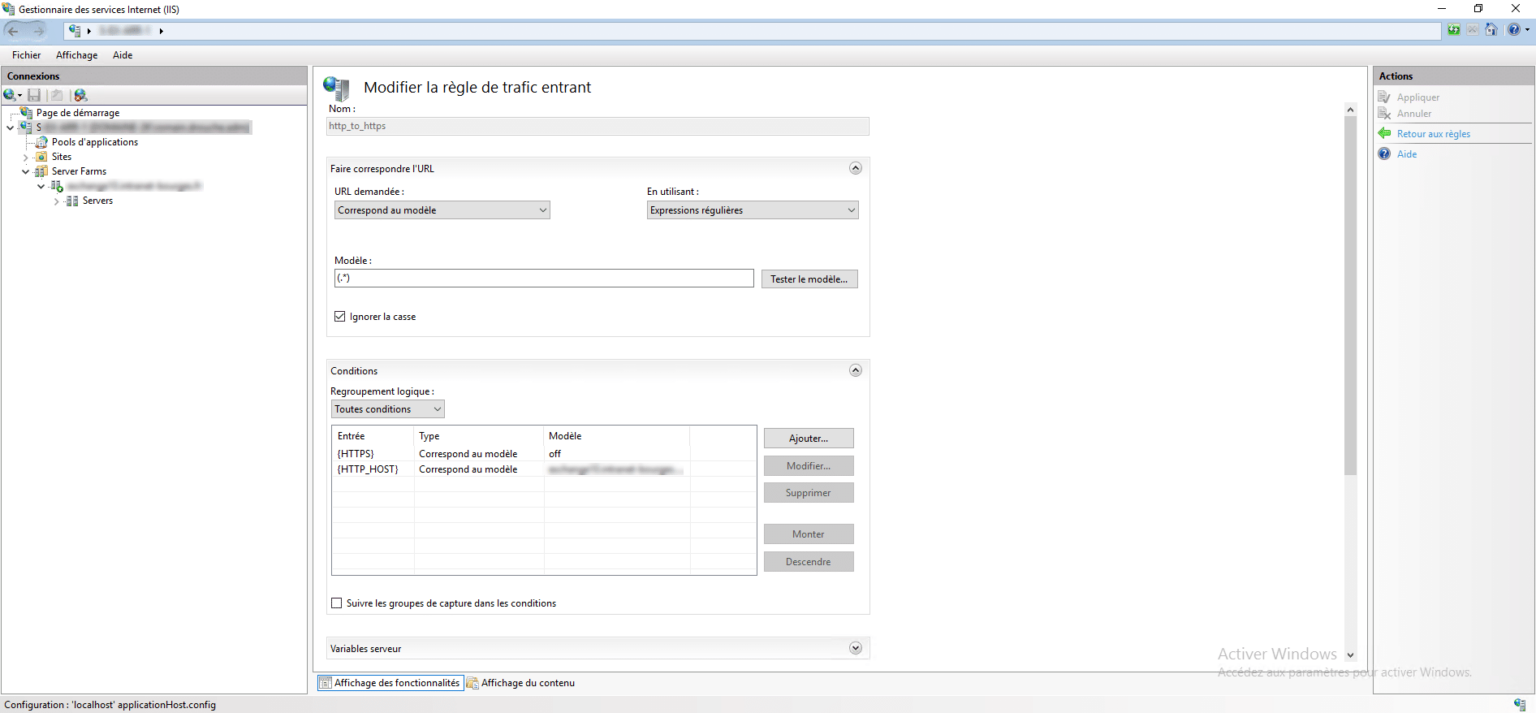
In this tutorial, I will explain to you how to set up a redirection of a site from HTTP to HTTPS with ARR. If you don’t yet know IIS ARR, I’ll let you discover it in this …
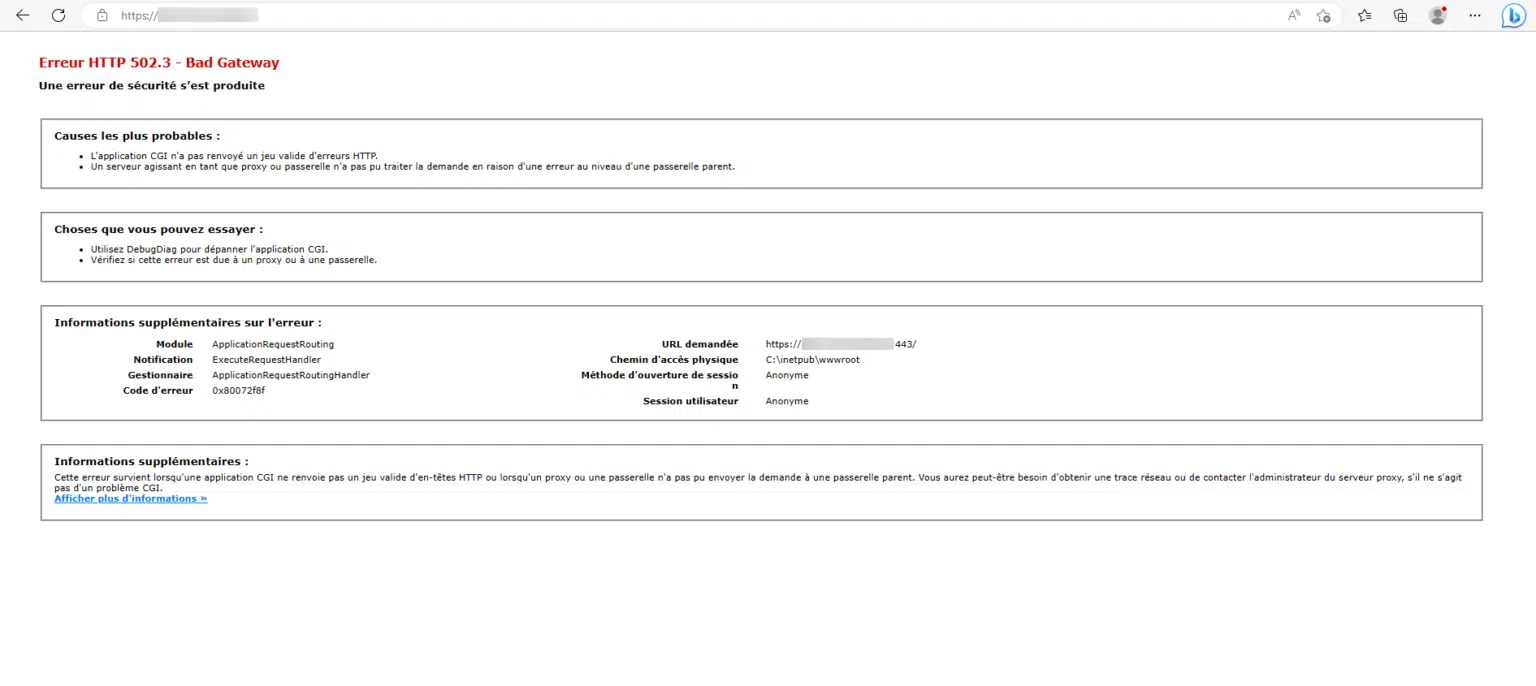
In this new tutorial dedicated to IIS ARR, I will explain how to configure ARR in order to be able to use a self-signed certificate on the target server. In the previous …
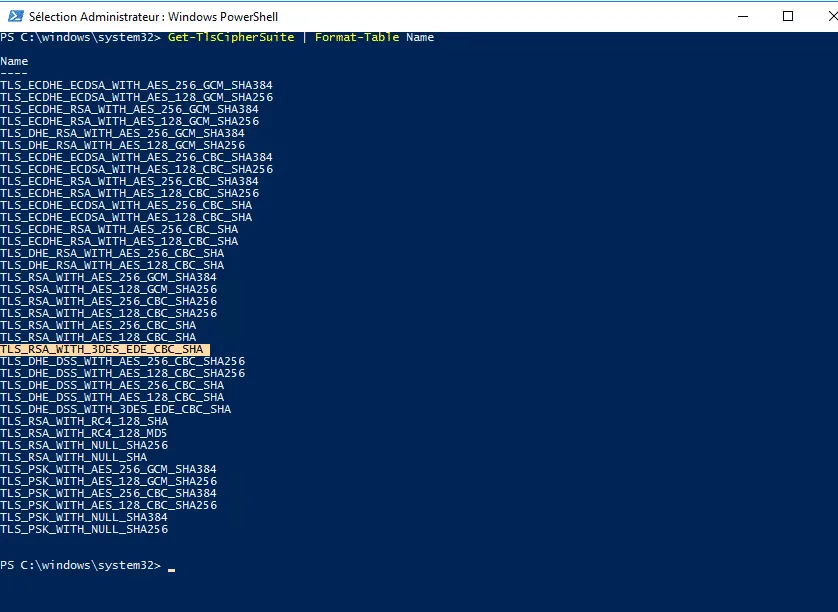
In this tutorial, I will walk you through how to disable a cipher suite also call cipher. If you arrive on this tutorial by a search engine, there is a good chance that …
After seeing how to install and configure Nginx as a reverse proxy and harden security with Crowdsec , I will explain in this tutorial how to generate a Let’s Encrypt …
In this tutorial dedicated to Nginx, I will explain how to configure it in order to have a reverse proxy. Before getting to the heart of the matter, I will quickly …
In this tutorial, I will explain how to set up a VPN server on Windows Server with the role of remote access and configure access with NPS. When setting up a VPN server …
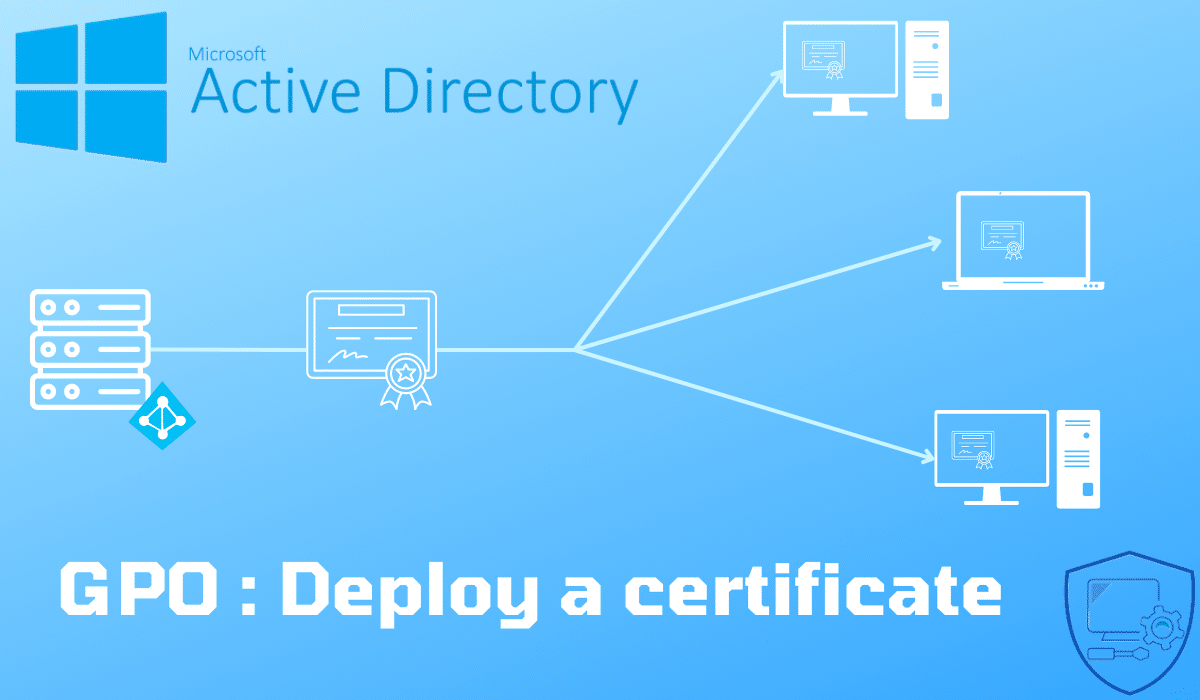
This tutorial explains how to deploy a certificate using a Group Policy (GPO).
By default the SSL VPN port on the Sophos XG firewall is 8443, since version 17.1 it is possible to change the VPN listening port. Using port 443 for VPN blocks listening …
If you use Kemp to dump to pass an internet site in HTTPS, it is possible that part of the content of the site (images, css, js) does not appear, the browser returns a …