rsync: how to copy/back up files on Linux
Introduction to rsync LinuxIn this tutorial, I’ll explain how to usersync rsync (Remote Synchronization) to make copies or backups. rsynIt is a folder synchronization …
Introduction to rsync LinuxIn this tutorial, I’ll explain how to usersync rsync (Remote Synchronization) to make copies or backups. rsynIt is a folder synchronization …
In this tutorial, I will explain how to install the OpenSSH (SSH) server on Windows Server in order to administer it remotely as you would do for a Linux server and also …
In this tutorial, I will explain how to resolve the following error : Warning: unprotected private key file! when you try to SSH from Linux to another SSH server with a …
In this tutorial, I will explain how to SSH server on Windows Server 2025 to administer it remotely. If you have been following me for several years, this is not the …
In this tutorial, I will explain how to solve the error : WARNING : REMOTE HOST IDENTIFICATION HAS CHANGED. This error mainly occurs when you reinstall a Linux server …
In this tutorial, I will show you how to install SSH server (OpenSSH) on Windows Server 2019/2022. As of Windows Server 2019, the OpenSSH server is a native additional …
In this tutorial, I will explain how to connect to a linux server / computer in SSH without password using a key pair (private / public). Generate the key pair with …
In this tutorial, I will explain how to install the OpenSSH client and Server on Windows Server 2012R2 and 2016. At the time of writing this tutorial, this feature is …
Ansible is open source multi-platform configuration management software (Linux, Windows, network equipment, etc.). In other words, Ansible will allow you to manage, …
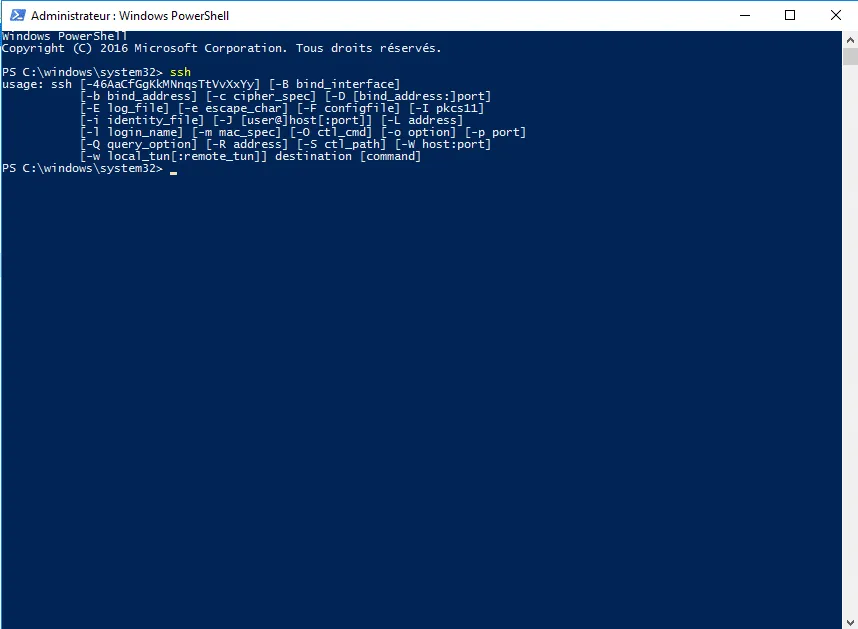
On Windows 10, there is a native SSH client that can be used in a command prompt, PowerShell prompt, or Terminal. At the end of this tutorial, you will no longer need …
By default, the connection with the root account is not possible because it does not have a password and the SSH server is configured so as not to allow connection with …