Windows 10: install Windows Terminal
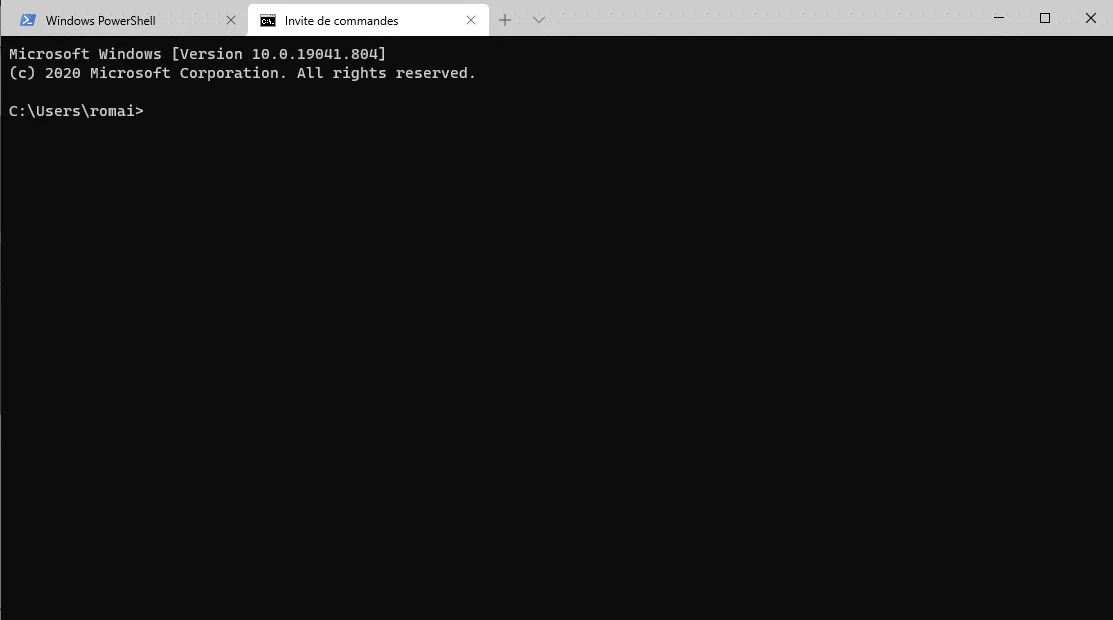
In this “how to” tutorial, I will explain how to install the Windows Terminal application available on Windows 10. Before launching into the “technical” part, I will …
In this “how to” tutorial, I will explain how to install the Windows Terminal application available on Windows 10. Before launching into the “technical” part, I will …
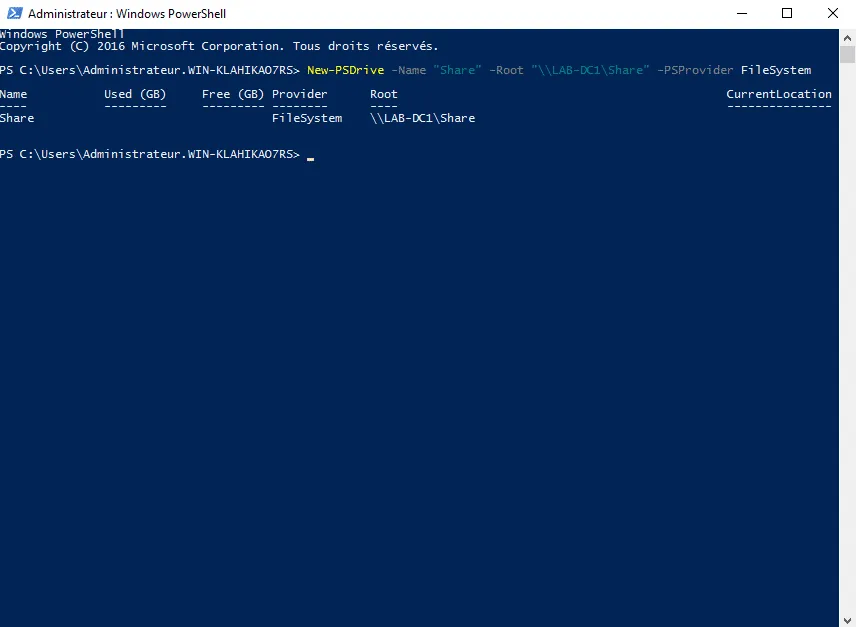
In this tutorial on “scripting”, I suggest you discover or see how to manage network drives with PowerShell and you will see that it is not that “simple”. In the …
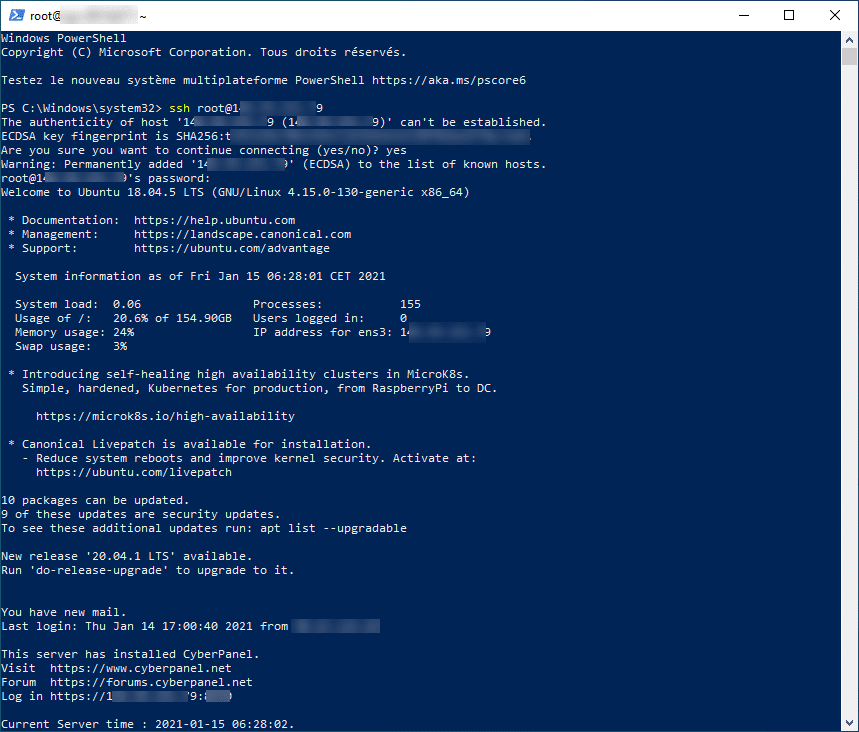
On Windows 10, there is a native SSH client that can be used in a command prompt, PowerShell prompt, or Terminal. At the end of this tutorial, you will no longer need …
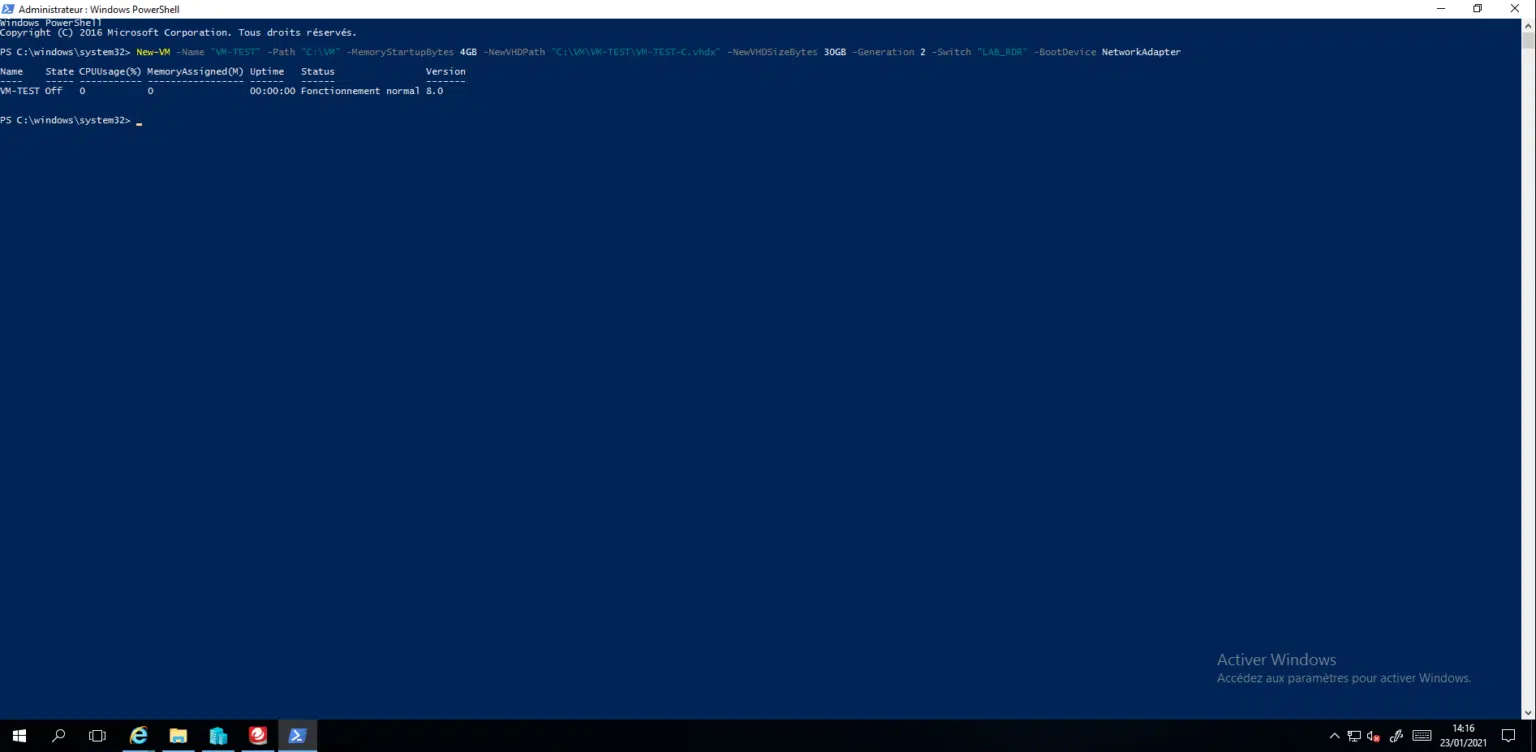
In this tutorial, I will walk you through how to create a virtual machine on Hyper-V with PowerShell. The PowerShell commands of the tutorial, we were executed directly …
In this tutorial, I will walk you through how to configure an IP address and DNS servers using PowerShell. The first step will be to retrieve the Index from the card. …
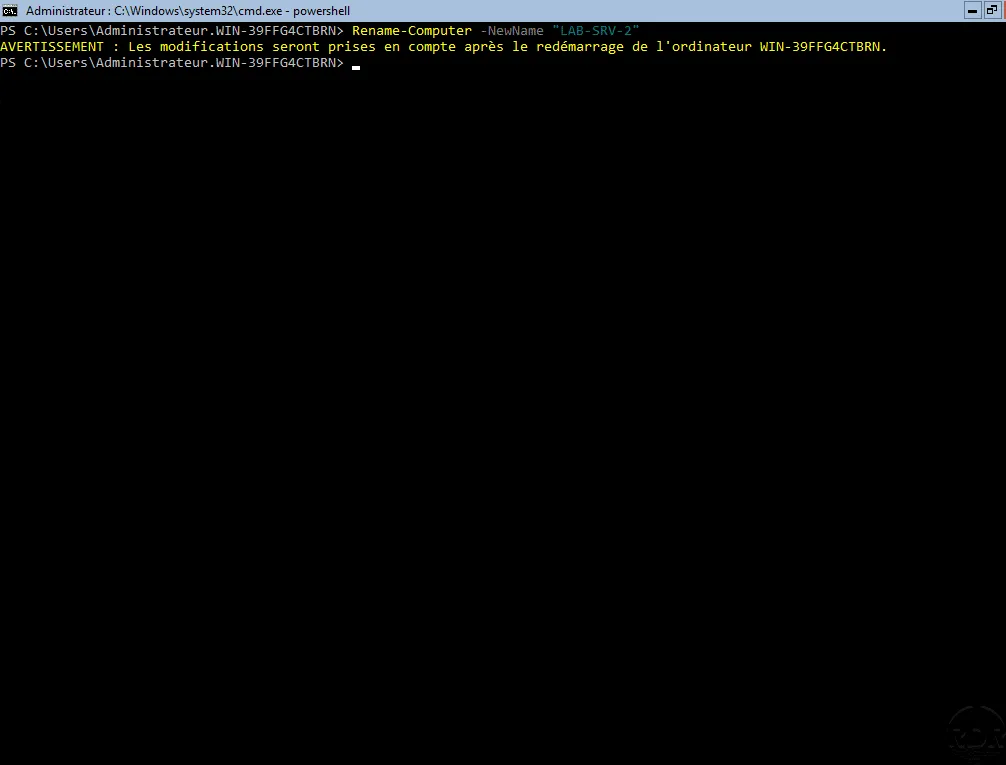
In this “how” tutorial I will explain how to rename a computer in PowerShell. Using PowerShell allows you to go more empty than going through the graphical interface …
To create a folder in PowerShell, use the New-Item cmdlet indicating the location and name of the folder and set the itemType parameter with the value Directory to …
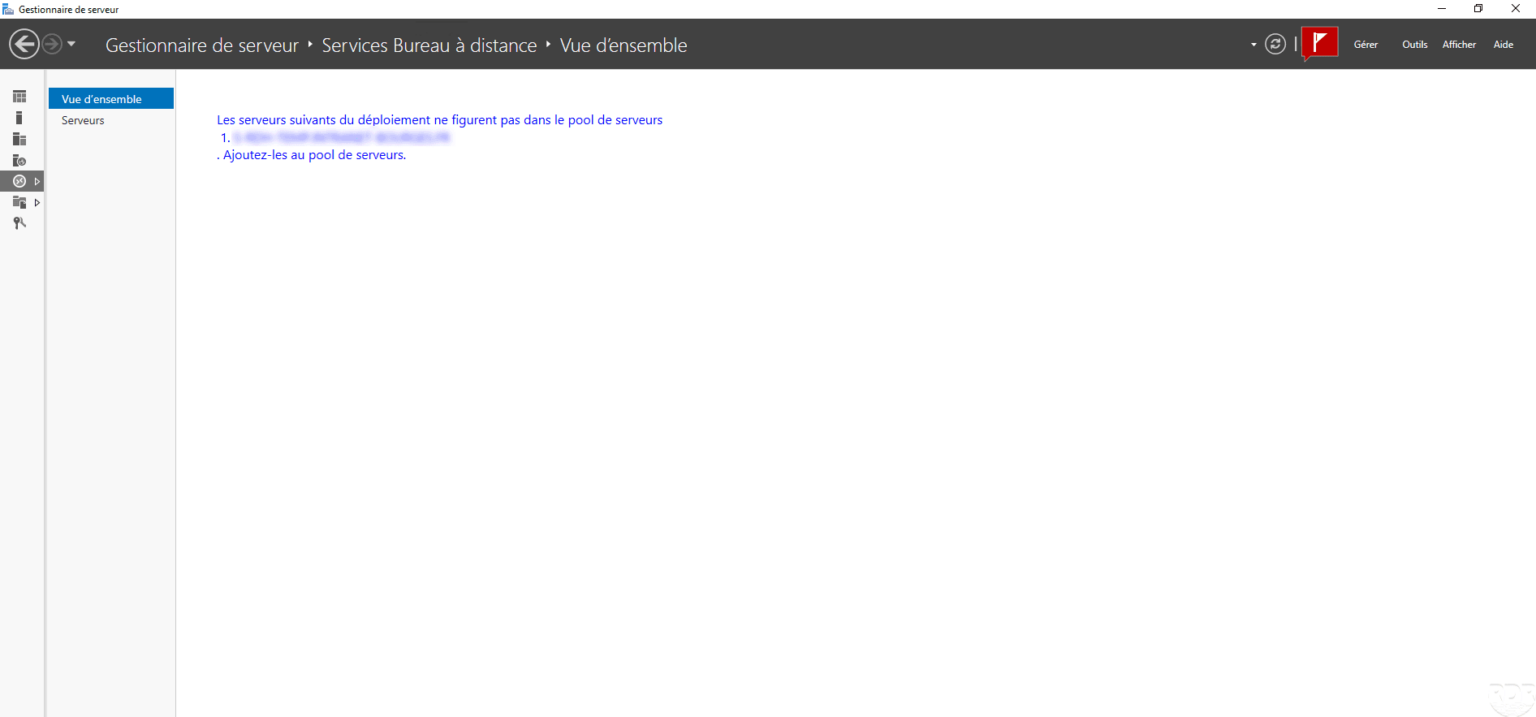
In this tutorial, we will see how to remove a server from a deployment that is no longer available. When connecting to the service broker, the following message is …
I offer a script that will allow you to launch several Robocopy simultaneously, this use saves a lot of time when using robocopy on a folder with several subfolders. In …
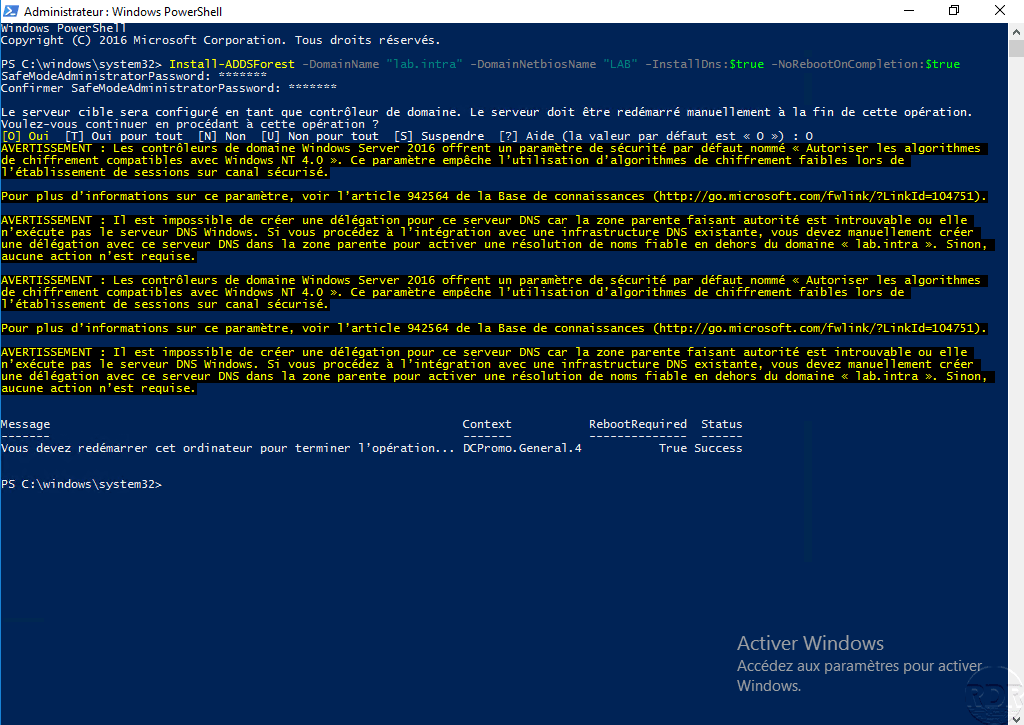
Introduction In this tutorial, we will see how to create an Active Directory environment using PowerShell, that is to say the creation of the first domain controller …
This script allows you to reboot a server RDS member of a farm with a broker session by closing the still open sessions. Use : Change the two variables $ServerBroker and …
The following script allows you to force the password change at the next logon. # Removing the password not expiring Get-ADUser -Filter * -SearchBase …