Windows Server: DNS enable zone cleaning
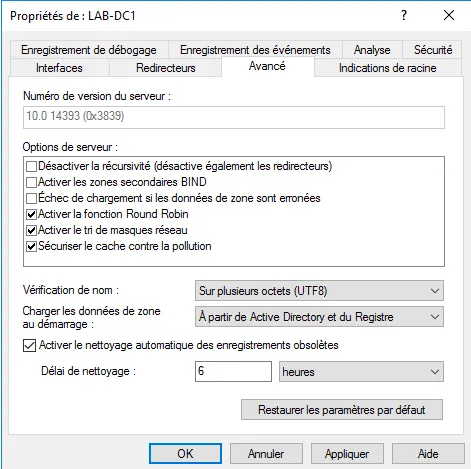
In this "how to" tutorial, I will explain how to enable DNS zone cleanup on Windows Server.
In this "how to" tutorial, I will explain how to enable DNS zone cleanup on Windows Server.
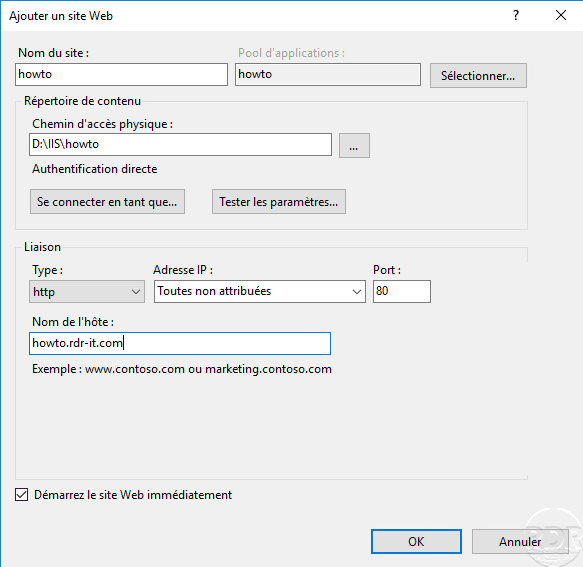
IIS: add a site based on the DNS name This “How to” tutorial explains how to add a site to an IIS web server based on the DNS name. Create the folder that will host the …
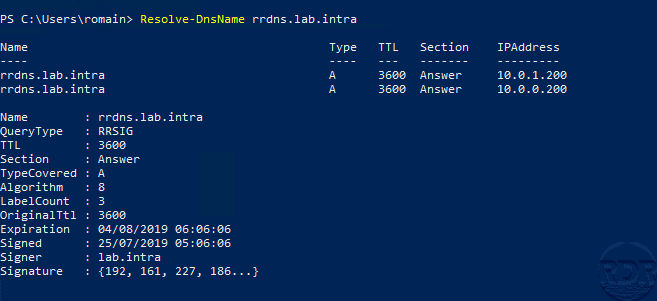
DNSSEC (Domain Name System Security Extensions) is an extension of the DNS protocol that adds security to the DNS protocol by signing the records by a public / private …
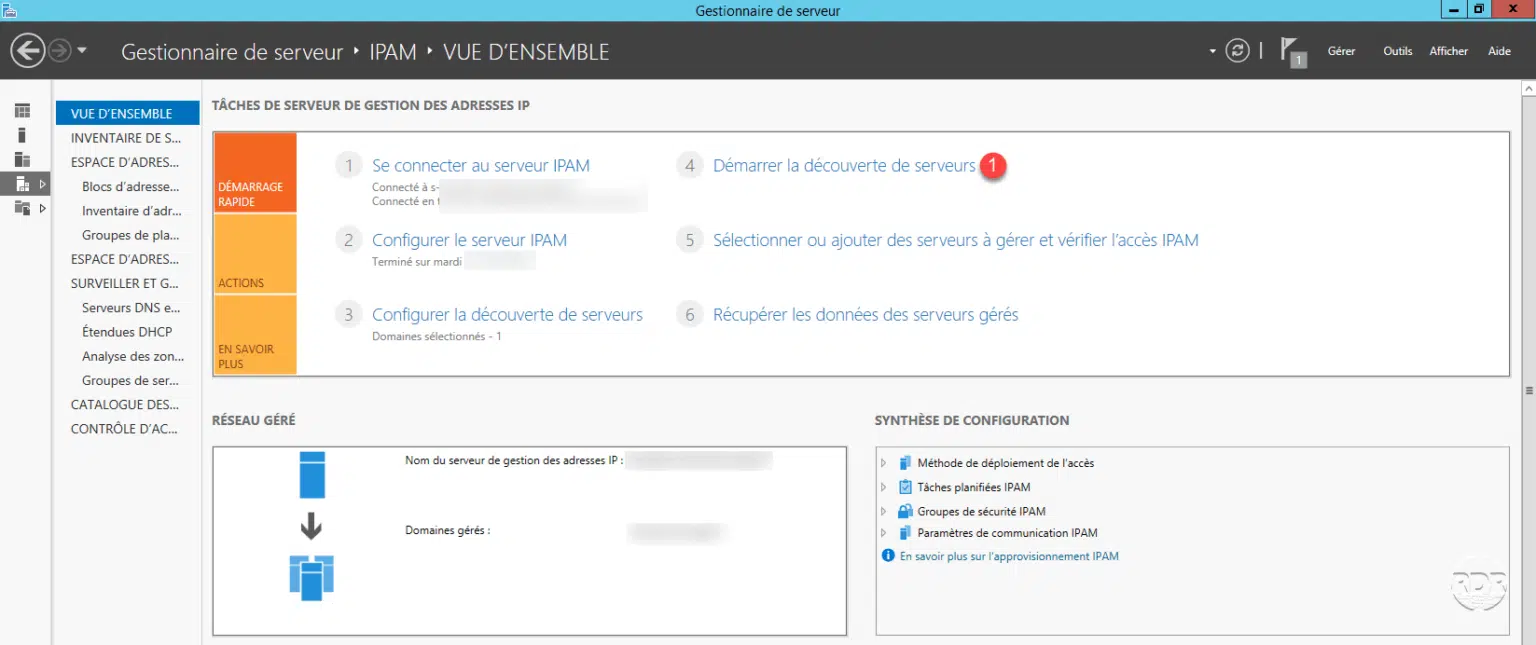
Presentation of IPAM IP Address Manager (IPAM) is a feature built into Windows Server that allows you to set up an administrator tool and analyze DHCP scopes and have an …
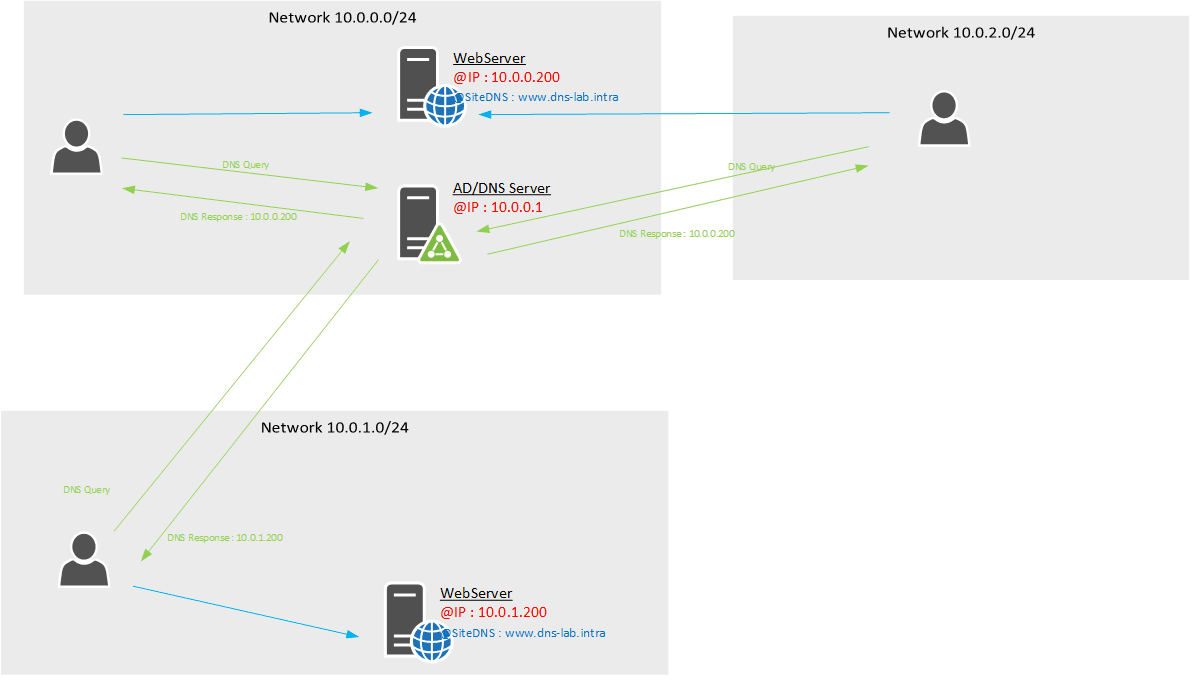
In this tutorial I will explain how to make sure that the DNS resolution with Windows Server is done according to the IP address of the client. There are two solutions …
Introduction TTL (Time To Live) is the time to keep the server’s DNS response in the client cache before a new request is made. By default the TTL is: 1 hour for static …
Introduction In this article, we are going to have how to set up a read-only domain controller (RODC). This type of controller, as the name suggests, is read-only, so it …
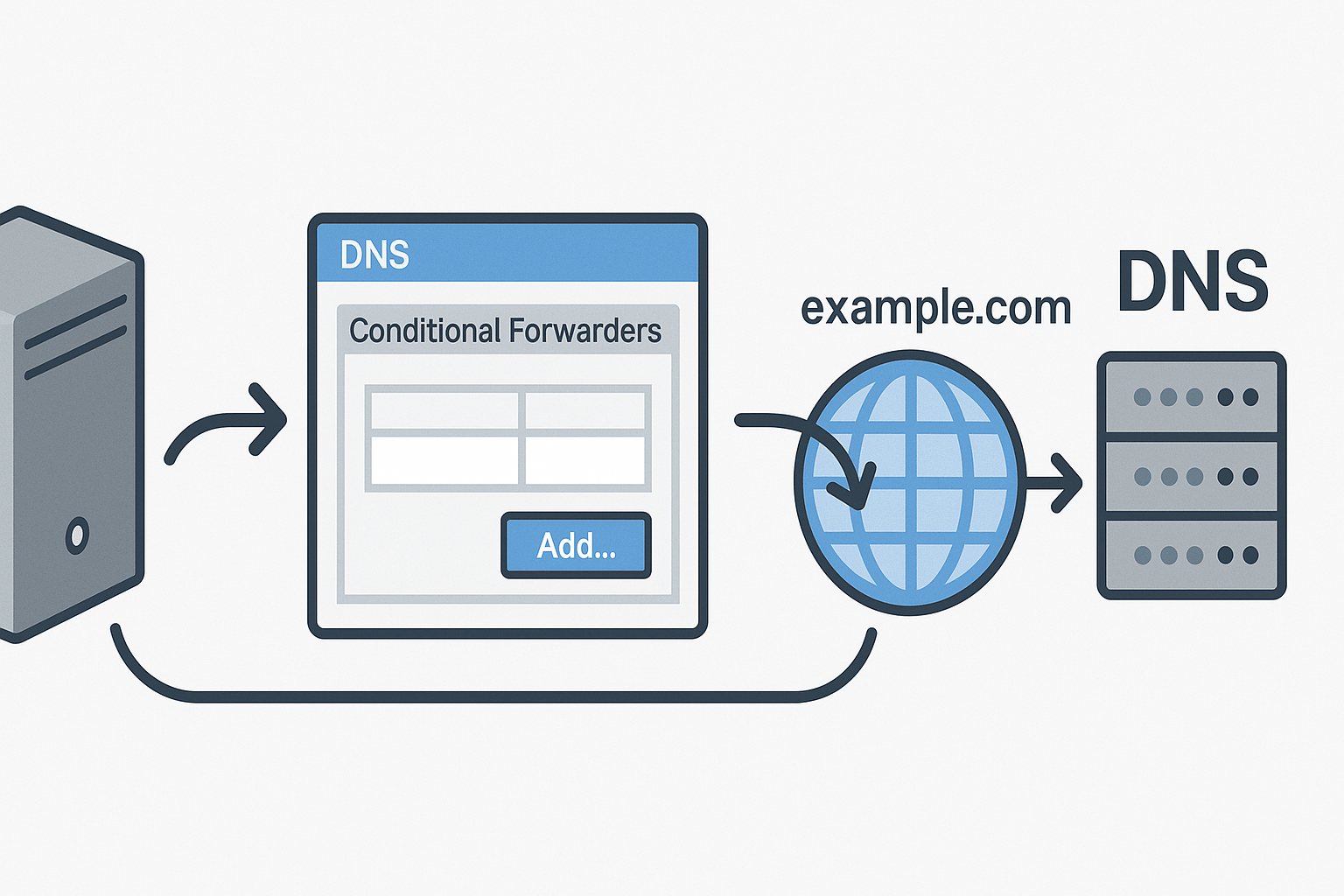
Presentation of conditional forwarder In this article, I will explain and show you how to set up a conditional forwarder on a Windows DNS server. As a reminder, DNS …
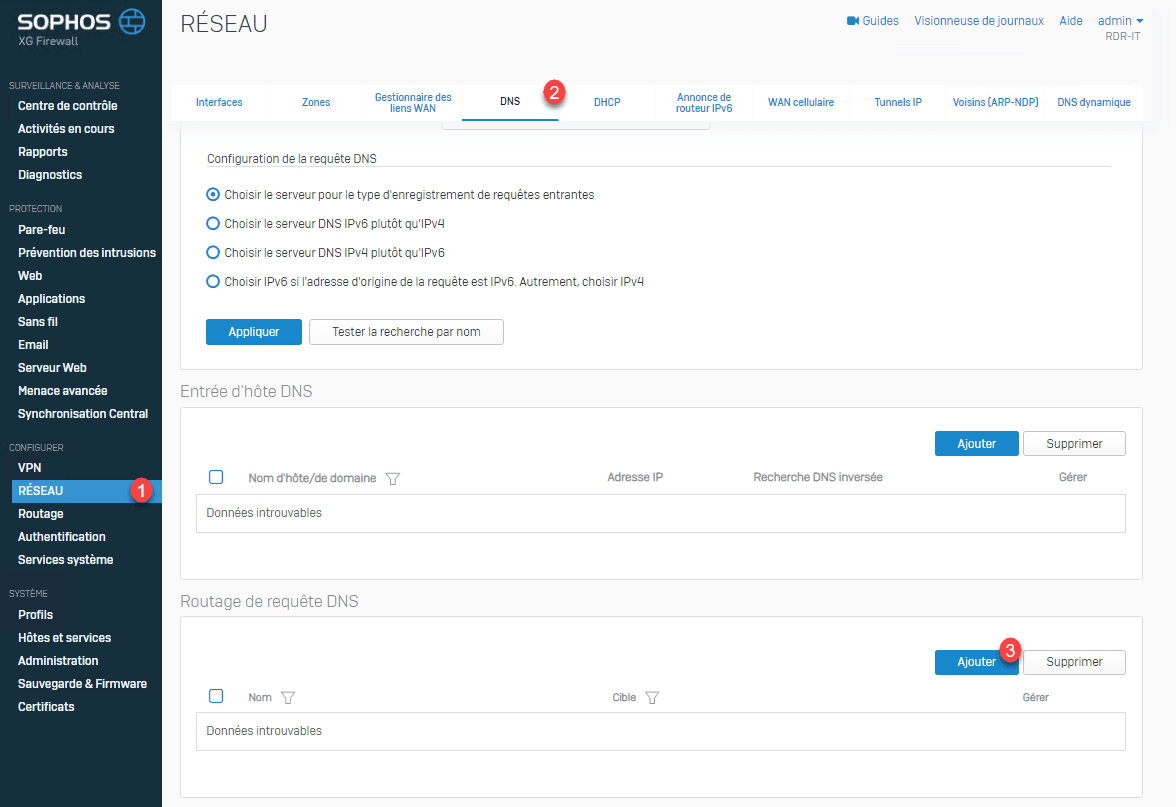
Presentation of routing DNS queries on Sophos XG The routing of DNS queries is similar to a conditional redirector under Windows, which allows to indicate for a DNS zone …
In this article, I will explain how to change the DNS cache of a namespace. By default, the DNS cache is 300 seconds or 5 minutes. For example, during a server migration, …
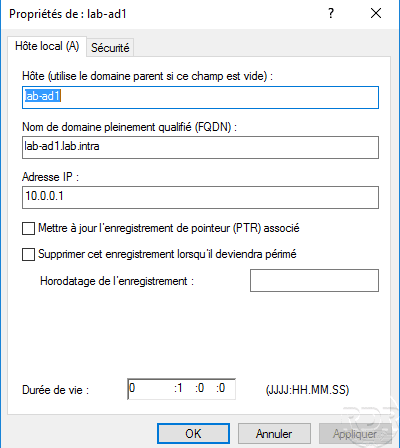
A type A record resolves a name of the type xxxx.domain.tld to an IP address. In an Active Directory environment, computers register with the DNS server when they have …