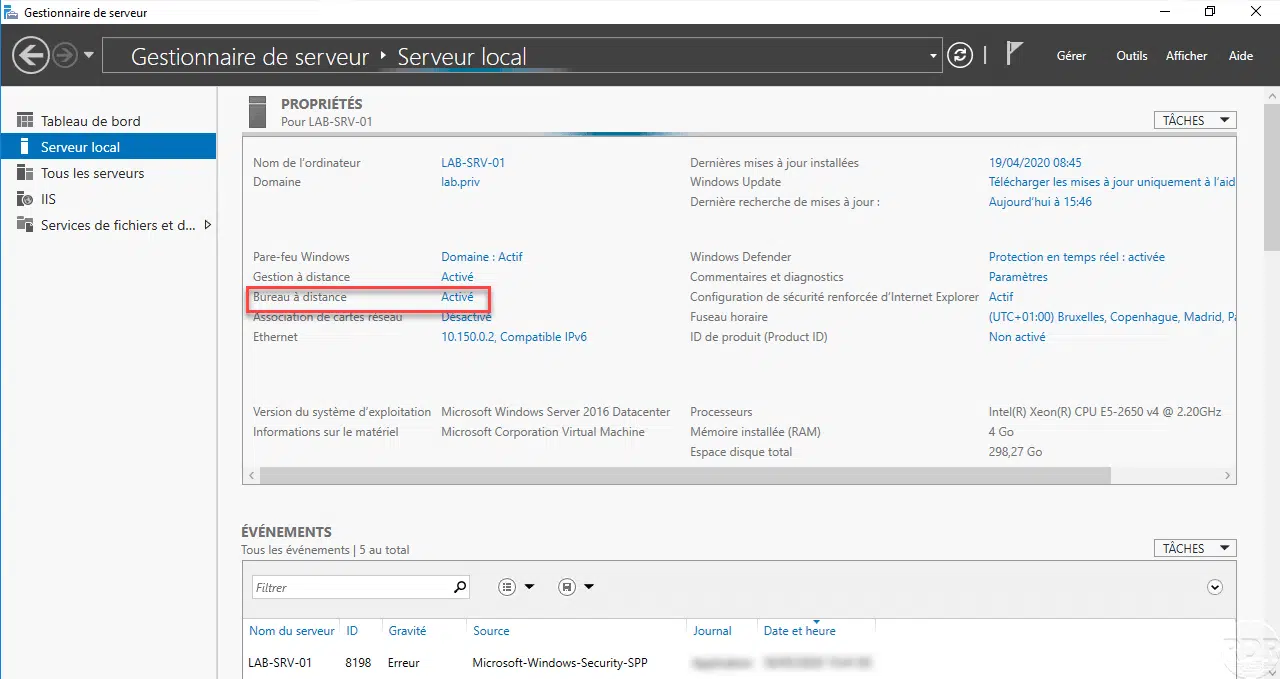
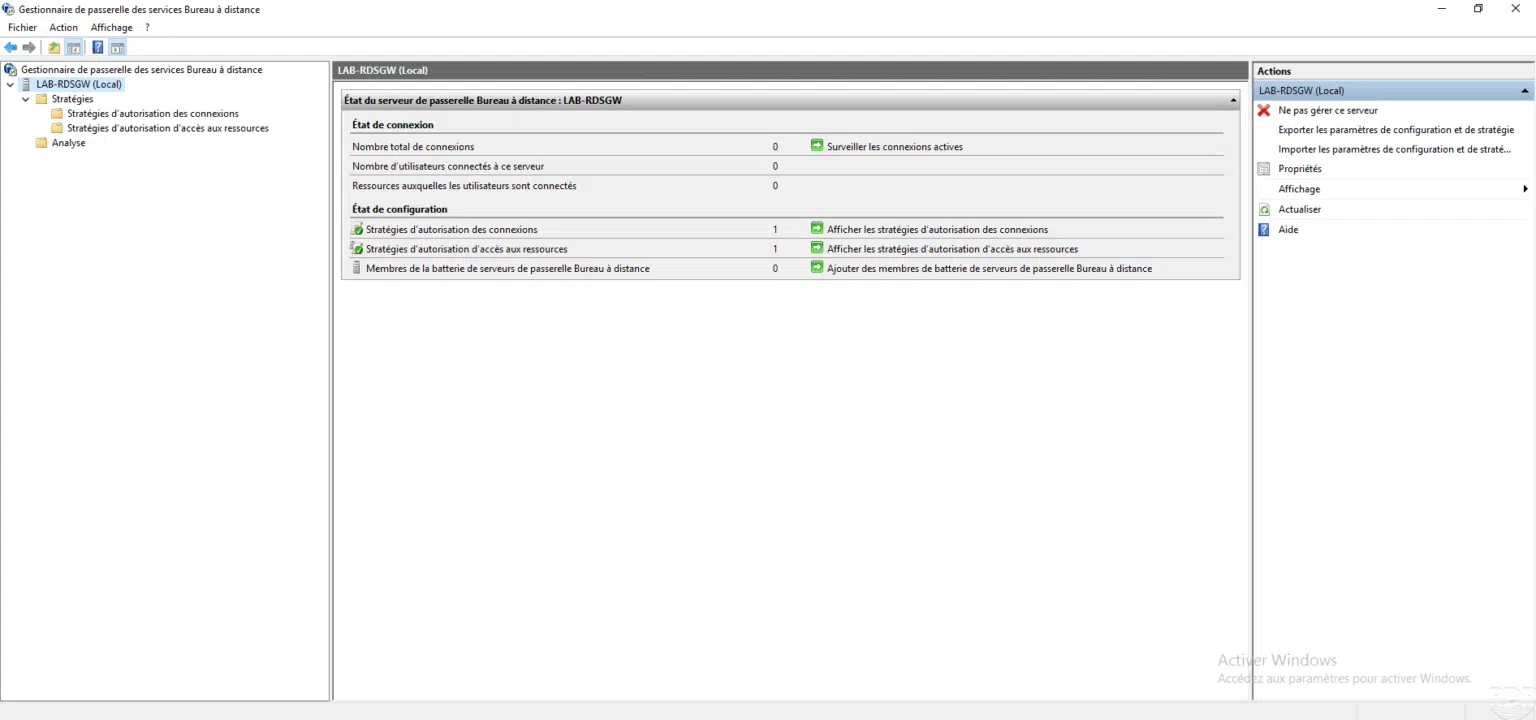
When connected in Remote Desktop, the following error is displayed:
An authentication error has occurred.
The requested function is not supported
Remote computer: IP or FQDN
The problem may be due to a CredSSP encryption oracle fix
To solve there are several solutions.
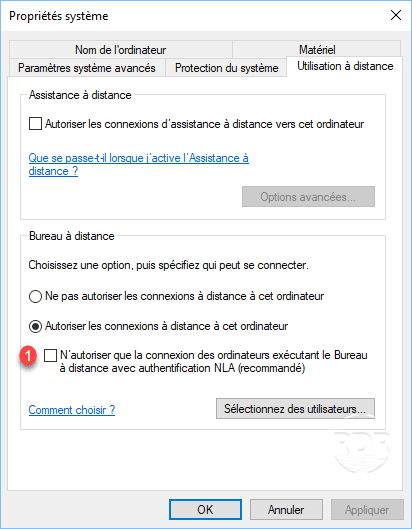
Solution 1: Disable NLA Authentication
On the server where the connection must be established disable 1 NLA authentication.
Solution 2: GPO
The strategy should be applied at the client level:
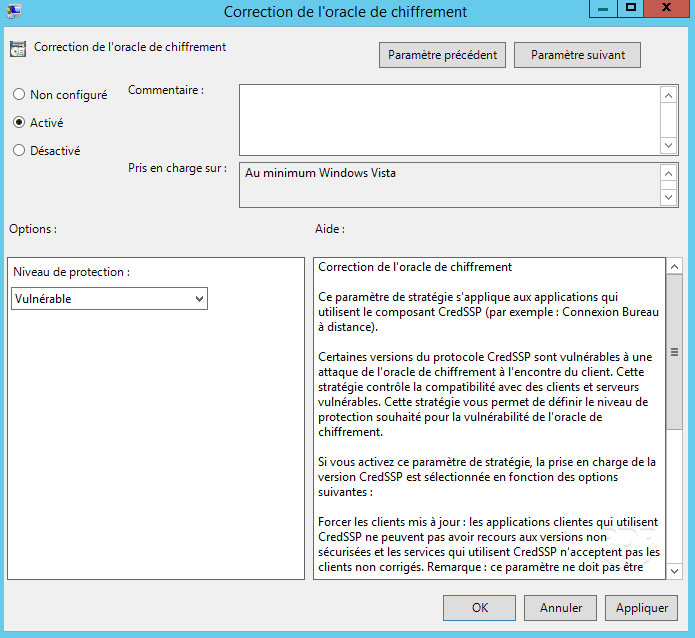
Location: Computer Configuration / Administrative Templates / System / Credential Delegation / Encryption Oracle Correction
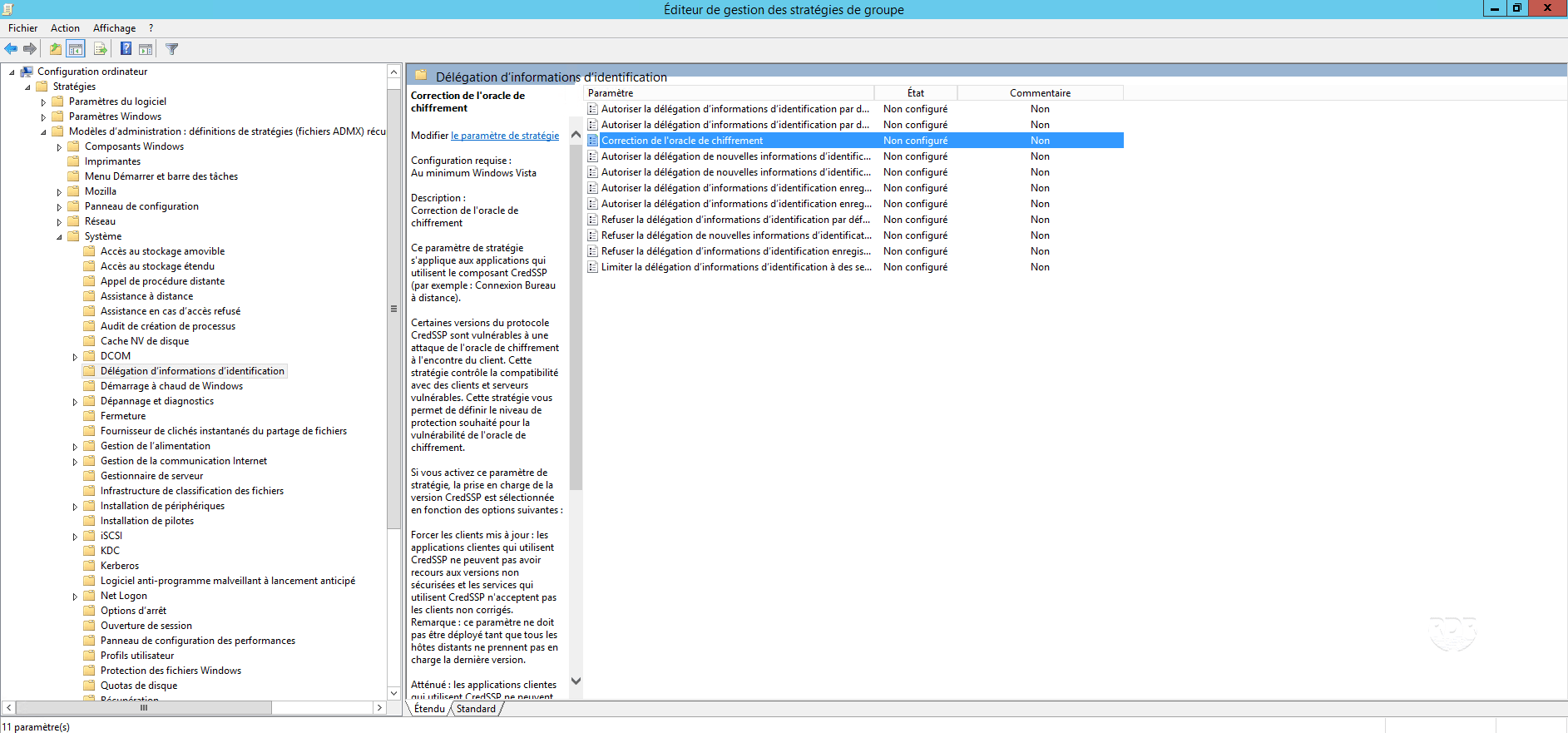
Enable the setting and choose Vulnerable for the protection level.
Solution 3: Registry Key
On the client computer, open a command window in Administrator and enter the following command:
reg add HKLM\Software\Microsoft\Windows\CurrentVersion\Policies\System\CredSSP\Parameters /f /v AllowEncryptionOracle /t REG_DWORD /d 2
Solution 4: Update Servers and Extensions
Link to the updates to apply:CVE-2018-0886 .