In this tutorial, we will see how to remove a server from a deployment that is no longer available.
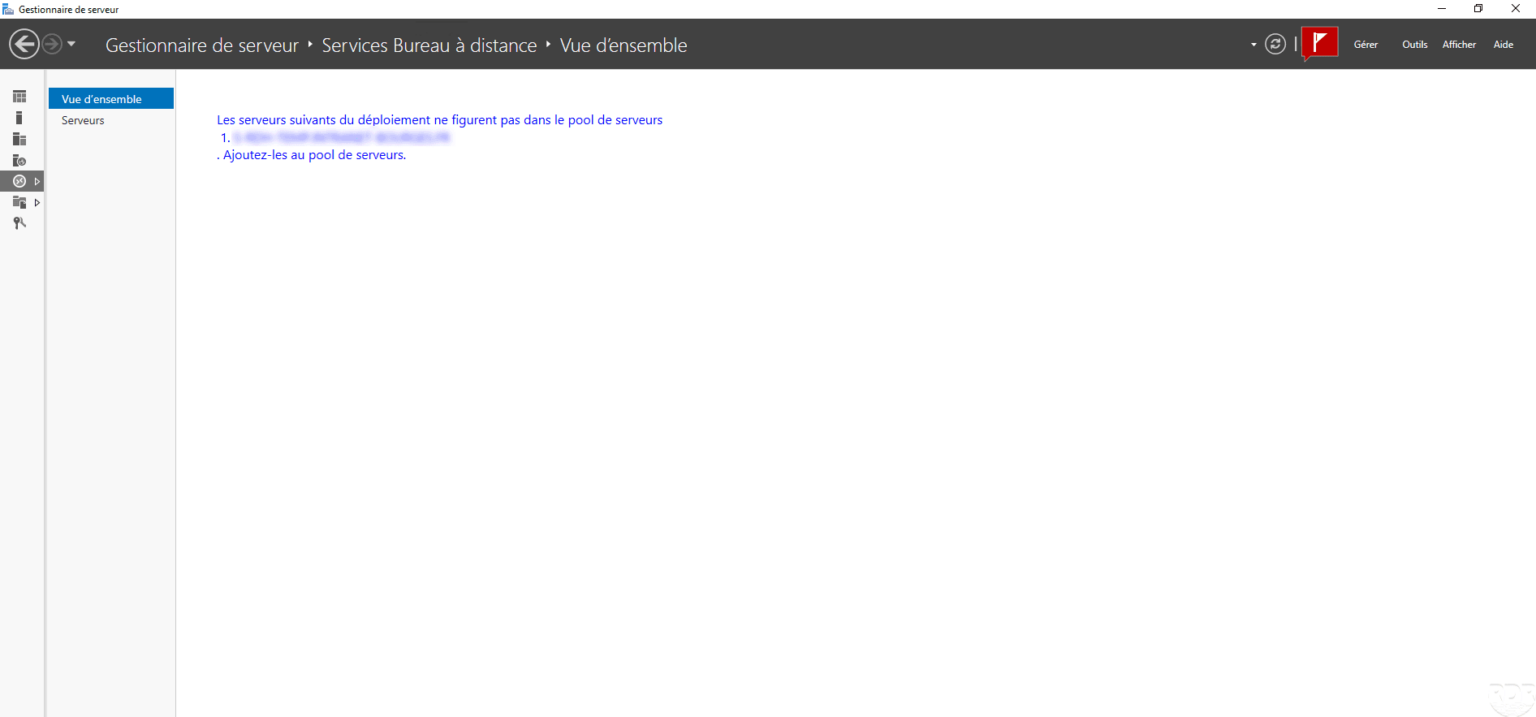
When connecting to the service broker, the following message is displayed:
The following deployment servers are not in the server pool
1. SERVER-FQDN
.Add them to the server pool
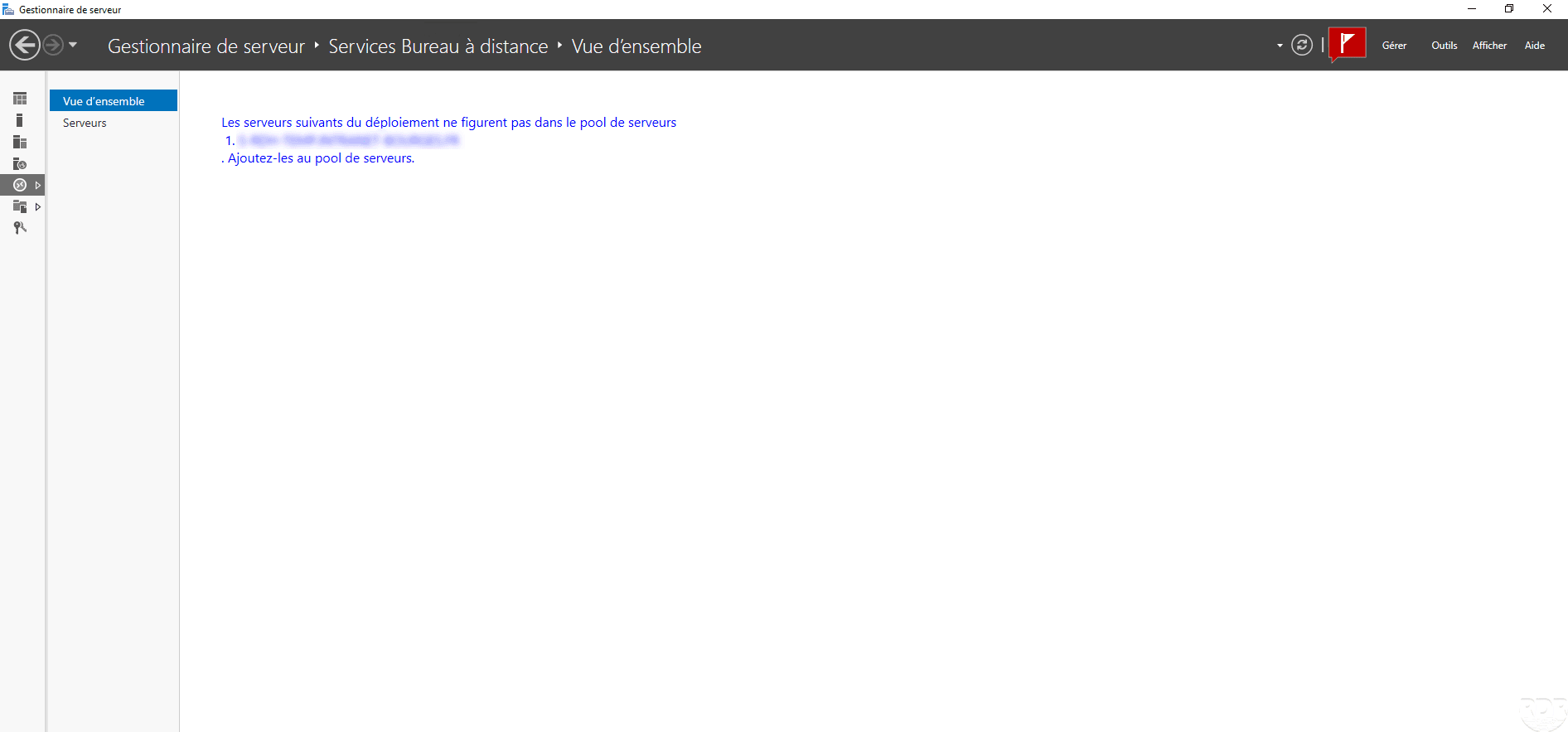
This type of error occurs if the server has been added with another account in the RDS farm and this one is removed without having been removed from the RDS deployment.
Remove server from deployment
Open a PowerShell command prompt in administrator mode on the broker server and enter the Get-RDServer command to identify the server to be deleted.
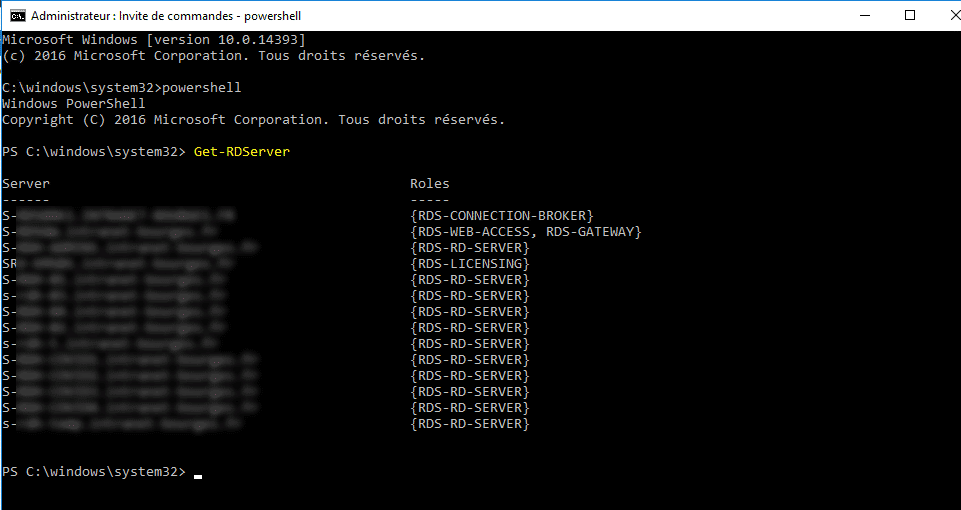
Once the server has been identified, enter the command below (adapting to the name of the server) to remove it from the RDS deployment.
Remove-RDServer -Server name-fqdn-of-server -Role <Role-Name> -Force

A warning message is displayed because the server is no longer available.
Refresh the server manager to access the administration of the RDS farm.