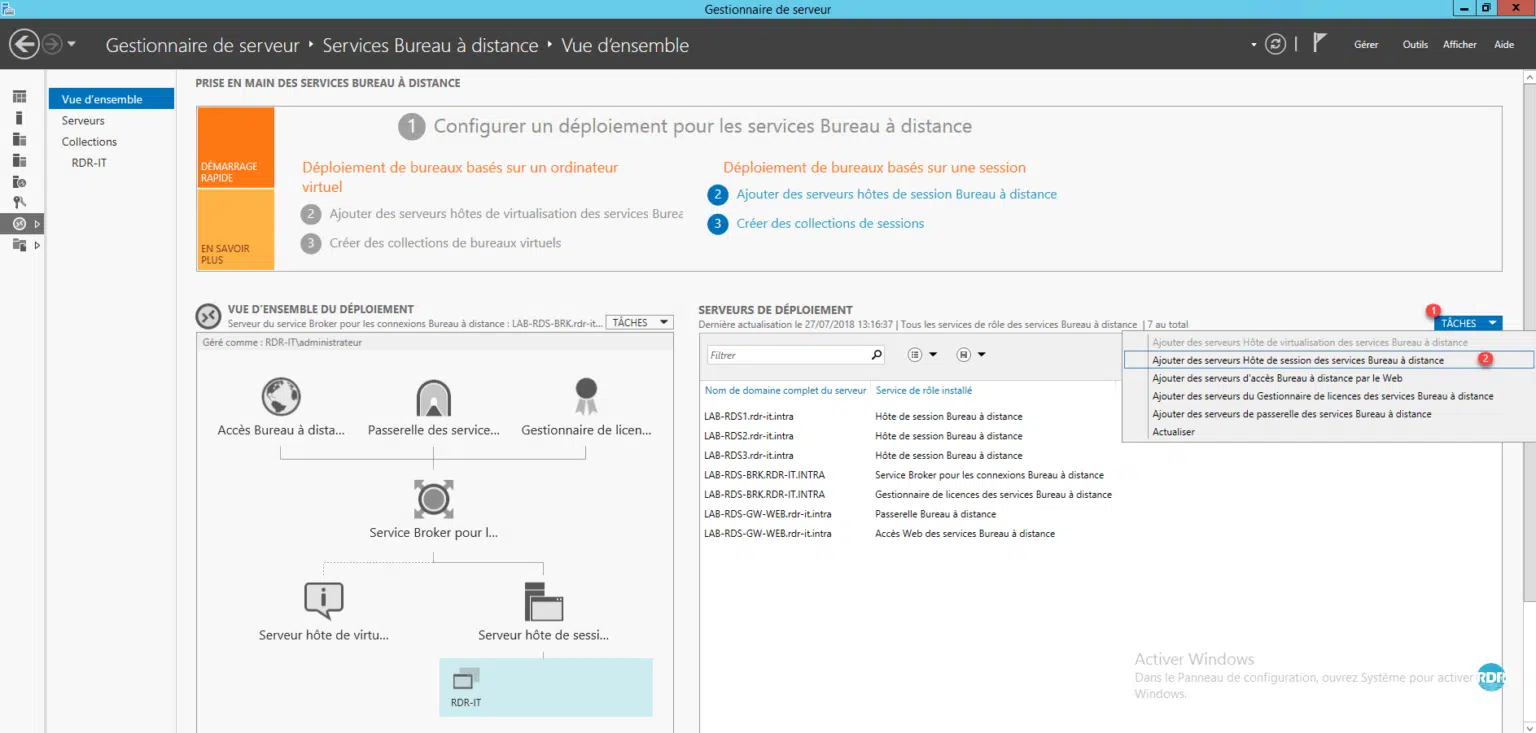
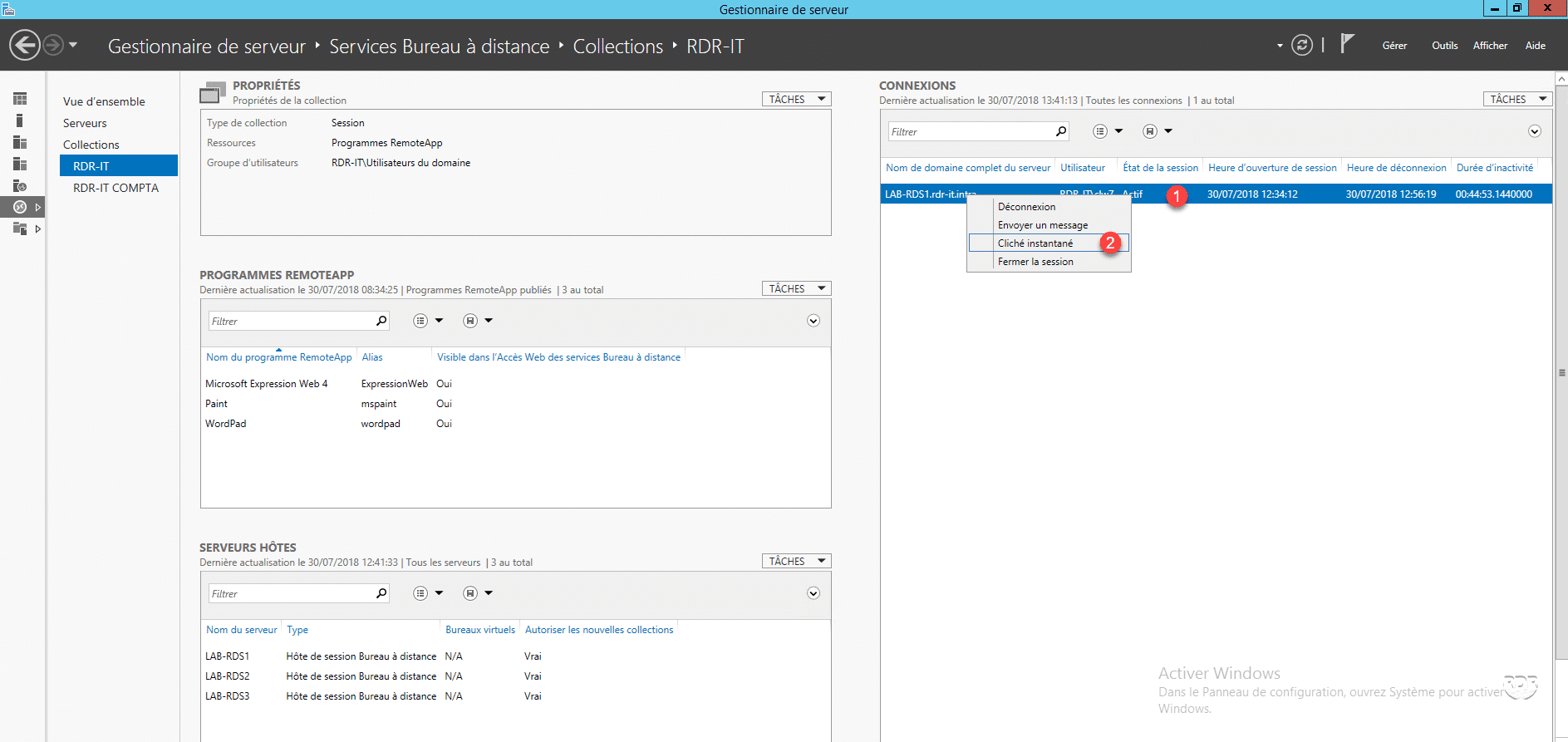
From Server Manager, go to Remote Desktop Services / Collections / The_Collection.
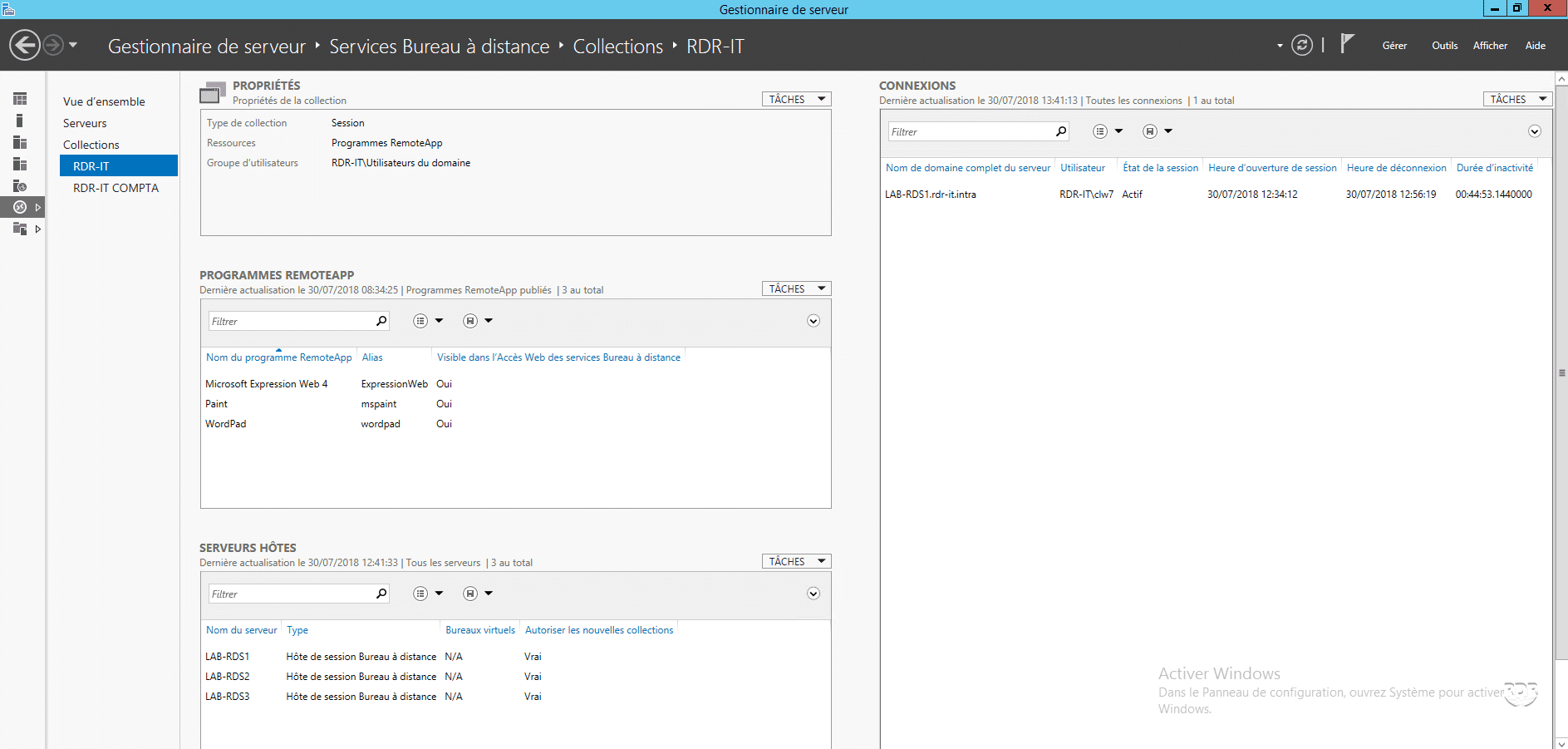
In the CONNECTIONS section, right-click on a session 1 and click on Snapshot 2 .
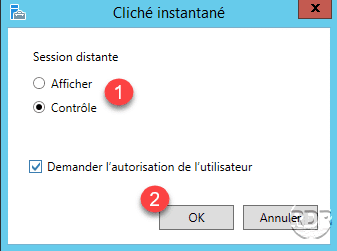
Choose an Action 1 and click OK 2 .
The user must validate the remote control from their session by clicking on Yes 1 .
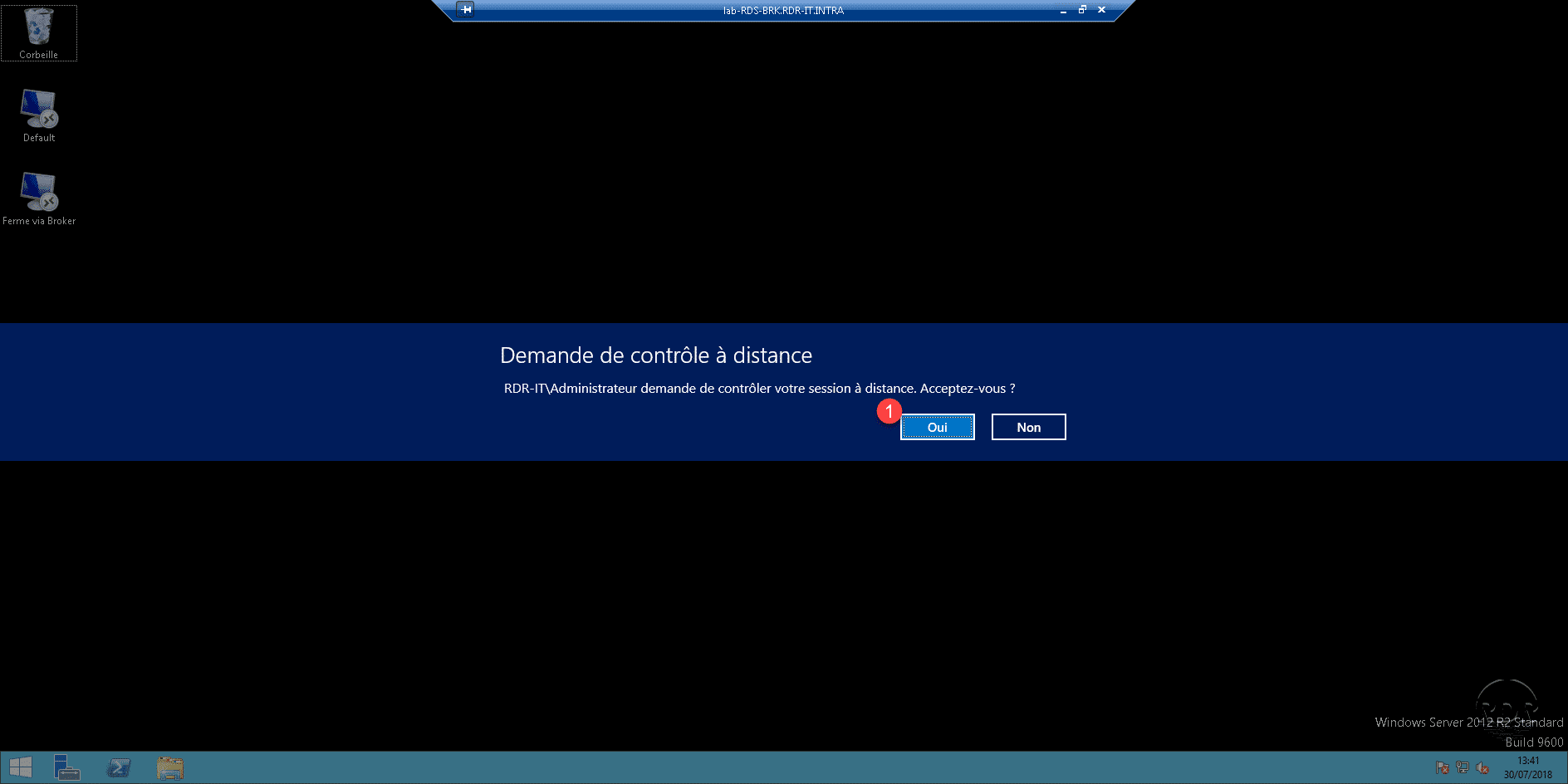
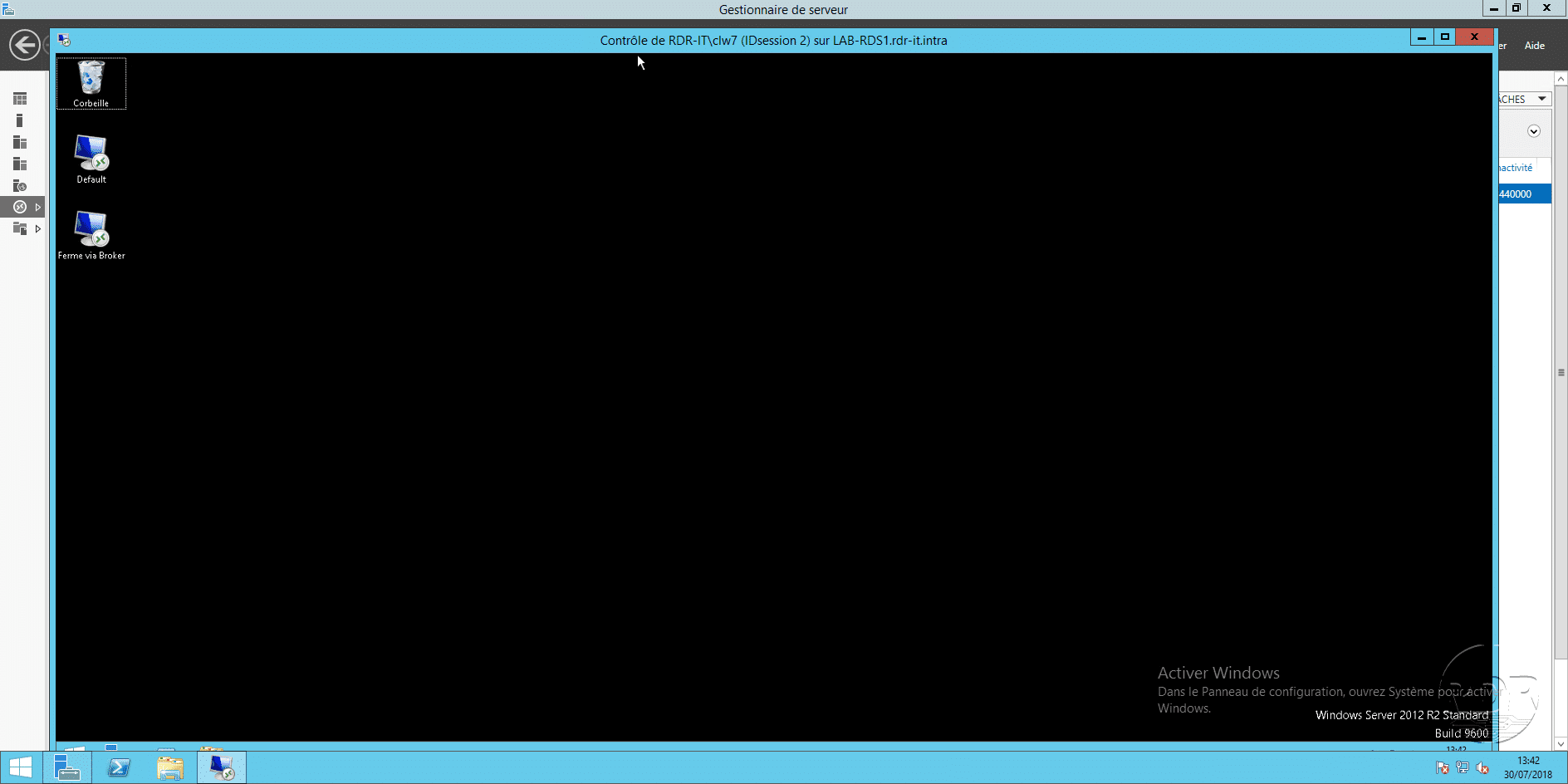
Controlling the Remote Desktop session from the server.