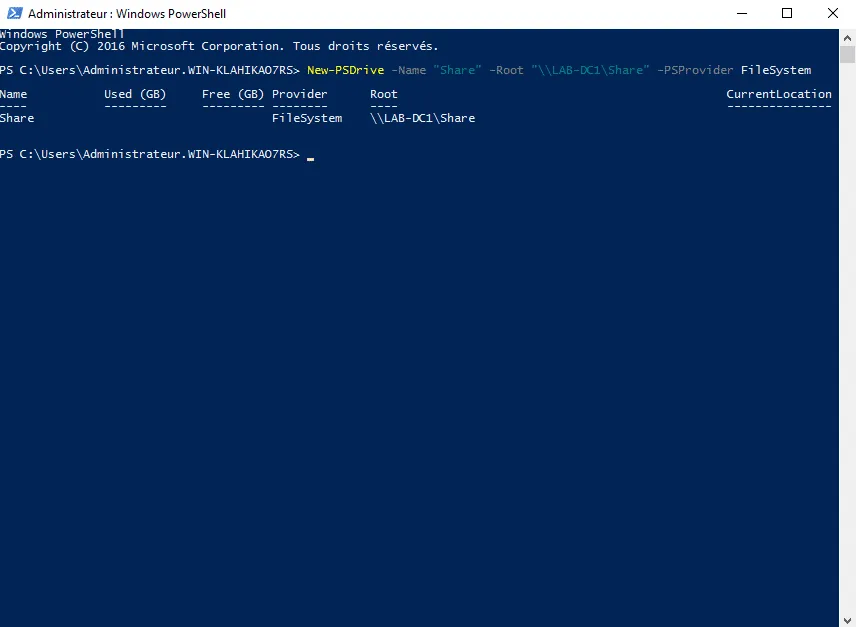
In this article, I’m going to give you an example of a logon script written in PowerShell.
Why write a PowerShell script to log in when VBScript works as shown in the following tutorials:
For a ‘simple’ reason, VBS will no longer be natively supported in Windows 11 from 2024; it will become an optional feature. Resources for deprecated features
Instead, I’ve provided a PowerShell script below as an alternative for mapping network drives and printers at logon.
<#
    Sample login script with Network Drives mapping and Printer
#>

$NetworkDrives = @{
    "Drive1" = @{
        "letter" = "M"
        "unc" = "\\file-server-1\share-name"
        "memberof" = "GL_SHARE-XX"
    };
    "Drive2" = @{
        "letter" = "N"
        "unc" = "\\file-server-2\share-name"
        "memberof" = ""
    }
}

$NetworkPrinters = @{
    "printer1" = @{
        "unc" = "\\printer-server\printer-share-1"
        "memberof" = ""
    };
    "printer2" = @{
        "unc" = "\\printer-server\printer-share-2"
        "memberof" = "GL_PRINTER-XX"
    }
}

function Test-ADGroupMembership {
    param (
        [string]$GroupName
    )

    # Fetch identity information about current user
    $currentUser = [System.Security.Principal.WindowsIdentity]::GetCurrent()

    # Grab group SIDs from the users token
    $groupTokenSIDs = $currentUser.Groups

    # Translate the SID references to account/group names
    $Groups = $groupTokenSIDs |Where-Object { $_.AccountDomainSid } |ForEach-Object { $_.Translate([System.Security.Principal.NTAccount]) }

    # Test if list contains target group
    if($Groups |Where-Object { $_.Value -like "*\$GroupName" }){
        #"$env:USERNAME is a member of $GroupName"
        return $true
    }

    return $false
}

Foreach( $NetworkDrive in $NetworkDrives ){

    Foreach( $Drive in $NetworkDrive.Values ){

        if( $Drive["memberof"] -eq ""){
            # Add Drive
            New-PSDrive -Name $Drive["letter"] -Root $Drive["unc"] -Persist -PSProvider FileSystem -Scope Global
        }else{
            $isMember = Test-ADGroupMembership -GroupName $Drive["memberof"]
            if( $isMember ){
                # Add Drive
                New-PSDrive -Name $Drive["letter"] -Root $Drive["unc"] -Persist -PSProvider FileSystem -Scope Global
            }
        }
    }
}

Foreach( $NetworkPrinter in $NetworkPrinters ){

    Foreach( $Printer in $NetworkPrinter.Values ){

        if( $Printer["memberof"] -eq ""){
            # Add Printer
            Add-Printer -ConnectionName $Printer["unc"]
        }else{
            $isMember = Test-ADGroupMembership -GroupName $Drive["memberof"]
            if( $isMember ){
                # Add Printer
                Add-Printer -ConnectionName $Printer["unc"]
            }
        }
    }
}
Alternatively, you can use Group Policy Objects (GPOs) to carry out these operations.
If you have any other VBS scripts, now is still the time to start planning their migration.