In this tutorial, I will explain how to extract the certificate and the private key from a certificate in PFX format with OpenSSL.
The easiest way to use OpenSSL is to use a Linux computer.
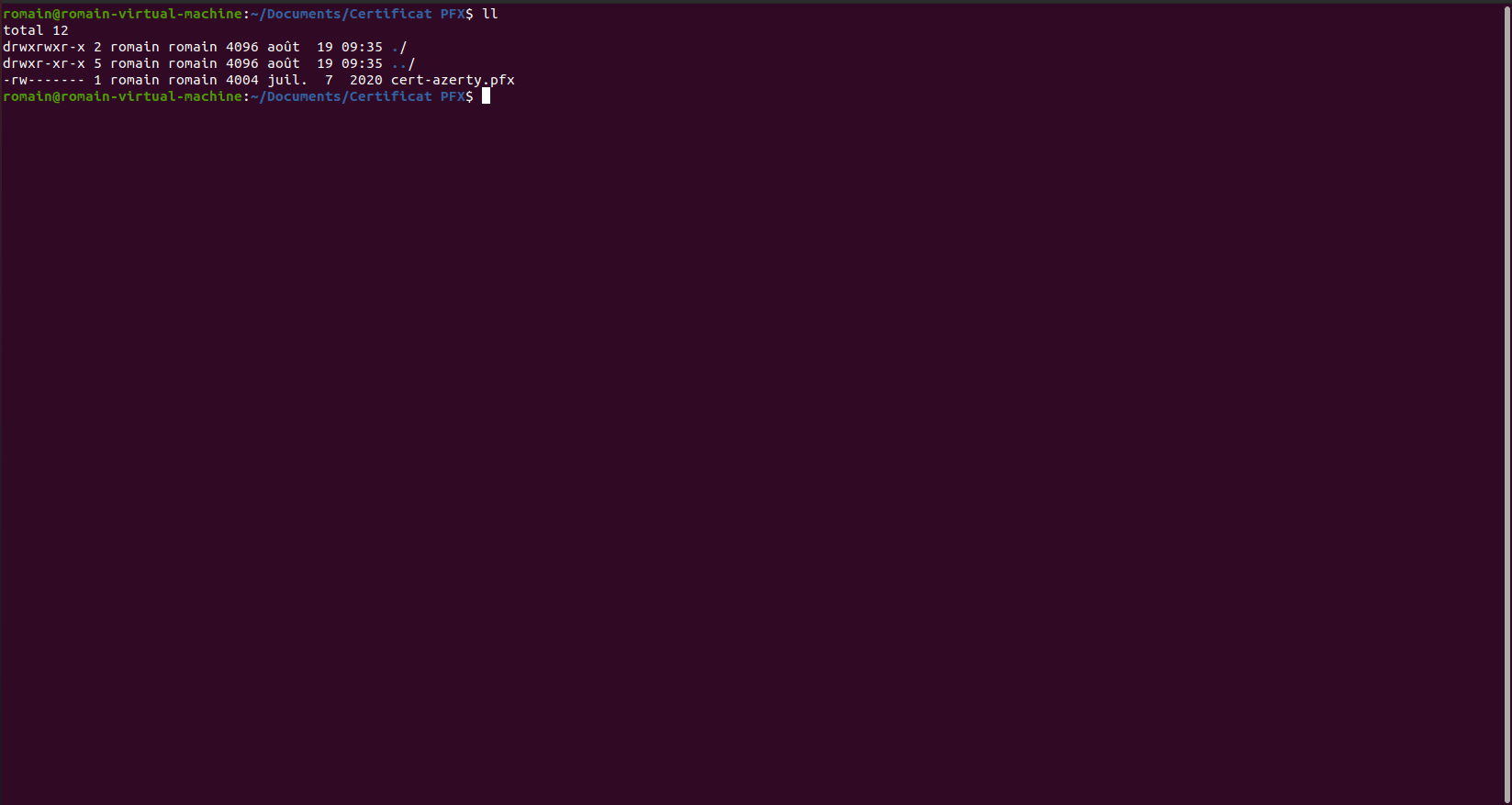
1. Copy the PFX file to your computer where OpenSSL is installed.
2. The first step will be to extract the private key from the PFX file, which will be encrypted, to do this enter the command below:
openssl pkcs12 -in file.pfx -nocerts -out file-priv.key
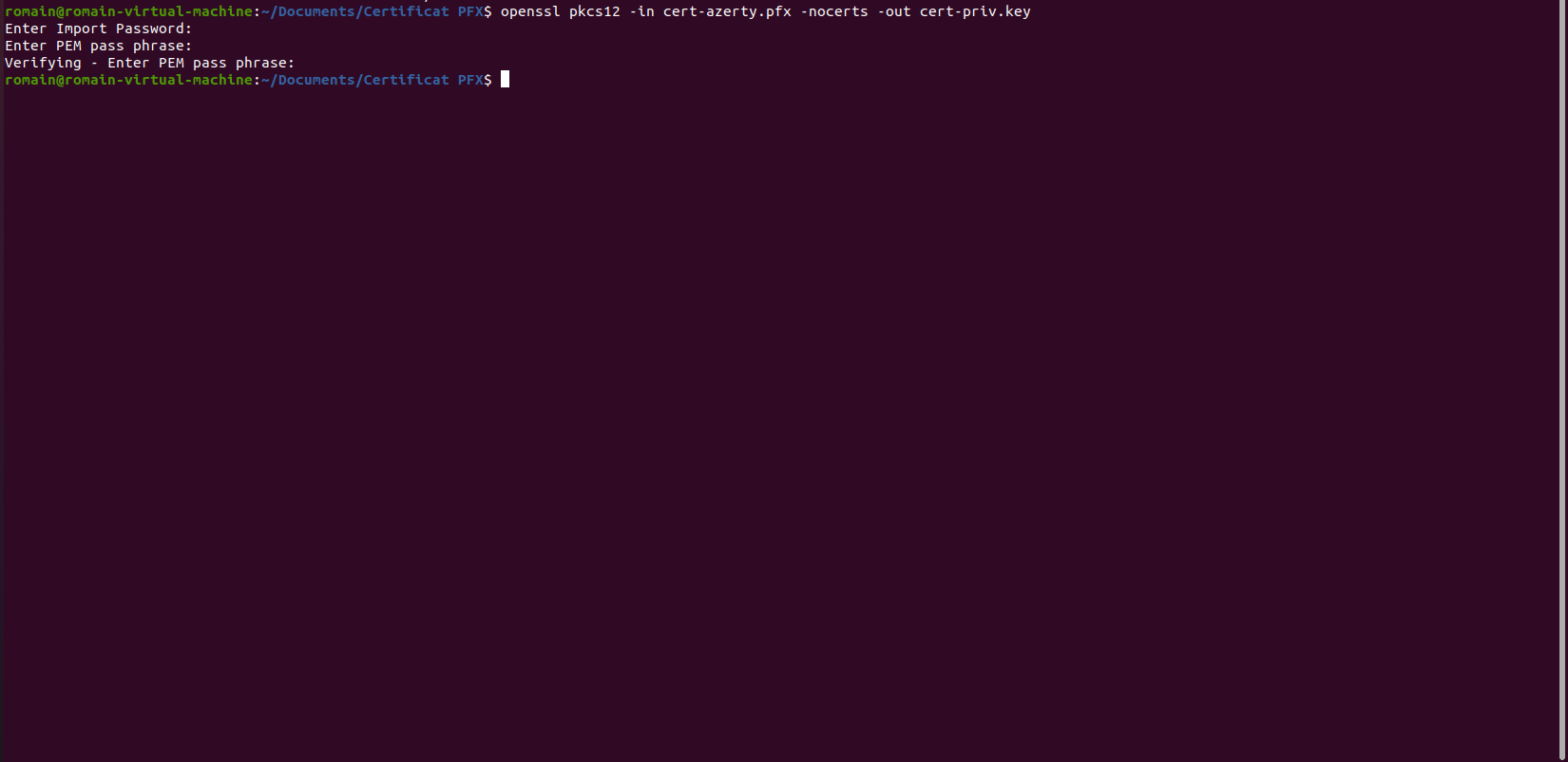
You must first enter the password of the PFX file and then indicate a new password for the private key file.
3. Now, we will extract the certificate from the PFX file, use the command below:
openssl pkcs12 -in file.pfx -clcerts -nokeys -out file.crt
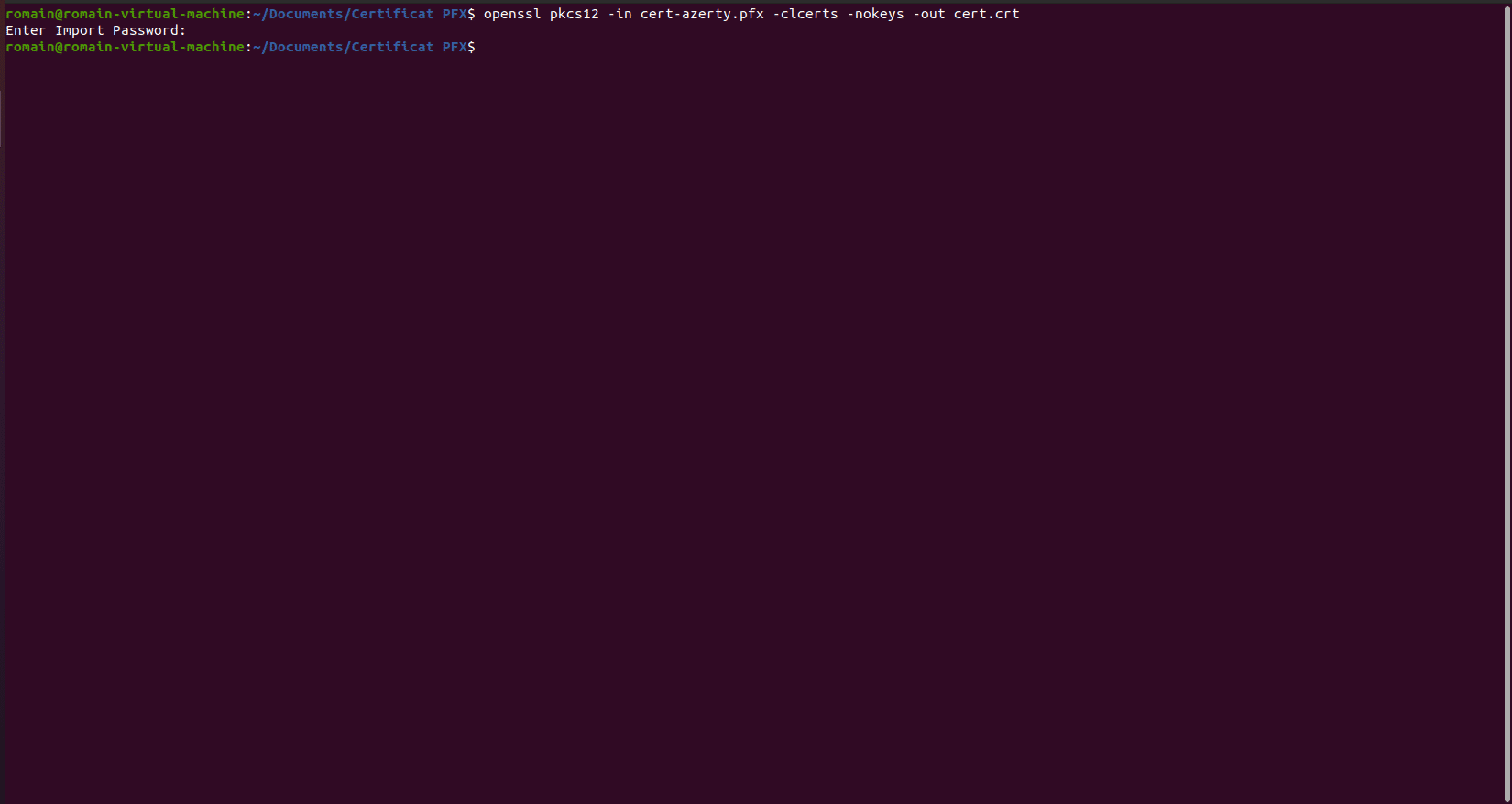
You must enter the password of the PFX file
4. Last step, extract the decrypted private key, enter
openssl rsa -in file.key -out file-decrypted.key
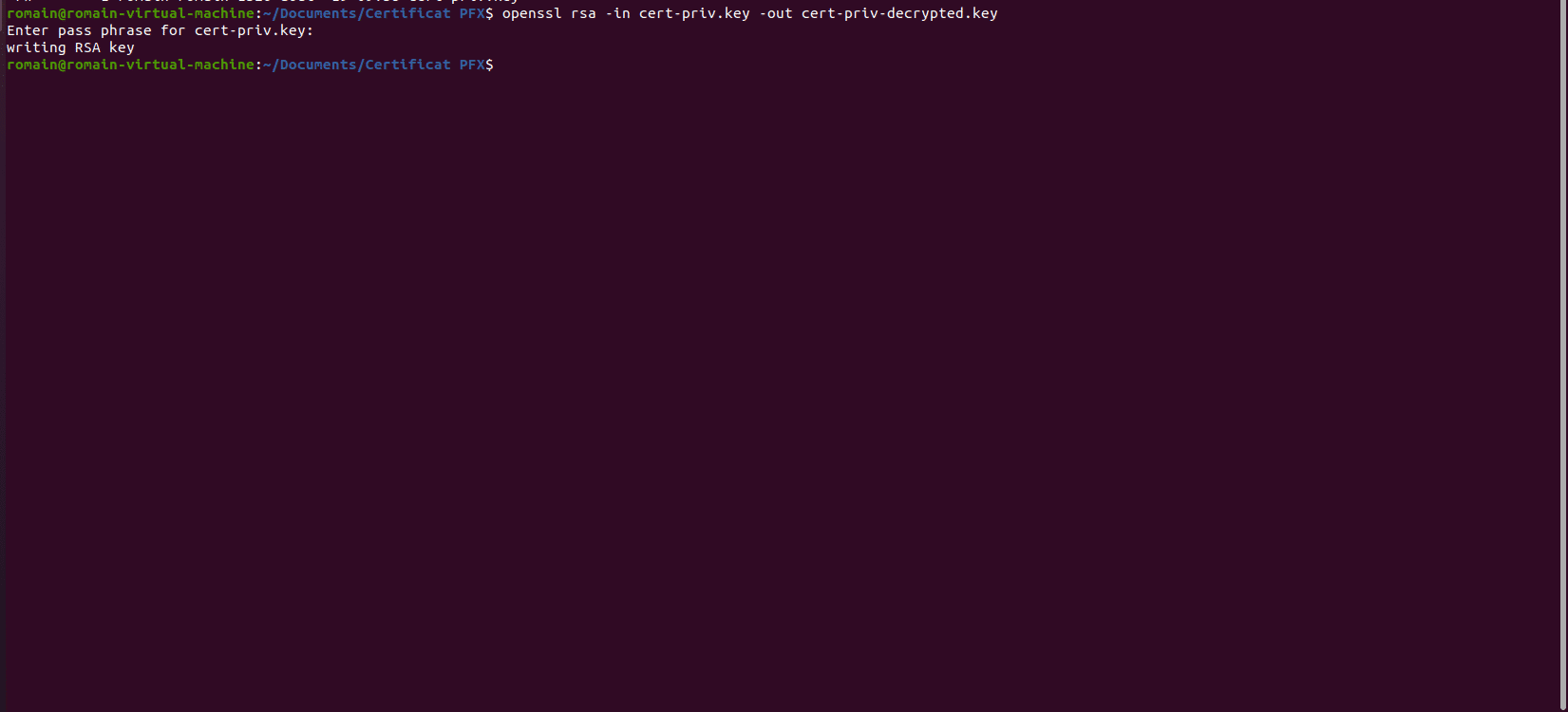
Enter the password that was configured when extracting the private key
You can now use the certificate for Nginx or Apache2