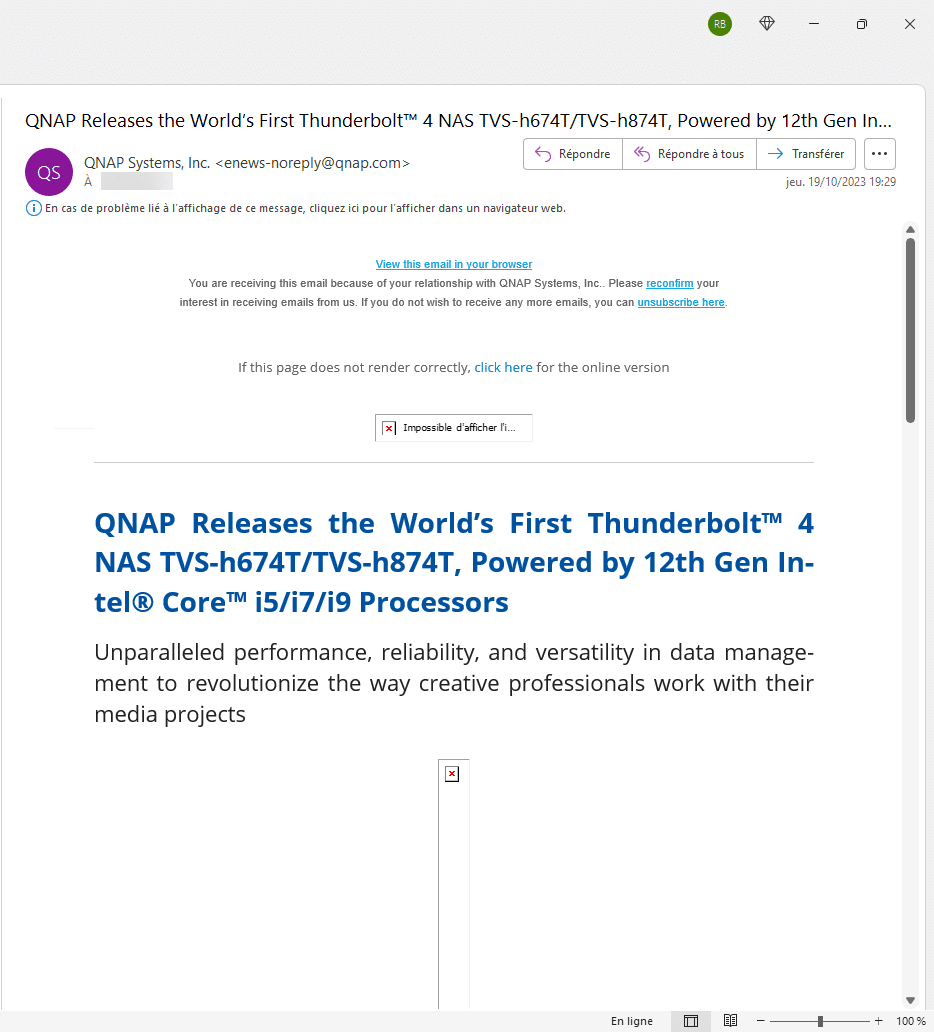
In this “troubleshooting” tutorial, I will give you one of the solutions when you are using Outlook and images are not displayed.
I encountered this problem recently in a corporate environment, with images not displaying on computers.
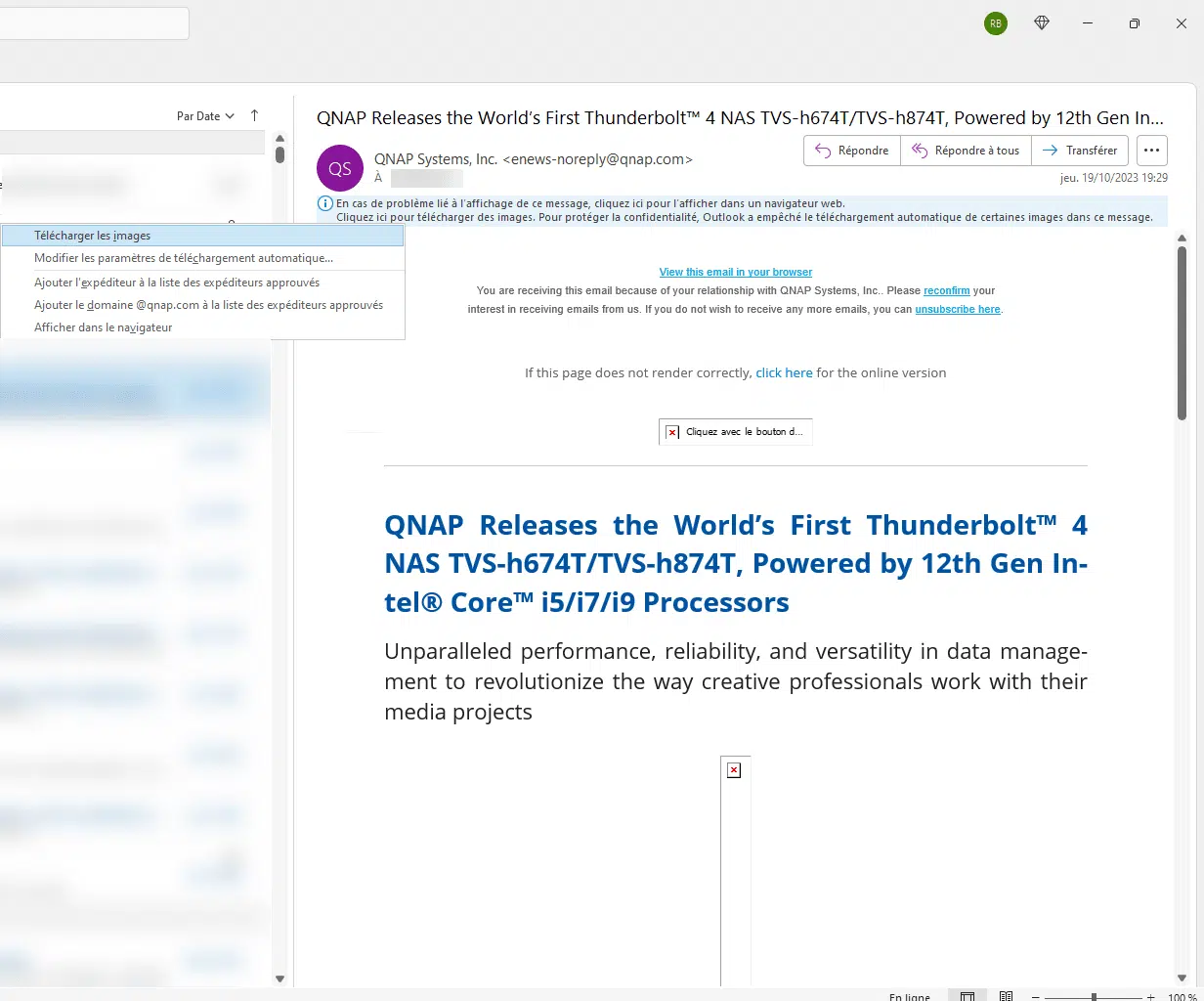
When I clicked on Upload images in the message, I then got the message “Unable to display image”.
After trying all the solutions available on the Internet in the Outlook settings, the problem did not come from there, but from the Internet Options configuration.
For “historical” reasons, in the Advanced options, the Do not save encrypted pages to disk setting was enabled.
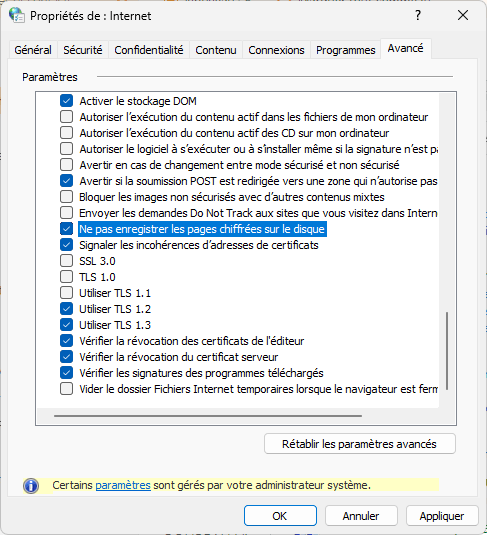
After deactivating it:
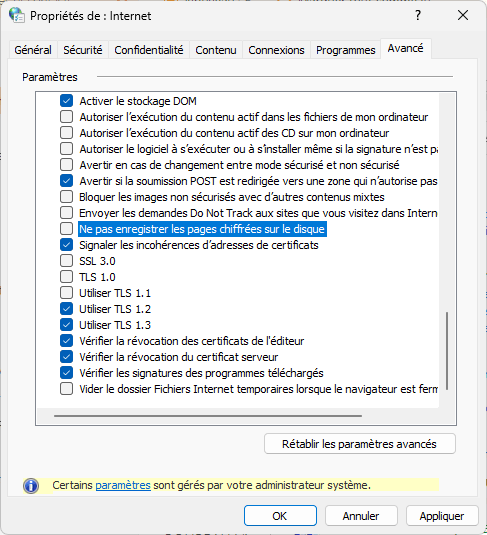
Images in messages on Outlook can be downloaded:

If you are in the same situation as me, I hope this tutorial will help you resolve your problem.