In this tutorial, we’ll learn how to generate a Let’s Encrypt wildcard certificate using Certbot for a domain hosted on Cloudflare.
We’ll use the DNS-01 challenge—which is required for wildcard certificates—and leverage the Cloudflare API to automatically validate the domain.
This method allows you to secure all subdomains with a single certificate, while also making automatic renewal easier.
Generating the API Token on Cloudflare
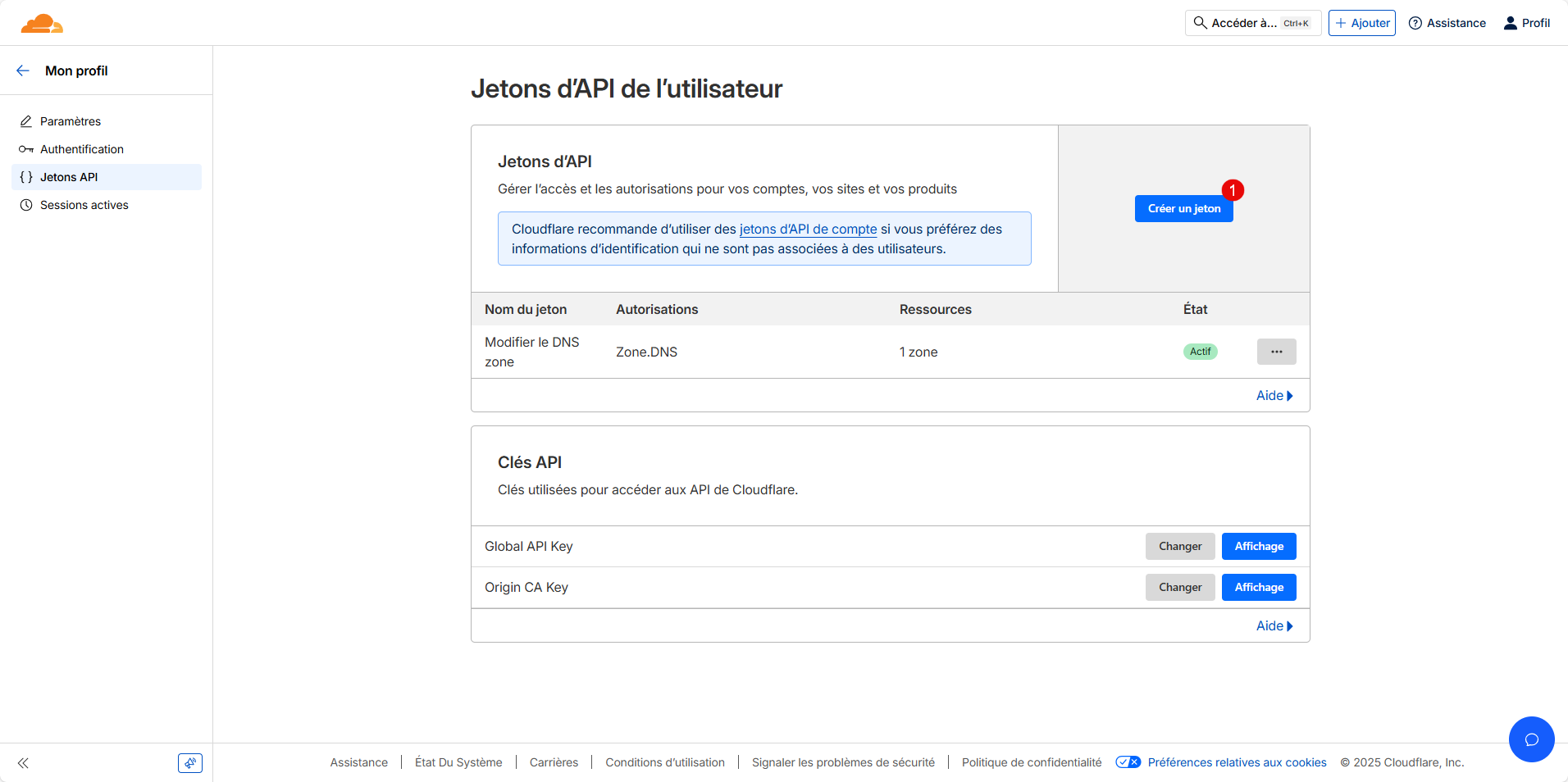
The first step is to generate an API token so that Certbot can add a verification record to your Cloudflare domain.
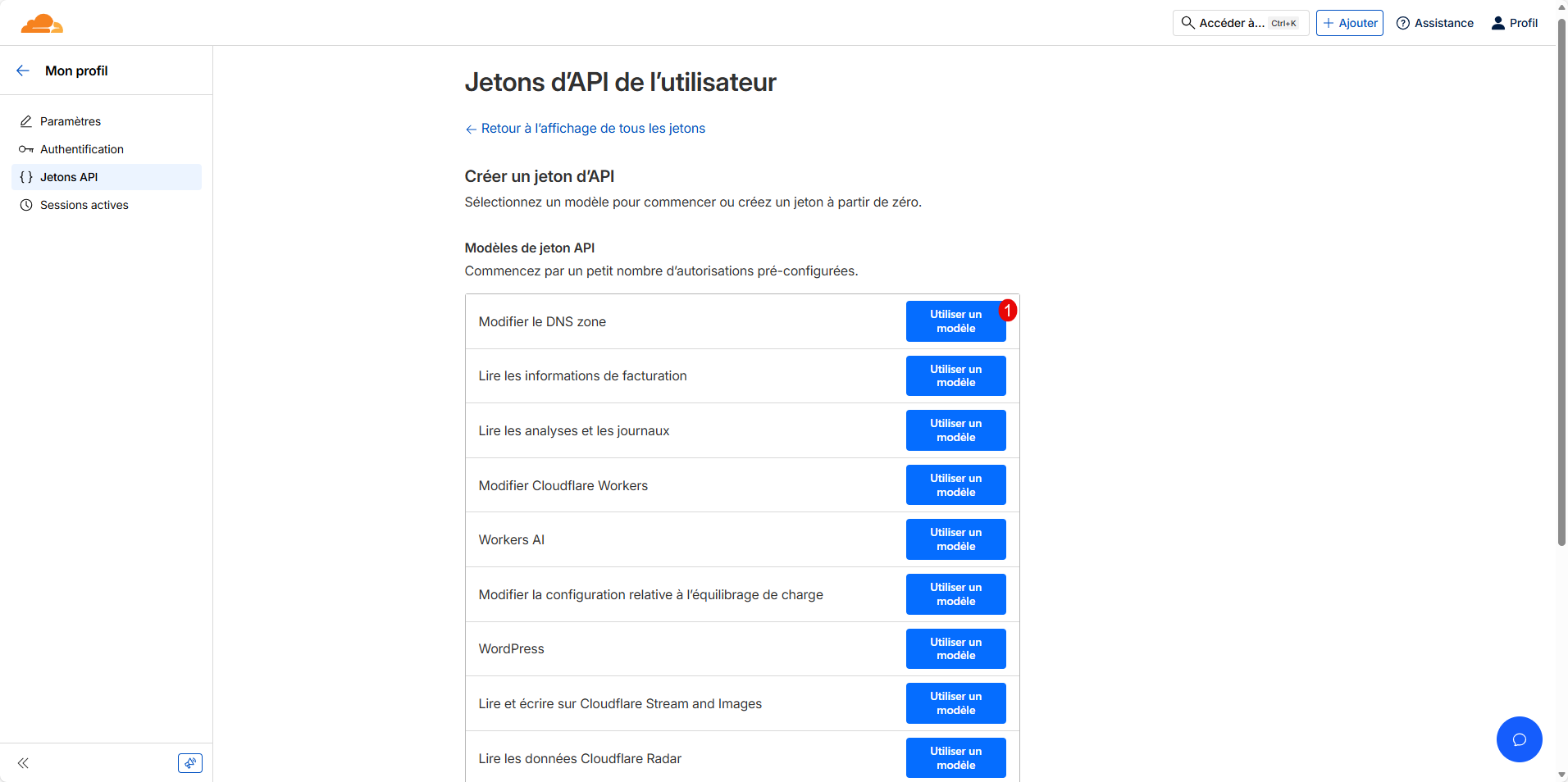
From your Profile, go to API Tokens and click the Create Token button 1 .
Select the “Edit DNS Zone” template 1 .
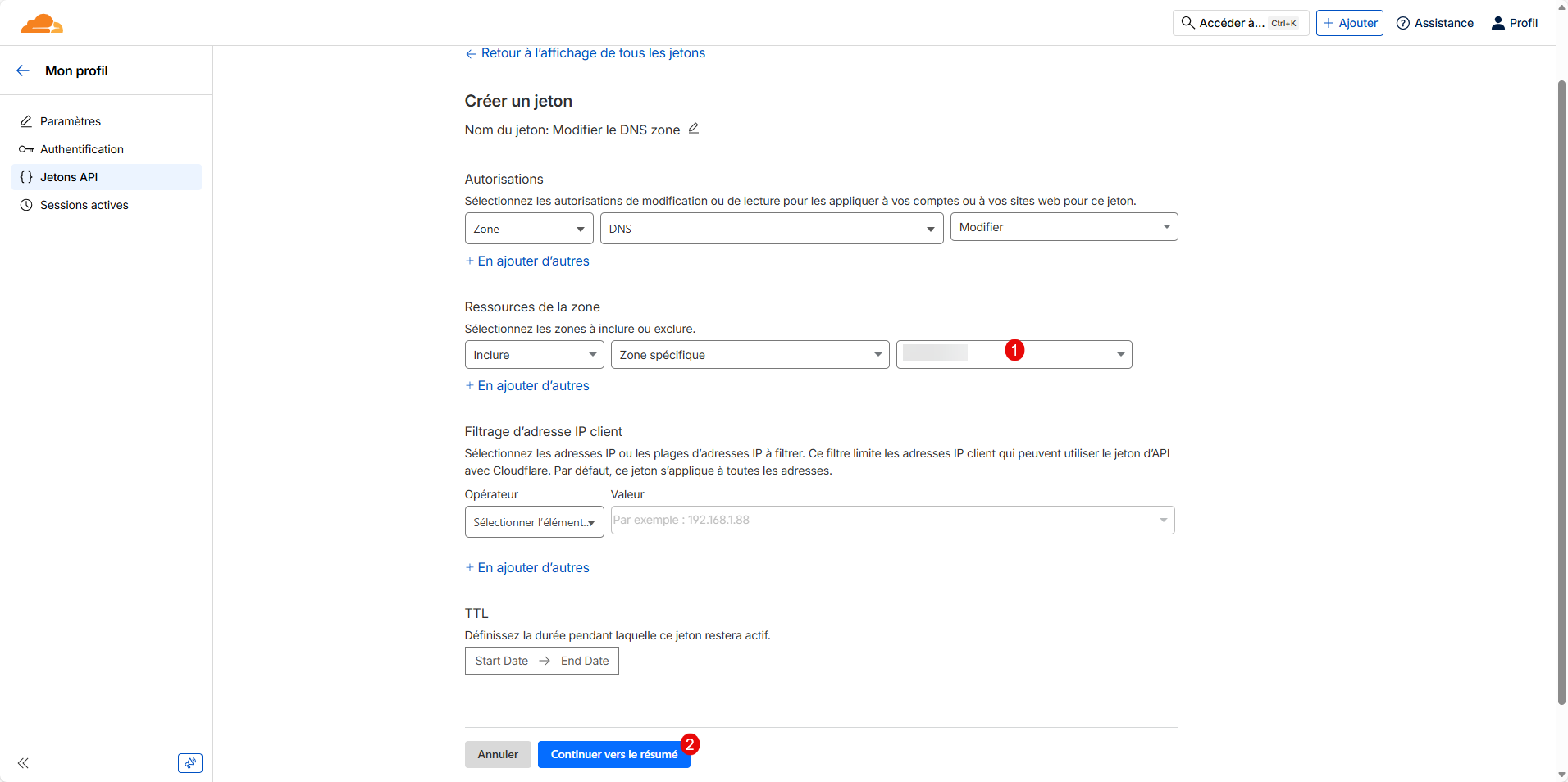
In the Resource section, select the domain 1 , then click the Continue to Summary button 2 .
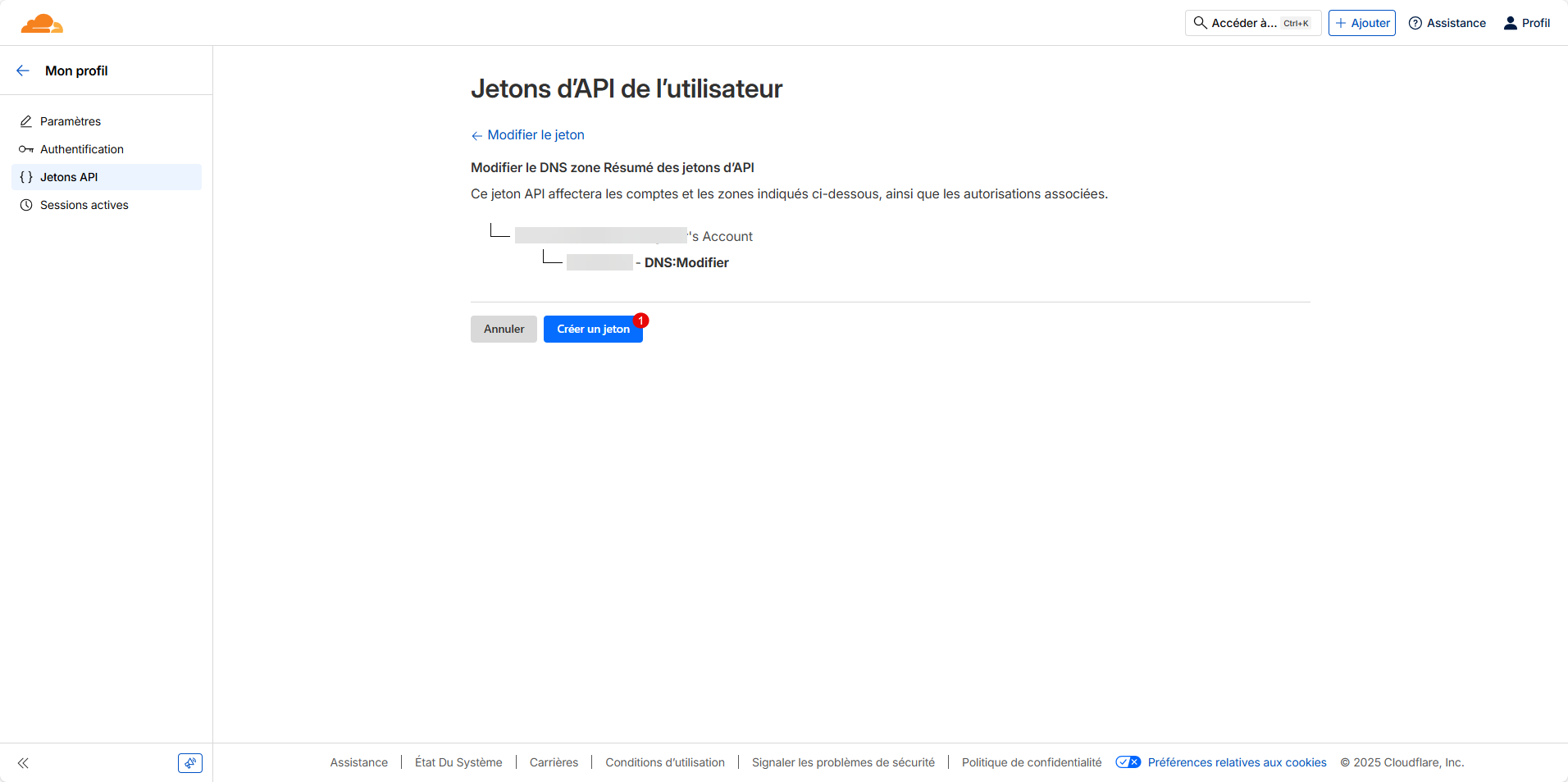
Review the token configuration, and if everything looks good, click the “Create Token” button 1 .
The token will be displayed; copy it and save it in your password manager (Passbolt , Vaultwarden , etc.).
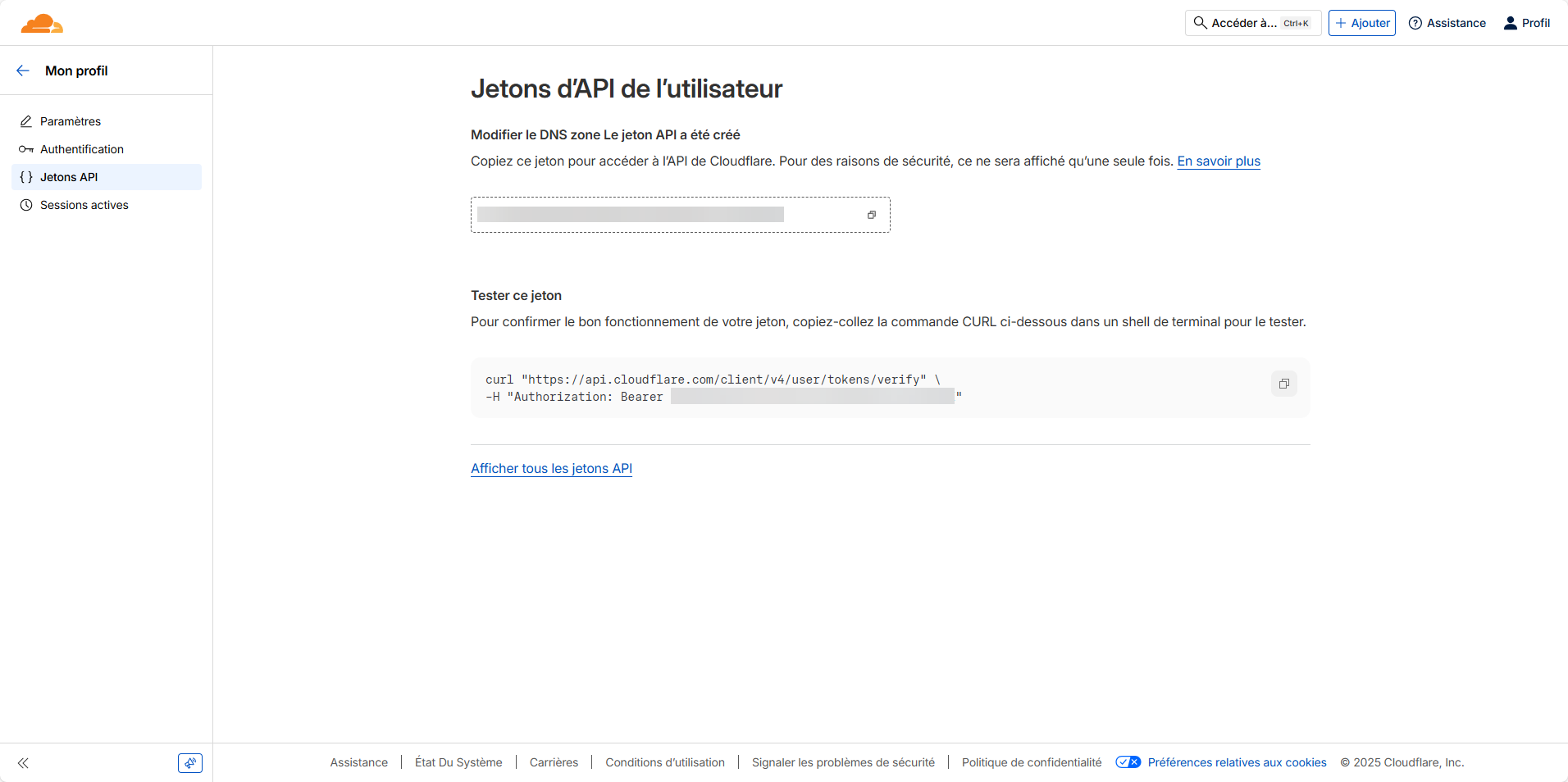
The token is only visible once!
Install Certbot
To generate the wildcard certificate, we need Certbot and the Cloudflare plugin.
If you haven’t already, install the Certbot package and the Cloudflare plugin
sudo apt install -y certbot python3-certbot-dns-cloudflare
Configuration to Generate a Let’s Encrypt Wildcard Certificate with Cloudflare
Start by creating a file that will contain the token generated by Cloudflare .
sudo nano /etc/letsencrypt/cloudflare.ini
In the file, enter the following content, replacing TOKEN_CLOUDFLARE with your token.
dns_cloudflare_api_token = TOKEN_CLOUDFLARE
Secure the file:
sudo chmod 600 /etc/letsencrypt/cloudflare.ini
Generate a Let’s Encrypt wildcard certificate with Cloudflare
To generate the certificate, enter the command below, replacing the domain as needed:
sudo certbot certonly --dns-cloudflare --dns-cloudflare-credentials /etc/letsencrypt/cloudflare.ini -d domain.tld -d *.domain.tld
If this is your first time using Certbot, enter your email address, answer the various questions, and wait while the certificate is generated.
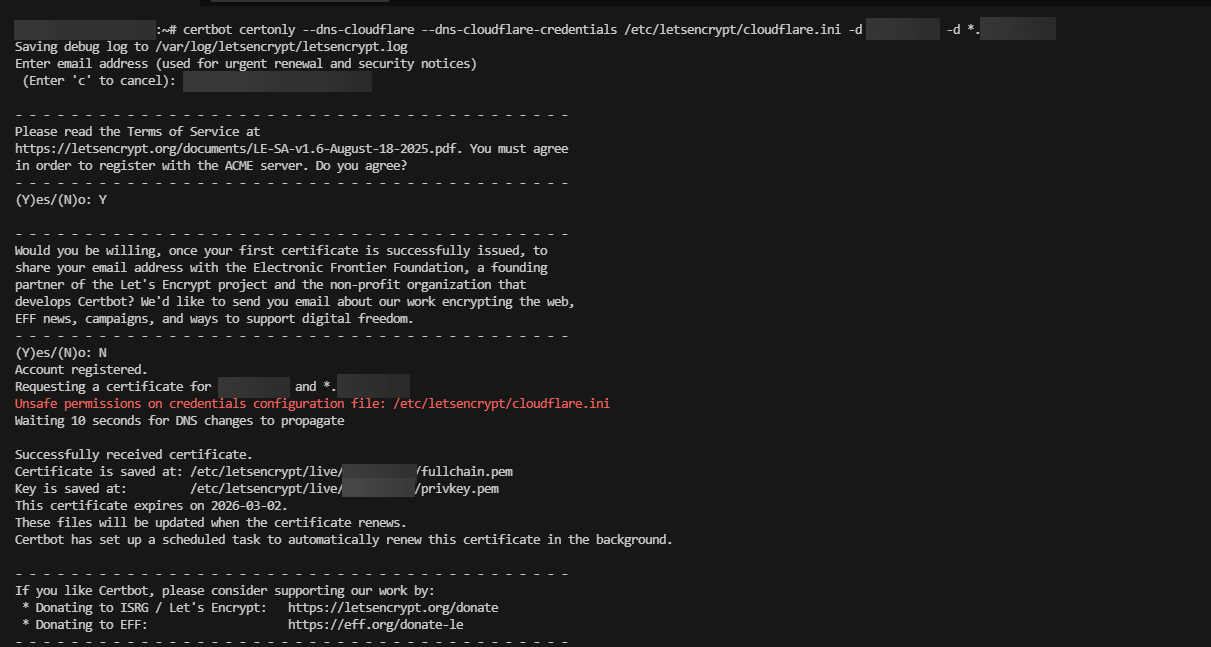
The certificate has been generated; you can now use it in Nginx or Apache, depending on your web server.
Apache example:
<VirtualHost *:443>
    ServerName domain.tld
    ServerAlias *.domain.tld

    DocumentRoot /var/www/domain.tld/public

    SSLEngine on
    SSLCertificateFile /etc/letsencrypt/live/domain.tld/fullchain.pem
    SSLCertificateKeyFile /etc/letsencrypt/live/domain.tld/privkey.pem

    <Directory /var/www/domain.tld/public>
        AllowOverride All
        Require all granted
    </Directory>

    ErrorLog ${APACHE_LOG_DIR}/domain.tld_error.log
    CustomLog ${APACHE_LOG_DIR}/domain.tld_access.log combined
</VirtualHost>
Nginx example:
server {
    listen 443 ssl http2;
    server_name domain.tld *.domain.tld;

    root /var/www/domain.tld/public;
    index index.html index.php;

    ssl_certificate /etc/letsencrypt/live/domain.tld/fullchain.pem;
    ssl_certificate_key /etc/letsencrypt/live/domain.tld/privkey.pem;

    ssl_protocols TLSv1.2 TLSv1.3;
    ssl_prefer_server_ciphers off;

    location / {
        try_files $uri $uri/ =404;
    }

    access_log /var/log/nginx/domain.tld_access.log;
    error_log /var/log/nginx/domain.tld_error.log;
}
Automatic renewal of the Let’s Encrypt wildcard certificate
Let’s Encrypt certificates are valid for 90 days. Certbot sets up automatic renewal via a systemd timer (or cron, depending on your installation).
For a wildcard certificate using the DNS-01 challenge with Cloudflare, renewal occurs without any service interruption, provided that the Cloudflare API token is still valid.
Verifying the renewal mechanism:
sudo certbot renew --dry-run
Conclusion
Generating a Let’s Encrypt wildcard certificate with Certbot and Cloudflare is a reliable and efficient solution for securing an entire domain and its subdomains with a single certificate.
Thanks to the DNS-01 challenge and the use of the Cloudflare API, validation and automatic renewal occur without relying on a publicly accessible web server.
LinuxThis approach is particularly well-suited for modern environments: servers, Apache, Nginx, reverse proxies,Docker or even services exposed only internally.
Once in place, it helps maintain a high level of security while reducing operational overhead.
FAQ – Let’s Encrypt Wildcard Certificate with Certbot and Cloudflare
Why use a wildcard certificate instead of a standard certificate?
Why is the DNS-01 challenge mandatory for a wildcard certificate?
Does the wildcard certificate also cover the main domain?
It is therefore essential to explicitly include domain.tld when generating the certificate.