In this tutorial, we will see how to remove a Windows service by the registry.
Sometimes some software does not remove their service during the uninstall, here’s how.
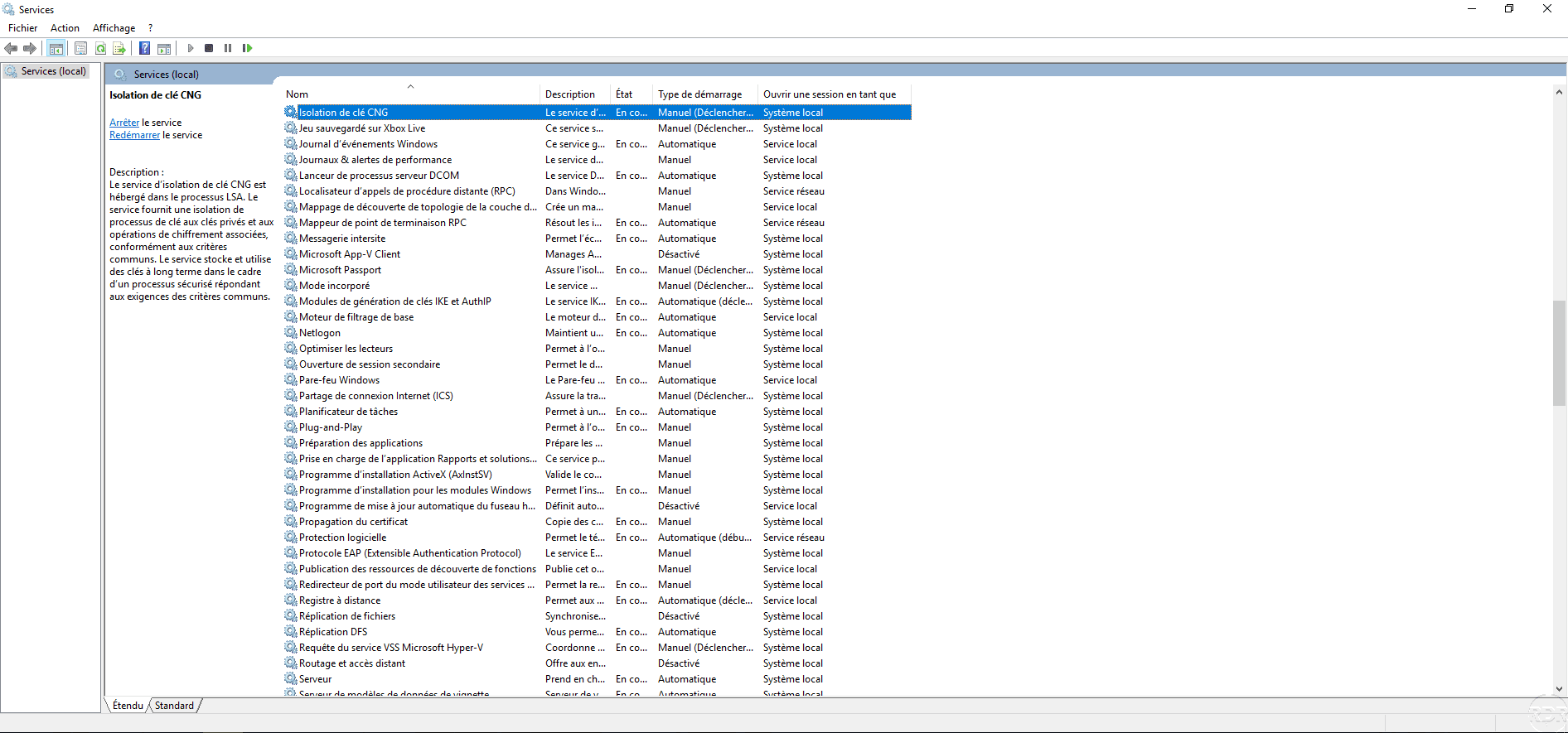
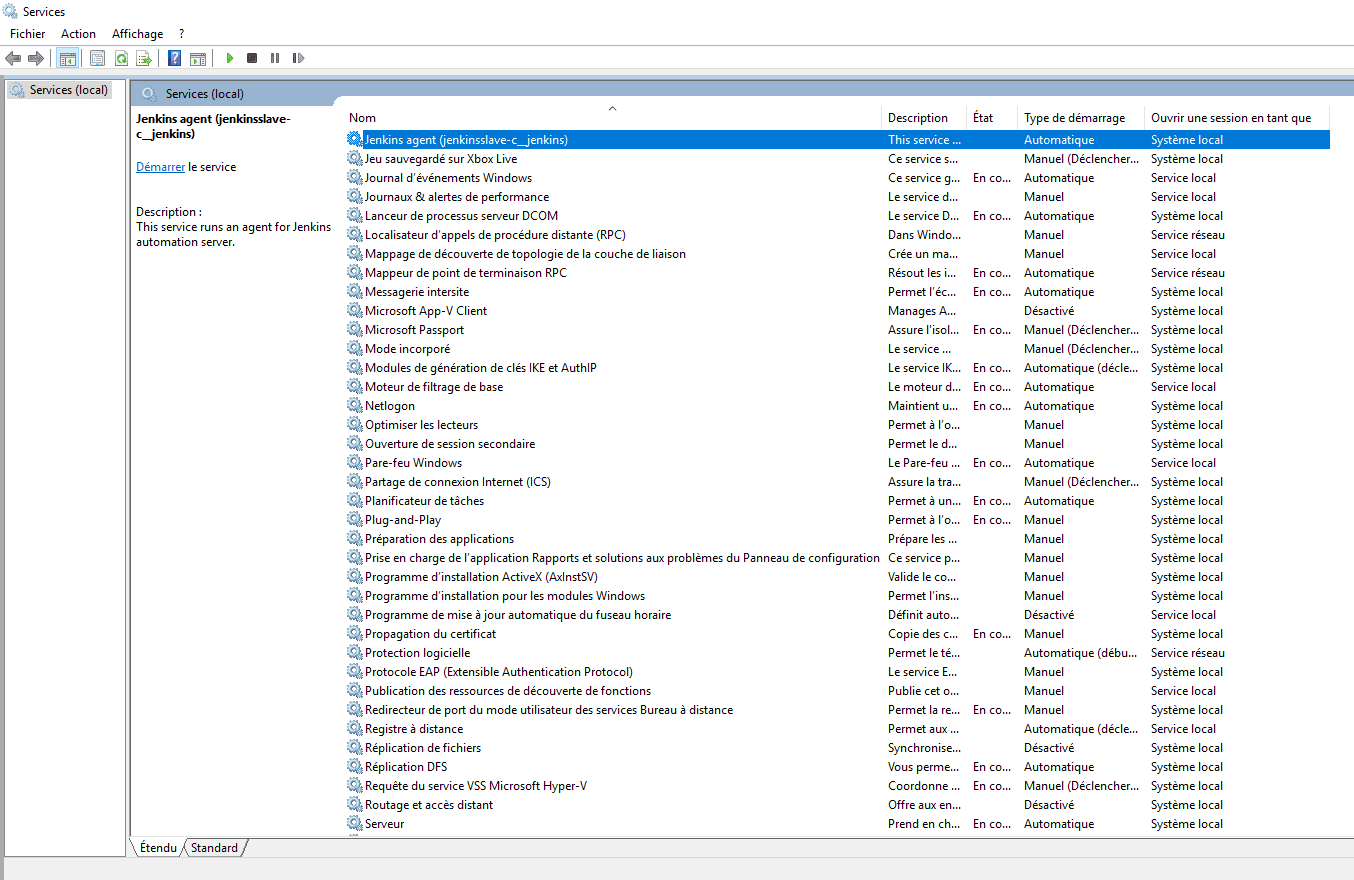
Open the Service Console and make sure it is shut down.
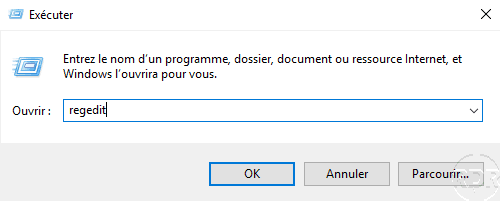
Open the regedit registry editor.
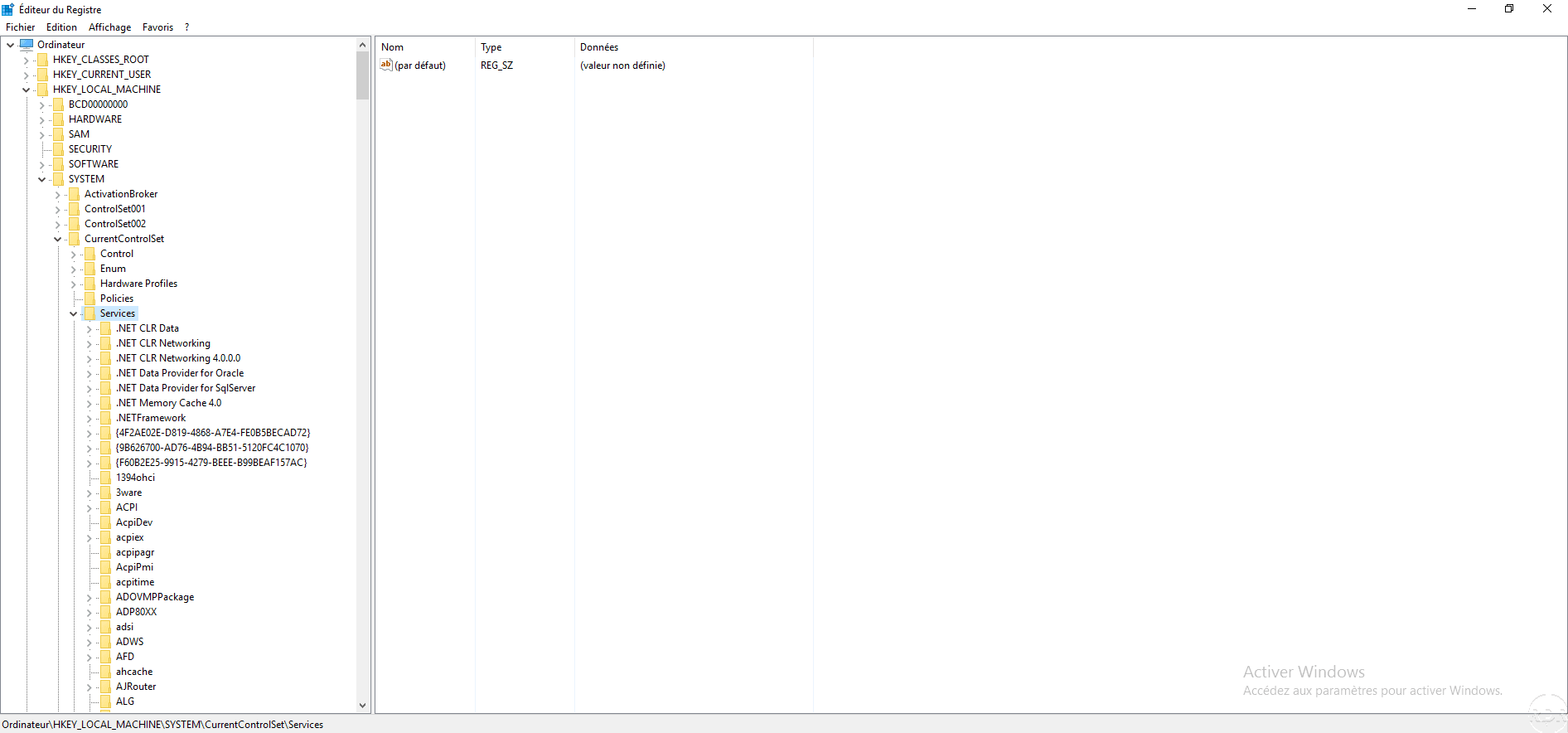
Go to the following location : HKEY_LOCAL_MACHINE\SYSTEM\CurrentControlSet\Services then look for the service to delete.
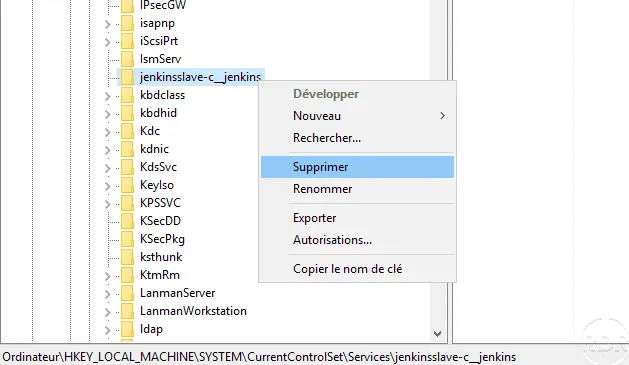
Right click on it and click on Delete.
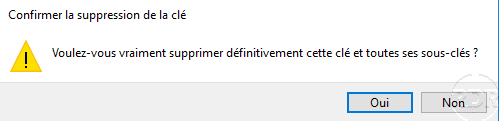
Confirm the deletion by clicking Yes.
Return to the Services console and refresh, the service should not be displayed anymore.