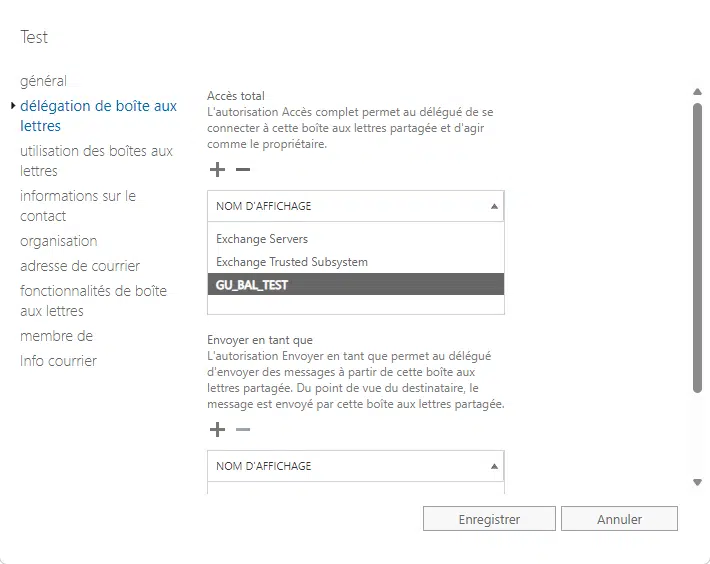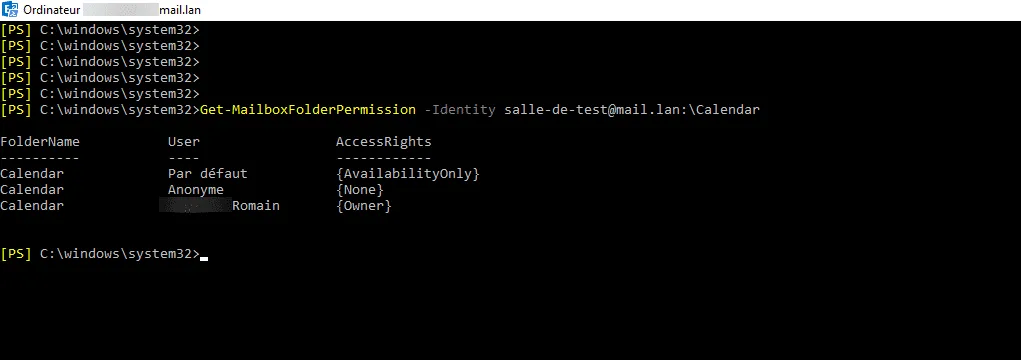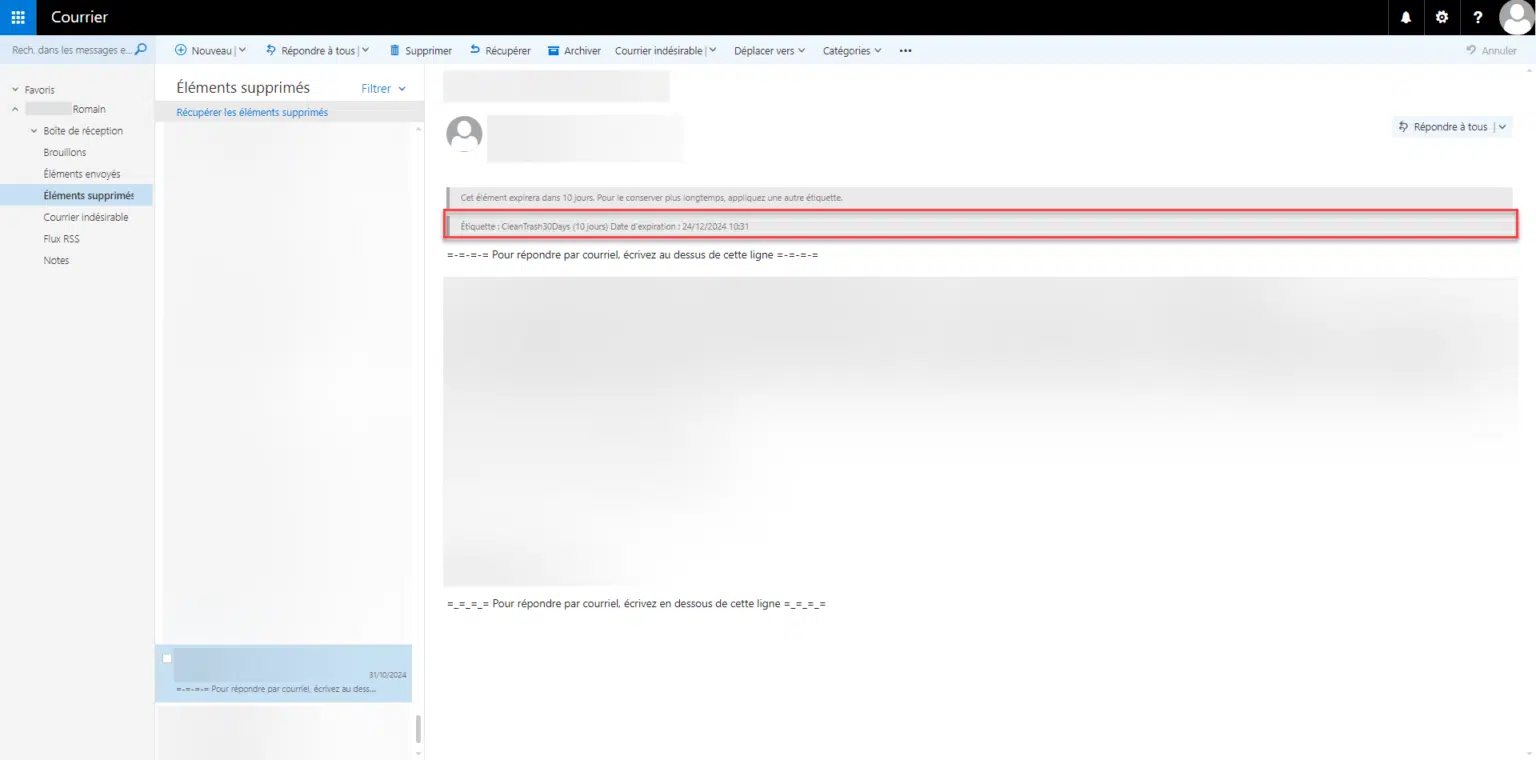
The default visibility settings for calendars in Outlook/Exchange do not allow users to view the details (subject, location, description) of an event, unless they have changed their own permissions.
In PowerShell, it is possible to change the default visibility of calendars in Exchange (on-premises or online).
Sign in to Exchange Online / Office 365
Open the PowerShell prompt as an administrator and enter the following commands:
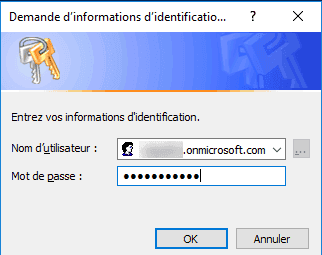
$UserCredential = Get-Credential
Enter your Office 365 administrator credentials.
These lines establish a connection to Exchange Online and import the available commands.
$Session = New-PSSession -ConfigurationName Microsoft.Exchange -ConnectionUri https://outlook.office365.com/powershell-liveid/ -Credential $UserCredential -Authentication Basic -AllowRedirection
Import-PSSession $Session

Changing calendar permissions in Exchange
The following commands should be run in the PowerShell window connected to Exchange Online or in a PowerShell prompt on an on-premises Exchange server
This line retrieves all users of the ‘Room’ type; to retrieve users, replace ‘Room’ with ‘User’.
$users = Get-MailBox | Where {$_.ResourceType -eq "Room"} | Select -ExpandProperty Alias
This line loops through all the results in the variable to modify the calendar’s default permissions.
Foreach ($user in $users) {Set-MailboxFolderPermission $user":Calendar" -user Default -accessrights Reviewer}
You may encounter errors when running this line; if your users have already opened their mailbox and the list of folders is in French, you will need to replace “:Calendar” with “:Calendrier”.