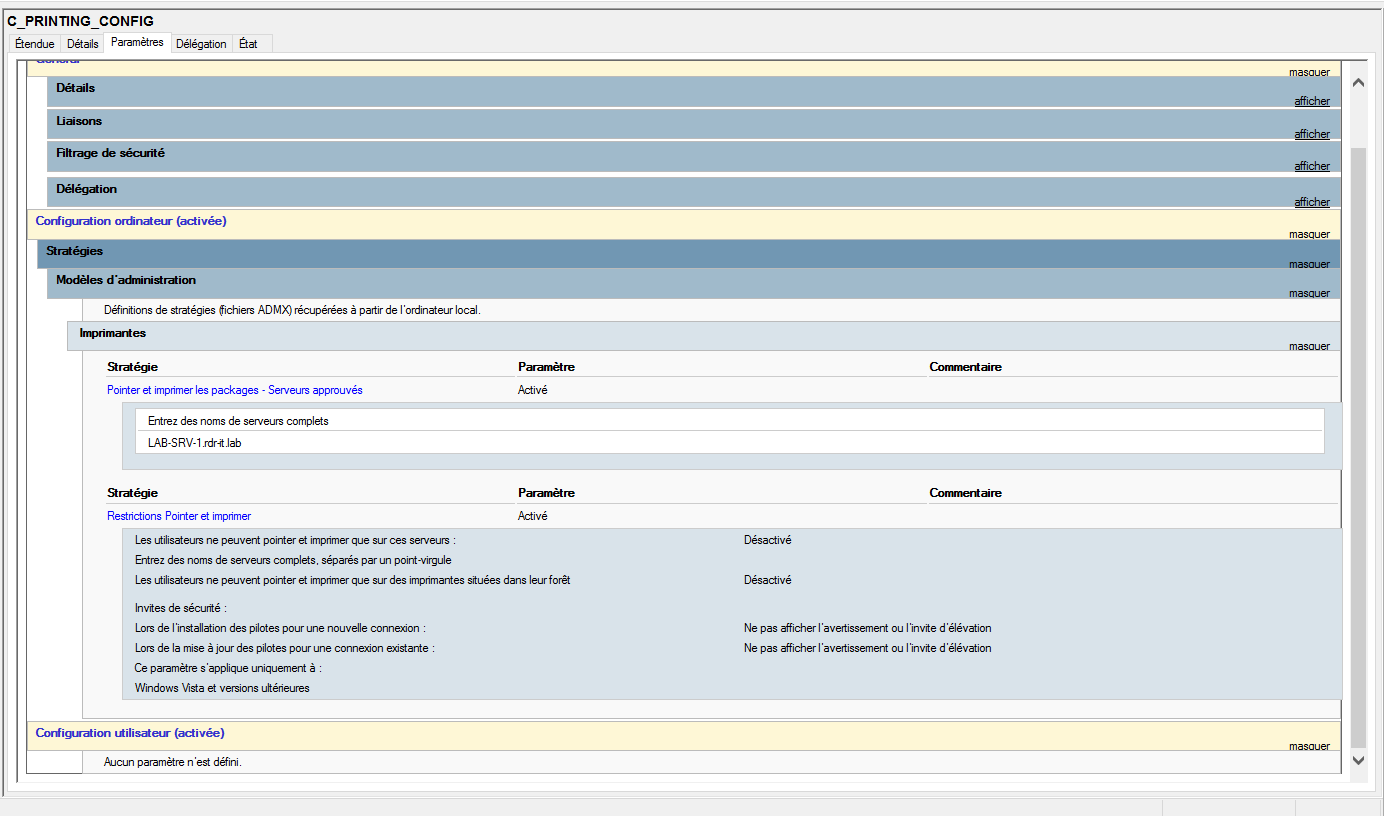
PrintNightmare: secure print configuration
In this “little” tutorial, I will show you how to set up a “secure” configuration. Since the publication of the PrintNightmare flaw, Microsoft has deployed several …
In this “little” tutorial, I will show you how to set up a “secure” configuration. Since the publication of the PrintNightmare flaw, Microsoft has deployed several …
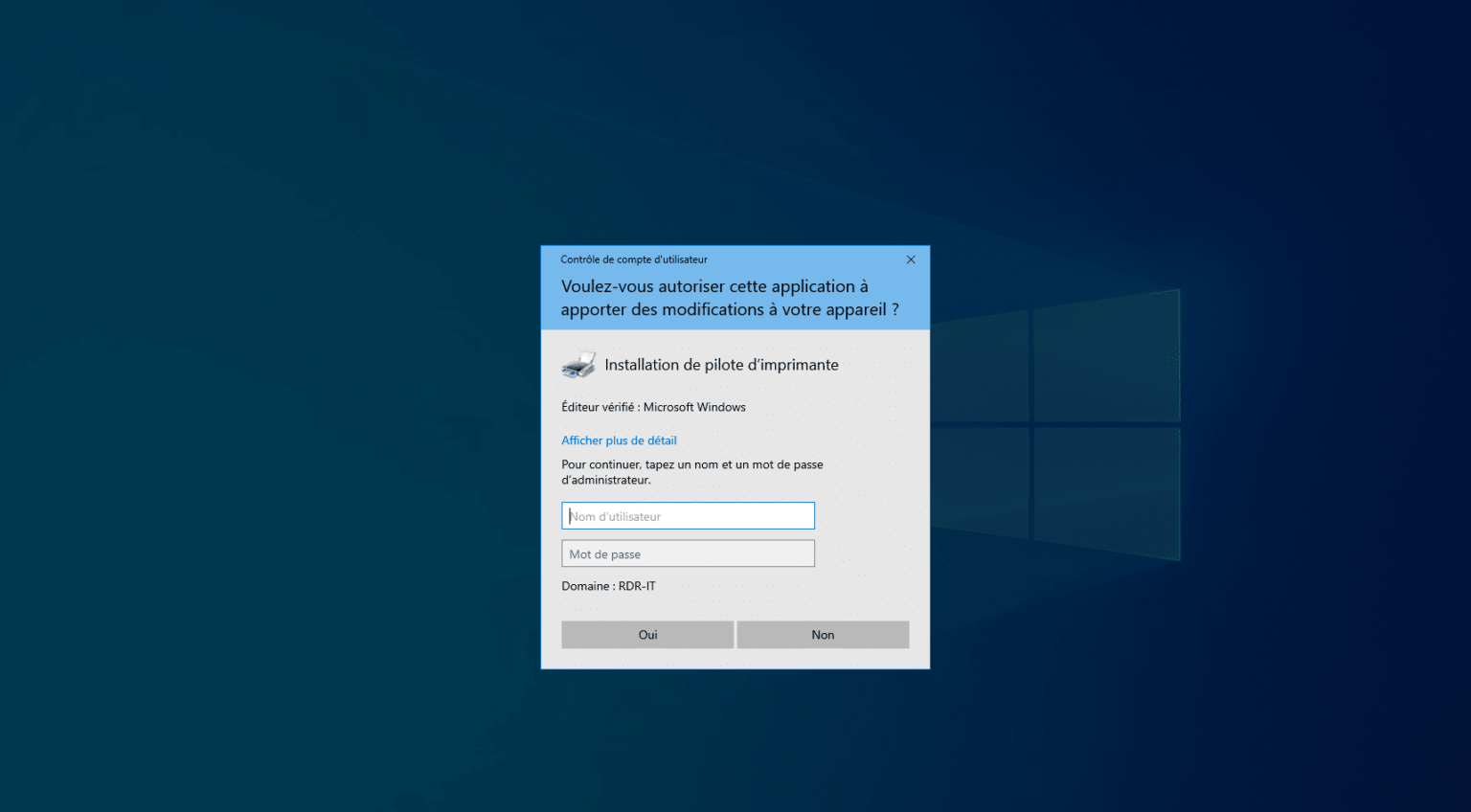
To fight against the flaws that affect the print spooler on Windows, the KB5005033 of August 2021, modifies the behavior of Windows 10 by requesting the administrator …
On Windows Server 2016 servers, KB5005573 randomly causes printing error 0x0000011b on computers. As of 9/17/2021, the workaround is to uninstall this update from the …
Location of the hosts file : C:\Windows\System32\drivers\etc. Pour ajouter un enregistrement : 1. Start notepad as administrator. 2. Open the hosts file located in …
To complete the tutorial on Jenkins where I explain how to use it to run scheduled tasks and therefore turn it into a scheduler, I will show you in this tutorial, how to …
In this article, I will tell you about a very practical little program to make it easier for you to install programs on workstations and servers. Chocolatey is to Windows …
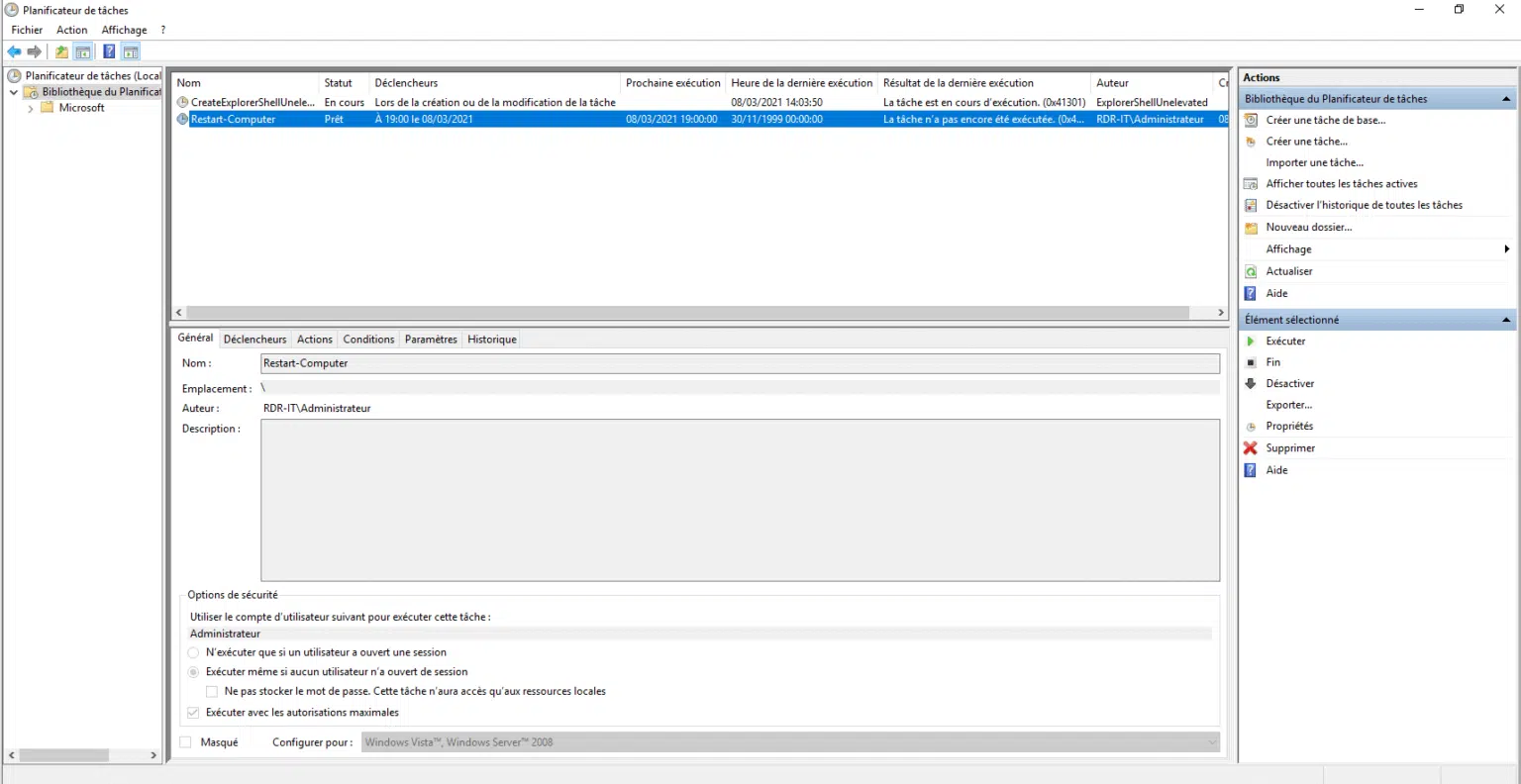
In this tutorial, I will tell you how to export and import a scheduled task. This tutorial applies to both Windows Server and the Desktop version (Windows 10). To …
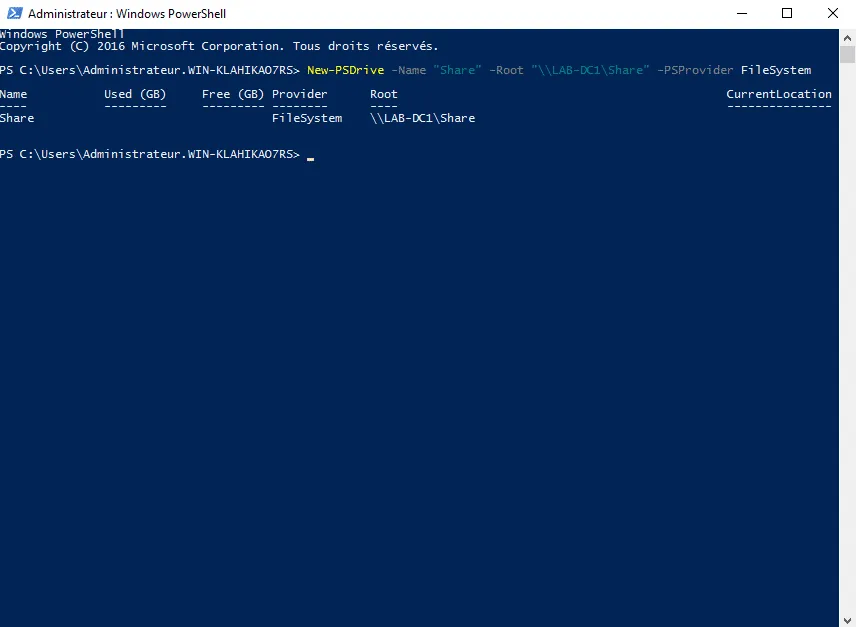
In this tutorial on “scripting”, I suggest you discover or see how to manage network drives with PowerShell and you will see that it is not that “simple”. In the …
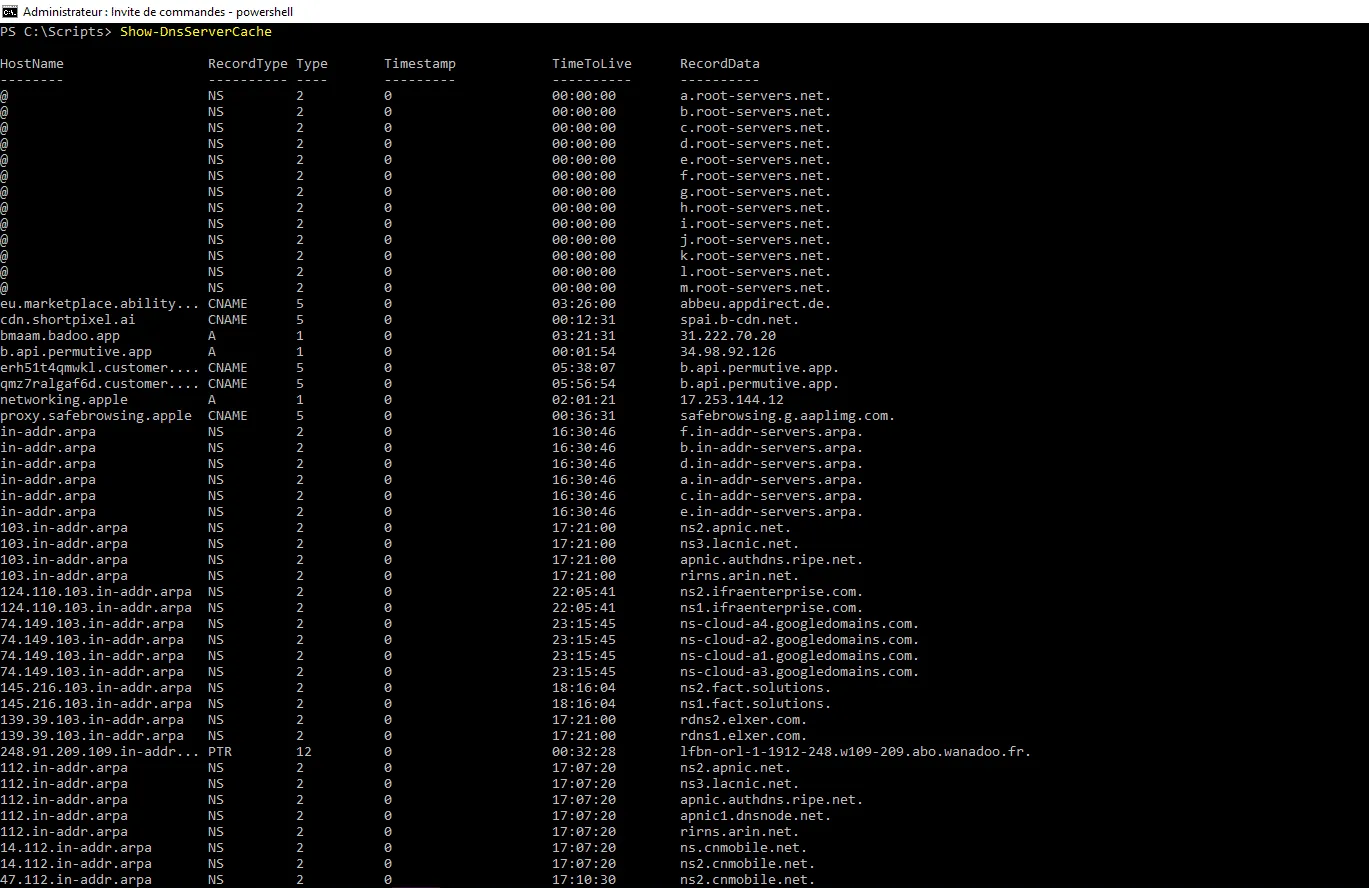
In this “tutorial”, I will give you some PowerShell cmdlets to manage your DNS server cache on Windows Server. To be more precise, we will see 4 cmdlet PowerShell * …
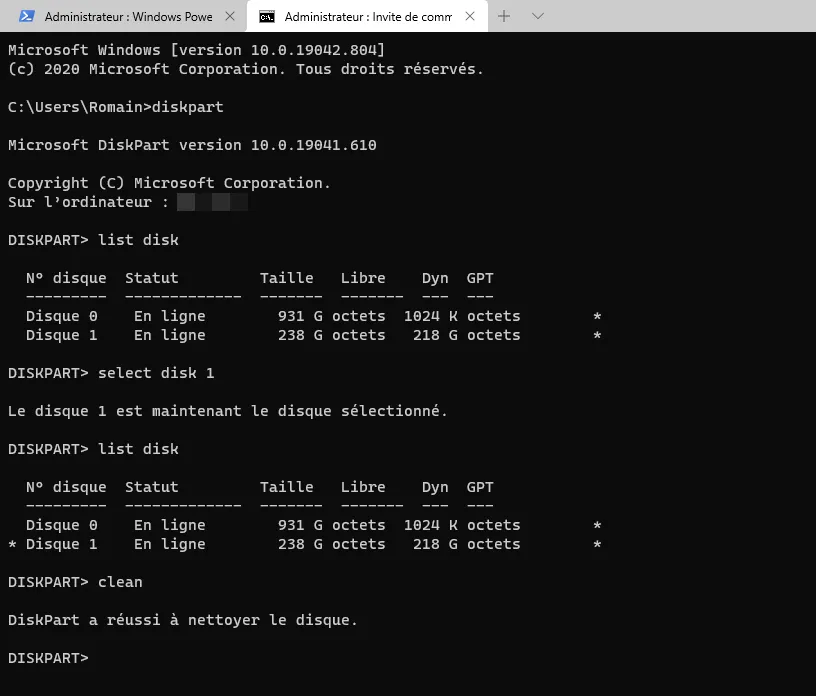
In this tutorial, I will tell you how to delete all partitions from a hard drive with DISKPART. I am using this procedure to remove OEM partitions on computers from …
The next two lines of code allow you to delete all files with a particular extension in a folder. Set obj = CreateObject("Scripting.FileSystemObject") …
The script allows you to delete all network printers on a workstation / server. ' ' RDR REMOVE NETWORK PRINTER ' ' ' Dim strComputer strComputer = "." Set objWMIService = …