Configure WSUS to have computers download updates from Microsoft
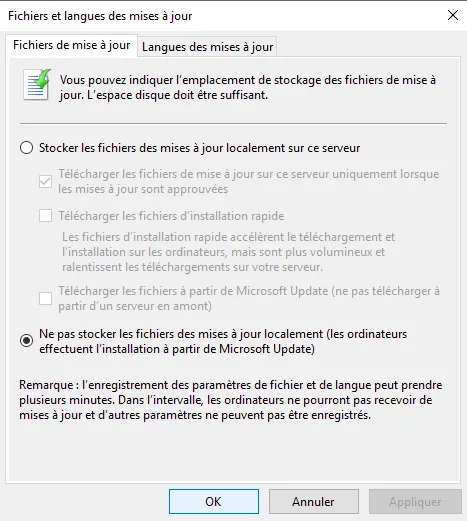
In this tutorial, I will explain how to configure WSUS so that computers download updates directly from the Microsoft website and not from your WSUS server. This …
In this tutorial, I will explain how to configure WSUS so that computers download updates directly from the Microsoft website and not from your WSUS server. This …
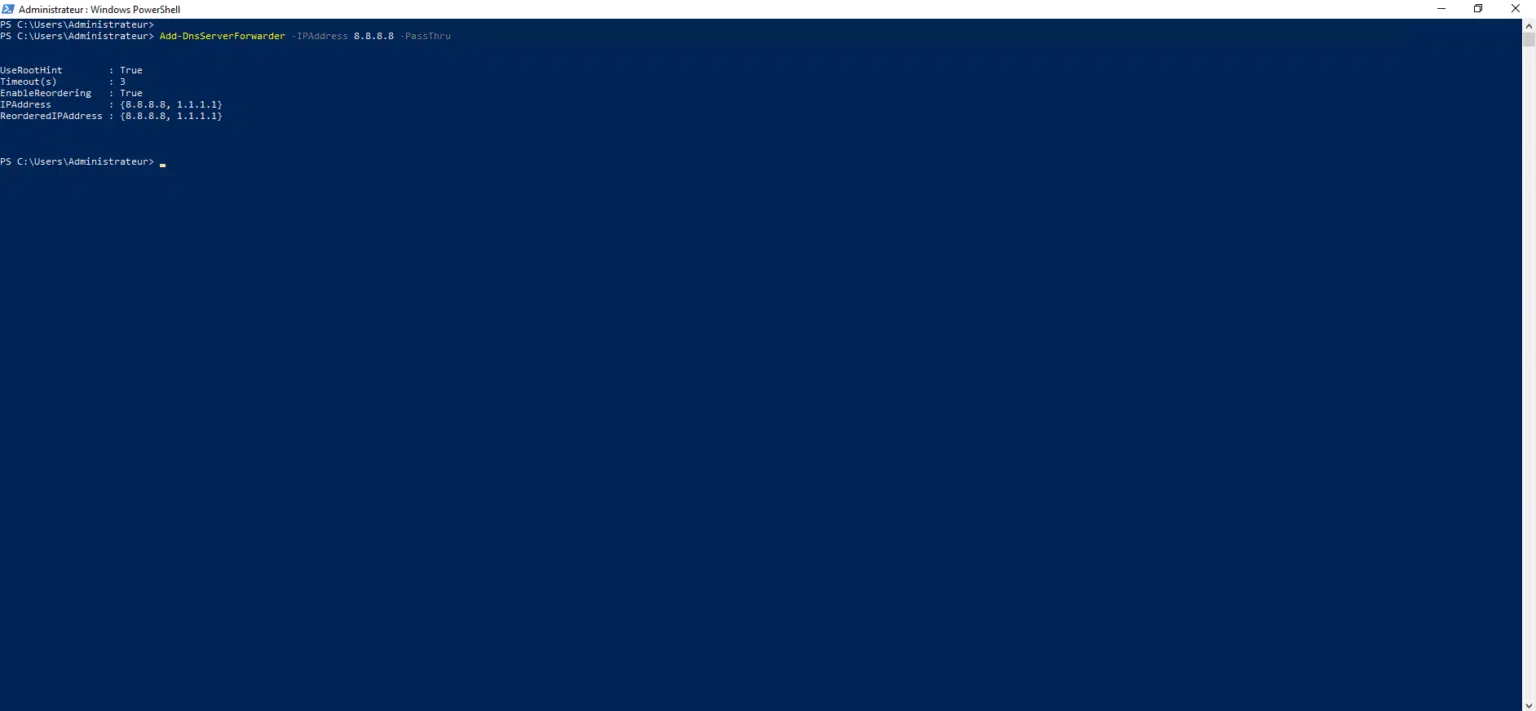
In this tutorial, I will explain how to add a DNS forwarder on Windows Server using PowerShell. The Cmdlets used in this tutorial are launched in a PowerShell window run …
In this tutorial, we will see how to install the WSUS (Windows Server Update Services) role on Windows Server 2025, which will allow you to have a server in your …
In this tutorial, I will explain how to SSH server on Windows Server 2025 to administer it remotely. If you have been following me for several years, this is not the …
In this tutorial, we will see how to join a computer running Windows Server 2025 to an Active Directory domain. Before joining the Active Directory domain, you must have …
In this first tutorial, dedicated to Windows Server 2025, we will see its installation, which differs very little from other versions of Windows Server. At the time of …
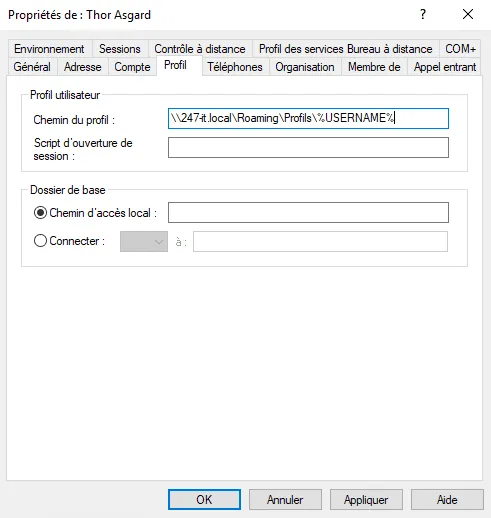
Presentation In this tutorial, I will explain how to set up roaming profiles for your users in an Active Directory environment. When I started working (already a few …
In this tutorial, we will see how to delete files older than X day using PowerShell. This type of script is often used in businesses on servers to rotate logs.
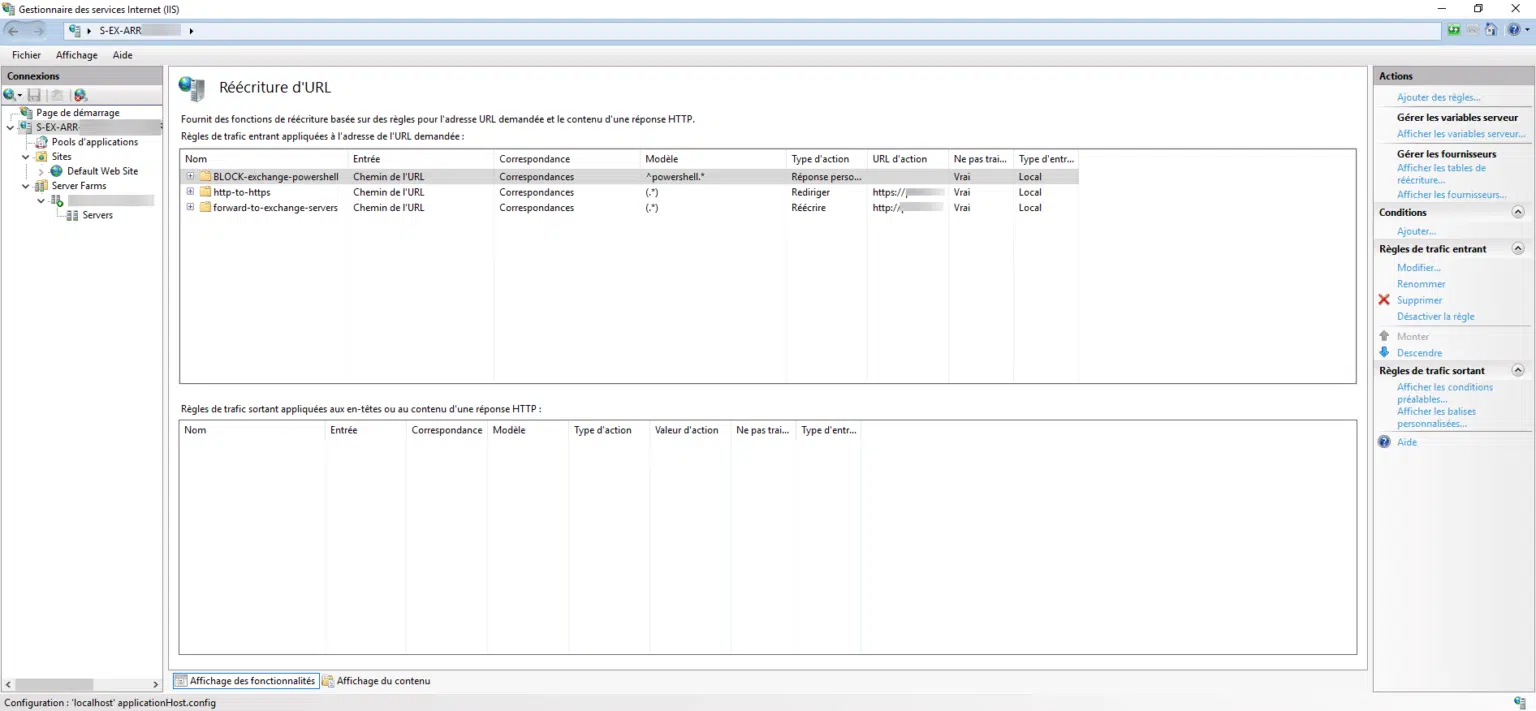
In this tutorial, I will show you how to block PowerShell remote access to Exchange with ARR. As a security measure, if you use IIS ARR to publish Exchange servers to the …
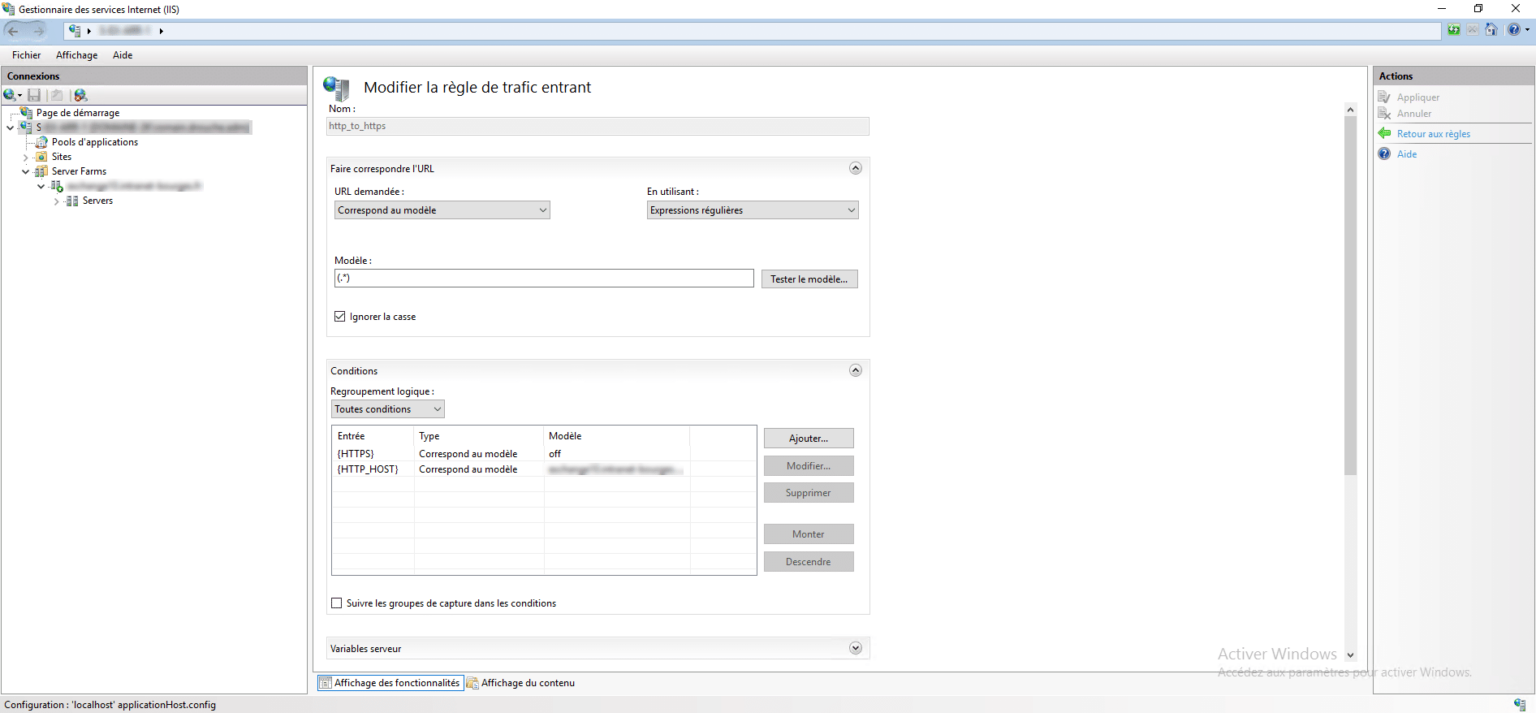
In this tutorial, I will explain to you how to set up a redirection of a site from HTTP to HTTPS with ARR. If you don’t yet know IIS ARR, I’ll let you discover it in this …
In the Windows deployment sequence, add a Run Command Line action in the State Restore section. In the Command Line field add: netsh advfirewall set allprofiles state off …
Edit the registry: Windows Registry Editor Version 5.00 [HKEY_LOCAL_MACHINE\SOFTWARE\Policies\Microsoft\Windows Defender] "DisableAntiSpyware"=dword:00000001