Activate remote desktop from command line
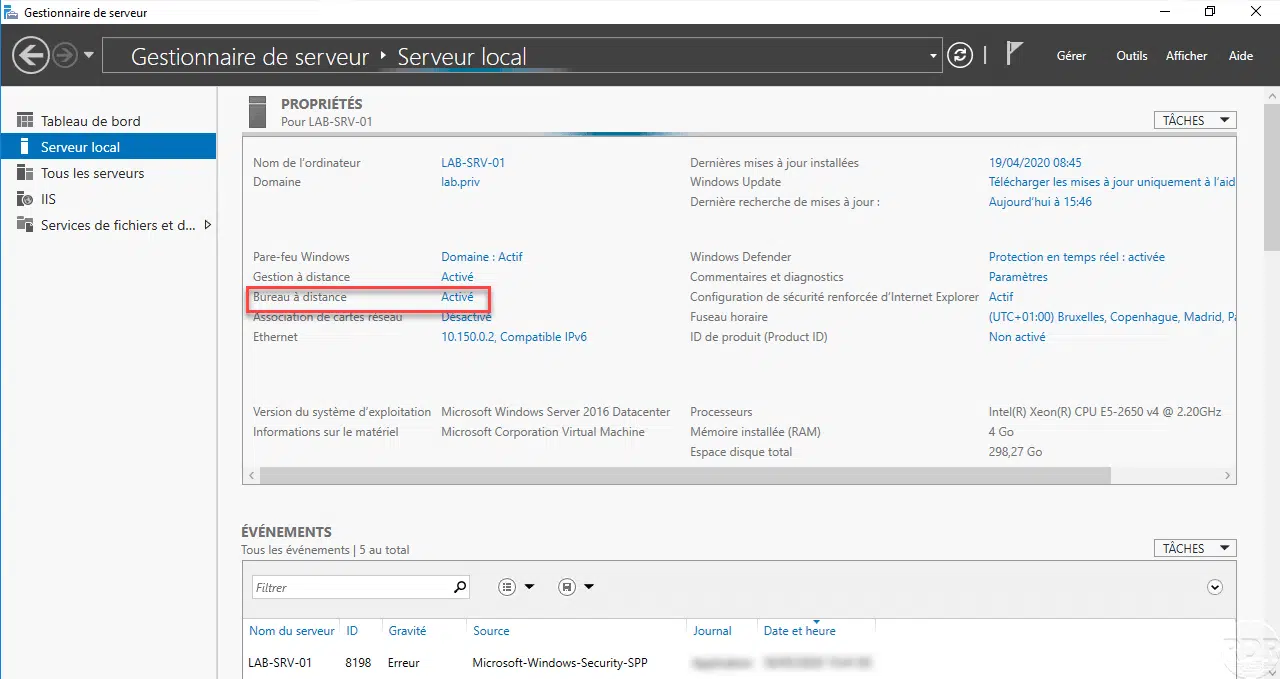
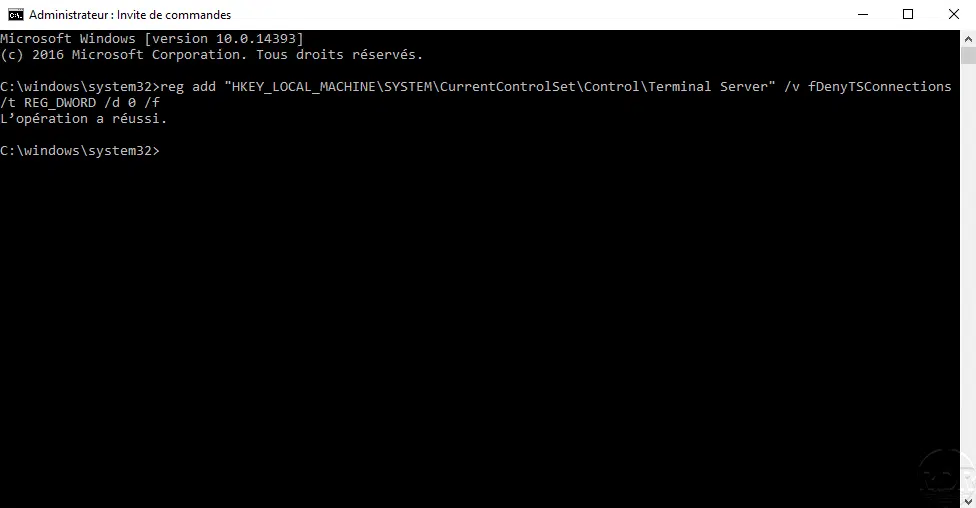
In this tutorial how, we will see how to activate the remote desktop from the command line. Activating the remote desktop can be done from the command line by modifying a …
In this tutorial how, we will see how to activate the remote desktop from the command line. Activating the remote desktop can be done from the command line by modifying a …
This tutorial "how" explains how to activate the remote desktop on Windows Server with a graphical interface.
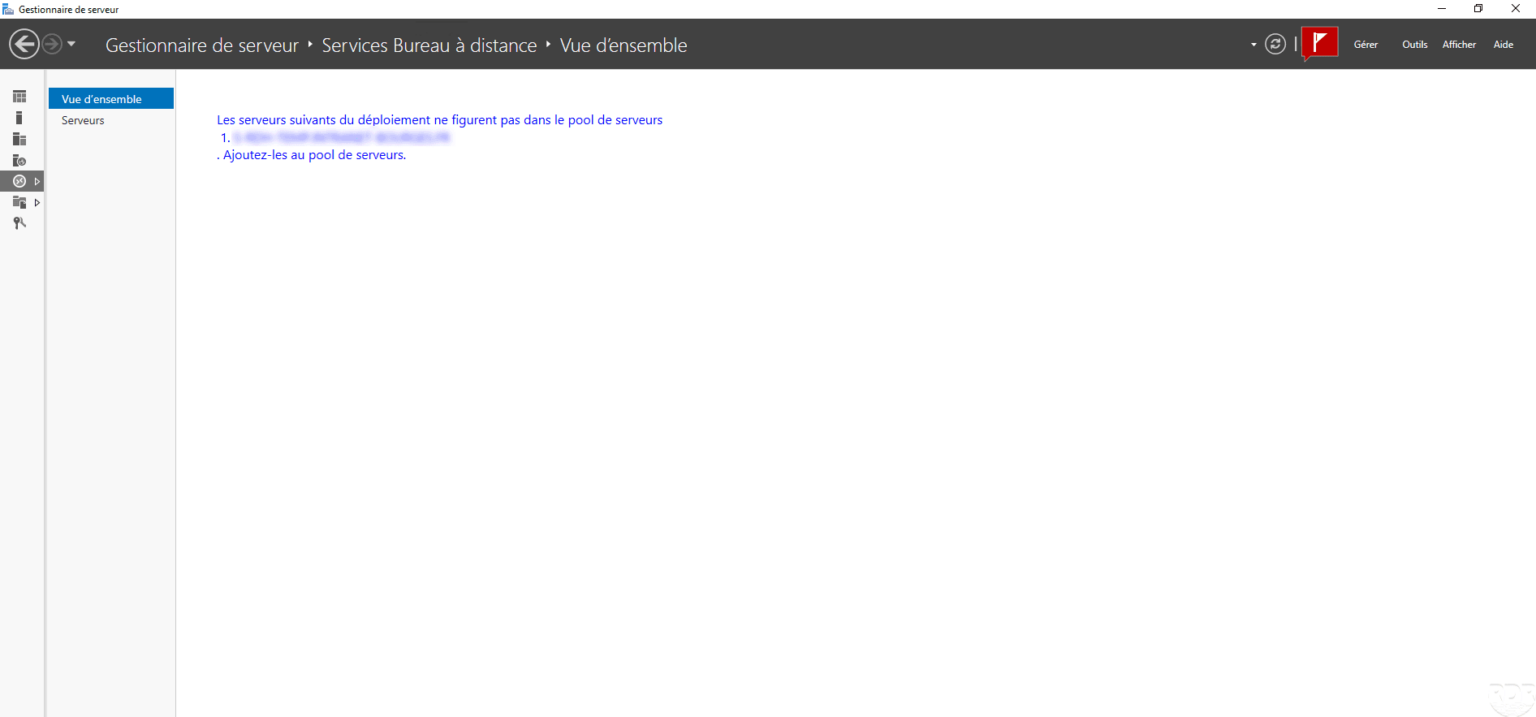
In this tutorial, we will see how to remove a server from a deployment that is no longer available. When connecting to the service broker, the following message is …
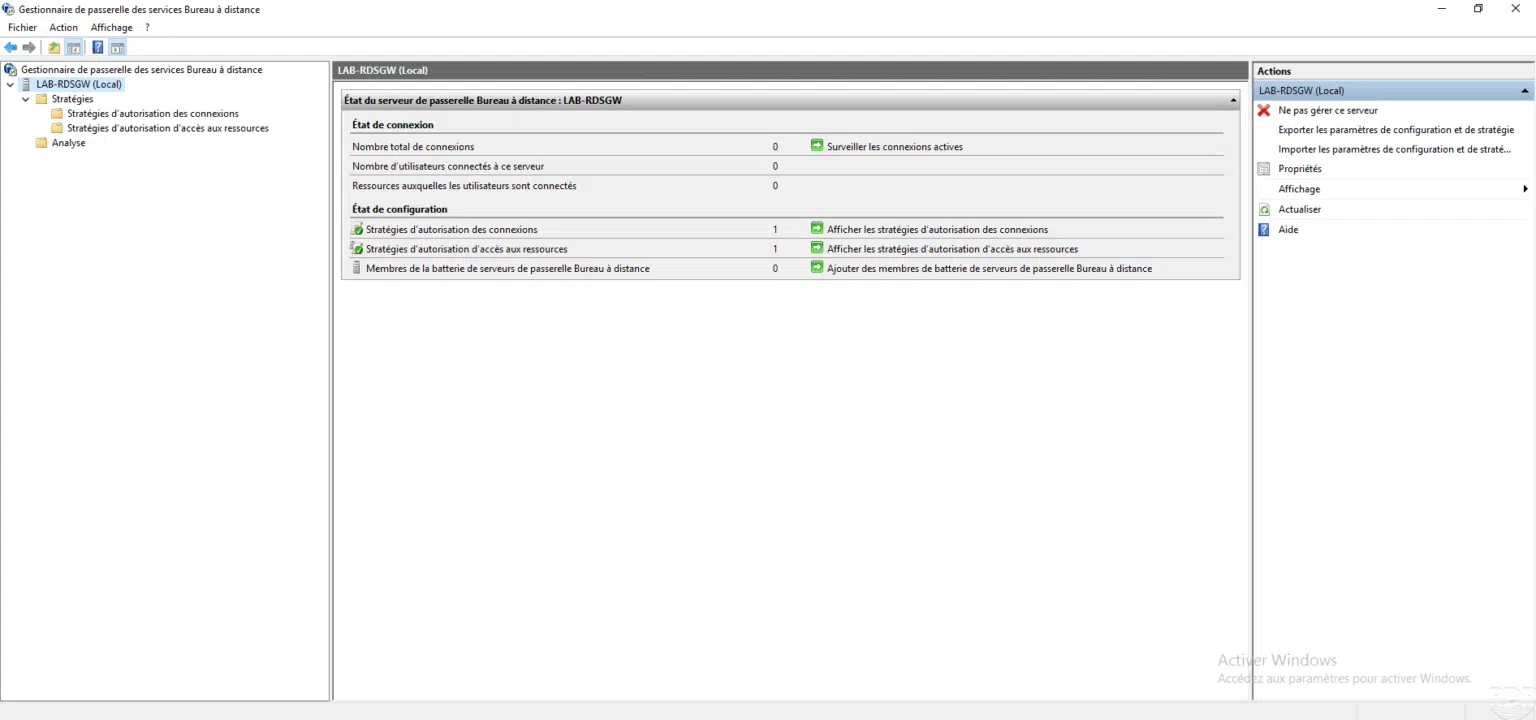
Presentation of the RDS gateway In this tutorial, we are going to install, configure and use an RDS gateway without deploying an RDS farm . In an environment mainly …
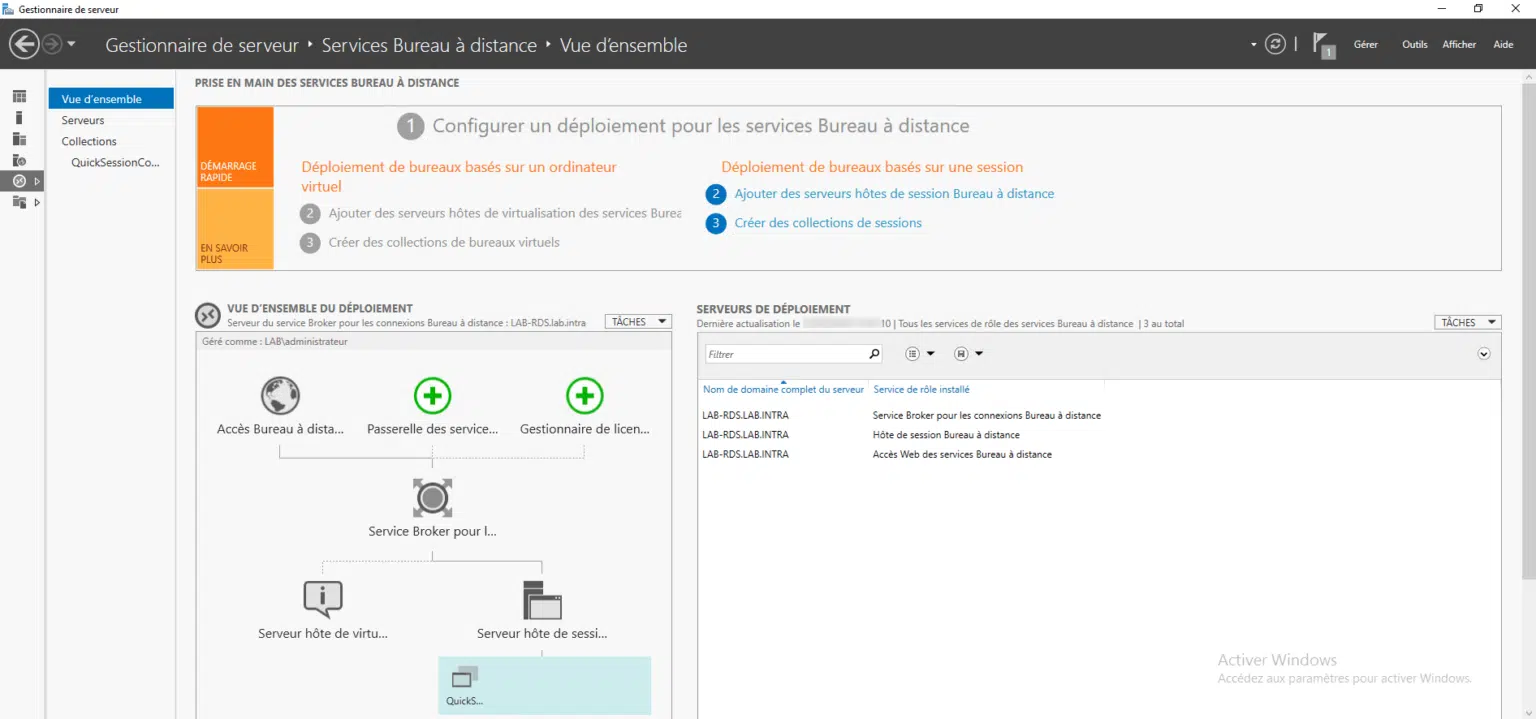
Presentation In this tutorial, I will explain how to deploy an RDS server (Remote Desktop Services). If you plan to deploy an RDS farm, that is to say several servers, …
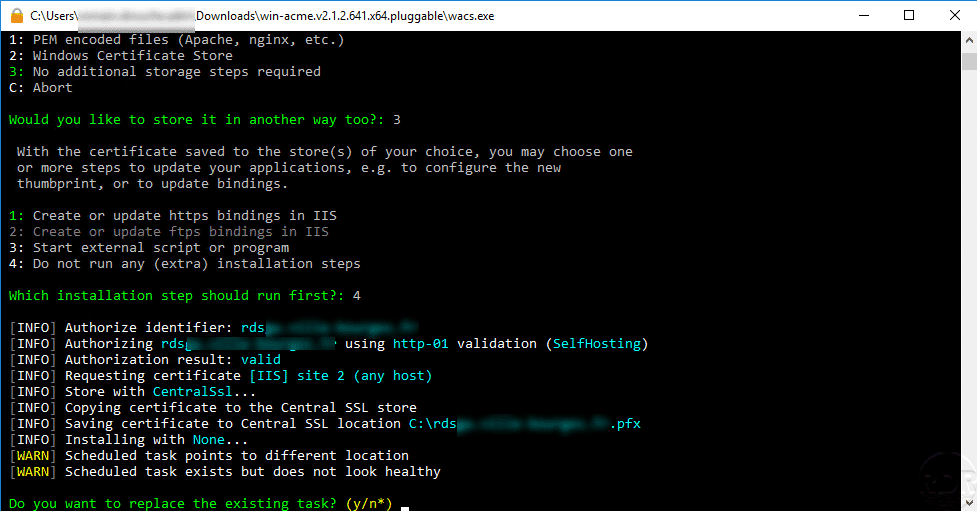
This tutorial explains how to generate a certificate in pfx format with Let's Encrypts and IIS.
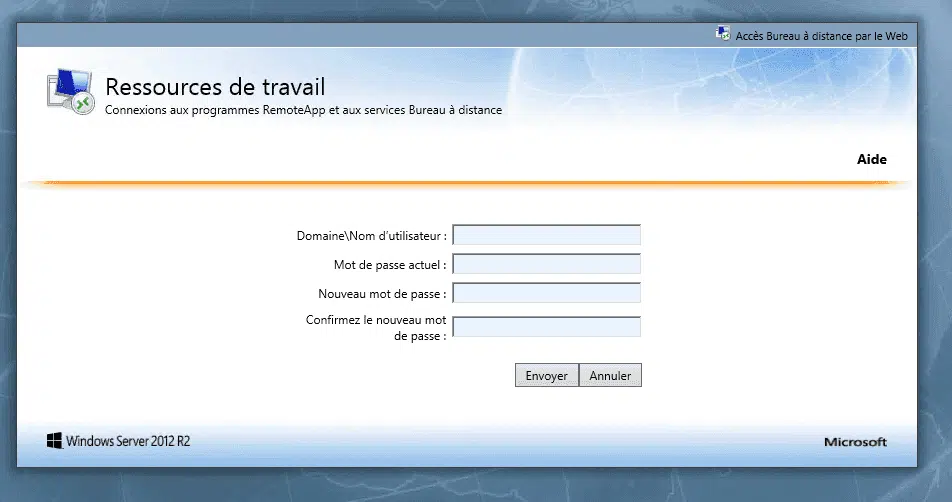
Presentation In this tutorial, I will explain how to allow users to change their passwords using the Web Access portal available in a deployment of an RDS farm . To allow …
Presentation The purpose of this article is to show you how to force a template for the start menu. This change is especially useful for RDS servers to allow users to all …
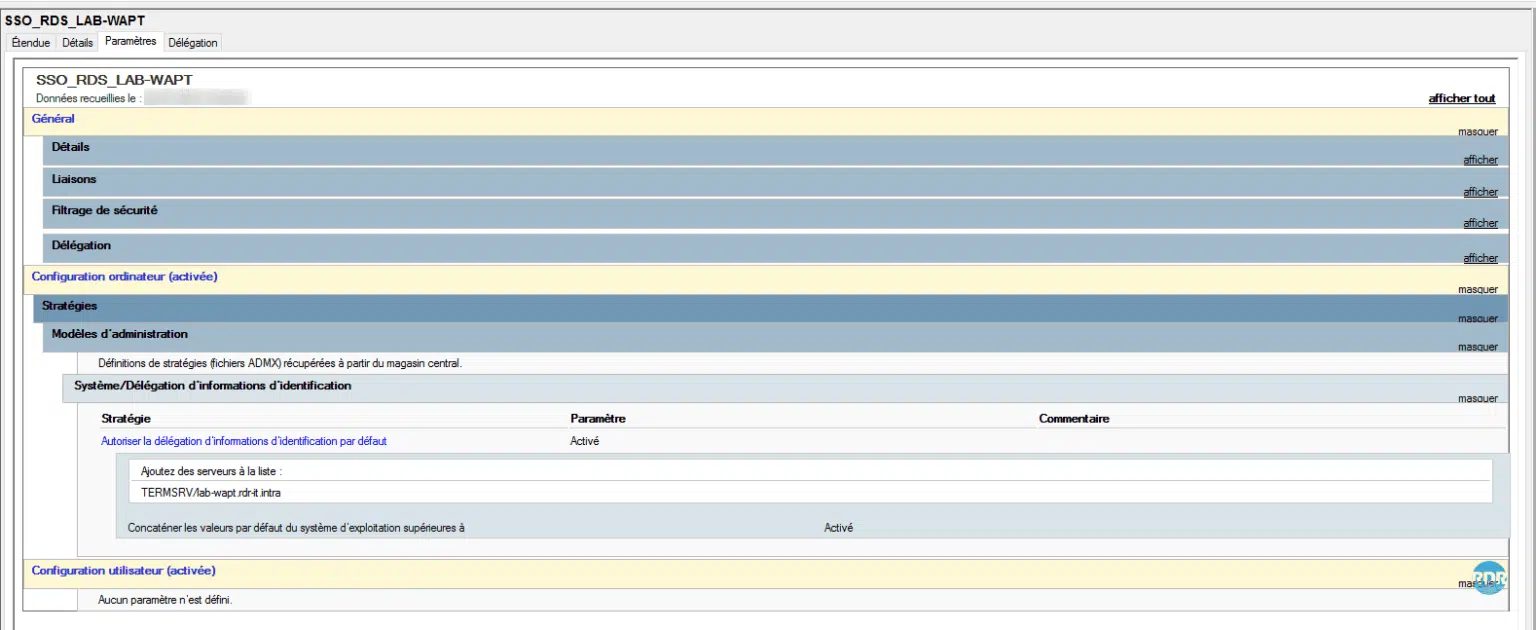
Presentation In this article, we’ll see how to set up Single Sign-on (SSO) on Remote Desktop (RDS) connections using a GPO. This solution eliminates the need for users to …
This script allows you to reboot a server RDS member of a farm with a broker session by closing the still open sessions. Use : Change the two variables $ServerBroker and …
Problem If you followed the article: Setting up an RDS farm under Windows 2012R2/2016 , the client connection configuration is done using a Round Robin on the DNS. What …
If you have activated user profile disks on your RDS farm and you need to increase the size of a disk you must go through a machine with the role of Hyper-V