Windows 10: use the Remote Desktop app
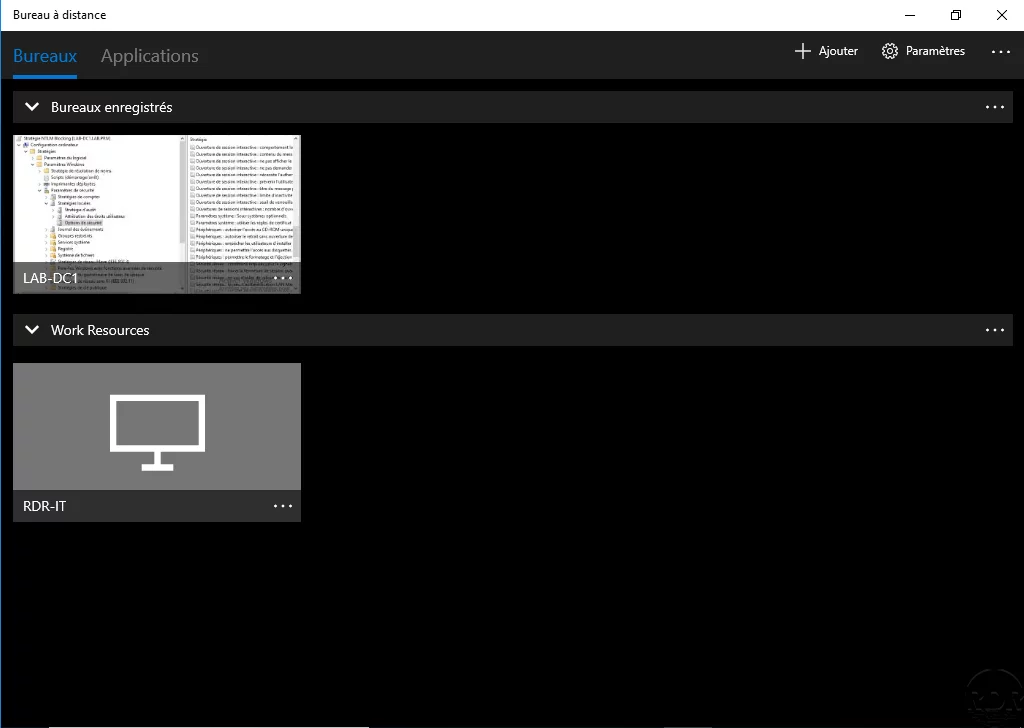
Presentation In this tutorial, we will see how to use the Remote Desktop application available in the application store. The application is also available for Android and …
Presentation In this tutorial, we will see how to use the Remote Desktop application available in the application store. The application is also available for Android and …
In business, it happens regularly when we make Windows images for MDT / WDS, that we want to save the power profile so that we can import it across the fleet.
Symptom After running a sysprep the following error is displayed during reboot. Windows could not complete the system configuration. To attempt to resume configuration, …
To join a computer to a domain you have several possibilities: By graphical interface Command Line (CMD, PowerShell) Prerequisites be an administrator on the local …
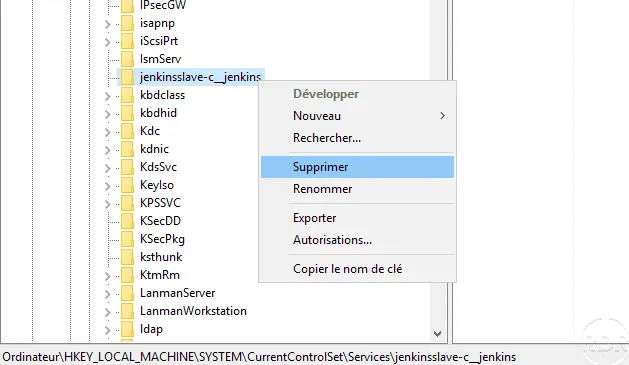
In this tutorial, we will see how to remove a Windows service by the registry. Sometimes some software does not remove their service during the uninstall, here’s how. …
Presentation Windows 10 Sandbox allows you to launch an isolated Windows 10 (build 18342 ) environment to perform tests in all security. Prerequisites Enable …
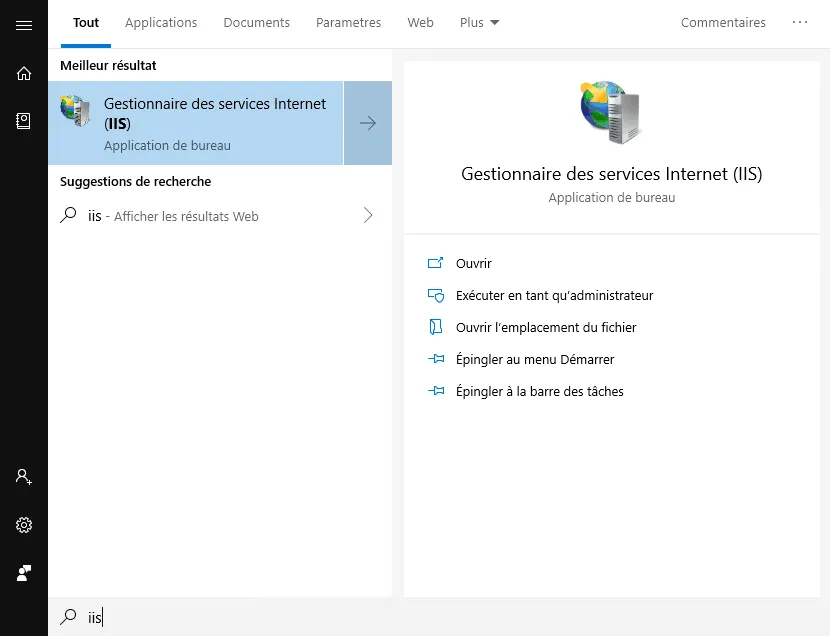
In this article, I will explain how to install an IIS web server on a computer with Windows 10. IIS is a Web server developed by Microsoft that is also available on …
Telnet is a command line utility that is routinely used in network and system administration to test communication between their machine. Telnet (or telecommunication …
Sometimes, for testing purposes, it is necessary to disable the real-time antivirus protection. Here’s how to do it with disable defender on Windows 10. 1. Open the “1” …
The C: \ Windows \ WinSXS folder is the location of the component store files that allows for the addition of features, roles, and updates. With time the repertoire can …
Presentation Sysprep is a Windows utility that allows you to prepare a system for deployment . This operation generates a new SID when you install Windows. On the same …
Windows 7/8/2008/2012 Here is how to fix this problem : 1. Log in with a local administrator account 2. Launch a command window in administratorr 3. Enter the following …