Hyper-V: create a virtual machine
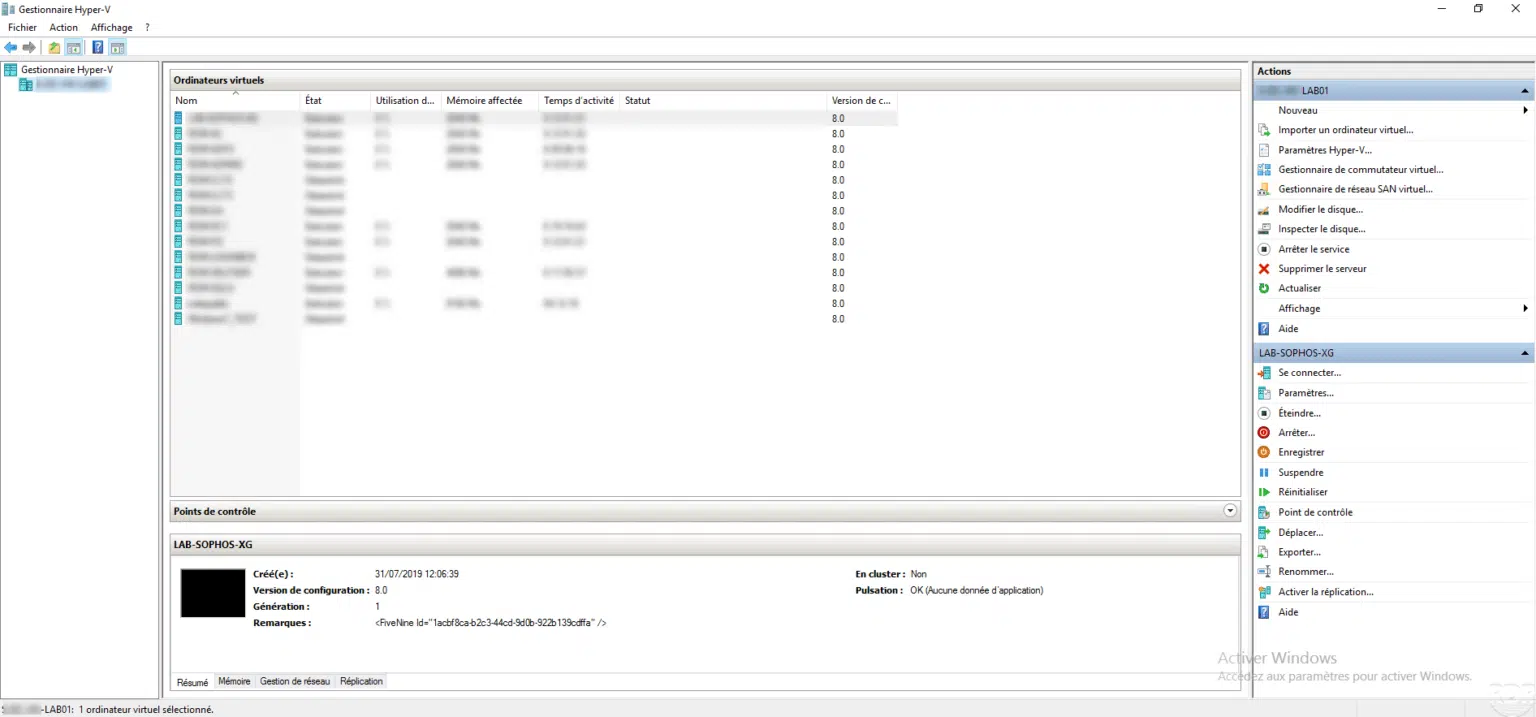
This tutorial explains how to create a virtual machine in Hyper-V using the Hyper-V Manager console.
This tutorial explains how to create a virtual machine in Hyper-V using the Hyper-V Manager console.
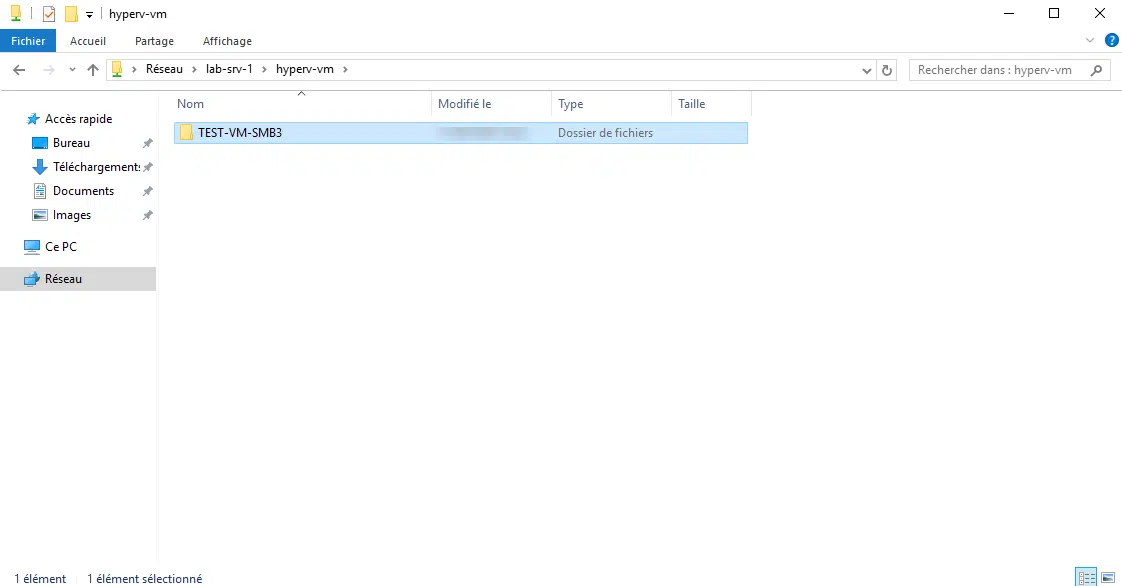
Introduction In this tutorial, I will explain how to configure a network share on Windows Server to store virtual machines created on Hyper-V on it. Since Windows 2012, …
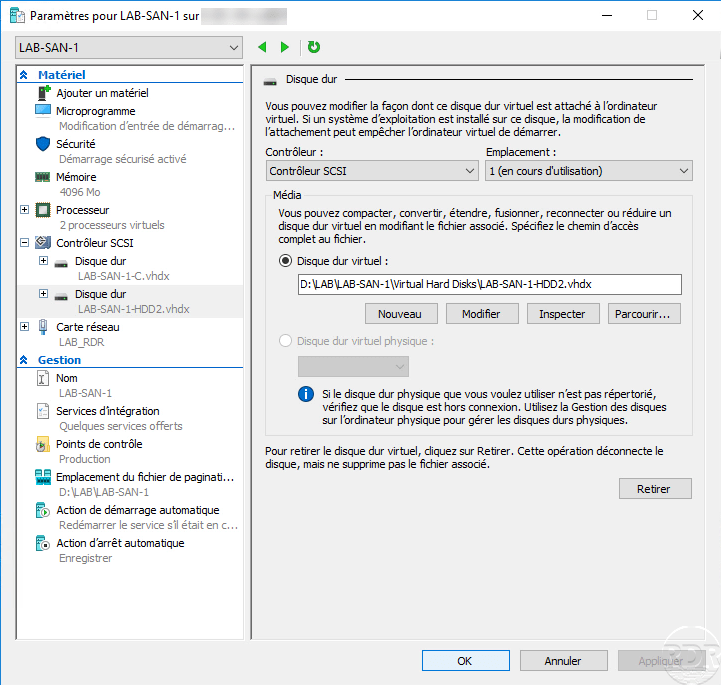
In this "How" tutorial, we will see how to add a virtual hard disk to a virtual machine that works with Hyper-V.
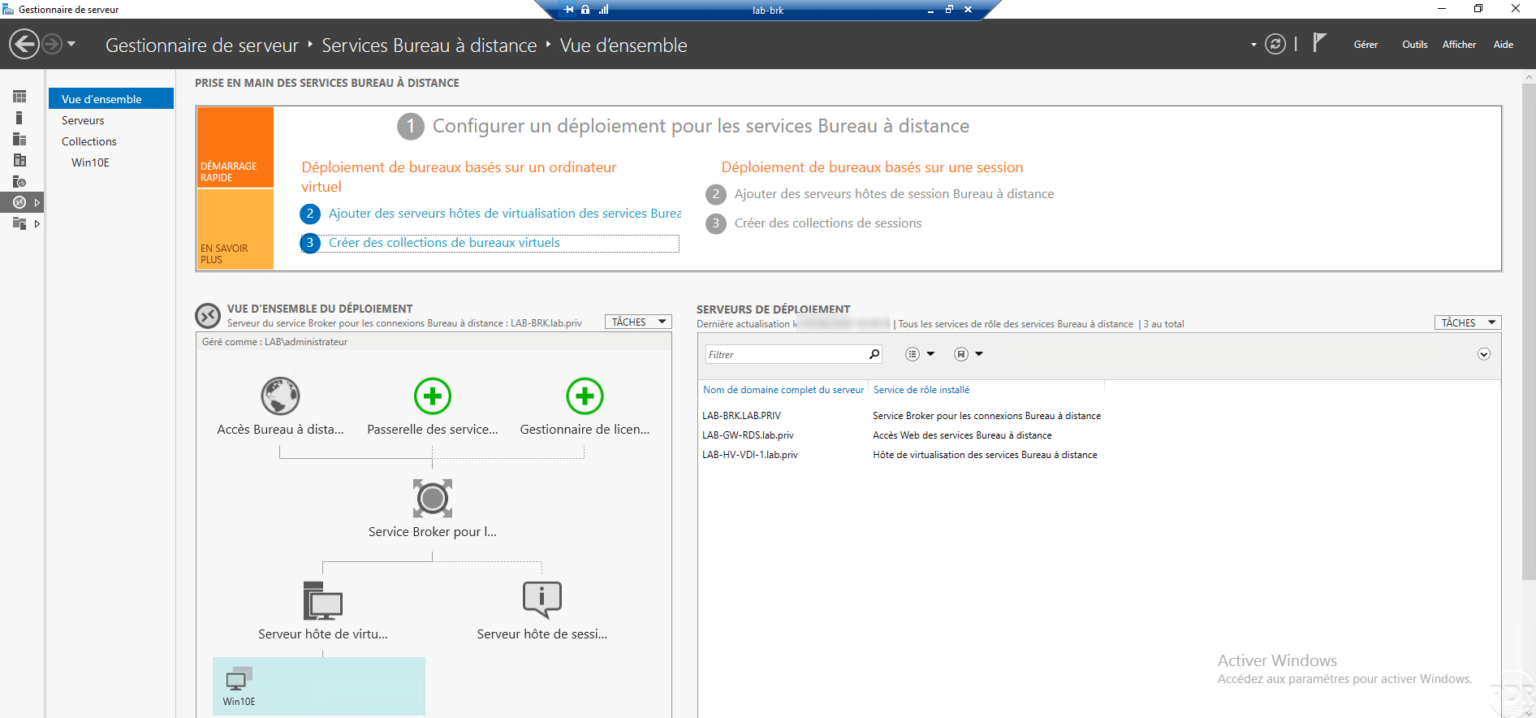
Introduction In this tutorial, I will explain how to install and configure a VDI (Virtual Desktop Infrastructure) environment. Before getting to the heart of the matter, …
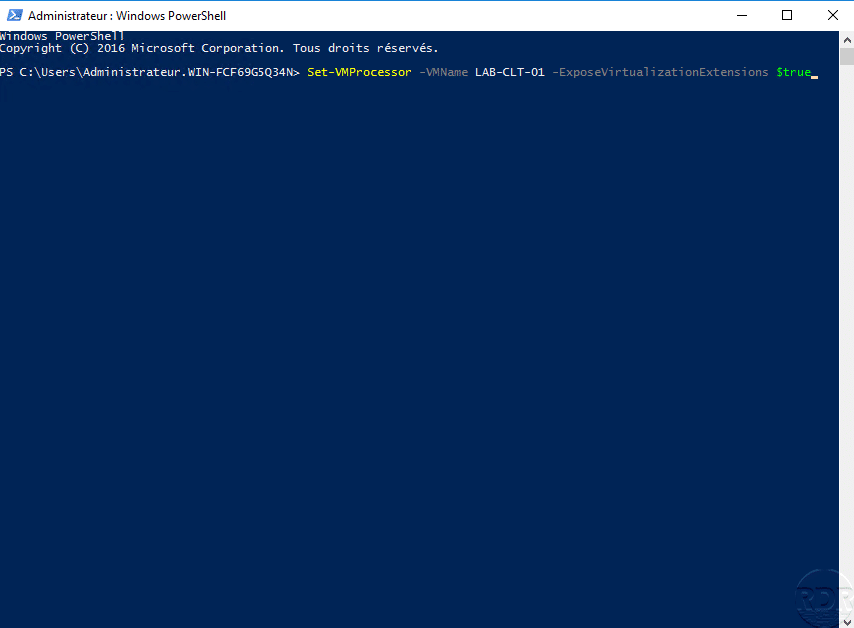
Presentation Nested virtualization is a feature available on Hyper-V from Windows Server 2016 and Windows 10, which enables virtualization options in a virtual machine. …
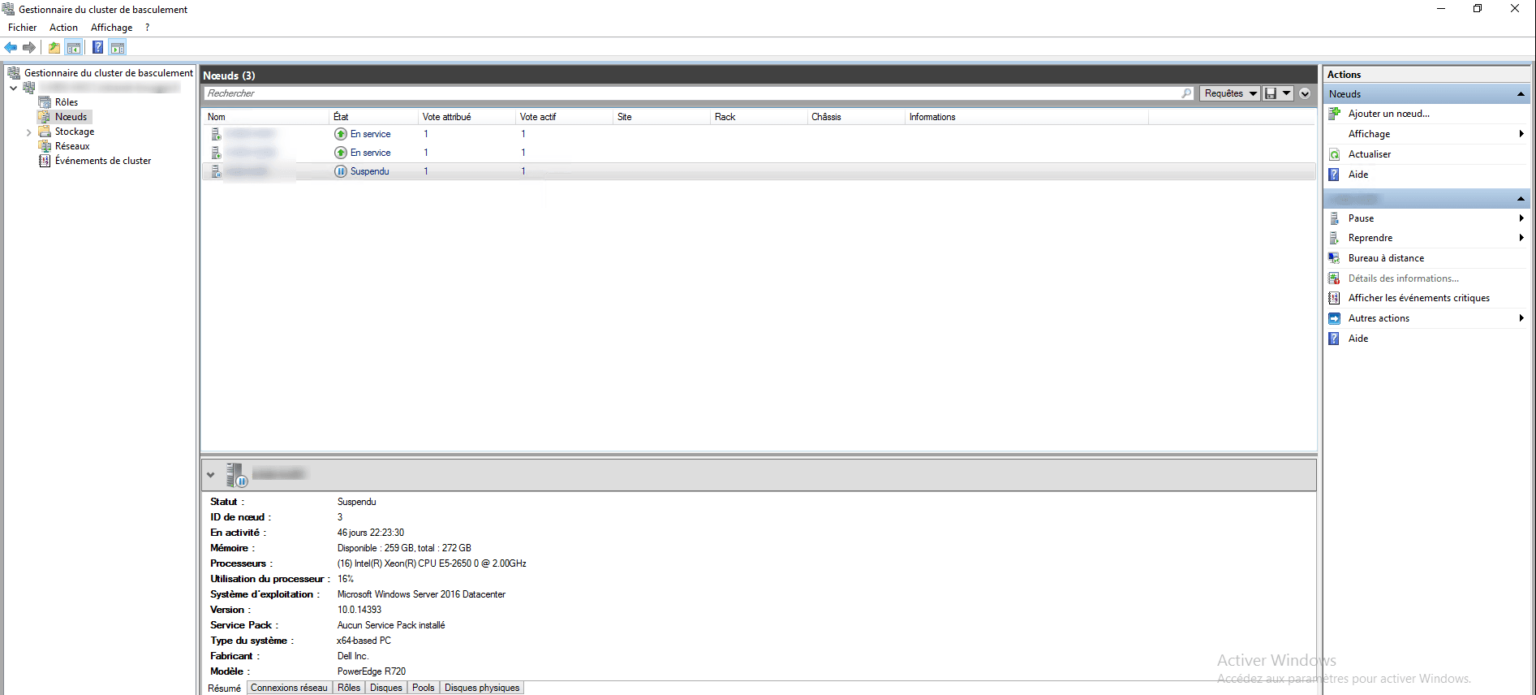
Intro In this tutorial, I will explain how to put a node (host) in maintenance on a Hyper-V Cluster. This tutorial can be applied to all Windows Server clusters. It …
Introduction Through this tutorial, we will see how to set up a Hyper-v cluster under Windows Server (2012R2 / 2016/2019) step by step. Each step requires it, will take …
In this tutorial, we will see how to manage your virtual machines in a Hyper-V cluster using the Cluster Manager console. It is also possible to use the following tools …
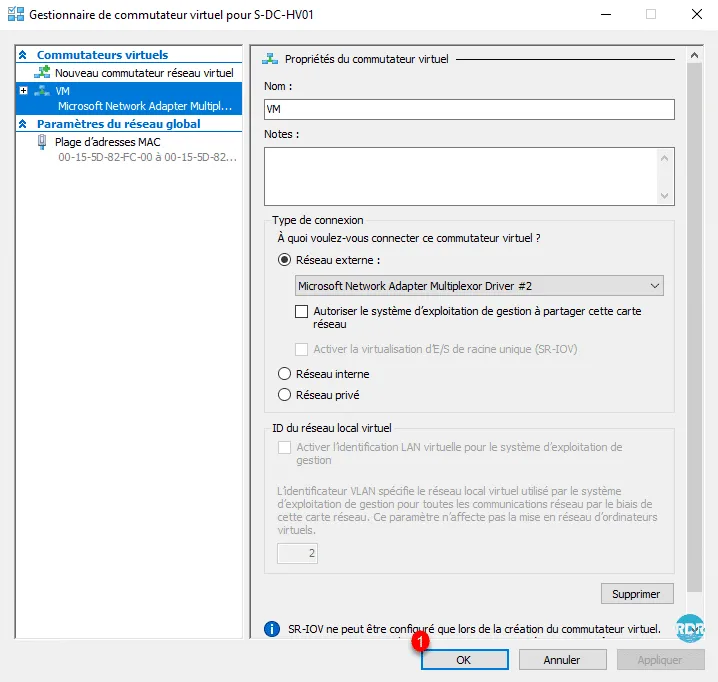
Presentation A virtual switch in Hyper-V is a virtual switch that allows the connection of network adapters to be created using Hyper-V (virtual machine or host). Under …
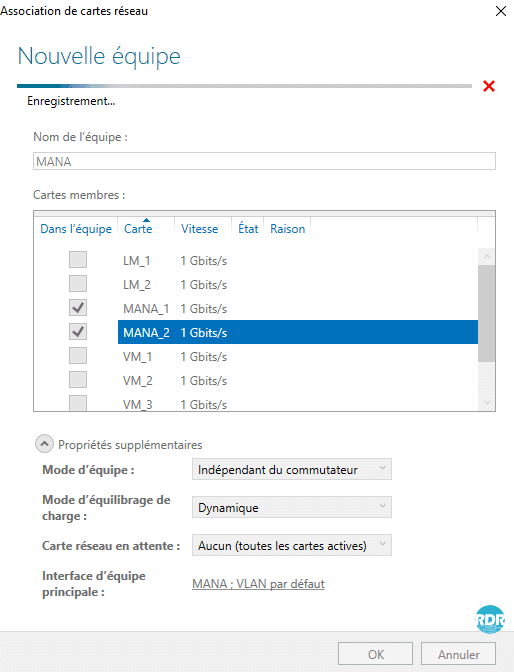
Presentation of the Network Teaming Teaming consists of grouping several network cards into a single virtual card. This technology allows depending on the configuration …
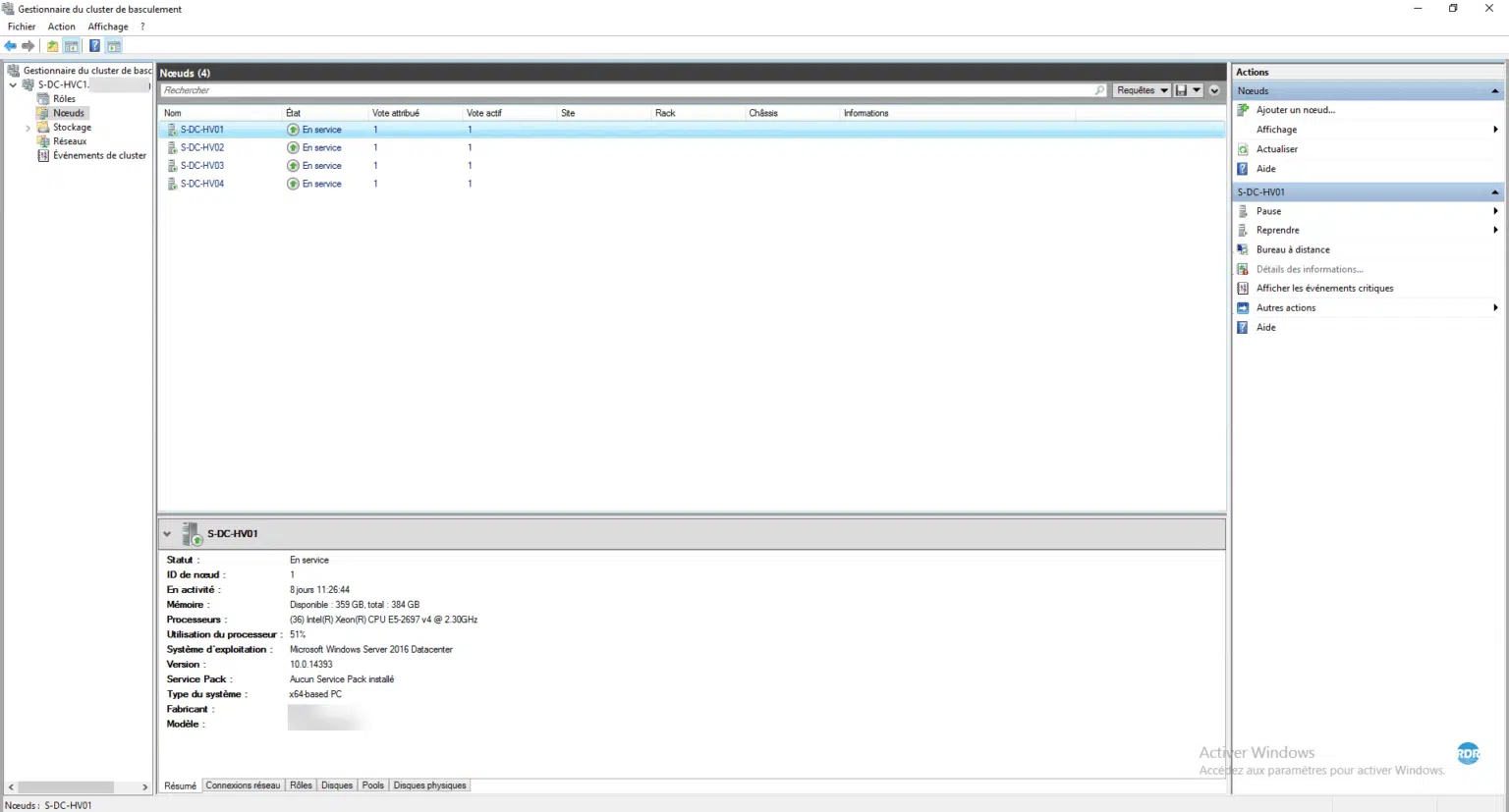
The failover clustering feature ensures high availability of a service by using multiple servers (nodes) that can make it work. Some examples of services that can be used …
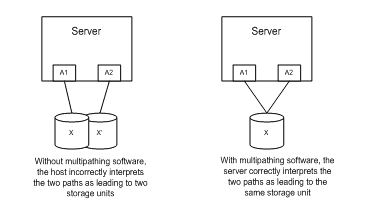
MPIO or MultiPath I / O is a Windows feature that allows multiple path support for storage. MPIO addresses two issues: performance and reliability. The majority of …