PRTG: Configure a Netflow Sensor
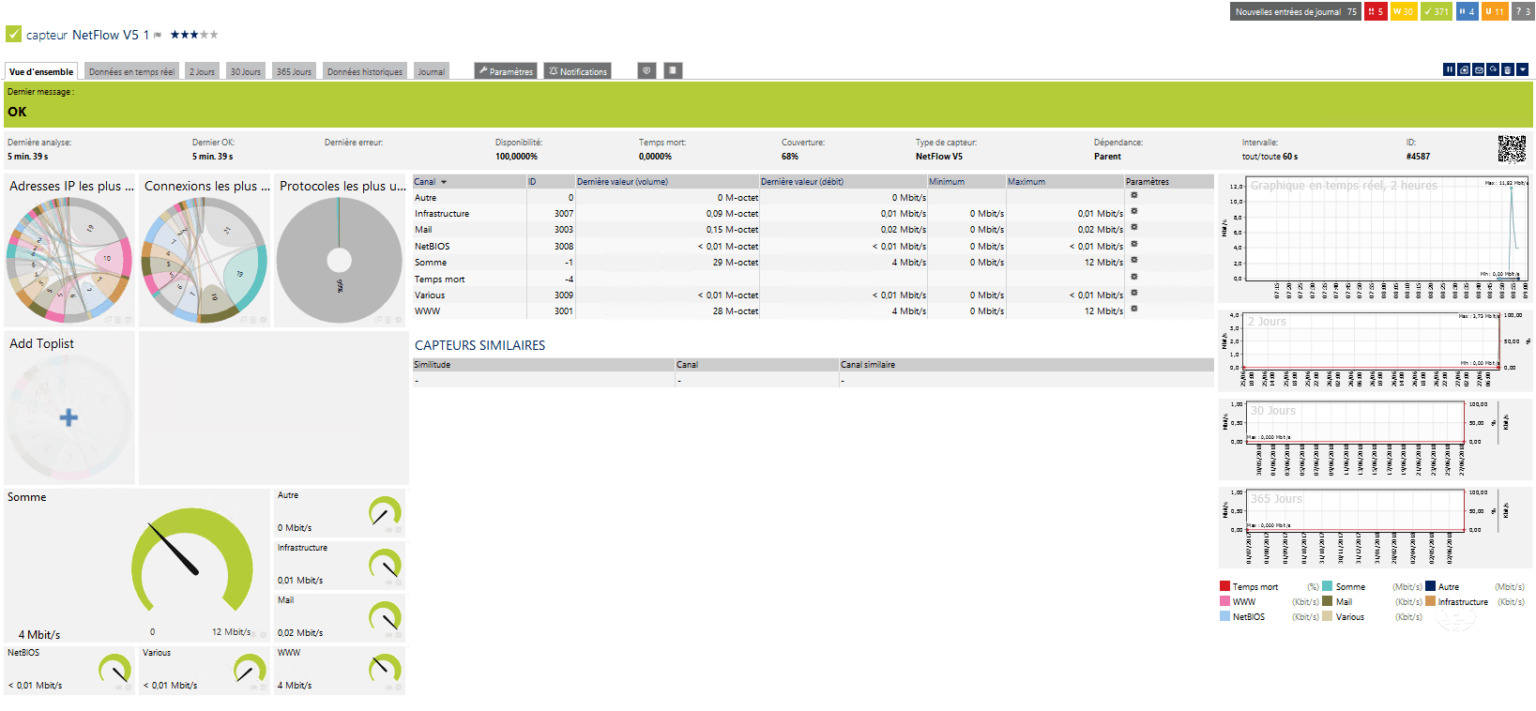
PRTG has a Netflow sensor, which makes it possible to transform it into a Netflow server so that network flows can be analyzed. Before configuring the sensor, you must …
PRTG has a Netflow sensor, which makes it possible to transform it into a Netflow server so that network flows can be analyzed. Before configuring the sensor, you must …
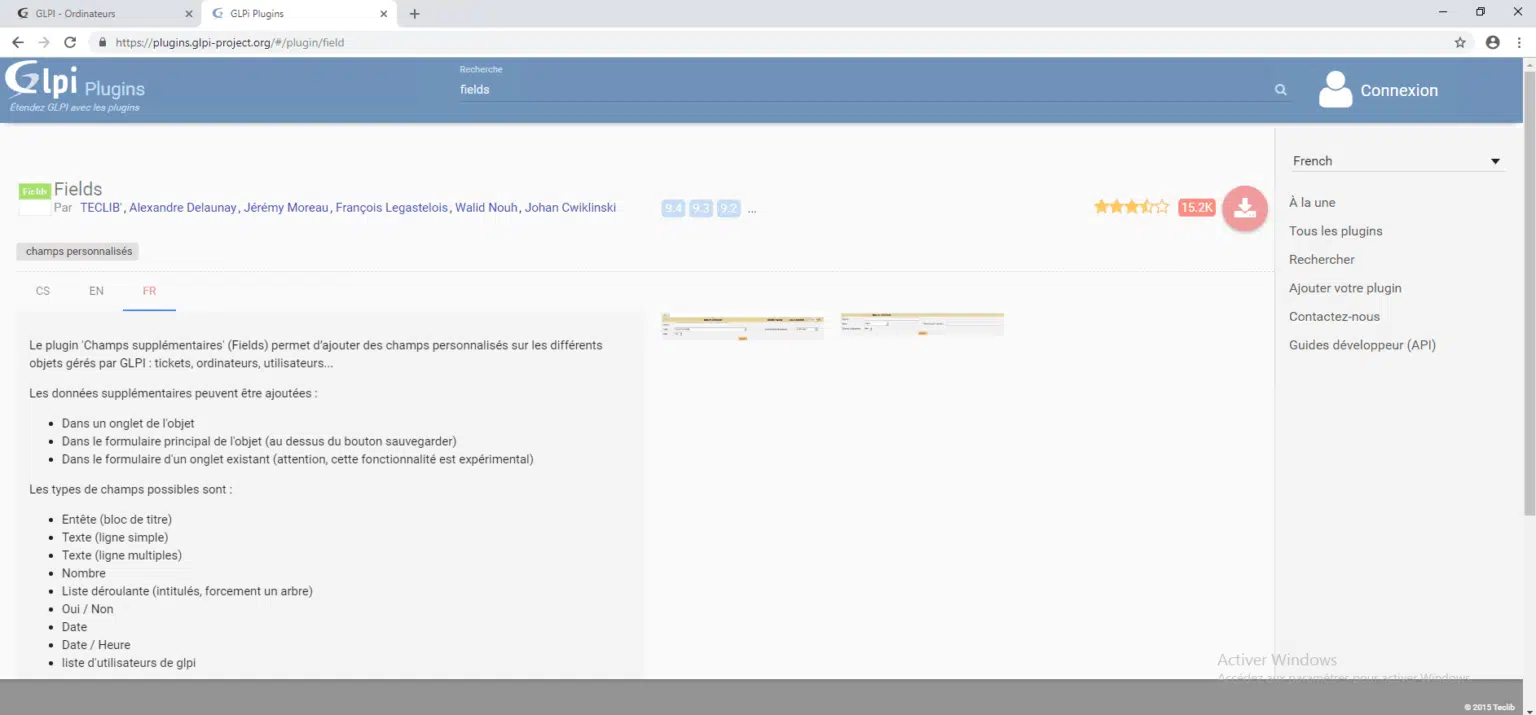
In this tutorial, we will see how to add custom fields using the Fields plugin. Fields allows you to add custom field blocks in the different elements of GLPI to …
PHP-FPM is another way to use PHP with Apache2, we forget the libmod-apache2-phpX. PHP-FPM is a variant of FAST-CGI. PHP-FPM has the advantage of no longer being embedded …
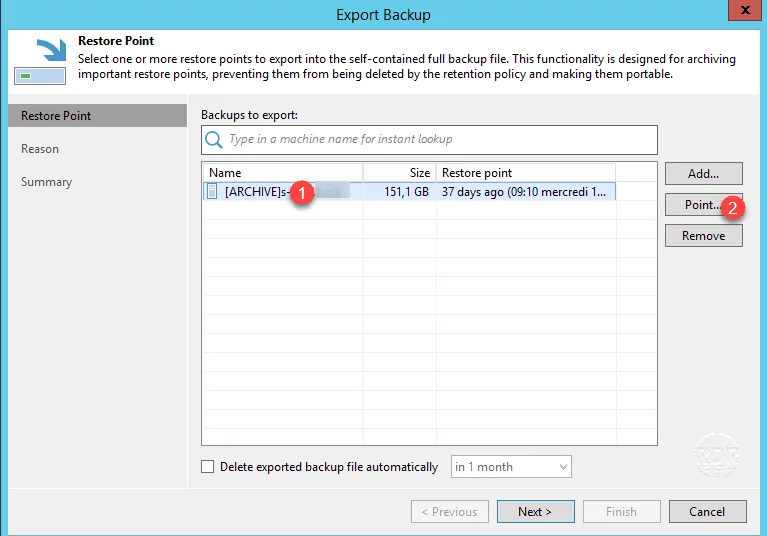
With version 9.5u4, a new feature has been added to Veeam which is the Export Backup. The export backup is used to extract (export) files from a backup, a restore point …
In this tutorial, we will see how to set up Centreon, which is a Linux (CentOS) monitoring solution. The points addressed are the following: Distribution installation …
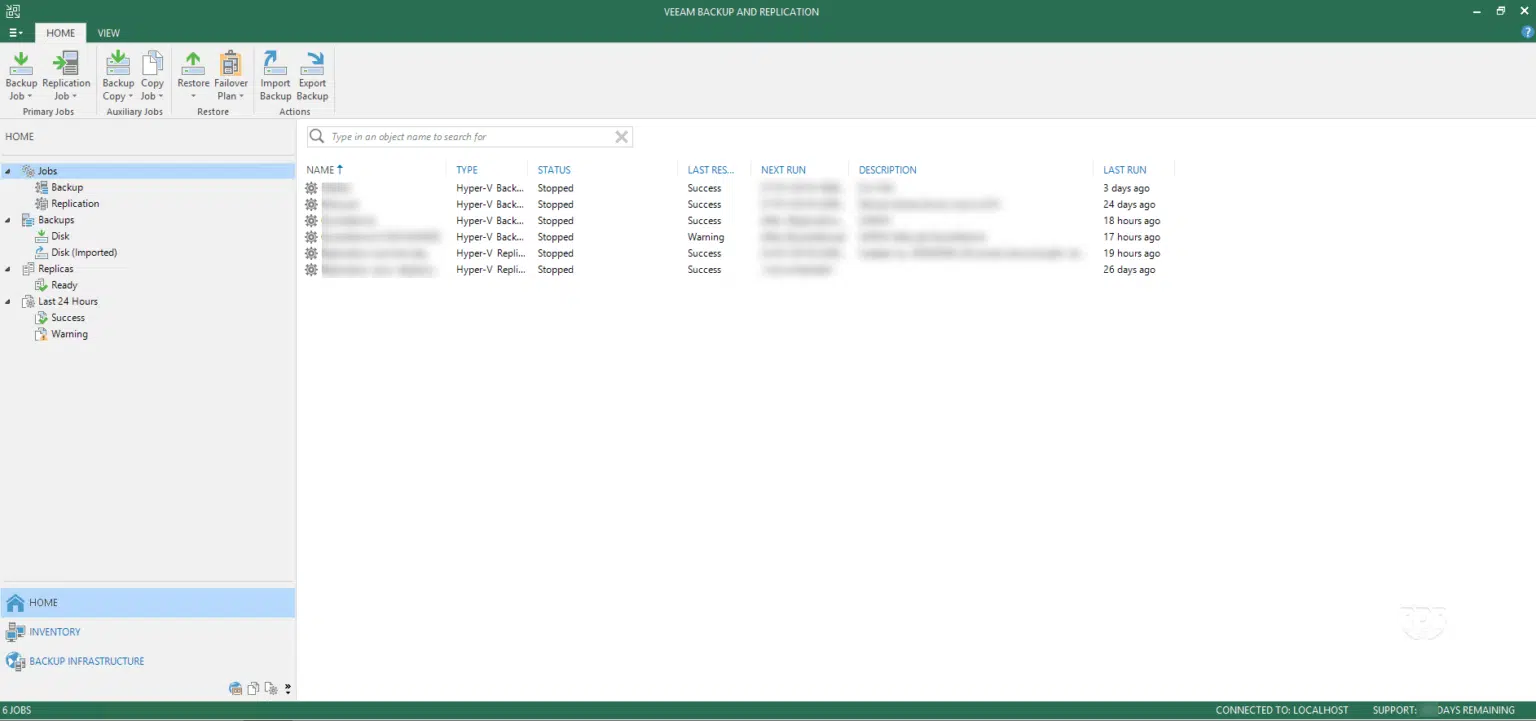
In this tutorial, we will see how to update the Veeam Backup and Replication backup software. This operation is usually carried out once or twice a year. Schedule the …
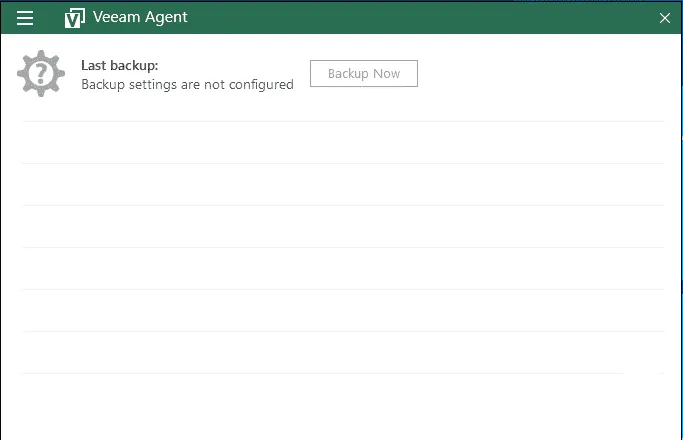
The Veeam Agent allows physical or virtual computer backup directly from Windows unlike Veeam Backup & Replication which manages the backup of virtual machines from the …
Presentation of automatic actions The automatic actions in GLPI is a brick essential to the proper functioning of it. They perform back-to-back tasks for software …
In this tutorial I will explain how to update GLPI. Before updating GLPI, I strongly recommend that you make a full backup (file + database). Once your backup is done, …
In this article, we will see step by step how to install GLPI (Free Management of IT Park). GLPI is an open source solution that offers businesses a complete solution …
This script creates a sensor in PRTG that displays the allocation of physical resources to virtual machines. Scripts can be used to monitor a standalone / clustered …
The PowerShell script below allows you to run a Veeam backup. This type of script can be used with a schedule task to initiate a backup. # Load cmdlet Veeam Add-PSSnapin …