PowerShell has become an indispensable tool for system administration, automation, and managing Microsoft environments. However, when it comes to making a script accessible to other users, the command line can quickly become a barrier.
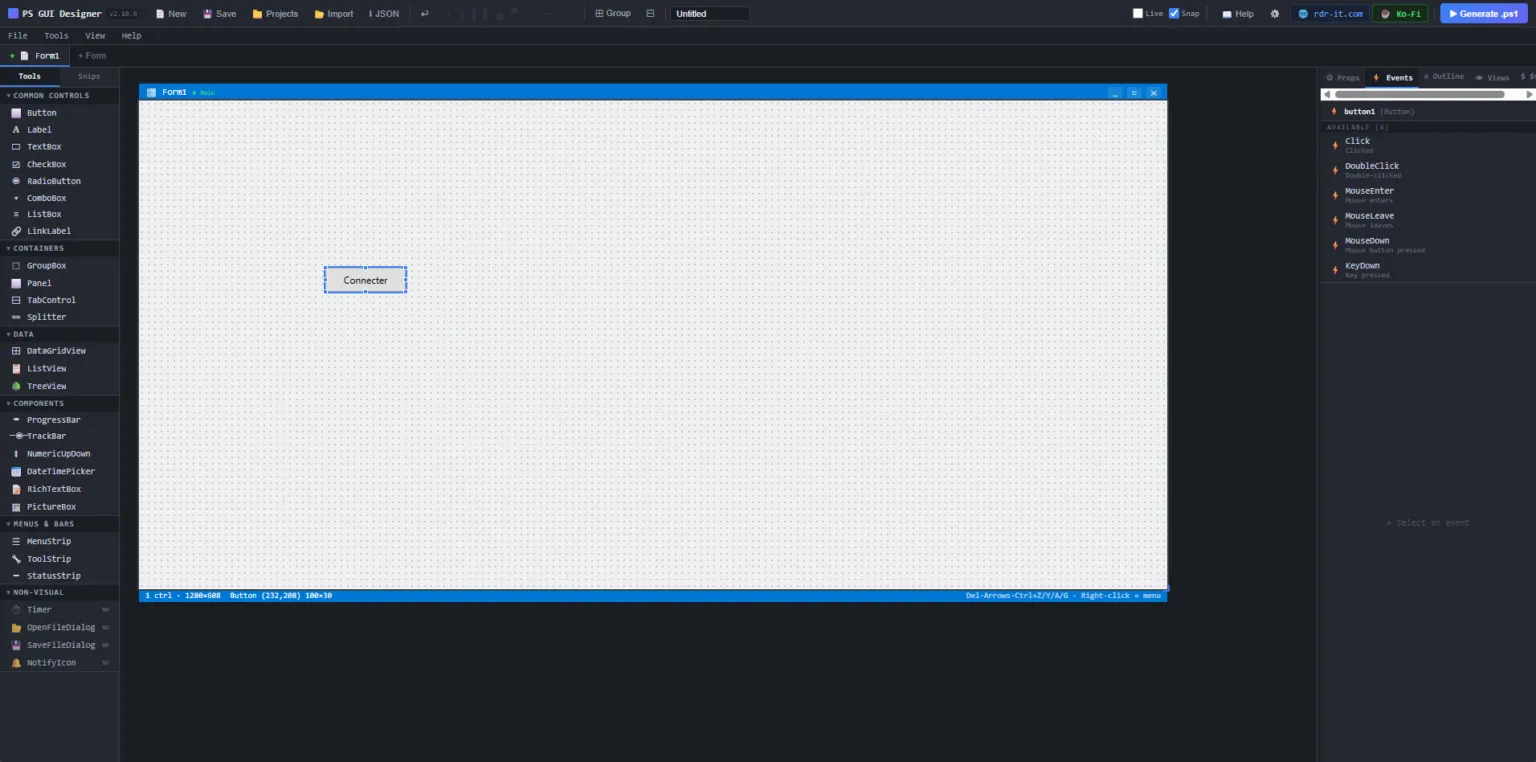
It is to meet this need that we are launching today PowerShell GUI Builder : a new online tool allowing you to Easily generate Windows Forms graphical interfaces for PowerShell, without having to manually code each button, field or event.
💡 Why use PowerShell GUI Builder?
Creating a WinForms interface manually can quickly become long and tedious:
- placement of controls
- event management (
Click,Exchange, etc.) - code structure
- alignment of elements
- script maintenance
With PowerShell GUI Builder, you can quickly design your interface and get a ready-to-use PowerShell code.
🔧 Main Features
- Creating Windows Forms interfaces
- Buttons, labels, text fields, lists, checkboxes…
- Automatic generation of PowerShell code
- Ideal base for internal tools, helpdesk, admin scripts
- Significant time savings on repetitive development tasks
🎯 Who is this tool for?
- Windows System Administrators
- Support technicians / helpdesk
- Internal IT teams
- Microsoft Consultants
- Anyone who uses PowerShell regularly
🚀 Some use cases
- Creation of internal utilities
- User account creation tool
- Maintenance console
- Backup interface
- Simplified deployment scripts
🌐 Available now
PowerShell GUI Builder is available online starting today.
👉 Test the tool and transform your PowerShell scripts into real Windows applications.
PowerShell GUI Builder : go from script to graphical interface in minutes.