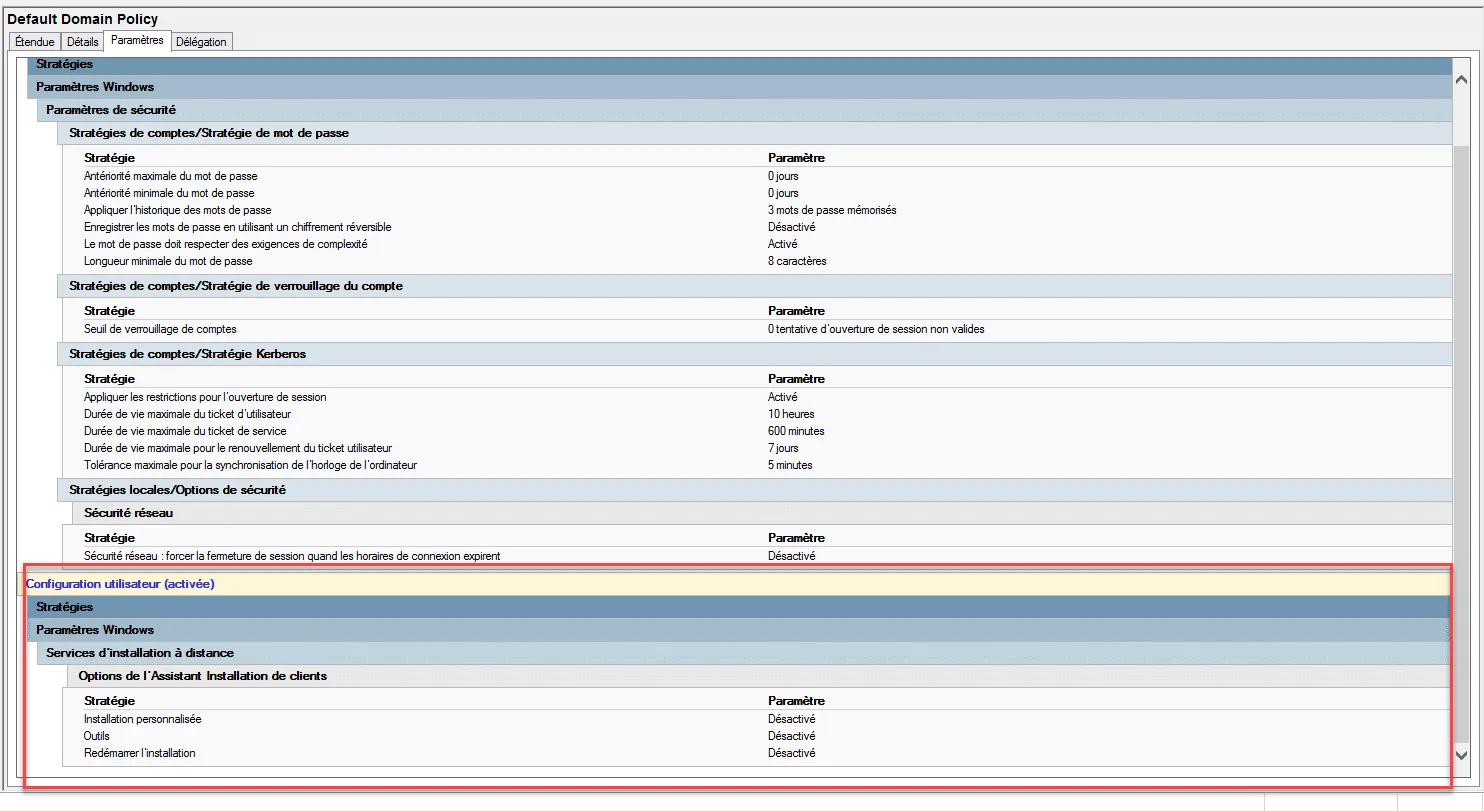
In this tutorial, we will see how to restore GPO Default Domain Policy / Default Domain Controller Policy to default.
On domain controllers, aDCGPOFIX command line tool is available to restore the 2 default policies.
Before proceeding with the restoration of the policies, I advise you to make a backup of this one before.
Restore the two policies: Default Domain Policy / Default Domain Controller Policy
From a command prompt launch as administrator between the dcgpofix command.
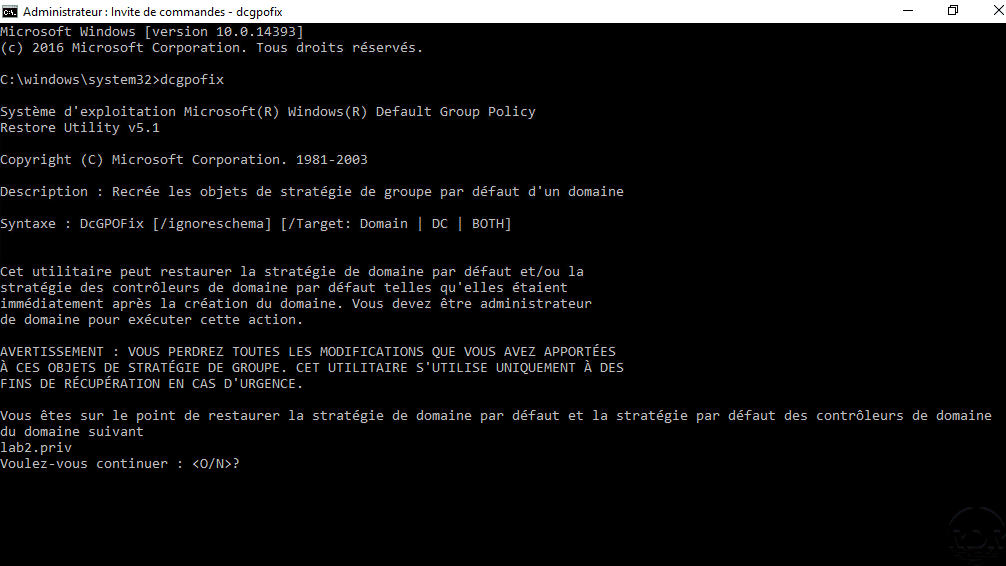
Confirm by entering the letter Y and confirm by pressing Enter.
A message appears indicating the operation has been completed.
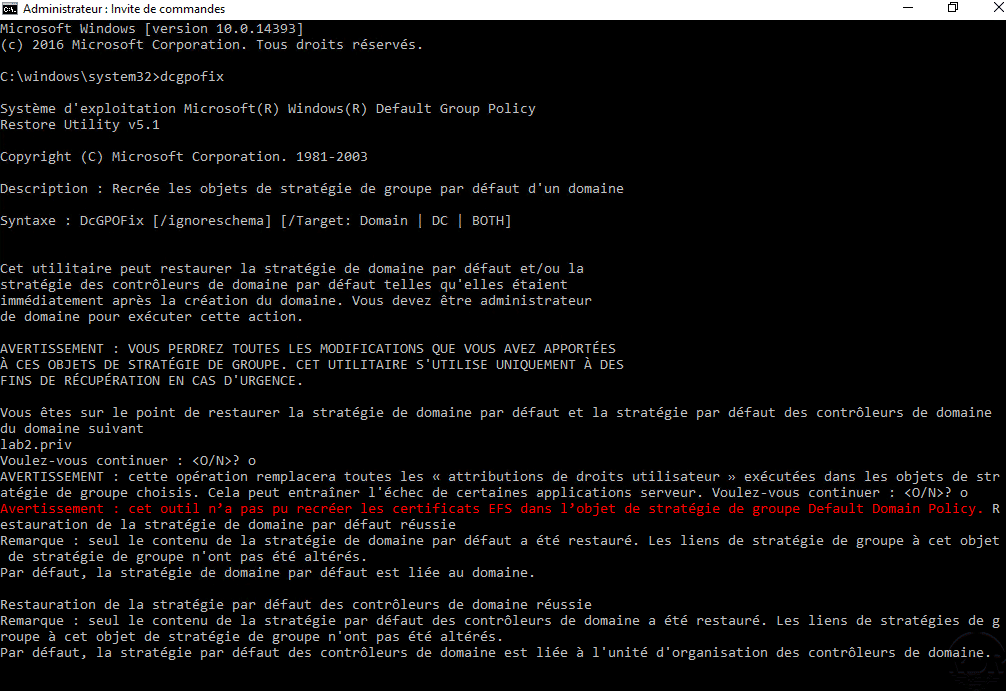
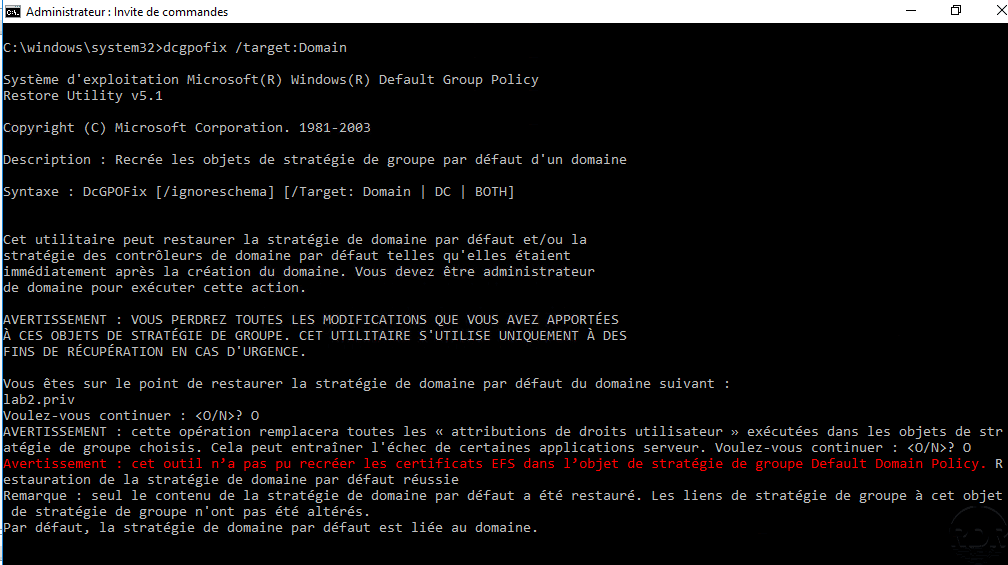
Restore policy: Default Domain Policy
Enter the command dcgpofix /target Domain and confirm the action.
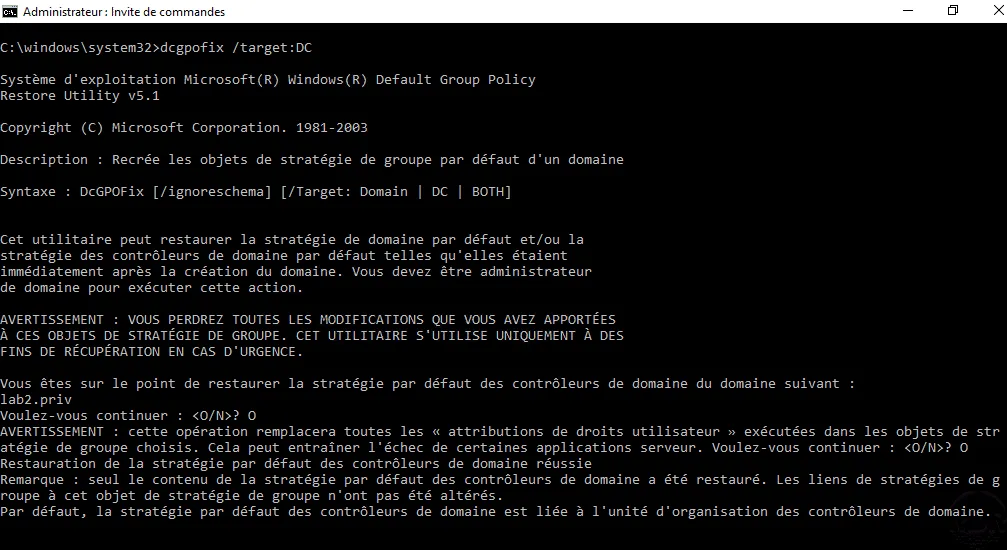
Restore policy: Default Domain Controller Policy
Enter the command dcgpofix /target:DC and confirm the action.
It is advised not to modify the two default policies except for certain parameters (password, kerberos …).