In this “How to” tutorial, we will see how to create an Organizational Unit in an Active Directory with the New-ADOrganizationalUnit cmdlet.
Create an OU in PowerShell
Open a PowerShell command prompt
From a domain controller open a PowerShell window
Use the New-ADOrganizationalUnit Cmdlet to Create the OU {#Utiliser-le-Cmdlet-New-ADOrganizationalUnit-pour-créer-l’OU}
Enter the following command by adapting the -Name and -PATH parameters
Example to create an OR at the root
New-ADOrganizationalUnit -Name "IT" -Path "OU=DC=LAB,DC=INTRA"
Example to create an organizational unit in another
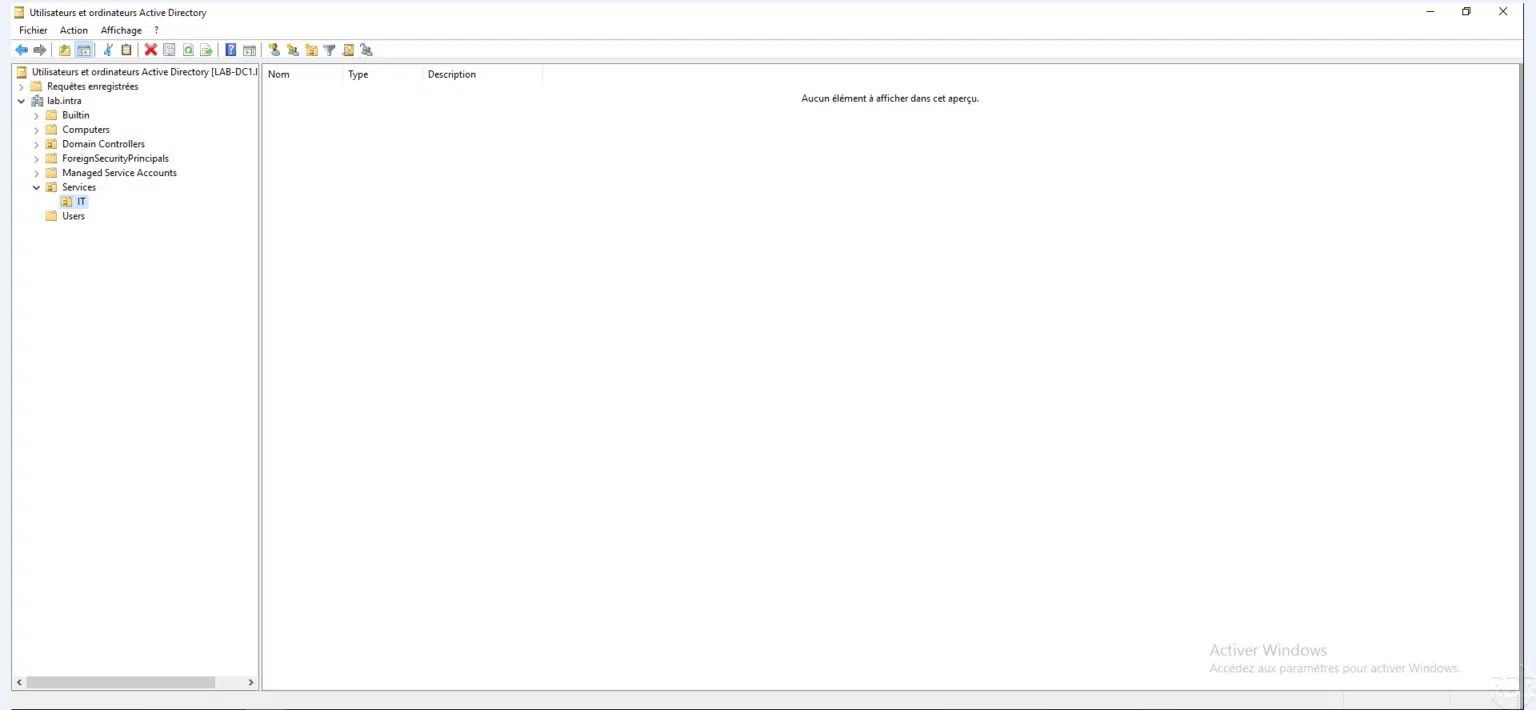
New-ADOrganizationalUnit -Name "IT" -Path "OU=Services,DC=LAB,DC=INTRA"
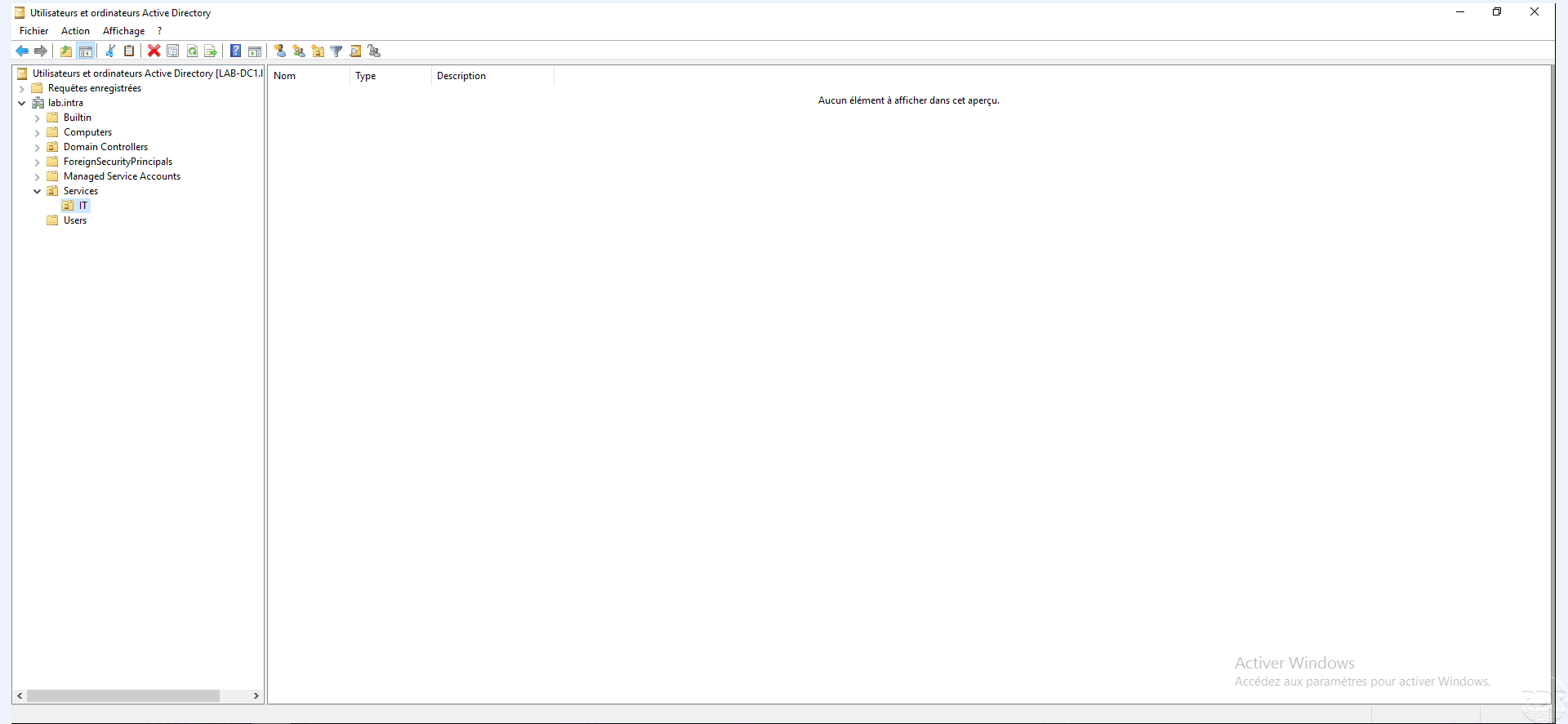
The organizational unit is created {#L’unité-d’organisation-est-créée}
The IT OU is created in the Services OU.