In this “How to” tutorial, we will see how to create an Organizational Unit in an Active Directory with the Active Directory Users and Computers console available on domain controllers in graphical mode.
Add an OU in the Active Directory
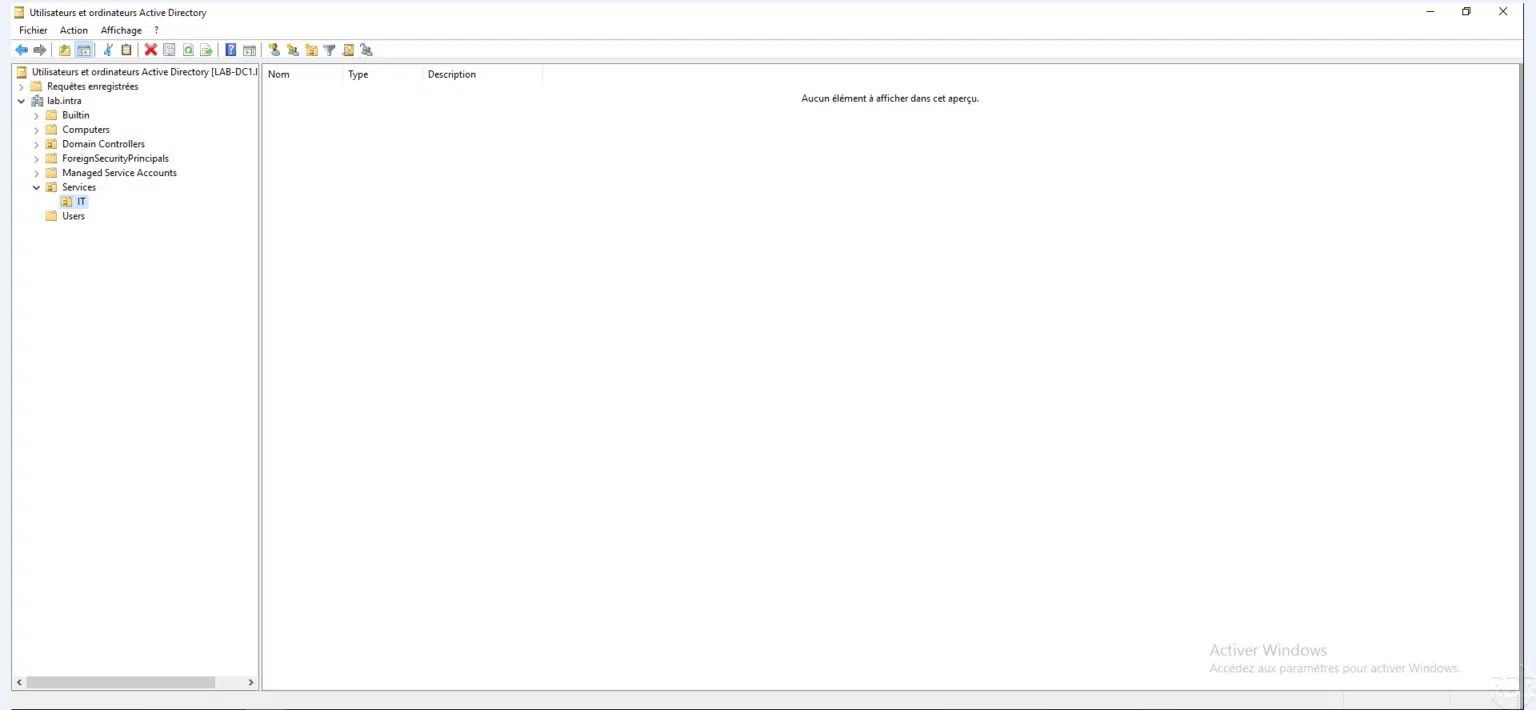
Open the Active Directory Users and Computer console
From a domain controller, open the Active Directory Users and Computers console.
Go to the location where the OU must be created and create the organizational unit {#Se-placer-à-l’emplacement-où-l’OU-doit-être-créée-et-créer-l’unité-d’organisation}
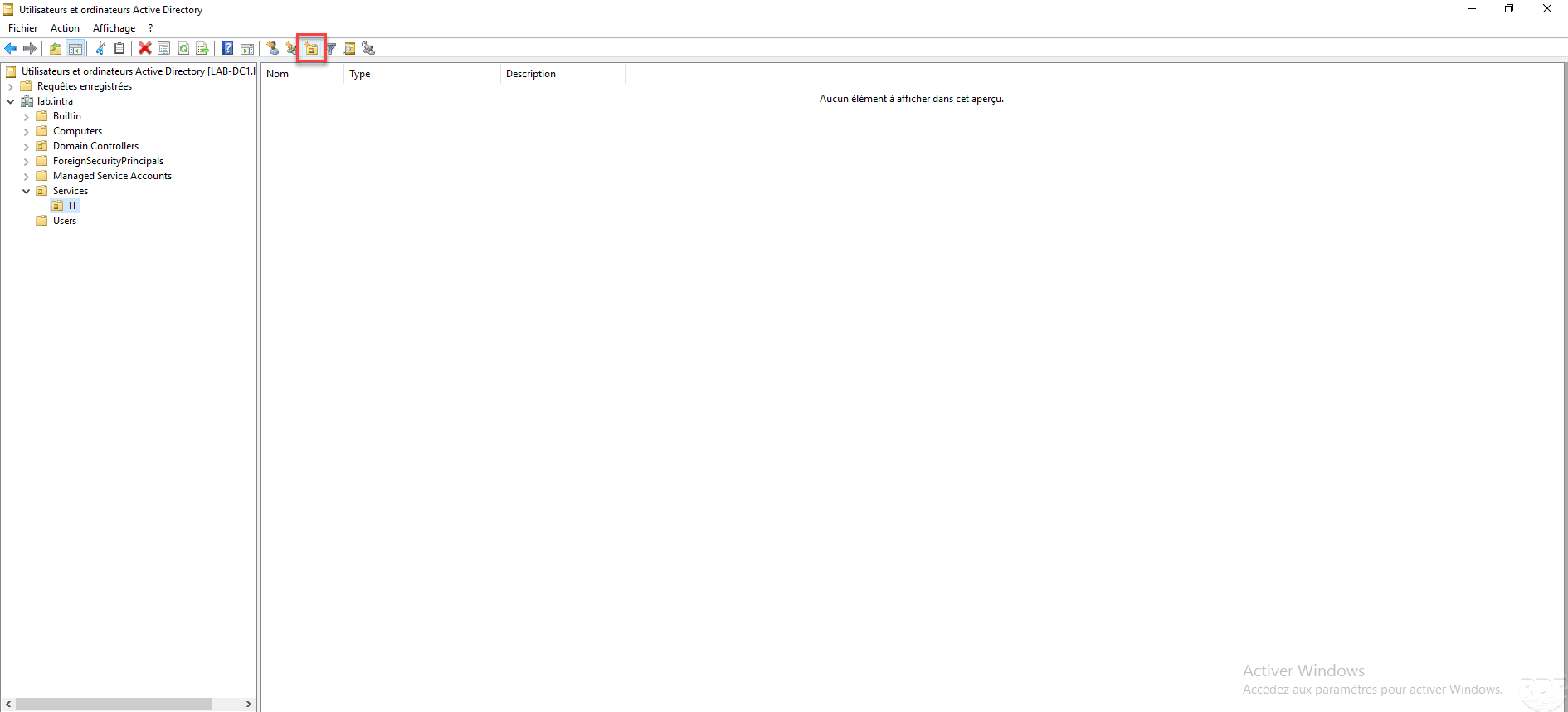
Place yourself in the location where you wish to create the OU and click on the icon allowing the creation of a new organizational unit.
Name the OU and validate {#Nommer-l’OU-et-valider}
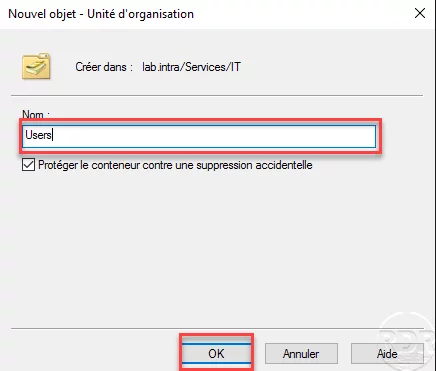
Name the organizational unit and click OK.
The OU is created {#L’OU-est-créée}
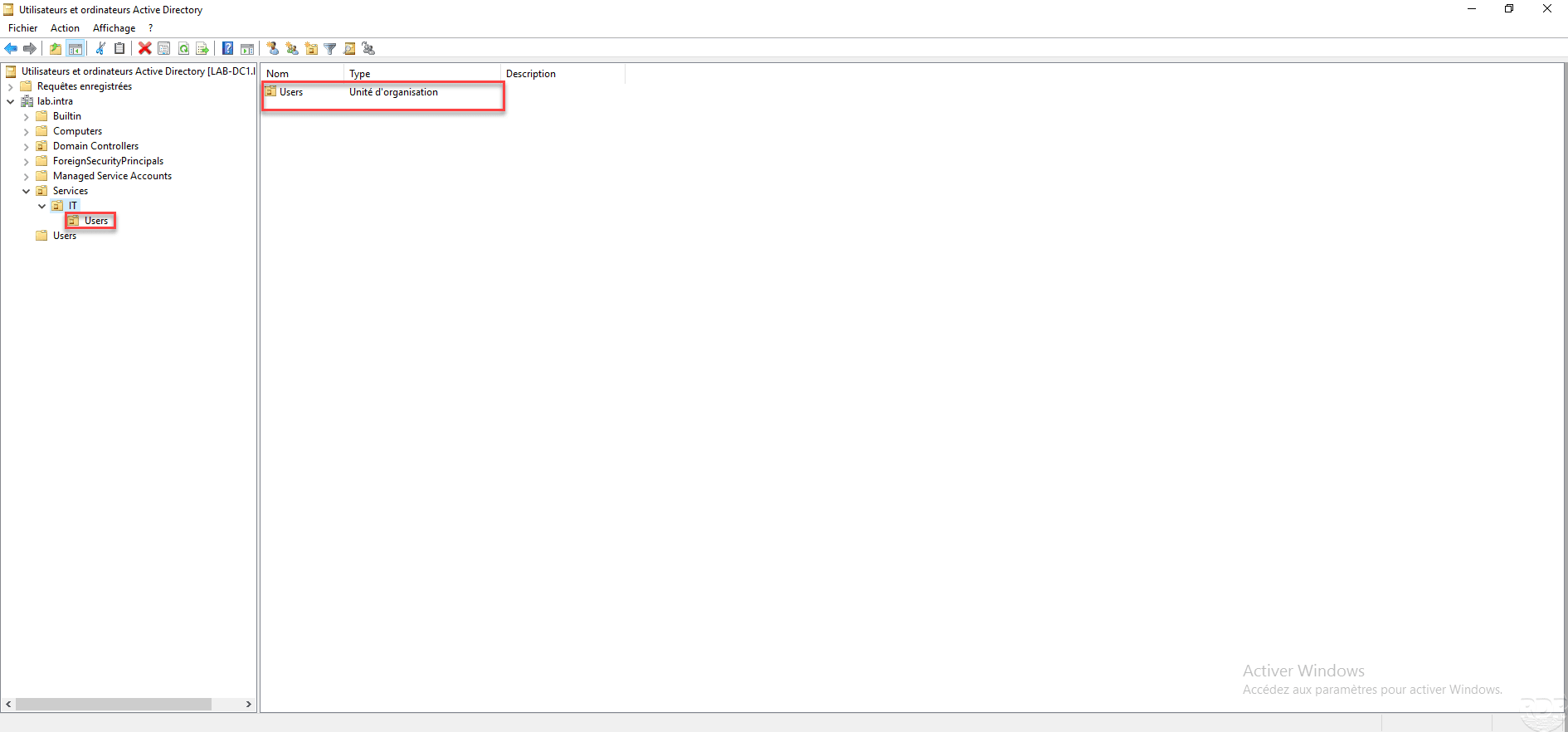
The organizational unit is added.
Complément : Active Directory : créer une unité d’organisation (OU) en PowerShell