As you may have noticed, when you buy a server, manufacturers (Dell, HP, etc.) no longer provide OS support (ISO).
So if you want to reinstall the server, you’ll need to use a trial version of Windows Server.
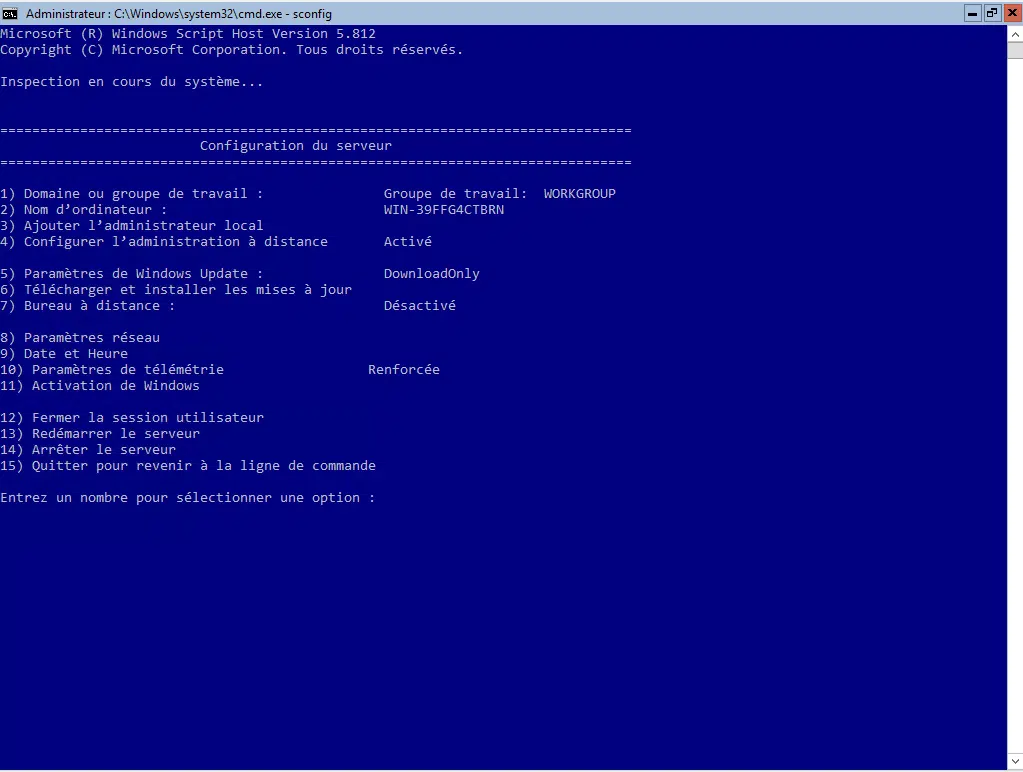
When entering the product key and activating the system, you’ll most likely see error 0xC004F050.
To resolve this issue, you’ll need to change the operating system edition using the DISM tool.
For the Standard edition:
DISM /Online /Set-Edition:ServerStandard /ProductKey:xxxxx-xxxxx-xxxxx-xxxxx-xxxxx /AcceptEula
For the Datacenter edition:
DISM /Online /Set-Edition:ServerDatacenter /ProductKey:xxxxx-xxxxx-xxxxx-xxxxx-xxxxx /AcceptEula
After restarting, the server should be activated with the OEM key.