Bei Windows 7 und Office 2016 erscheint bei der Authentifizierung mit einem Office 365-Konto ein weißes Fenster.
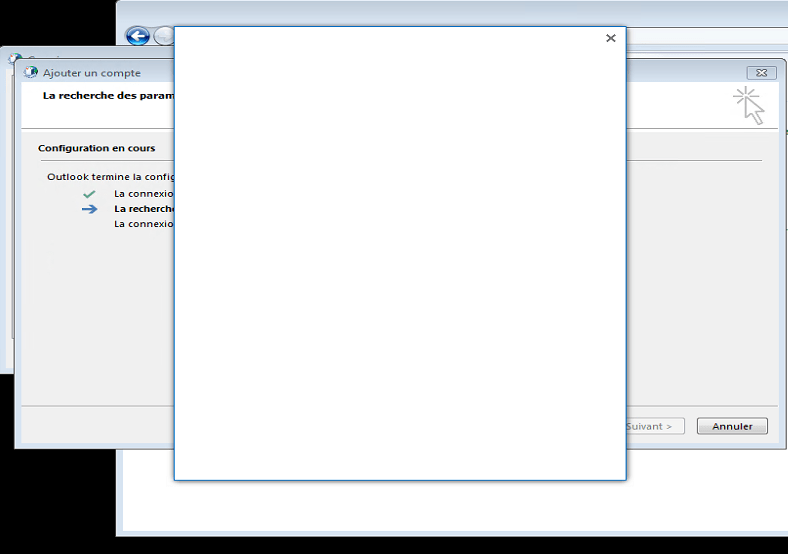
Dies liegt daran, dass das Protokoll nicht aktiviert ist TLS 1.1 et TLS 1.2 sur WinHTTP .
Um das Problem zu lösen, wenden Sie die Microsoft Easy Fix 51044 .
Starten Sie nach der Anwendung die Kontokonfiguration neu. Das Authentifizierungsformular wird normal angezeigt.
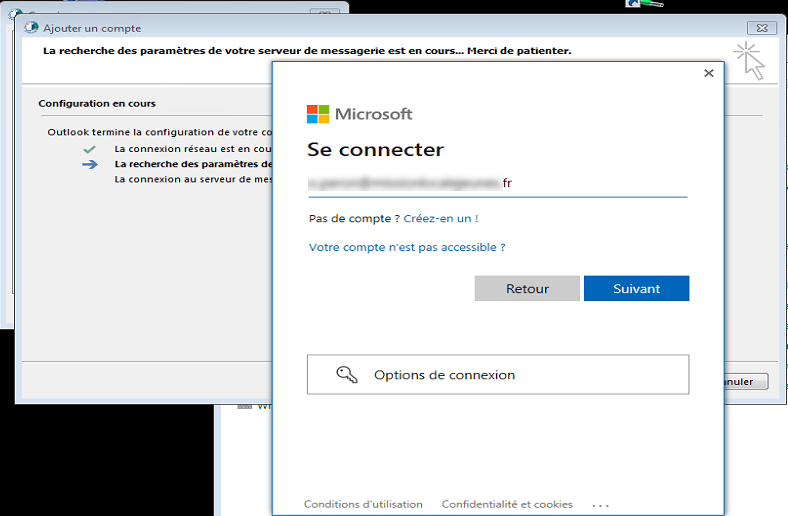
Es ist möglich, den Patch direkt anzuwenden, indem Sie die folgende .reg-Datei anwenden:
Windows Registry Editor Version 5.00
[HKEY_LOCAL_MACHINE\SOFTWARE\Microsoft\Windows\CurrentVersion\Internet Settings\WinHttp]
"DefaultSecureProtocols"=dword:00000AA8
[HKEY_LOCAL_MACHINE\SOFTWARE\Wow6432Node\Microsoft\Windows\CurrentVersion\Internet Settings\WinHttp]
"DefaultSecureProtocols"=dword:00000AA8
[HKEY_CURRENT_USER\SOFTWARE\Microsoft\Windows\CurrentVersion\Internet Settings]
"SecureProtocols"=dword:00000A80
[HKEY_LOCAL_MACHINE\SOFTWARE\Microsoft\Windows\CurrentVersion\Internet Settings]
"SecureProtocols"=dword:00000A80